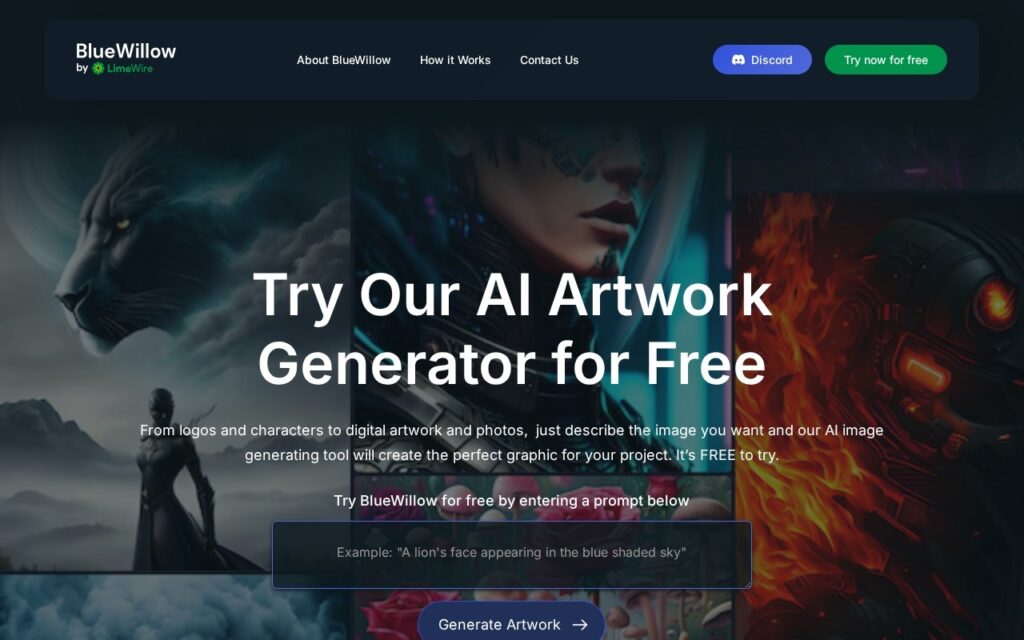
BlueWillow is a free AI image-generation tool: enter a text prompt and the AI produces multiple image options in return, covering logos, graphics, and photo-realistic images. Users can refine or regenerate results from the same prompt rather than being locked into a single output.
Offering multiple image options per prompt, rather than a single result, matters because AI image generation is inherently variable – the first output rarely matches exactly what a user pictured, and having several options to choose from (or regenerate against) shortens the iteration loop compared to a tool that returns just one image and requires a fresh prompt to try again.
BlueWillow is aimed broadly at anyone regardless of design experience, from complete beginners to working professionals, and includes community sharing capabilities for generated artwork. The tool is free to try, with no premium tier described on the site.
Key features
Text-to-image AI generation
Multiple image options returned per prompt
Refine or regenerate artwork from the same prompt
Supports logos, graphics, and photo-realistic images
Community sharing of generated artwork
Screenshots & demo
Pricing
BlueWillow offers a free plan, with paid upgrades for higher limits and more features.
Pricing is provided as a guide. Check the official site for the latest plans.
Is BlueWillow expensive?
BlueWillow has no advertised paid tier. Among the 150 priced tools we list in Image Generation, the median entry price is $10 a month.
65% of Image Generation tools in the directory offer a free tier, and this is one of them.
Compared against every priced listing in Image Generation, recalculated as the catalogue changes. Method and the full market breakdown are in our AI tool pricing study.
Pros & cons
Pros
Completely free with no premium tier to push toward
Multiple options per prompt speeds up finding a usable result
Accessible to complete beginners as well as experienced users
Cons
No published details on generation limits or rate caps
Community sharing means generated images may be publicly visible by default
Free-only model raises questions about long-term feature development
BlueWillow is a free AI image-generation tool: enter a text prompt and the AI produces multiple image options in return, covering logos, graphics, and photo-realistic images.
Is BlueWillow free?
Yes, BlueWillow offers a free plan. Paid plans unlock more features and higher usage limits.
What are the best BlueWillow alternatives?
The closest matches in the directory are Stablecog, Hotpot AI, and ArtSmart, compared side by side above.
Type a prompt and pick a named model – Dreamlike Photoreal for realism, Dreamlike Anime for anime style, Stable Diffusion 2.1 on paid tiers – each tuned for a different aesthetic.
Explore, create and share AI art using a proprietary Chroma engine alongside DALL-E and Stable Diffusion – hundreds of curated prompt templates, all in the browser, no install.