
Free

Rotor Videos

Feed it your music and footage – AI analyzes both and cuts a professional music video in minutes, with 9M+ stock clips and 150+ styles, trusted by Sony Music and Universal Music Group.

3.3 Video
3.3 Good 3.3

Bottom line: Rotor Videos is a capable video tool, best known for AI analyzes music and footage to auto-generate a custom-cut video. It has a free plan.

Real, verifiable major-label and distributor partnerships No specific underlying AI model is named
Reviewed by Challenging Voice Editorial · Updated Aug 2026 How we rate
PricingFree
Free planYes
CompanyRotor Videos
PlatformsWeb
Best forVideo
Visits8
Last reviewedAug 2026
UpdatedAug 2026
Ask AI about Rotor Videos ChatGPT Claude Perplexity

Overview

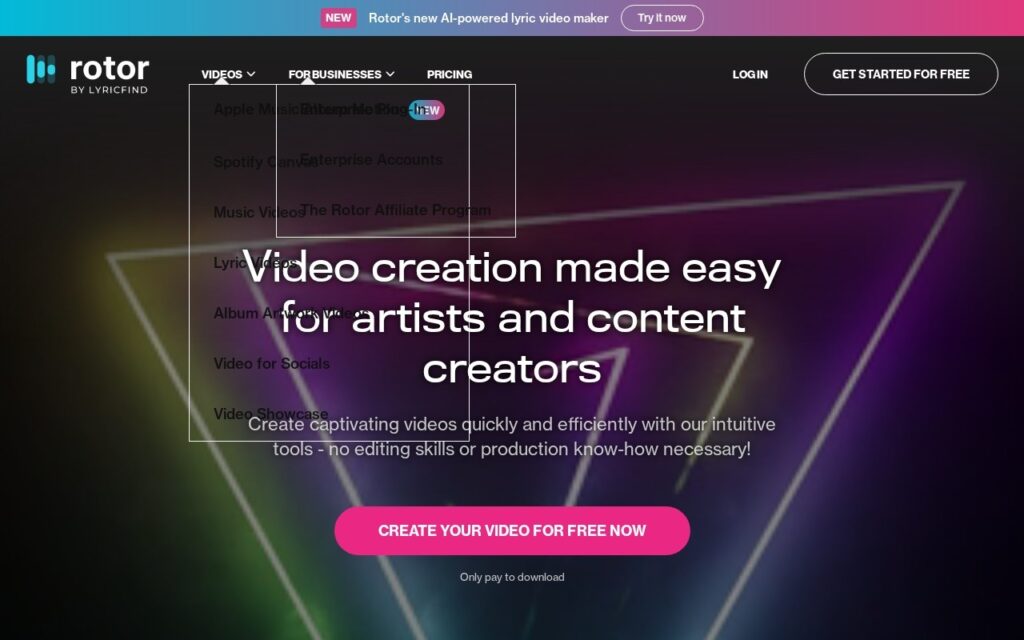
Rotor Videos is an AI-powered music video creation platform enabling musicians and content creators to produce professional-quality videos without technical editing expertise. The engine analyzes a track and selected footage together, then generates a custom-cut, professional-quality video in minutes.

Output types cover Spotify Canvas loops, Apple Music Album Motion, full music videos, lyric videos, and album artwork videos, backed by a stock footage library of over 9 million clips included with downloads. Visual customization spans 150+ professionally-designed styles, audio-reactive effects, and filters like VHS and Glitch, with text overlays, platform-specific cropping presets, and promotional messaging tools rounding out the editor.

Rotor Videos targets independent musicians and artists, content creators promoting music releases, and labels or distributors – with named partners including Sony Music, Universal Music Group, CD Baby, and TuneCore. Creation is free; a non-expiring credit system charges only on download – 1 credit for Spotify Canvas, 2 for Apple Music Album Motion or Album Artwork Videos, 3 for music videos, 4 for lyric videos.

Key features

  • AI analyzes music and footage to auto-generate a custom-cut video
  • 9M+ included stock footage clips
  • 150+ visual styles with audio-reactive effects
  • Named platform-specific formats – Spotify Canvas, Apple Music Album Motion
  • Named industry partners – Sony Music, Universal Music Group, CD Baby, TuneCore

Screenshots & demo

Rotor Videos screenshot 1

Pricing

Rotor Videos offers a free plan, with paid upgrades for higher limits and more features.

  • Pricing modelFree
  • Starting priceFree
  • Free planYes
Visit Rotor Videos

Pricing is provided as a guide. Check the official site for the latest plans.

Is Rotor Videos expensive?

Rotor Videos has no advertised paid tier. Among the 118 priced tools we list in Video, the median entry price is $16 a month.

66% of Video tools in the directory offer a free tier, and this is one of them.

Compared against every priced listing in Video, recalculated as the catalogue changes. Method and the full market breakdown are in our AI tool pricing study.

Pros & cons

Pros

  • Real, verifiable major-label and distributor partnerships
  • Free to create – pay only when downloading a finished video
  • Massive included stock footage library removes a major cost barrier

Cons

  • No specific underlying AI model is named
  • Credit costs add up across multiple video formats for one release
  • Best suited to artists actively promoting releases rather than one-off personal use

How it compares

ToolRatingFreeFromBest known for
Rotor Videos (this tool)3.3YesFreeAI analyzes music and footage to auto-generate a custom-cut video
Synthesia4.5No$29/moAmong the earliest and most established AI avatar tools, operating since 2017
HeyGen4.5Yes$24/moBroadly recognized avatar realism and ease of use
Fliki4.5Yes$21/moLarge library of natural-sounding AI voices across numerous languages

Alternatives to Rotor Videos

4 tools our editors picked as direct alternatives to Rotor Videos.

Fliki

4.5

Turns a script or article into video, built around a large natural-voice library

Freemium Video

Our verdict

3.3 / 5 3.3

Rotor Videos is a solid video tool, best known for AI analyzes music and footage to auto-generate a custom-cut video. It offers a free plan.

What makes it different: Rotor Videos stands out for AI analyzes music and footage to auto-generate a custom-cut video.

How we score it
Overall 3.3
Value for money 4.7
Feature depth 4.9
Popularity 3.7
Best for Video creatorsMarketersAgenciesEducators

Frequently asked questions

What is Rotor Videos?
Rotor Videos is a video tool listed in the Challenging Voice directory. Feed it your music and footage – AI analyzes both and cuts a professional music video in minutes, with 9M+ stock clips and 150+ styles, trusted by Sony Music and Universal Music Group.
Is Rotor Videos free?
Yes, Rotor Videos offers a free plan. Paid plans unlock more features and higher usage limits.
What are the best Rotor Videos alternatives?
Popular alternatives to Rotor Videos include Focal, Plazmapunk, and VidFlux. Browse them all in the Video category.
Is Rotor Videos any good?
Rotor Videos scores 3.3 out of 5 based on our editorial review.

Reviews

3.3 No reviews yet

Write a review

Similar tools you might like

Deepshot AI

3.9

Regenerates lip-synced dialogue in existing video footage for translation, correction, and reshoots without a camera.

Free Trial Video

Vibeknow

3.8

Turns a doc or slide deck directly into an explainer video, skipping the usual screen-recording-plus-voiceover workflow.

Freemium Video

TaleTok

3.1

Automated true-crime and Reddit-story channels, into a format YouTube keeps cracking down on.

Paid Video