Best AI Video Generators: 10 Tools Compared in 2026
June 17, 2026


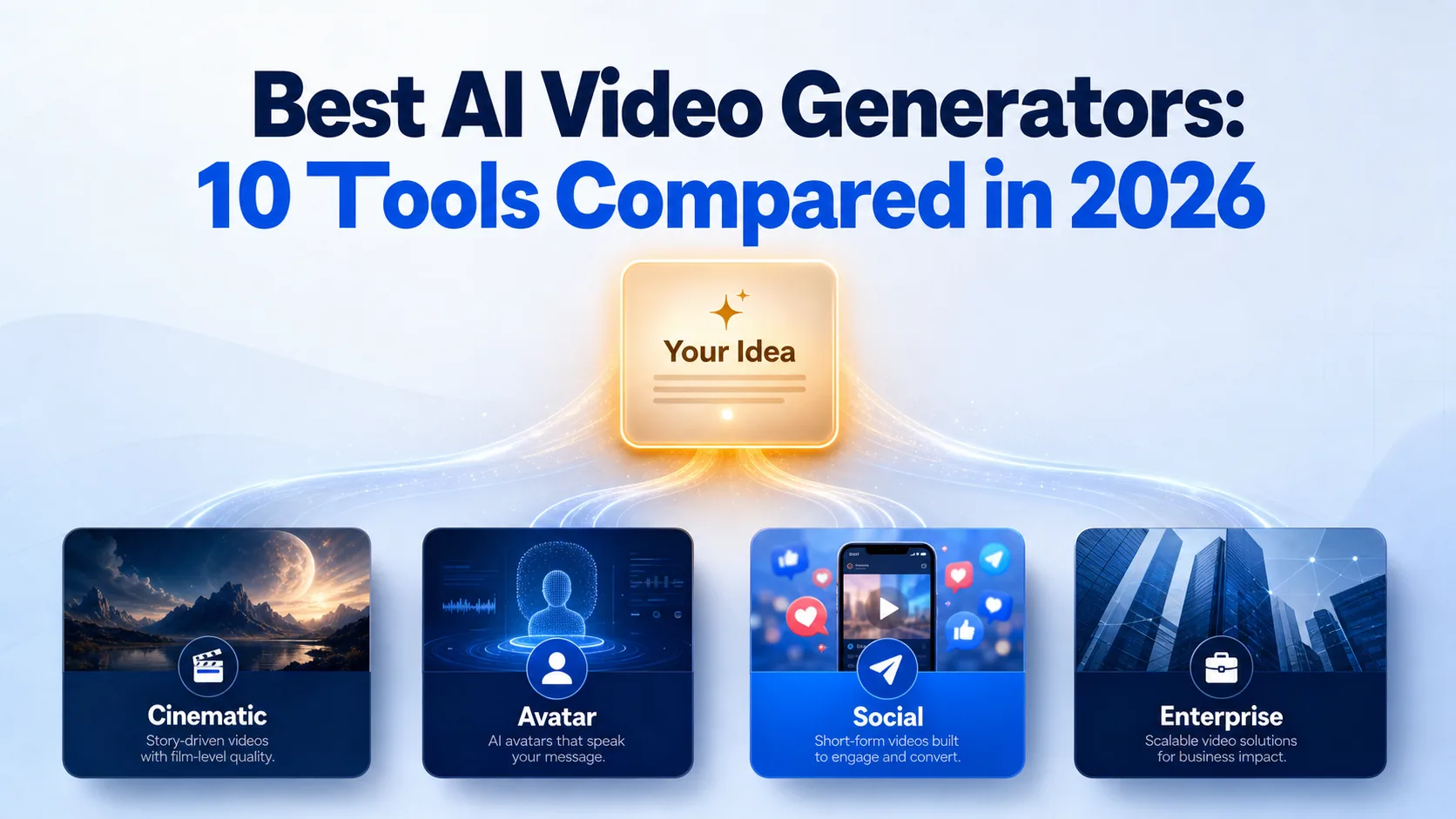
Choosing the best AI video generators gets messy fast because the category now spans cinematic models, avatar tools, and editing suites, and almost every roundup ranks them differently. AI video generators are software platforms that turn text prompts, images, or audio into finished video clips, and the right one depends entirely on what you are making. For most creators, Hedra is the strongest all-around pick, Google Veo 3.1 leads on cinematic quality, HeyGen owns avatar and translated videos, and Synthesia wins for training content. This roundup ranks 10 tools by use case and budget so you can stop comparing tabs and pick one. Each entry covers what the tool is, who it suits, its starting price, and one honest tradeoff.
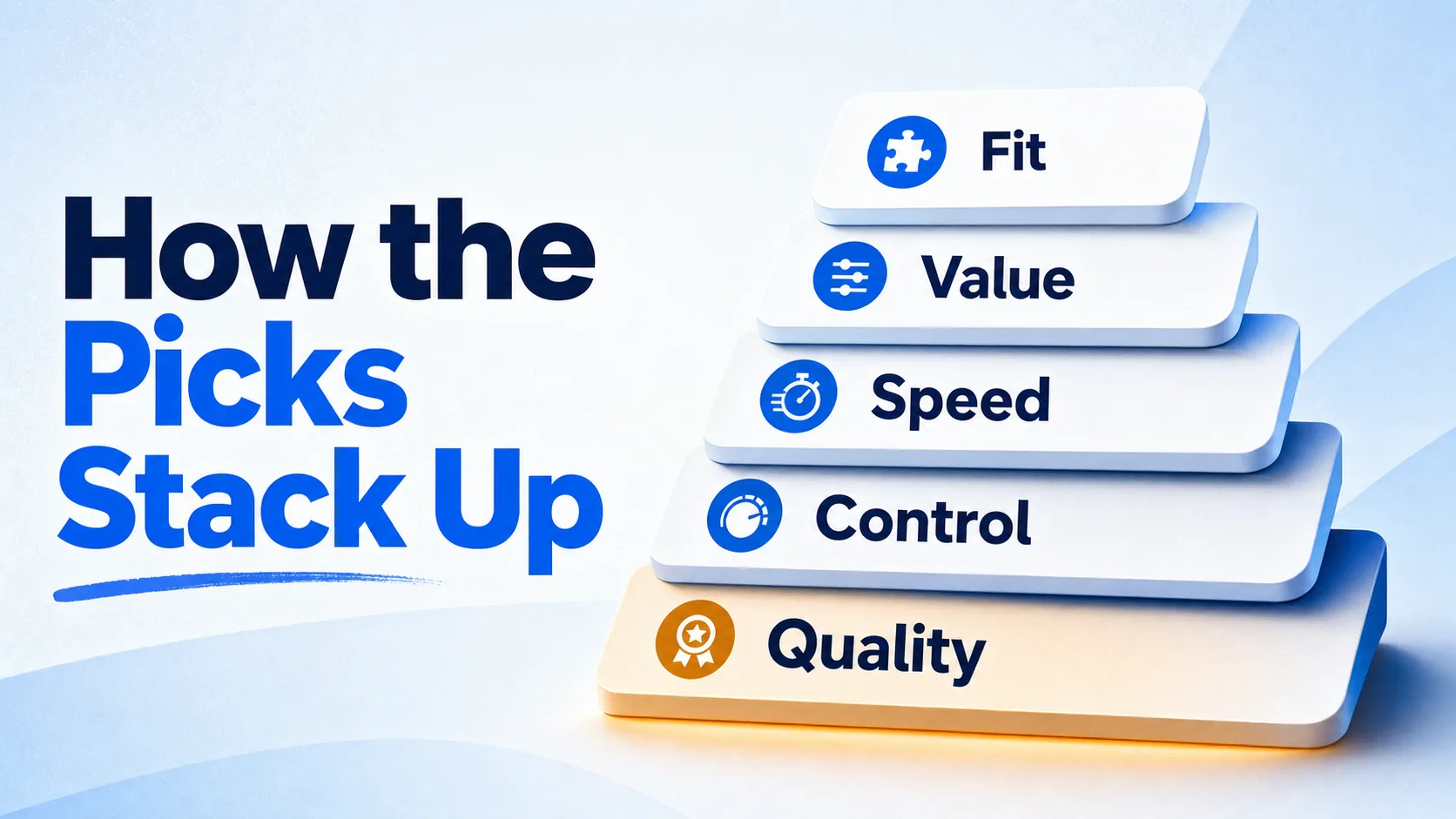
The ranking follows the way buyers actually choose video tools: output quality first, then workflow fit, then price. We weighed five things on every tool, drawn from how the leading 2026 roundups evaluate this category.
Video quality came first, covering realism, motion consistency, and whether the output holds up as a finished deliverable. Creative control came next, meaning camera direction, editing depth, and how much you can shape a result instead of accepting the first generation. Speed mattered for anyone producing volume. Pricing and value weighed the entry point and the credit system behind it. And use-case fit decided placement, because a tool built for corporate training should not be judged against a cinematic model.
The list mixes three kinds of tools on purpose: pure generators that build video from prompts, avatar platforms that turn scripts into talking-head content, and workflow-friendly suites. Tools with enough verified pricing and feature detail were prioritized over names mentioned only in passing. Where a tool wins on commercial safety, native audio, or editing flow, that strength is named directly. No tool here is flawless, so every entry carries one real limitation.
Each tool below keeps the same shape so you can compare them at a glance: what it is, who it fits, why it ranks where it does, a pricing snapshot, and one honest caveat. Stronger all-around picks sit at the top, with more specialized tools lower down.
Hedra is a multi-model video workspace built for creators, marketers, and teams who want flexibility without juggling separate subscriptions. It turns text, images, and audio into character-driven video through its Character-3 model, which processes those inputs together instead of treating text as the only starting point. That makes it the best do-most-things pick here. Where Google Veo 3.1 locks you into one premium engine, Hedra lets you test outputs across models in one place, which is genuinely useful when you are still figuring out what your content needs. The honest tradeoff: the free tier is watermarked and non-commercial only, so plan to upgrade before you publish anything client-facing.
Google Veo 3.1 is the quality-first choice for brand teams and filmmakers who want polished, audio-enabled clips from a prompt. It generates cinematic video with strong prompt adherence and pairs it with native sound, which most rivals still skip. If your priority is one great-looking hero clip rather than a broad workflow, this is where to start. It edges out OpenAI Sora 2 when you care about prompt accuracy and built-in audio over experimental physics. The catch is cost and complexity: premium access adds up, and the model can still struggle in busy scenes packed with movement and multiple characters.
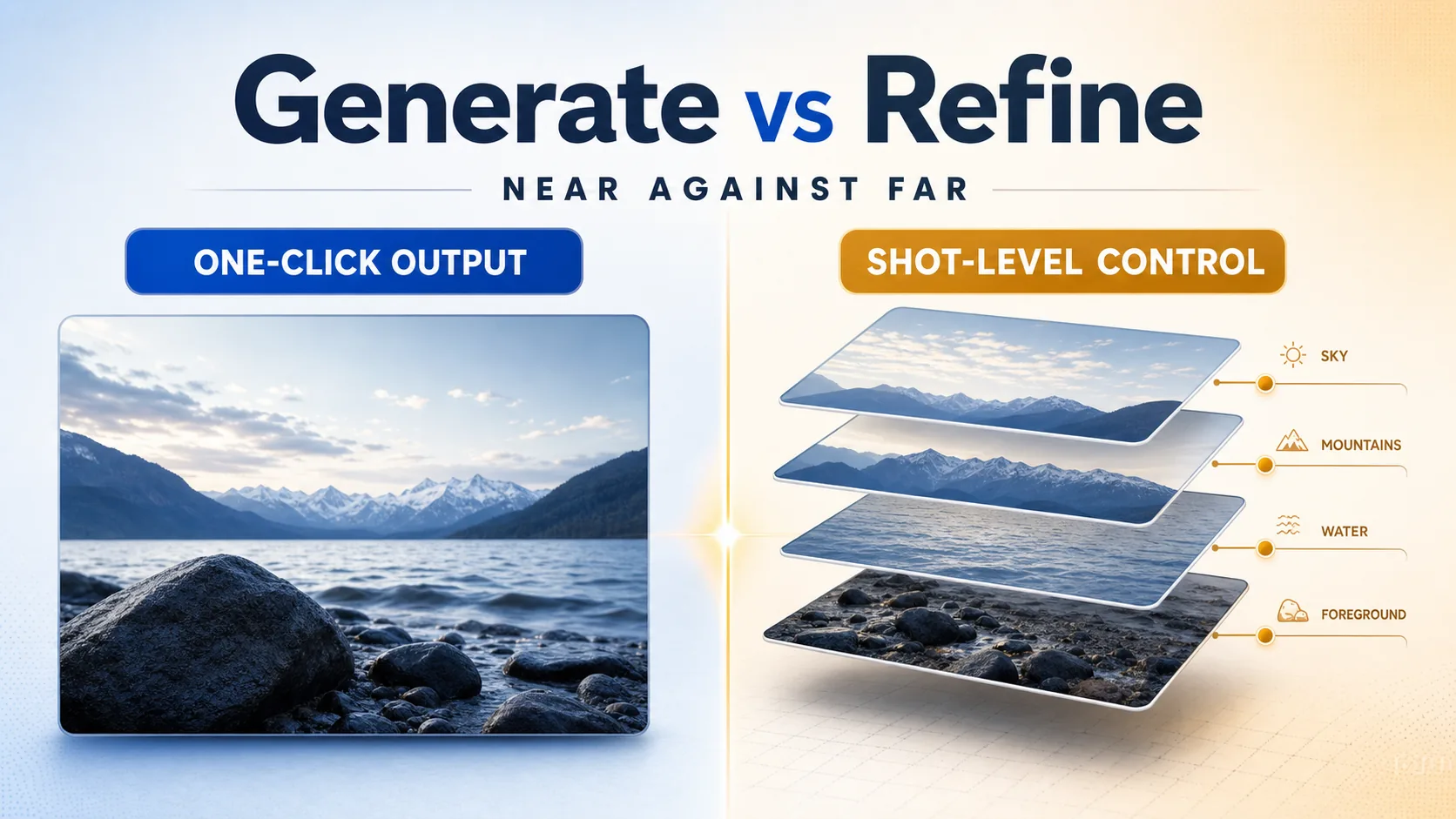
Runway Gen-4.5 is built for filmmakers and VFX artists who want to do more than generate a clip and accept it. It creates video from text or images, then hands you a deep editing stack to refine the result, including Aleph for prompt-based transformation, Act-Two for motion capture, and Workflows for custom pipelines. That control is why it ranks above quick-generation tools like Luma when precision matters more than speed. The downside is the learning curve, plus restrictive clip lengths, so beginners may find the interface dense before it feels powerful.
OpenAI Sora 2 is the pick for storytellers who put physical realism above everything else. It converts prompts into believable narrative video with strong object interaction, and its characters feature lets you insert your own likeness into a scene with high fidelity. That realism is its whole argument, and it shows most in story-driven work where Veo’s polish matters less than how things move and behave. The barriers are real: there is no standalone subscription, full-quality access is expensive, and availability stays limited. Choose it when the result has to feel real and you can pay for the top tier.
HeyGen turns scripts into avatar-led videos and adds translation, which makes it the go-to for sales teams and marketers sending personalized, multilingual outreach. You can repurpose one script across markets without re-recording, and custom avatar creation lets you build a consistent on-screen presenter. It earns a spot above general avatar tools by being sharper at localized, one-to-many messaging than Synthesia is. The honest limit: avatar movement can still feel slightly unnatural, and character consistency across frames is not perfect, so it suits outreach better than polished broadcast work.

Kling AI 2.6 generates realistic short-form video with a focus on human appearance and lip sync, built for social teams making clips at volume. If your content needs believable people rather than playful effects, it outperforms Pika on realism. The credit-based system supports bulk creation, and the free basic plan hands out daily credits to test it. The tradeoff is consistency: quality can swing across different prompt styles, and some features sit behind VIP tiers, so expect a few retries before you land the take you want.
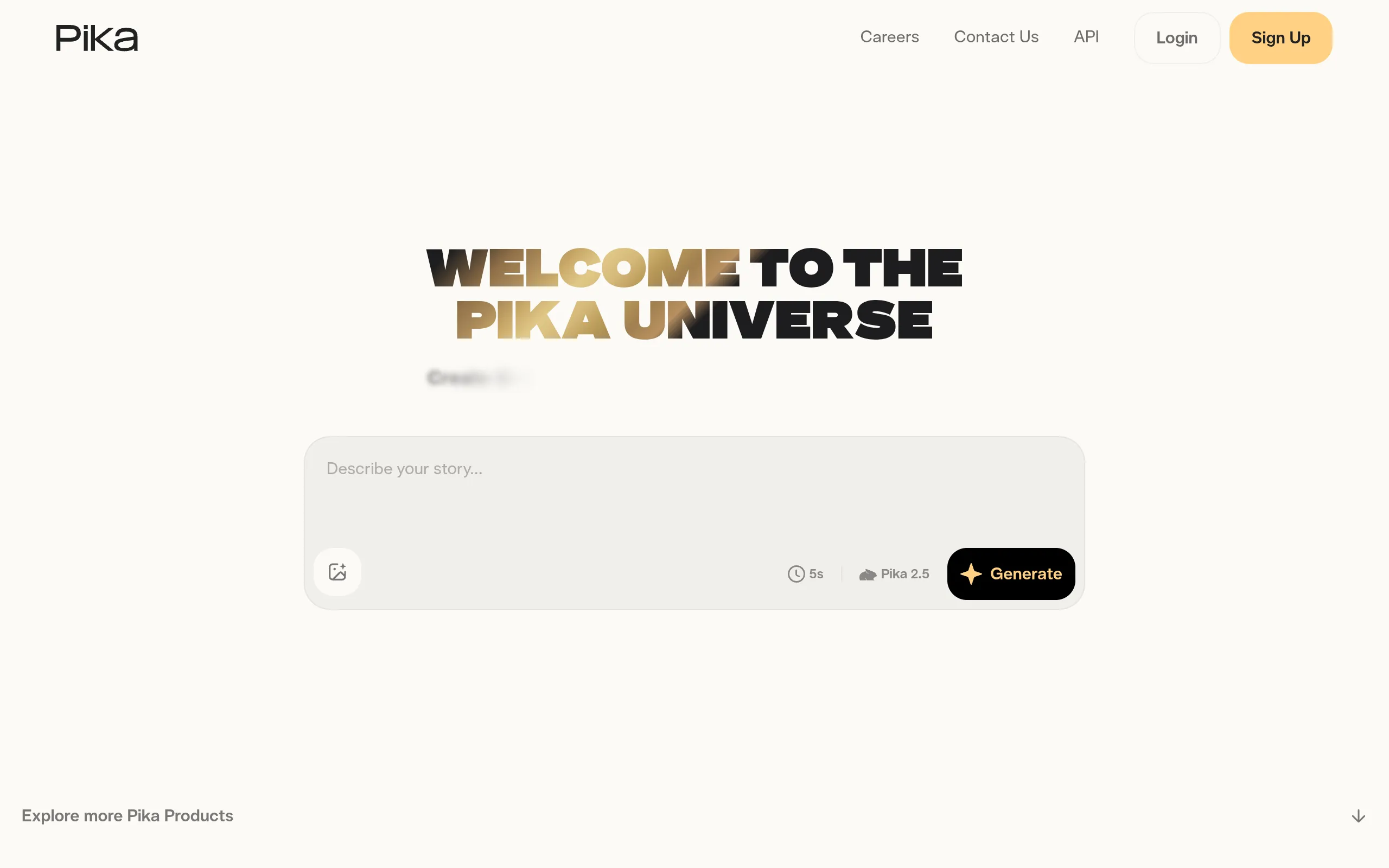
Pika 2.5 is the playful one, built for creators chasing attention on TikTok, Reels, and Shorts. It transforms prompts or source clips into short, stylized video using effect-driven features like Pikaffects, the squish, melt, and explode looks that travel well on social. It ranks here for speed and spectacle rather than realism, which separates it cleanly from Kling. The catch is exactly that tradeoff: photorealism trails the cinematic tools, clips run short, and the editing depth is thinner. Pick it when a fast, eye-catching hook beats a polished frame.
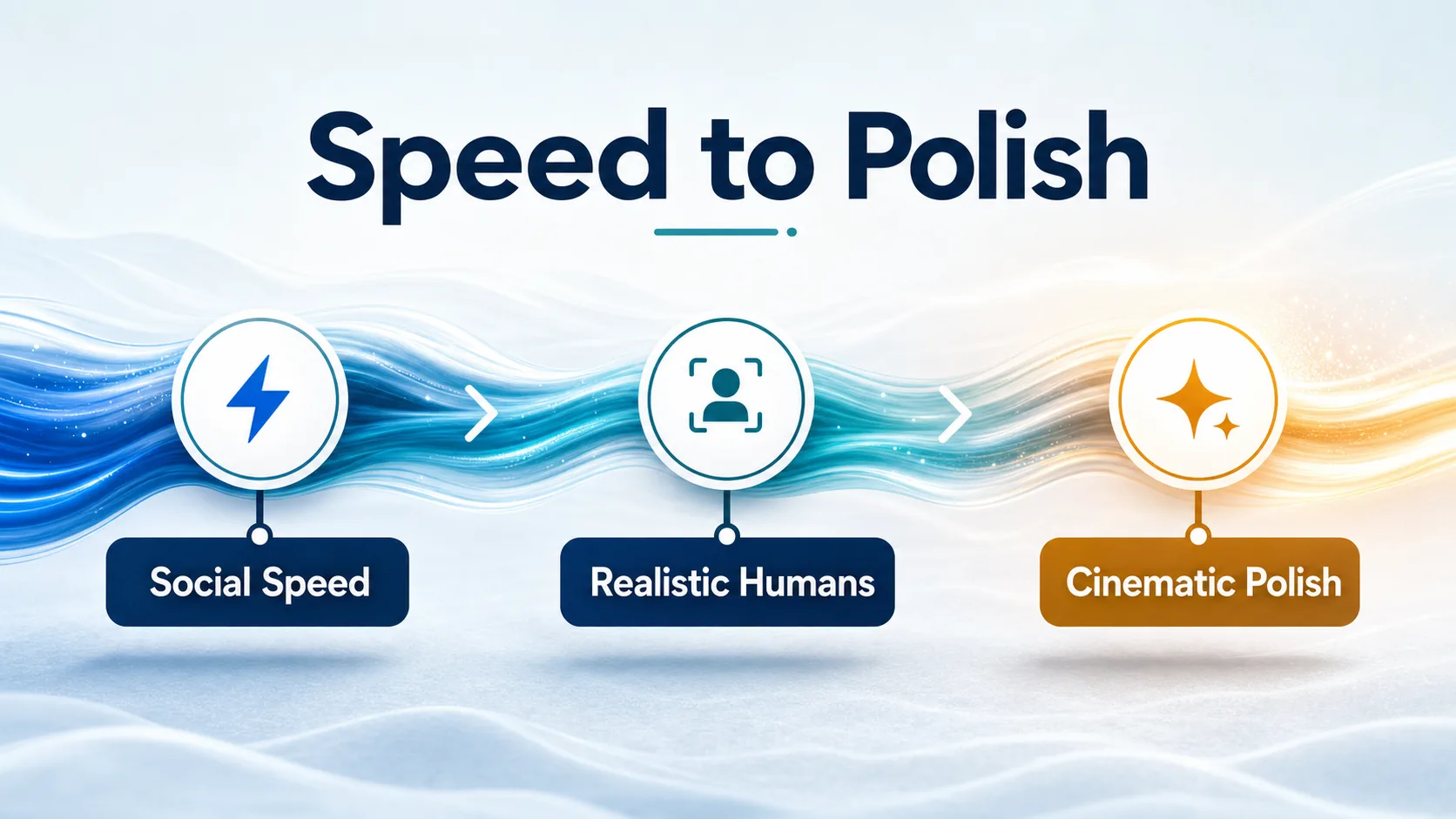
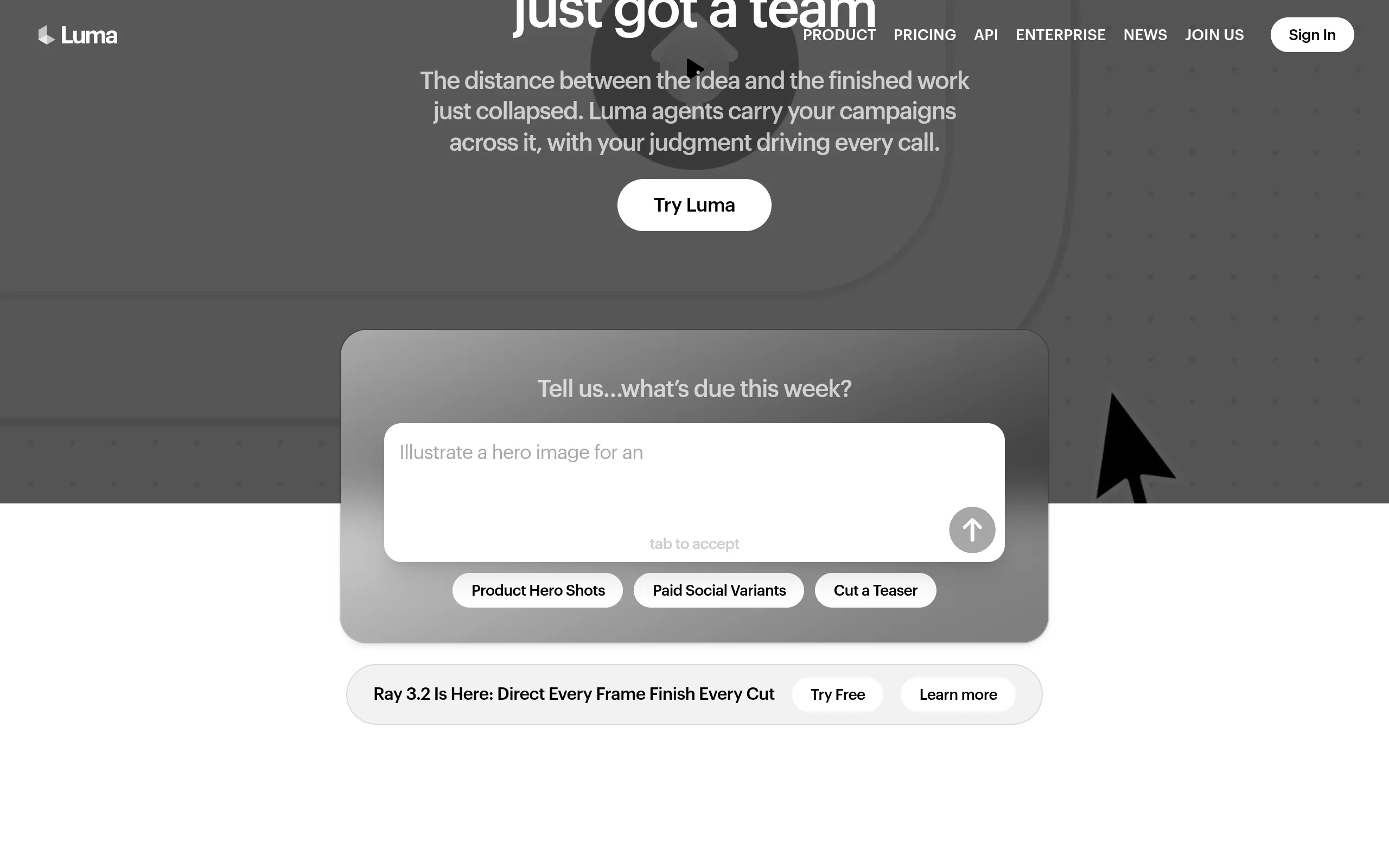
Luma Dream Machine, running its Ray3 model, is built for marketers and small teams that need to explore ideas fast. It generates cinematic-looking clips quickly and includes a Reframe feature that re-cuts and resizes assets for different platforms, which saves real time across multi-format social work. It sits below Runway because it trades final-polish control for speed of iteration. Don’t reach for it as your hero-asset generator when complex motion or maximum realism is the goal. Use it to ideate, draft, and resize, then move final deliverables to a more controllable tool.
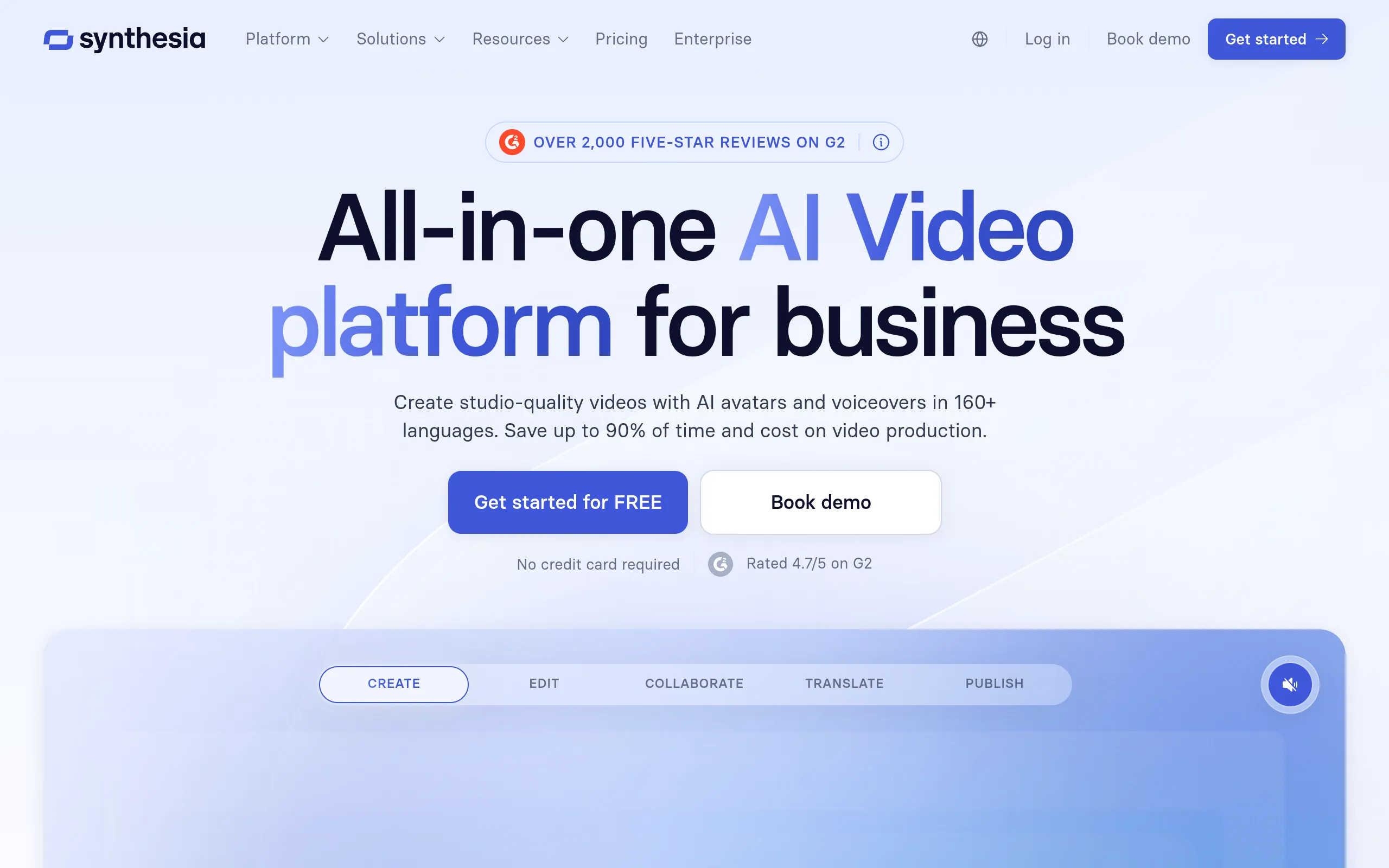
Synthesia turns scripts into avatar-led business video, with a large presenter library and multilingual dubbing built for training, onboarding, and internal communication. It is the best fit when you need polished enablement content at scale across regions, and it suits that job better than HeyGen, which leans toward outreach. The honest limit is scope: it is not built for cinematic storytelling or experimental visuals, and content moderation is strict. If your work is corporate communication rather than creative film, this is the practical default.
Adobe Firefly Video is the choice for brands and agencies that need enterprise-safe assets inside the Adobe stack. Its models are trained on licensed Adobe Stock, openly licensed content, and public domain material rather than broad web scrapes, which is the main reason buyers pick it. It slots into Premiere Pro and Creative Cloud, so it fits teams already working in Adobe. The tradeoff is creative range: output can feel more constrained and less experimental than the leading models. Choose it when legal safety and workflow fit matter more than raw visual ambition.
Here is the fast side-by-side, using the first usable entry point for price rather than every tier. Pricing and credit systems in this category change often, so confirm the current plan on each tool’s site before you buy.
| Name | Best For | Starting Price |
|---|---|---|
| Hedra | Flexible multi-model access | $10/month |
| Google Veo 3.1 | Cinematic quality and native audio | $19.99/month |
| Runway Gen-4.5 | Pro creative control | $12/month |
| OpenAI Sora 2 | Narrative realism | $20/month |
| HeyGen | Personalized translated videos | $29/month |
| Kling AI 2.6 | Realistic humans at volume | $9.79 trial package |
| Pika 2.5 | Viral social clips | $8/month |
| Luma Dream Machine | Quick iteration and concepting | $7.99/month |
| Synthesia | Training and internal comms | $29/month |
| Adobe Firefly Video | Commercially safe enterprise use | $9.99/month |
If text-to-video is your main job, our breakdown of the best text-to-video AI generators goes deeper on prompt-to-clip tools. For polishing footage after generation, see our picks for AI tools for video animation and editing, and for a creator-focused angle, compare our wider list of top AI video generators for content creators.
Most buyers know their format before they know their tool, so here is the shortest path from intent to pick.

Google Veo 3.1 wins when the result has to look broadcast-ready and carry its own audio. Reach for Runway Gen-4.5 instead only if you need to edit and shape the shot heavily after the first generation.
HeyGen is the pick for personalized, multilingual outreach where a talking-head presenter does the work. It turns one script into many market-ready versions without a reshoot.
Pika 2.5 fits fast, hook-driven short-form content built to travel. When you want realistic people in those clips rather than effects, switch to Kling AI 2.6.
Adobe Firefly Video is the safest choice for brands that need licensed-content training and Adobe workflow integration. For employee training and internal comms specifically, Synthesia is the better-fit specialist.
Hedra is the most beginner-friendly strong pick because it brings multiple models into one workspace, so you are not committing to a single engine before you know what you need. Its free tier gives you 300 credits a month to learn the workflow, though anything you publish commercially will need a paid plan to drop the watermark.
Yes, several here offer working free tiers, including Hedra, Runway, Pika, Luma, and Synthesia. Expect real limits: most free plans add watermarks, cap credits, or restrict commercial use. The practical move is to run your actual use case through a free tier first, then upgrade only the one tool that fits your workflow.
For talking-head and presenter videos, HeyGen and Synthesia lead because they are built around AI avatars. For realistic human motion inside generated scenes rather than scripted avatars, Kling AI 2.6 is the stronger option, with its focus on photorealistic people and lip sync.
Some do, and it is a real differentiator. Google Veo 3.1 generates native audio alongside the video, which most rivals still do not. Several tools on this list, including Runway in its current form, focus on visuals first, so if synced sound matters to you, confirm native audio support before committing.
Most current models generate short base clips, often in the range of several seconds to a minute, then rely on stitching or extension features for longer pieces. Clip length is one of the most common limits across these tools, so if you need long-form video, check the per-clip ceiling on your shortlist before you build a project around it.
The honest read is that there is no single best AI video generator, only the best one for your job. Hedra wins for flexible all-around use, Veo 3.1 for cinematic quality, HeyGen for translated avatar videos, Synthesia for training, and Adobe Firefly for commercial safety. Your real decision comes down to whether you value cinematic polish, avatar presenters, social speed, editing control, or value most. Compare the picks above against that one priority, then choose the tool that fits your workflow and budget instead of the most familiar name.
