Paid

BoltAI

A native Mac AI client that brings your own API keys to multiple models, working system-wide in any app rather than in a browser tab.

3.9 Productivity
3.9 Good 3.9

Bottom line: BoltAI is a capable productivity tool, best known for native macOS app working system-wide across applications.

System-wide invocation removes the copy-paste round trip entirely macOS only – no Windows or Linux
Reviewed by Challenging Voice Editorial · Updated Aug 2026 How we rate
PricingPaid
Free planNo
CompanyBoltAI
PlatformsMac
Best forProductivity
Last reviewedSep 2026
UpdatedAug 2026
Ask AI about BoltAI ChatGPT Claude Perplexity

Overview

BoltAI is a native macOS client for AI models, and both of those words carry weight: native, and client.

Native means it works system-wide – invoked inside whatever app you are already in, rather than requiring a browser tab and a copy-paste round trip. For anyone using AI many times a day, that friction is the difference between a tool you reach for and one you forget. Client means you bring your own API keys and connect to multiple providers, so you pay per use at provider rates instead of another monthly subscription, and your choice of model is not the vendor’s decision.

The bring-your-own-key model also keeps conversations flowing directly between you and the provider rather than through an intermediary, which is worth something on sensitive work. The trade is that you manage keys and provider billing yourself, and macOS-only rules out mixed-platform teams.

Key features

  • Native macOS app working system-wide across applications
  • Bring your own API keys
  • Support for multiple model providers
  • Invoked in place rather than in a browser tab
  • Pay provider rates instead of a platform subscription
  • Custom assistants and prompt shortcuts

Screenshots & demo

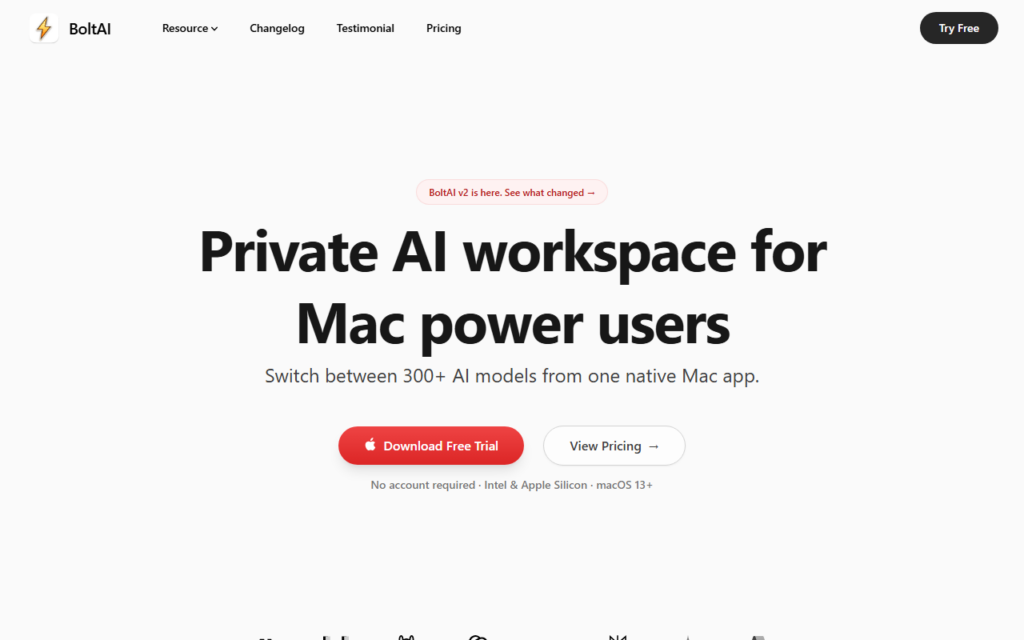
BoltAI screenshot 1

Pricing

Visit the BoltAI website for current plans and pricing.

  • Pricing modelPaid
  • Starting priceCustom
  • Free planNo
Visit BoltAI

Pricing is provided as a guide. Check the official site for the latest plans.

Pros & cons

Pros

  • System-wide invocation removes the copy-paste round trip entirely
  • Own keys mean provider-rate pricing and free model choice
  • Conversations go straight to the provider rather than via an intermediary

Cons

  • macOS only – no Windows or Linux
  • You manage API keys and provider billing yourself
  • Requires accounts with the model providers before it does anything

How it compares

ToolRatingFreeFromBest known for
BoltAI (this tool)3.9NoNative macOS app working system-wide across applications
Obsidian4.6Yes$4/moNotes stored as local, plain Markdown text files
Google Translate4.6YesFreeGemini-powered text translation that captures idioms and context, not literal word substitution
Notion AI4.5Yes$10/moAI writing, summarization, and Q&A grounded in existing workspace content

Alternatives to BoltAI

4 tools our editors picked as direct alternatives to BoltAI.

Our verdict

3.9 / 5 3.9

BoltAI is a solid productivity tool, best known for native macOS app working system-wide across applications.

What makes it different: BoltAI stands out for native macOS app working system-wide across applications.

How we score it
Overall 3.9
Value for money 4.2
Feature depth 4.9
Popularity 3.7
Best for ProfessionalsTeamsFoundersFreelancers

Frequently asked questions

What is BoltAI?
BoltAI is a productivity tool listed in the Challenging Voice directory. A native Mac AI client that brings your own API keys to multiple models, working system-wide in any app rather than in a browser tab.
Is BoltAI free?
BoltAI does not offer a free plan.
What are the best BoltAI alternatives?
Popular alternatives to BoltAI include Lunchclub, PopTask, and Pitches. Browse them all in the Productivity category.
Is BoltAI any good?
BoltAI scores 3.9 out of 5 based on our editorial review.

Reviews

3.9 No reviews yet

Write a review

Similar tools you might like

Ellie

3.5

Ellie reads your sent mail, learns your tone and sign-offs, then drafts replies overnight in your own voice – ready to review by morning, for Gmail and Outlook.

Free Trial Productivity

IntelliMail

3.0

Open Gmail, add context, click IntelliMail – a perfectly crafted email drafted in seconds, powered directly by your own OpenAI account.