
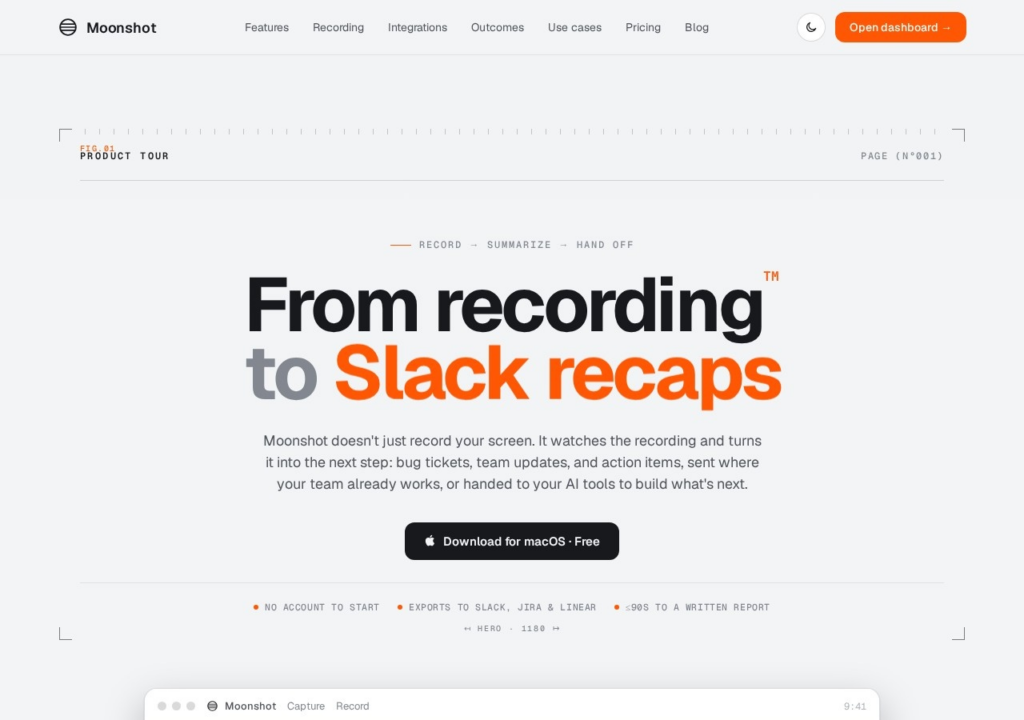
Moonshot is a macOS screen recorder that does something with the recording after you stop. It watches what was captured and turns it into the next step: a Linear issue, a Jira ticket or a GitHub issue for a bug demo, a written summary posted to Slack, or a lead pushed into HubSpot, with a written report ready in about 90 seconds. The value is removing the step where someone rewatches a recording and retypes it into a tracker. It starts free, with no account needed to record, and paid plans begin at $12 a month; a team plan adds a shared library and timestamped comments. The limits follow from the design. It runs on macOS only, it earns its keep only where those destination tools are already in use, and an automatic summary is a draft that still needs a read-through before it becomes a ticket someone acts on.
Key features
macOS screen recorder that summarises what it records
Turns a recording into Linear issues, Jira tickets or GitHub issues
Posts written summaries to Slack and captures leads into HubSpot
A written report in about 90 seconds
Team workspaces with a shared library and timestamped comments
Screenshots & demo
Pricing
Moonshot has a free plan, and paid plans start at $12/mo.
Pricing is provided as a guide. Check the official site for the latest plans.
Is Moonshot expensive?
Moonshot starts at $12, which is 25% below the Video median of $15.95 a month across the 144 priced tools we list in that category.
The cheapest paid option in Video starts at $0.5 and the most expensive at $295.
64% of Video tools in the directory offer a free tier, and this is one of them.
Compared against every priced listing in Video, recalculated as the catalogue changes. Method and the full market breakdown are in our AI tool pricing study.
Pros & cons
Pros
Removes the transcribe-then-retype step between a bug demo and a ticket
Sends output to the tools a team already uses
Free to download, with no account needed to start
Cons
macOS only
Useful mainly where Linear, Jira, GitHub or Slack are already in place
Summaries still need a read-through before they become tickets
Instructional video platform that builds how-to and support videos from screen recordings, slides or PDFs, with AI voiceovers in 300+ voices, talking AI avatars, subtitles and a hosted video knowledge base.