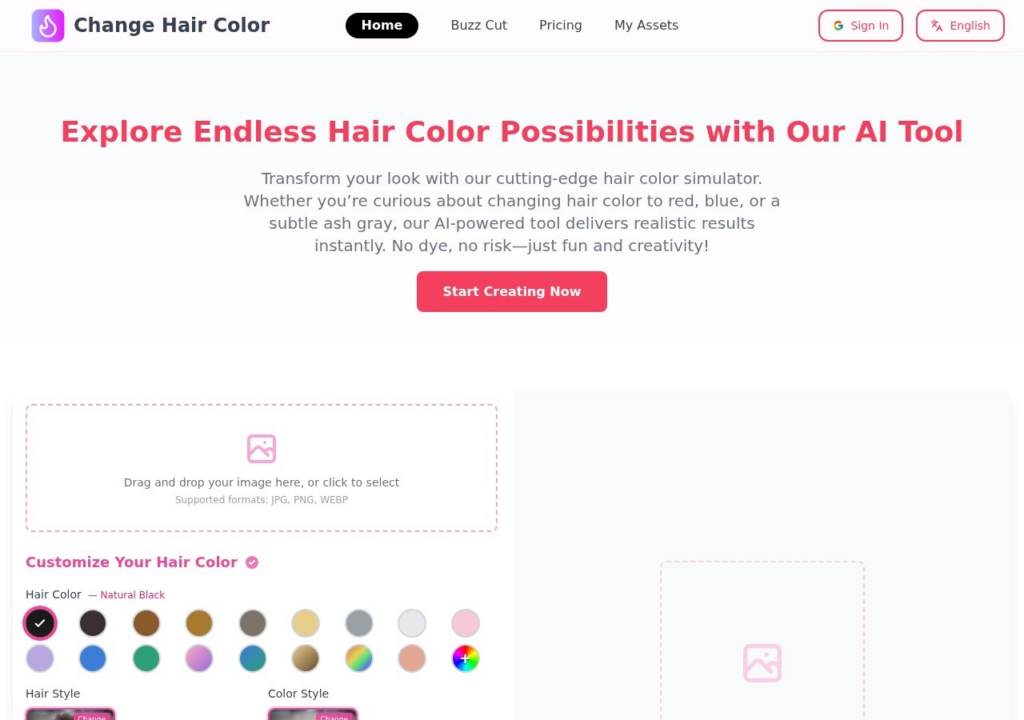
Change Hair Color shows what a new hair color would look like on you before you commit to dye. Upload a photo or use your camera, choose from natural shades such as black, brown, blonde and ash through to bold pinks, blues and purples, and it renders the result; it also previews hairstyle changes such as an afro or a buzz cut. Pricing is by one-time credit pack with lifetime validity: Basic at $3.90 for 100 credits, Pro at $9.90 for 300 and Ultimate at $25.90 for 800. New users get 4 free credits. Treat the output as a preview rather than a promise, since how a dye actually takes depends on the hair's starting color and condition, which a photo edit cannot account for.
Key features
Previews a new hair color on your own photo
Natural shades plus bold colors such as pink, blue and purple
Hairstyle changes, including afro and buzz cut
Works from an uploaded photo or your camera
One-time credit packs with lifetime validity
Screenshots & demo
Pricing
Change Hair Color is a paid tool, with plans that start at $3.9/mo.
Pricing is provided as a guide. Check the official site for the latest plans.
Is Change Hair Color expensive?
Change Hair Color starts at $3.9, which is 61% below the Image Generation median of $10 a month across the 122 priced tools we list in that category.
The cheapest paid option in Image Generation starts at $0 and the most expensive at $800.
66% of Image Generation tools in the directory offer a free tier, which this one does not.
Compared against every priced listing in Image Generation, recalculated as the catalogue changes. Method and the full market breakdown are in our AI tool pricing study.
Pros & cons
Pros
See a color before committing to dye
Low entry price from $3.90
Credits never expire
Cons
Only 4 free credits for new users
A preview, not a guarantee of how dye takes on real hair