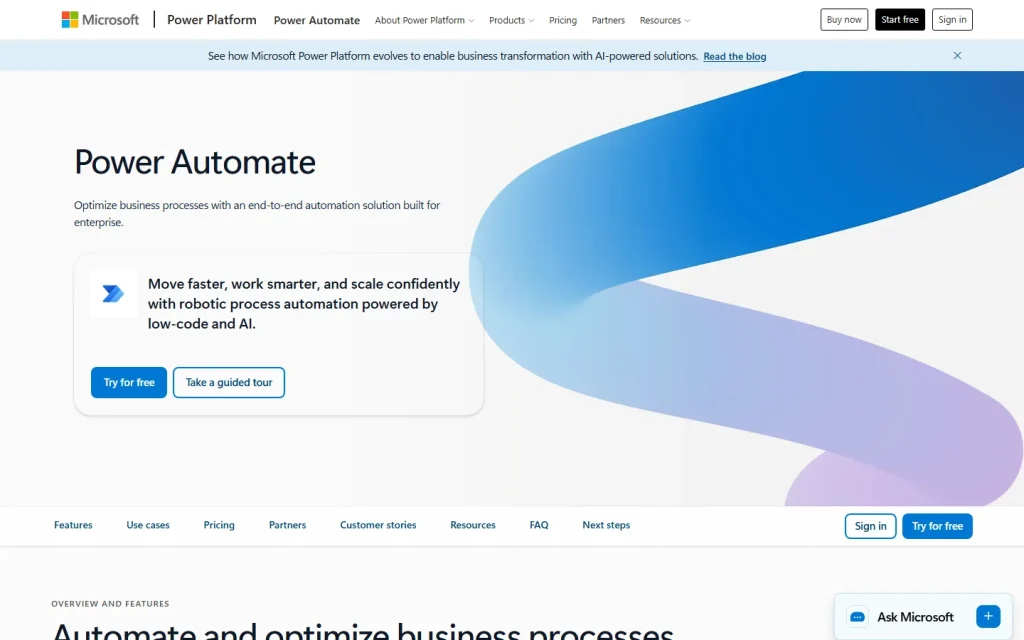
Microsoft Flow is the former name of Microsoft Power Automate, the company's low-code service for automating tasks between apps. If you're searching for Flow today, Power Automate is the product you'll actually sign up for. The name changed, but the idea stayed: build a trigger, add actions, let it run.
What Happened to Microsoft Flow?
Microsoft Flow was renamed Power Automate when Microsoft folded it into the Power Platform family. Existing flows kept running under the new name. Old tutorials, forum answers and links still say "Flow", which is why the search term survives.
Treat any guide that says "Microsoft Flow" as describing an older interface. The concepts carry over. The menus and licensing don't always.
How Microsoft Flow Works Today
Power Automate builds automations from triggers and actions. A trigger is an event, such as a new email, a form response or a daily schedule. Actions are the steps that follow, like saving an attachment to SharePoint or posting to Teams.
Two flow types matter most. Cloud flows connect web services through connectors. Desktop flows use robotic process automation (RPA) to click through Windows apps that have no API. If your task lives in a legacy desktop program, the second type is the reason to pick this tool.
You can start from a template and edit it. Don't build from scratch until you've checked whether a template already does 80 percent of the job.
Who Should Use It
Power Automate fits teams already living in Microsoft 365. If your files sit in SharePoint, your chat is Teams and your forms are Microsoft Forms, the integration saves real setup time.
It fits less well if your stack is mostly non-Microsoft apps. Premium connectors need paid licences, and licensing rules can trip up first-time buyers, so confirm what your plan includes before you design around a connector.
A practical rule: automate one repetitive approval or file-routing job first. If it saves time for a month, expand. If you want a full breakdown of plans and connectors, read the Microsoft Power Automate listing.
Not to Be Confused With Similarly Named Tools
Several unrelated products share the word "flow". Flow XO is a separate chatbot and automation builder. Google Flow is Google's AI creative tool, and Wispr Flow is a voice dictation app. None of them is the rebranded Microsoft product.
If you want to build conversational agents rather than workflows, look at Microsoft Copilot Studio next. It sits in the same Power Platform family but targets a different job.