
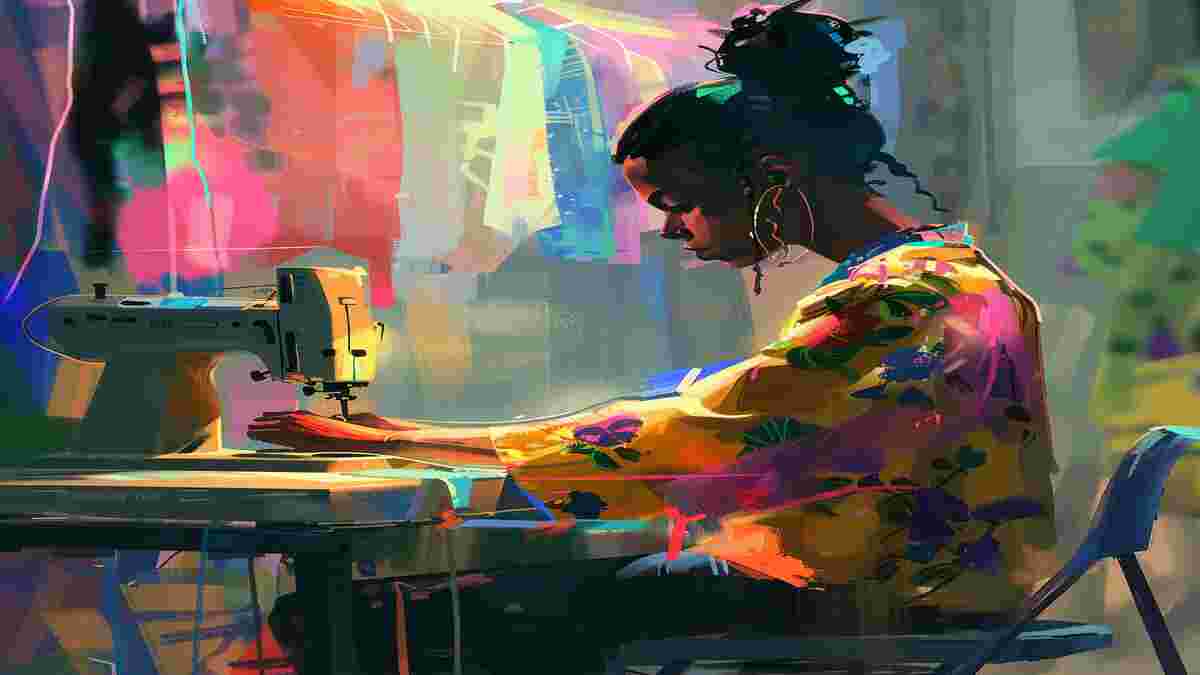
AI art generators turn text prompts (or a rough sketch) into finished images using models trained on vast datasets of art and photography. Style transfer, generative design, and dreamlike/abstract imagery are all variations on the same underlying technology. This guide covers how these tools work and the 16 platforms worth trying, from flagship models to free browser-based tools.
How AI Art Generators Work
Most tools in this space combine a few core capabilities: style transfer applies the visual characteristics of one image or artistic movement to another; text-to-image generation builds a picture from a written description; image enhancement upscales and sharpens existing images; and generative design explores variations on a theme, useful for concept art and rapid iteration. The appeal is real: these tools make image creation accessible to people without traditional art training, speed up ideation and prototyping, and cost a fraction of commissioning custom artwork. Though none of that replaces a trained artist’s judgment for work that needs precise creative control.
Top Tools of AI Art Generators
GPT Image 2
OpenAI’s current image generation model, developed by OpenAI. Replaces DALL-E 3 in this list, which OpenAI fully retired (along with DALL-E 2) on May 12, 2026. Transforms text prompts into detailed, high-quality images with sharper detail and prompt accuracy than the retired DALL-E generation. Since these outputs can sometimes echo existing artwork, running a copyright image search before publishing is a reasonable precaution.
Pros
- High Image Quality: Generates realistic and vivid images.
- Customization: Supports intricate prompts for tailored outputs.
- Integration: Compatible with other OpenAI tools like ChatGPT for enhanced functionality.
Cons
- Copyright Limitations: Restrictions on generating certain content.
- Cost: Premium features can be expensive for casual users.
Pricing Package
- API-based pricing, with costs varying based on usage.
MidJourney
MidJourney is a community-driven AI art generator accessible via Discord. It generates imaginative, stylized, and highly creative art based on text prompts. It’s popular among artists for producing unique and surreal imagery.
Pros:
- Stunning artistic and surreal creations.
- Strong community for collaboration and idea-sharing.
- Regular updates and improvements.
Cons:
- Limited accessibility outside Discord.
- There is no free tier beyond the initial trial.
Pricing Package:
- Starter Plan: $10/month.
- Pro Plan: $30/month.
- Enterprise options are available.
DeepAI
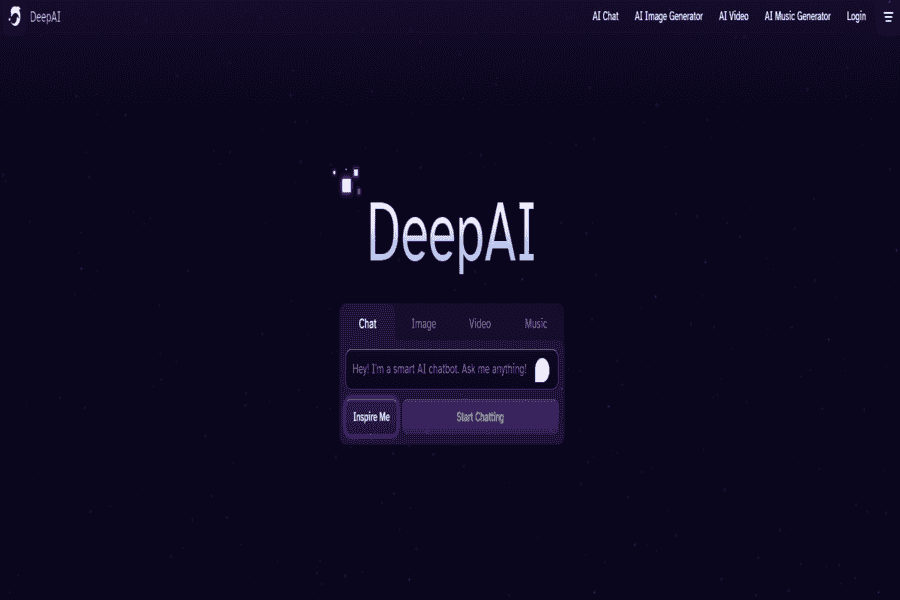
DeepAI Offers a simple platform for generating images using AI. It caters to a wide audience by providing tools for photo editing, text-to-image generation, and stylized art creation.
Pros:
- Free to use with unlimited access to basic features.
- Provides multiple art tools beyond image generation.
- Easy-to-use interface.
Cons:
- Limited creative depth compared to competitors.
- Needs more detailed customization.
Pricing Package:
- Free Tier: Basic access to tools.
- Premium Plan: $5/month for enhanced features.
Runway ML
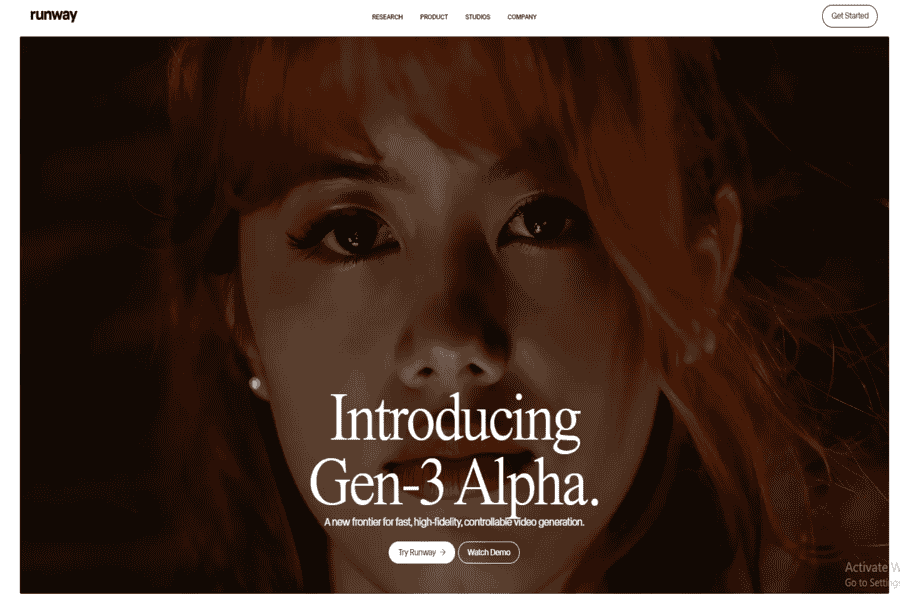
Runway ML is an advanced AI tool designed for beginners and creative industry professionals. It enables users to generate art, videos, and animations while integrating smoothly into workflows like video editing.
Pros:
- Multi-functional with video and image generation.
- Integrates with design software like Adobe Premiere.
- Easy collaboration features for teams.
Cons:
- The steeper learning curve for beginners.
- Higher pricing for premium features.
Pricing Package:
- Free Tier: Limited exports and credits.
- Pro Plan: $12/month.
- Enterprise: Custom pricing.
Artbreeder
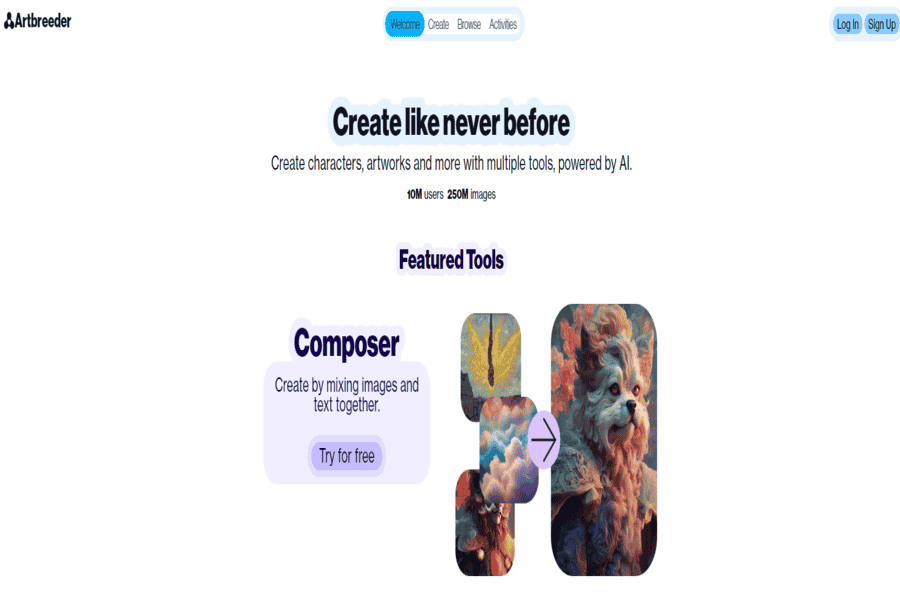
Artbreeder Focuses on collaborative creation, allowing users to generate and enhance images by blending features. It’s popular for creating character designs, landscapes, and surreal art.
Pros:
- Unique image enhancement and blending options.
- A community-driven platform for sharing and improving art.
- Free tier available.
Cons:
- Limited customization for highly specific creations.
- Requires an account for access.
Pricing Package:
- Free Tier: Basic features with watermarks.
- Pro Plan: $8.99/month.
Craiyon (formerly DALL·E Mini)
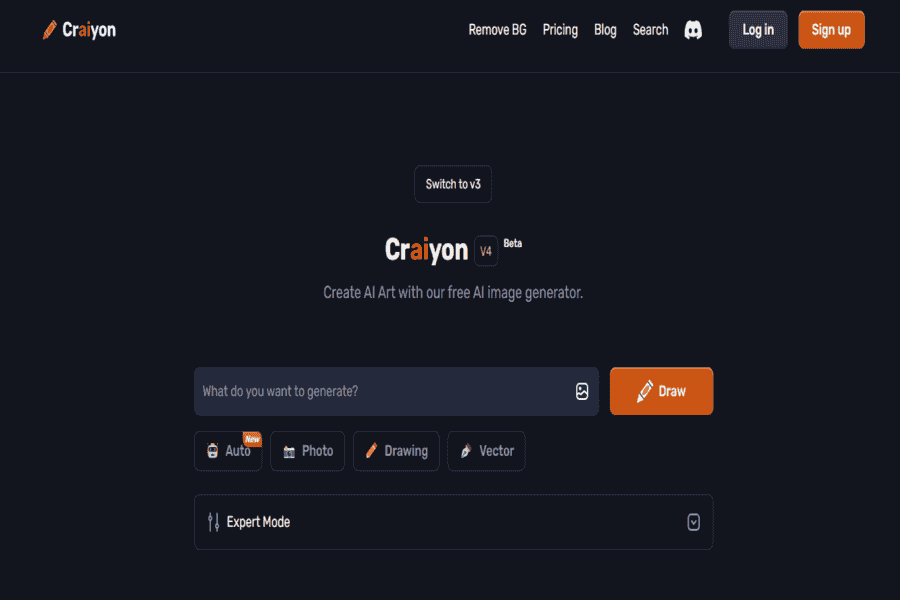
Craiyon Is a lightweight, free-to-use AI art generator inspired by DALL·E. It’s ideal for users exploring basic AI image generation without cost barriers.
Pros:
- Completely free and accessible.
- Quick image generation with simple prompts.
- No sign-up is required.
Cons:
- Image quality could be better compared to premium tools.
- Limited customization options.
Pricing Package:
- Free Tier: Full access.
- Premium: Options for faster generation and watermark removal starting at $5/month.
NightCafe
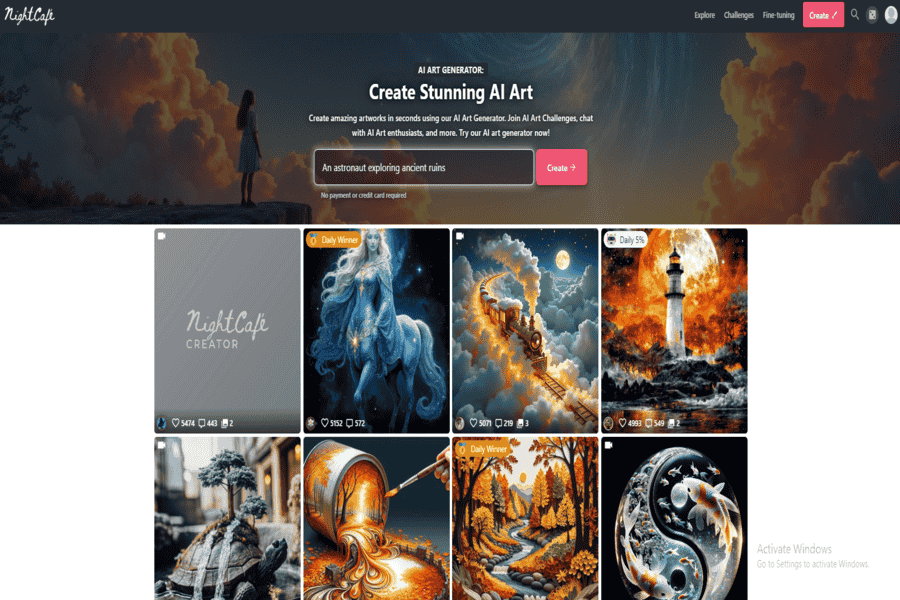
NightCafe Is a versatile AI art generator offering multiple algorithms to create unique digital art styles, from abstract to realistic. It is beginner-friendly and provides advanced tools for experienced users.
Pros:
- Multiple AI models (e.g., Stable Diffusion, DALL·E 2).
- Free daily credits for consistent use.
- Excellent community and sharing platform.
Cons:
- Limited credits on the free tier.
- Requires a paid plan for higher-quality outputs.
Pricing Package:
- Free Tier: Limited daily credits.
- Pro Plans: Start at $9.99/month for more credits.
Fotor AI Art Generator
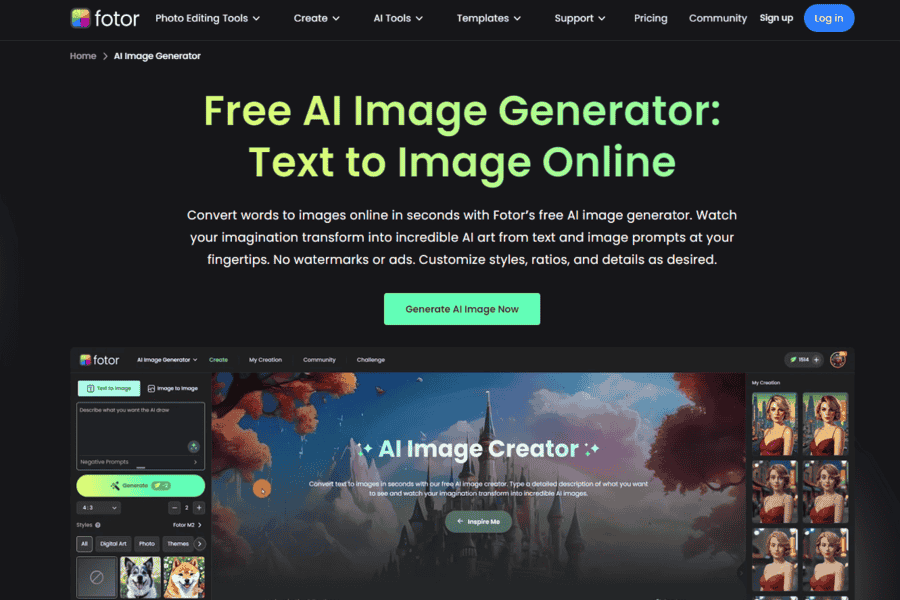
Fotor is an AI-powered graphic design tool with a strong AI art generator. It caters to casual and professional users, offering photo editing, design tools, and text-to-image AI capabilities.
Pros:
- Easy-to-use interface with multiple functionalities.
- Fast and high-quality results.
- The free version has basic features.
Cons:
- Watermarks on free-tier creations.
- There are limited customization options in the free plan.
Pricing Package:
- Free Tier: Basic access.
- Pro Plan: $8.99/month or $39.99/year.
Dream by Wombo
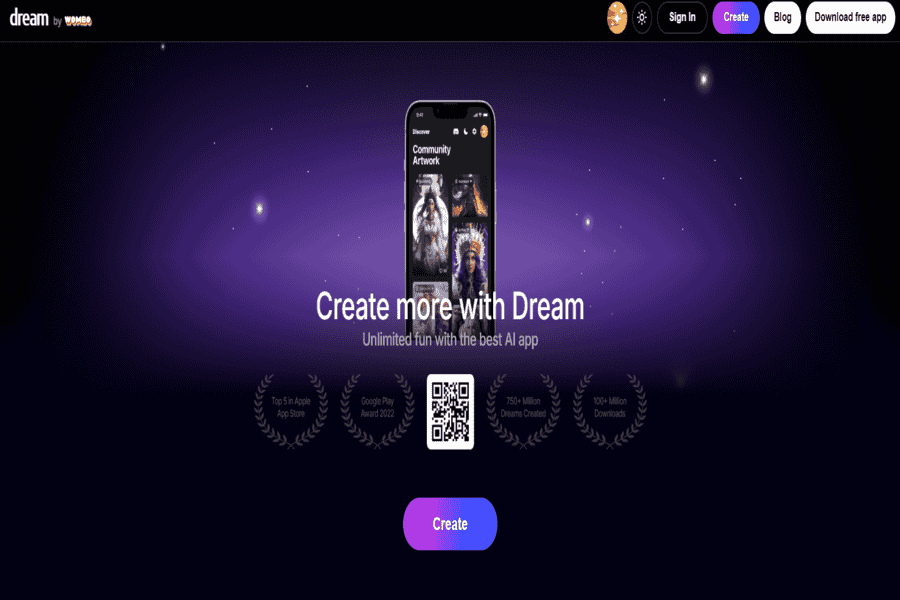
Dream by Wombo Is an easy-to-use AI art tool that transforms text prompts into artistic masterpieces with various styles. It’s widely popular for generating creative, vibrant, and surreal artwork.
Pros:
- Completely free to use.
- Generates vibrant and imaginative images.
- The mobile app is available for convenience.
Cons:
- Limited control over fine details.
- Less suitable for realistic or professional needs.
Pricing Package:
- Free Tier: Unlimited access.
- Optional Premium Plans available (varies by app store region).
Pixray
Pixray is an open-source AI art generator ideal for tech-savvy users. It focuses on producing unique, creative, and sometimes abstract artwork by using advanced algorithms and custom configurations.
Pros:
- Open-source and highly customizable.
- Free to use with flexible integrations.
- Suitable for experimental and creative projects.
Cons:
- Requires technical knowledge for optimal use.
- Limited user interface compared to mainstream tools.
Pricing Package:
- Free (open-source).
- Optional donations or hosting fees are available for advanced usage.
StarryAI
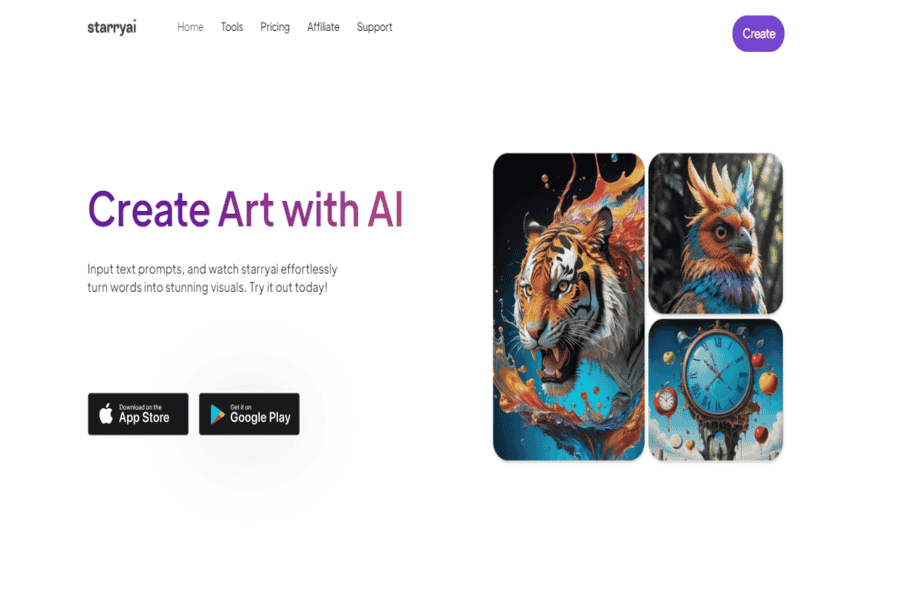
StarryAI Focuses on helping users to create professional-quality AI-generated artwork with minimal effort. It offers unique styles and customization options for personal and commercial projects.
Pros:
- Offers commercial use of generated artwork.
- Simple and intuitive app-based interface.
- No prior design experience is required.
Cons:
- Limited free credits per day.
- Style choices may feel limited compared to competitors.
Pricing Package:
- Free Tier: Limited daily credits.
- Premium Plans: Starting at $11.99/month for additional credits.
Stable Diffusion
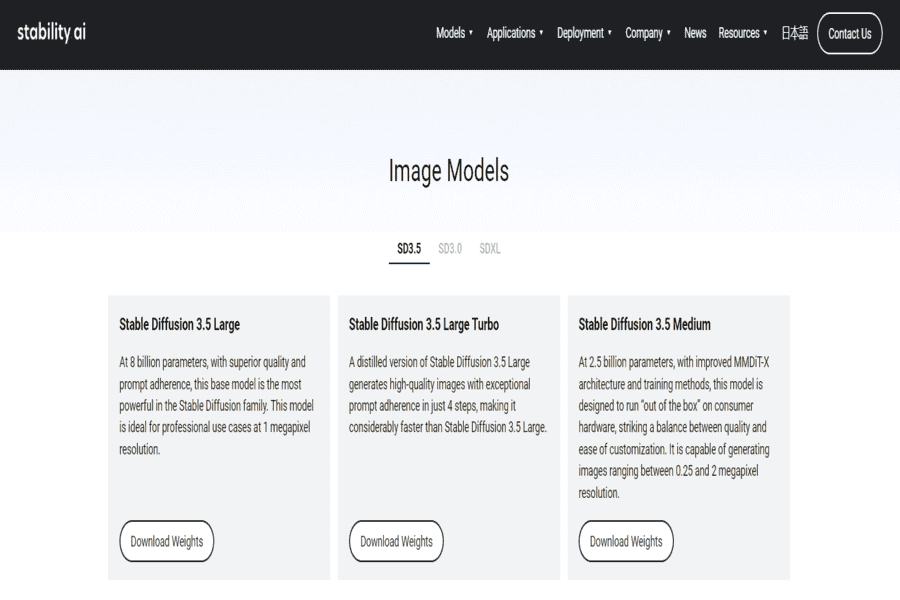
Stable Diffusion is a powerful, open-source AI model that creates high-quality images from text prompts. Developers, artists, and enthusiasts widely use it for its flexibility and custom integration support.
Pros:
- Open-source and customizable.
- Excellent image quality and diverse styles.
- Wide community support and plugins.
Cons:
- Requires technical expertise for setup.
- Hardware-intensive for local installations.
Pricing Package:
- Free for local use (requires computing resources).
- Cloud-hosted solutions are available at varying costs.
Deep Dream Generator
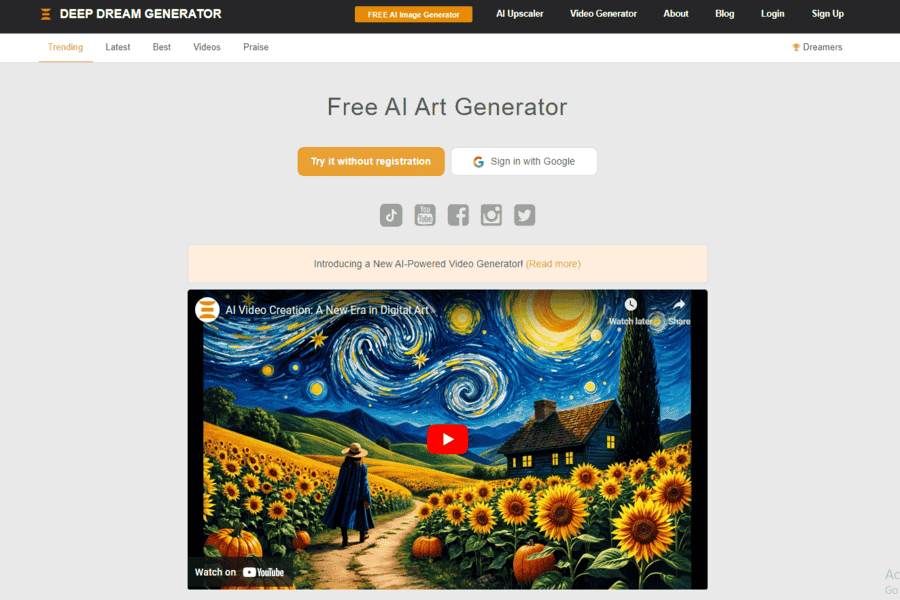
Deep Dream Generator, developed by Google, uses neural networks to create surreal and dreamlike images by enhancing patterns within existing photos or generating them from scratch.
Pros:
- Creates unique, dreamlike visuals.
- Easy-to-use interface for beginners.
- Offers several styles and pre-set options.
Cons:
- Focuses primarily on surreal imagery.
- Limited flexibility for realistic outputs.
Pricing Package:
- Free Tier: Limited usage.
- Advanced Plan: Starts at $19/month.
ArtSmart AI
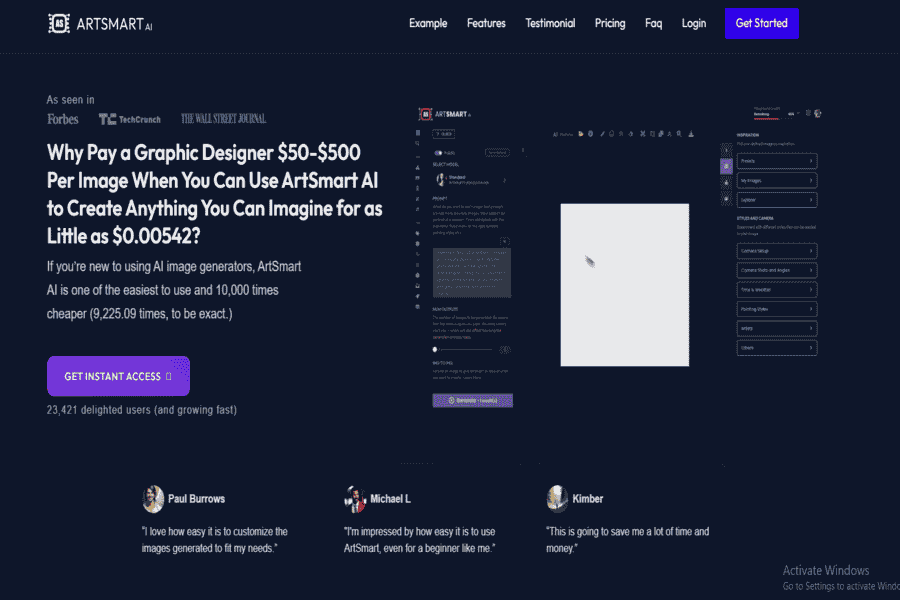
ArtSmart AI is a user-friendly art generator that transforms text prompts into detailed illustrations. It provides numerous art styles ideal for casual users and professionals.
Pros:
- Wide variety of styles.
- It has a simple interface, which is great for beginners.
- Allows export of high-resolution images.
Cons:
- The free tier is limited in functionality.
- Subscription is required for advanced features.
Pricing Package:
- Free Tier: Basic features.
- Pro Plan: $12/month.
Designify
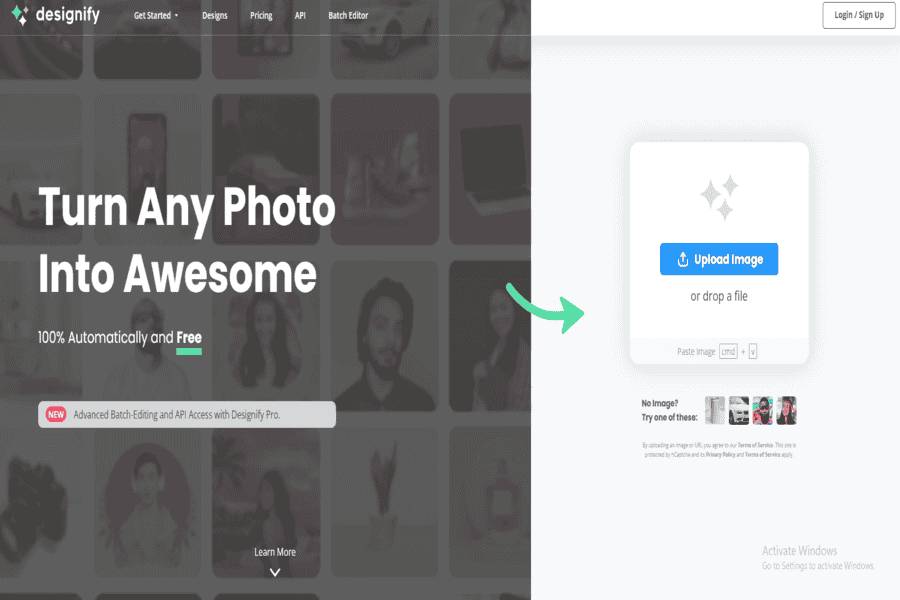
Designify is an AI tool that creates professional-quality visuals for businesses and personal projects, including art. It focuses on removing backgrounds, enhancing images, and generating designs efficiently.
Pros:
- Suitable for branding and marketing visuals.
- Fast and user-friendly interface.
- Integrates well with other design tools.
Cons:
- Limited creativity compared to pure art generators.
- Subscription is needed for full functionality.
Pricing Package:
- Free Tier: Limited features.
- Pro Plan: $39/month for advanced tools.
Leonardo.Ai
AI art platform with strong illustration and sketch-guided generation. Replaces PaintsChainer in this list, whose lineage is fully dead: it was renamed to Petalica Paint back in 2019, and Petalica Paint itself was discontinued on July 31, 2025.
Pros:
- Sketch-to-image and style-reference generation, not just text prompts.
- Large model and style library built for illustration work specifically.
Cons:
- Free tier is limited; heavier use requires a paid plan.
Pricing Package:
- Free tier available; paid plans for more generations and priority access.
Challenges for AI Art Generators
These tools have real limits and real controversy attached. Copyright and training-data provenance remain genuinely unresolved legal questions, and outputs can inherit bias from what the underlying model was trained on. Quality control is inconsistent. The same tool can produce a striking image on one prompt and something malformed on the next, especially with hands, text, and complex compositions. And no matter how good the output looks, these tools generate statistically plausible images, not intentional artistic choices, the human decision about what to make and why is still the part a model can’t replace.
The 16 tools above split into flagship models (GPT Image 2, Midjourney, Stable Diffusion) for the highest overall quality, free/accessible tools (Craiyon, Dream by Wombo, StarryAI, NightCafe) for casual use, and specialized tools (Runway ML, Artbreeder, Deep Dream Generator, Leonardo.Ai) built around a particular creative workflow. None of them replace an artist’s judgment about what to make and why. Used well, they’re a fast way to explore options before committing real time to one direction.


