

The best AI tools for content creation in online courses each handle one job: drafting scripts and quizzes, turning scripts into narrated video, or assembling lessons into an interactive course. No single tool does all three well.
For most solo creators, ChatGPT for writing plus Synthesia or Descript for video covers the core work. Below are 12 tools, with who each one suits and where each one falls short.
What Content Does an Online Course Need?
An online course needs four kinds of content: text (scripts, readings, quiz questions), visuals (slides, diagrams), interactive pieces (quizzes, simulations, branching scenarios) and media (narrated video, audio).
Each kind maps to a different AI tool category. That’s why one subscription rarely covers a whole course.
Quality still decides the outcome. A learner who hits a confusing video or a wrong quiz answer stops trusting the rest, and for a paid course, that trust is the product.
Which Types of AI Tools Do Course Creators Use?
Course creators draw on four tool categories: AI writing assistants for scripts and course text, AI video tools that turn a script into narrated video (often with an AI presenter), AI design tools for slides and diagrams, and course-authoring platforms that assemble lessons, quizzes and progress tracking.
Expect to combine at least two. All-in-one generators such as Coursebox’s AI video course generator try to cover the whole chain, but you’ll still edit what they produce.
Treat narration as its own decision, because learners hear it in every lesson. This look at how AI voice technology changes video covers the trade-offs.
12 AI Tools for Course Content Creation
These 12 tools aren’t ranked. Each entry covers what the tool does, who it suits and one honest limit, and the comparison table further down groups them by job. Prices change often, so confirm each figure on the vendor’s own page before you commit.
Canva
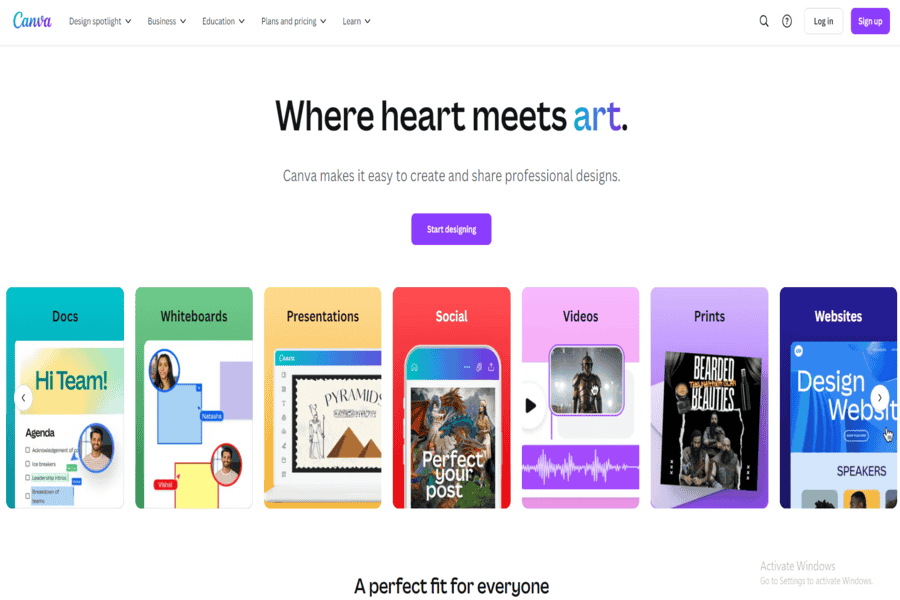
Canva is a design platform with AI features for slide design, text drafting and image generation, which makes it a fast way to produce slides, worksheets, thumbnails and course graphics.
It suits solo creators who need clean visuals without hiring a designer.
Pros:
Templates for slides, worksheets and promo graphics, plus real-time collaboration.
Cons:
The most useful AI features and brand kits need a paid plan.
Pricing package:
Free plan available. Canva Pro is the paid upgrade, priced by region on Canva’s pricing page.
Jasper.ai
Jasper is an AI writing platform that now positions itself around marketing teams, with brand voice settings and campaign workflows. It drafts course outlines, lesson scripts and promo copy well.
It suits course businesses that also run their own marketing. A solo instructor who only needs lesson scripts gets similar drafting from a general chatbot.
Pros:
Brand voice controls keep scripts consistent across modules.
Cons:
It’s built for marketing copy, so lesson structure and quiz writing need more prompting. Check Jasper’s own site for current free trial or free plan options.
Pricing:
Paid plans only. See Jasper’s pricing page for current prices.
ChatGPT (OpenAI)
ChatGPT is OpenAI’s chatbot, and for course creators it’s the most flexible starting point: outlines, lesson scripts, quiz banks, worked examples and summaries of your own notes.
It suits anyone who can write a clear prompt and check the output against real subject knowledge.
Pros:
- Fast drafts of scripts, quizzes and readings.
- Adapts to any teaching style you describe.
Cons:
- Needs precise prompts and your source material for accurate results.
- The free tier limits use of the strongest models.
Pricing package:
- Free plan available.
- ChatGPT Plus is a paid tier, with current pricing on OpenAI’s pricing page.
Descript
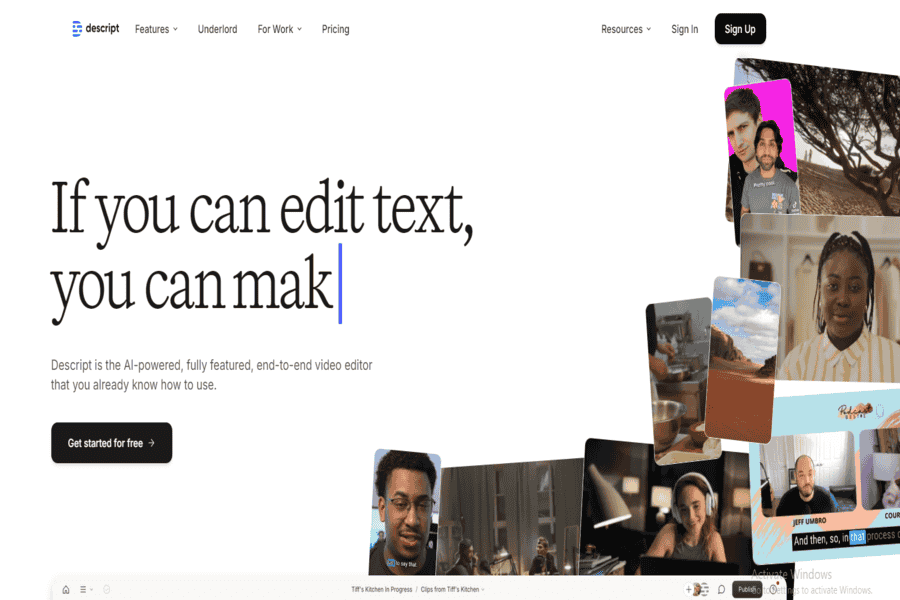
Descript is an audio and video editor where you edit a recording by editing its transcript. Its AI assistant, Underlord, handles cleanup jobs such as removing filler words.
It suits instructors who record themselves and want to cut retakes fast.
Pros:
- Edit video by deleting text in the transcript.
- Built-in transcription and captions.
Cons:
- Transcript-based editing takes adjustment if you’re used to a timeline editor.
- Long, high-resolution projects need a capable computer.
Pricing package:
- Free plan available.
- Descript offers a creator plan; check Descript’s pricing page for current plan names and prices.
Rytr
Rytr is a lightweight AI writer with templates and a wide choice of tones. It’s handy for short course pieces such as lesson summaries, module descriptions and email announcements.
It suits creators who want simple drafting and don’t need long-form scripts.
Pros:
Simple interface, many tone options and a free plan, with limits listed on Rytr’s pricing page.
Cons:
Long scripts need more editing than drafts from ChatGPT or Jasper.
Pricing:
Paid plans are listed on Rytr’s pricing page.
Articulate 360
Articulate 360 is a course-authoring suite (Rise for web-based courses, Storyline for interactive slides) with an AI Assistant that drafts lessons, quiz questions and images inside the editor. Check Articulate’s site for whether AI Assistant is included in your plan.
It suits corporate training teams that publish to an LMS (learning management system) and need SCORM, the standard most LMSs use to track learner progress.
Pros:
- Strong interactive course design.
- Publishes to LMS platforms with SCORM tracking.
Cons:
- Annual pricing is a big commitment for a solo creator.
- Storyline has a real learning curve.
Pricing package:
- Team pricing is listed on Articulate’s pricing page.
Copy.ai
Copy.ai is an AI writing tool that has shifted toward sales and marketing workflows. For courses, it’s most useful for sales pages, launch emails and promo copy, not lessons.
It suits creators who handle their own course marketing.
Pros:
Fast templates for launch and promo copy.
Cons:
It isn’t built for lesson structure, so scripts need heavy editing.
Pricing:
- Chat plan starts at $29/month billed monthly, or $24/month billed annually.
Grammarly
Grammarly is a writing assistant that checks grammar, clarity and tone as you type, across browsers and most writing apps.
It’s the final pass on scripts and readings, not a drafting tool, and it suits anyone publishing text-heavy lessons.
Pros:
Catches errors in real time, including in AI drafts.
Cons:
It adds little when the problem is structure or accuracy, not grammar.
Pricing:
Free plan and paid plans; see Grammarly’s pricing page for current details.
Synthesia
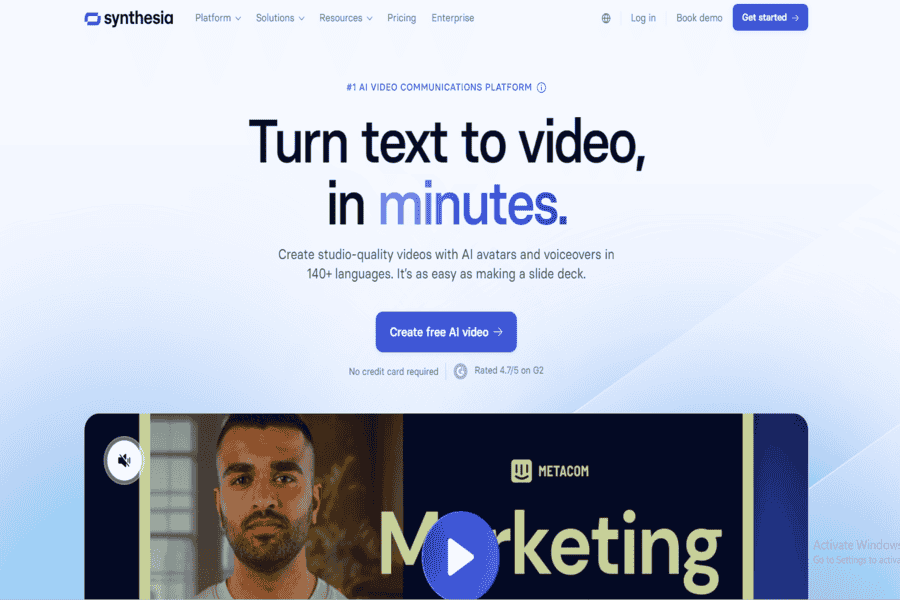
Synthesia turns a written script into a video with an AI avatar presenter and voiceover, in many languages, without filming.
It suits training teams that update videos often or need several language versions of one lesson.
Pros:
- Multilingual voiceovers and translation.
- Script edits re-render without a reshoot.
Cons:
- Stock avatars feel stiff in personal, instructor-led courses.
- Regular course production usually needs a paid plan, so check Synthesia’s current plan options before you commit.
Pricing package:
- Paid plans are listed on Synthesia’s pricing page, where you can check the current plan names and monthly prices.
SC Training (formerly EdApp)
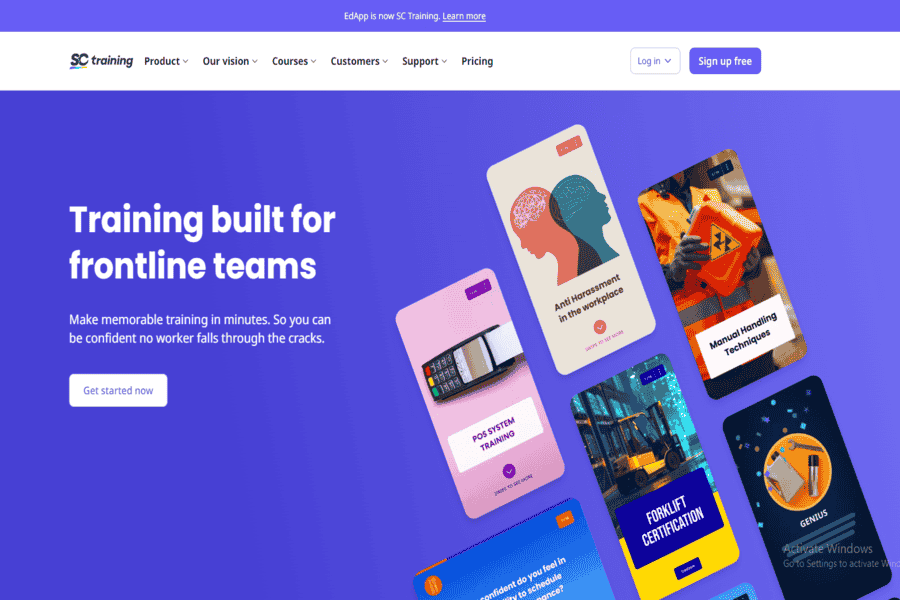
SC Training, formerly EdApp, is a microlearning platform for short, mobile-first lessons, with AI tools that help draft courses. Check the current AI features on the SC Training website. SafetyCulture acquired EdApp and renamed it SC Training.
It suits frontline and compliance training. It’s a weaker fit for long academic courses.
Pros:
- Built for phones first.
- Free plan for smaller teams.
Cons:
- Less design control than Articulate 360.
Pricing package:
- Free plan available.
- Premium plans custom-priced.
TTS.ai
TTS.ai is a text-to-speech platform that converts scripts into narration for course audio and video.
It suits creators who want narration without recording their own voice, and who’ll take time to pick a voice that fits the subject.
Pros:
- Natural-sounding voices.
- Multilingual support.
Cons:
- Fewer voices on the free plan.
Pricing package:
- Free plan available.
- Paid plans are available, so check the vendor’s pricing page for current prices.
Kahoot!
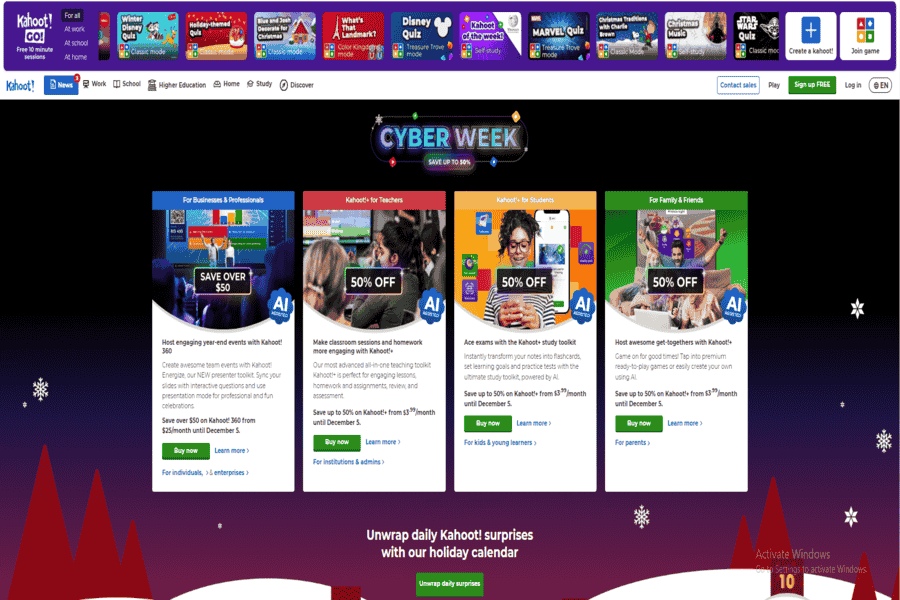
Kahoot! is a quiz and game platform, and its AI question generator drafts quizzes from a topic or uploaded material. Which plans include the generator can change, so check Kahoot!’s pricing page.
It suits live sessions and cohort courses more than self-paced ones.
Pros:
- Game-style quizzes keep learners engaged.
- Suitable for various age groups.
Cons:
- Limited features on the free plan.
Pricing package:
- Free plan available.
- Premium plans are available at a monthly price, so check Kahoot!’s pricing page for current plan prices.
How Do the 12 Tools Compare?
The 12 tools split into three groups: writing and design tools, video and voice tools, and course-authoring platforms. Only the authoring group is built for courses. The rest work for courses because they’re general-purpose.
| Tool | Group | Main Course Job | Free Plan |
|---|---|---|---|
| ChatGPT | Writing and design | Outlines, scripts, quizzes | Yes |
| Jasper | Writing and design | Scripts and promo copy | Check vendor |
| Rytr | Writing and design | Short course text | Check vendor |
| Copy.ai | Writing and design | Course marketing copy | Check vendor |
| Grammarly | Writing and design | Proofreading | Yes |
| Canva | Writing and design | Slides and graphics | Yes |
| Synthesia | Video and voice | AI avatar video | Check vendor |
| Descript | Video and voice | Editing recorded video | Yes |
| TTS.ai | Video and voice | Narration | Yes |
| Articulate 360 | Course authoring | Interactive LMS courses | Check vendor |
| SC Training | Course authoring | Mobile microlearning | Yes |
| Kahoot! | Course authoring | Quizzes and live games | Yes |
Where Does AI Fall Short in Course Content?
AI falls short on accuracy, judgment and presence. Drafts arrive fast and consistent, and auto-captions and translations widen who can take your course, but none of that replaces a subject expert’s review.
Check every factual claim and every quiz answer. A wrong answer key does more damage than a clumsy sentence, because learners trust it.
Two more limits matter. Authorship and disclosure questions are real, so decide how you’ll tell learners what AI produced. And a course with no human presence feels hollow: your voice, your examples and your feedback are part of why people finish.
Which AI Tools Should You Combine?
Combine tools by course format, not by feature list. Find the row that matches your course and start there.
| Your Course | Start With | Add Later |
|---|---|---|
| Self-paced video course, filmed by you | ChatGPT for scripts, Descript for editing | Canva for slides |
| Video course without filming | ChatGPT plus Synthesia | TTS.ai for audio-only lessons |
| Corporate training with LMS tracking | Articulate 360 | ChatGPT for first drafts |
| Mobile or frontline training | SC Training | Canva for visuals |
| Live cohort course | ChatGPT plus Kahoot! | Descript for session recordings |
| Selling the course yourself | Jasper or Copy.ai for launch copy | Grammarly for the final pass |
One pattern holds across every row: general tools like ChatGPT and Canva do the drafting, specialists like Synthesia, Descript and Kahoot! handle the format, and you do the review.
If marketing the course is your bottleneck rather than producing it, read these content marketing basics before you add another AI subscription.
Build One Lesson Before You Buy a Stack
Pick one lesson you’ve already taught and rebuild it this week with the free plans of two tools from the table above. Time each step and note every edit you make to the AI output.
That record shows where a paid plan would save you real hours, and where your own expertise is still doing the work.
Frequently asked questions
Can AI Create an Entire Online Course?
AI can draft every piece of a course, but it can’t stand behind any of it. ChatGPT and dedicated course generators produce outlines, scripts, quizzes and even narrated video from your material. You still need to check accuracy, cut generic filler and add the examples only you can give.
Which AI-Powered Course Platforms Are Built Specifically for Courses?
Among the 12 tools here, Articulate 360, SC Training and Kahoot! are built for learning. Articulate 360 fits LMS-based corporate training, SC Training fits mobile microlearning, and Kahoot! fits quizzes in live sessions. The other nine are general-purpose tools that happen to work well for course content.
Can You Build a Course With Free AI Tools Only?
Yes, for a first version. ChatGPT, Canva, Descript and Kahoot! all have free plans, which together cover scripts, slides, video edits and quizzes. Free tiers cap usage and features, so expect to upgrade one tool once you publish regularly.
Should You Tell Learners You Used AI?
Telling learners is the safer choice, and it builds trust. No single rule covers every course, and some course marketplaces set their own AI content policies, so check the terms of the platform you sell on. An AI avatar presenter or cloned voice deserves a clear note inside the lesson itself.


