

AI has changed how AR environments get built. Generating realistic 3D models and textures, handling real-time rendering and object tracking, and using computer vision to anchor digital content convincingly to the real world. This guide covers the core techniques and the 10 platforms worth knowing, from social-platform-specific tools to full cross-platform AR development suites.
How AI Creates AR Environments
The core technical pieces: AI-assisted 3D model generation, which speeds up building assets that used to require a dedicated 3D artist; real-time rendering that keeps digital content responsive as a camera moves through physical space; computer vision for object recognition, surface detection, and tracking; and machine learning that improves how naturally digital elements interact with the real environment over time. Done well, this produces genuinely more realistic and immersive experiences, cuts development time significantly compared to manual 3D asset creation, supports personalization based on a specific user or environment, and enables real-time interaction that feels responsive rather than laggy.
AI Tools for Creating AR Environments
Niantic Lightship
AR development platform with real-world mapping and AI-powered scene understanding, built by the makers of Pokémon GO. Replaces Spark AR Studio in this list, which Meta fully shut down for third-party creators on January 14, 2025 (effects stopped working, and Spark AR Studio/Player/Hub all became inaccessible); sparkar.facebook.com no longer resolves.
Pros:
- Real-world mesh and semantic scene understanding, not just marker-based tracking.
- Proven at massive scale through Pokémon GO and other Niantic titles.
Cons:
- Requires more development effort than a template-based social-AR tool.
Pricing Package:
Free tier available; paid plans for higher usage.
8thWall
A web-based AR development platform that enables cross-platform AR experiences without needing apps.
Pros:
- WebAR support (no apps needed).
- Extensive library of AR templates.
- Real-time preview tools.
Cons:
- Expensive for smaller creators.
- Requires coding knowledge for advanced projects.
Pricing Package:
- Custom pricing based on features.
Lens Studio by Snap Inc.
A tool by Snapchat for creating AR lenses for their platform, designed for both beginners and professionals.
Pros:
- Intuitive design for new creators.
- A wide array of built-in assets.
- Analytics support for created lenses.
Cons:
- Exclusive to Snapchat.
- Limited to their ecosystem.
Pricing Package:
Free
Unity AR Foundation
Unity’s core cross-platform AR framework (ARKit, ARCore, and more under one API). Replaces Unity MARS in this list, which Unity officially deprecated as of version 6.1 (April 2025) and no longer recommends for production use; the correct current URL was also wrong in the earlier version of this entry.
Pros:
- Actively maintained, unlike the deprecated MARS layer built on top of it.
- Single API across iOS, Android, and other supported AR platforms.
Cons:
- More hands-on than a template-based tool; requires Unity development knowledge.
Pricing Package:
Included with Unity’s engine licenses.
Zappar Studio
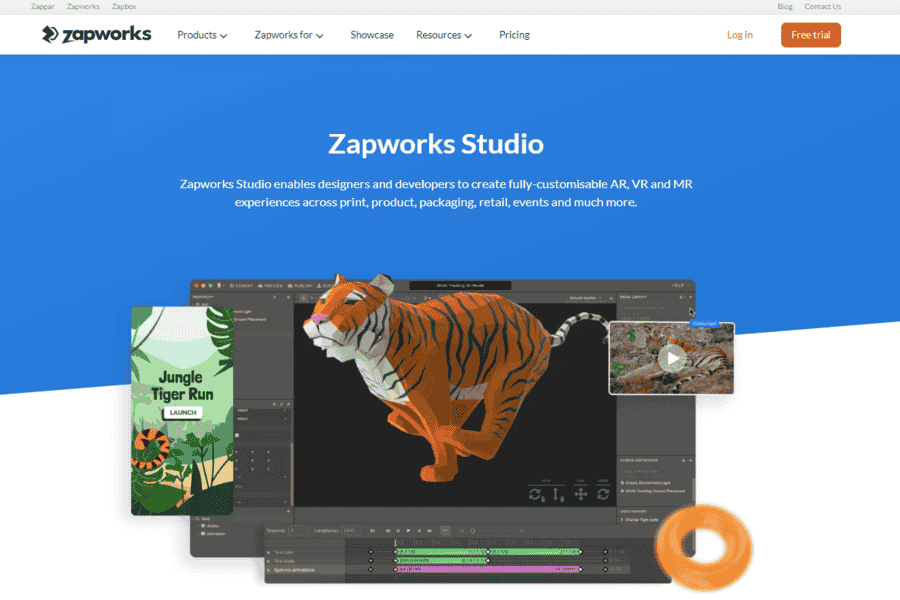
A complete AR toolkit for creating, managing, and deploying AR experiences across multiple platforms.
Pros:
- Multi-platform compatibility.
- Drag-and-drop interface.
- Strong community support.
Cons:
- Requires premium subscription for advanced features.
- Less suited for high-end AR projects.
Pricing Package:
Starts at $50/month.
BlippAR
BlippAR is a strong platform offering AR creation tools for businesses and educators, with AI-enhanced features for high-quality designs.
Pros:
- No coding is required.
- Wide application across industries.
- AI-powered design assistance.
Cons:
- Expensive for small businesses.
- There is limited customization in the free version.
Pricing Package:
Custom pricing based on requirements.
Vuforia Studio
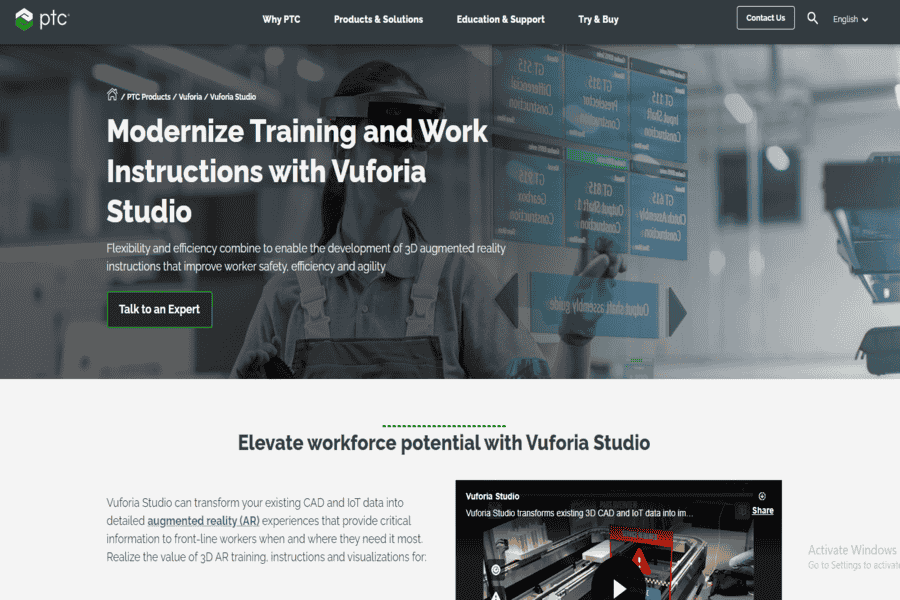
A leading AR solution by PTC, allowing users to create scalable and interactive 3D experiences for industrial and enterprise use.
Pros:
- Industry-focused tools.
- Integration with CAD systems.
- AR for IoT devices.
Cons:
- Requires technical expertise.
- Pricing is enterprise-focused and high.
Pricing Package:
Custom pricing for enterprise solutions.
Wikitude Studio
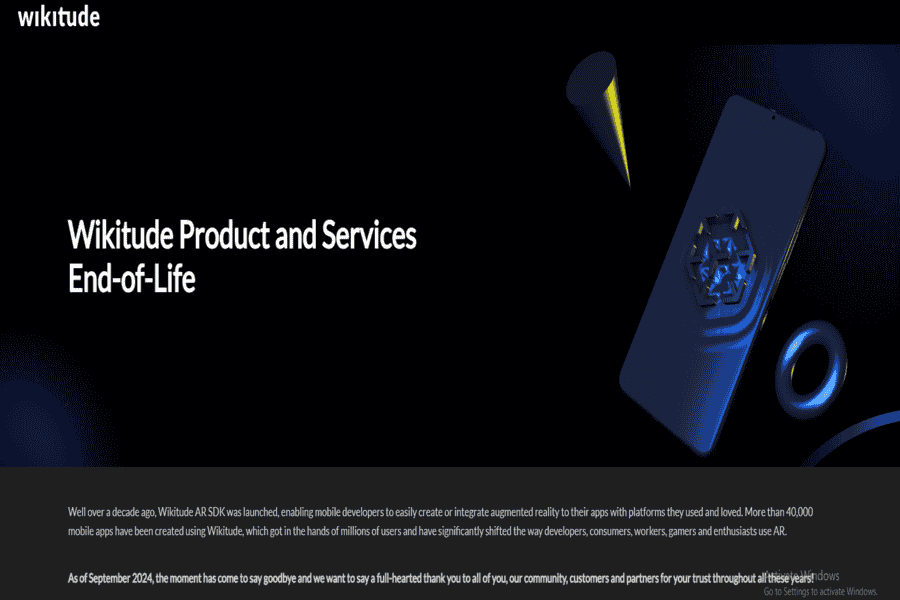
Wikitude Studio is a versatile AR creation platform for apps, offering features like image recognition, location-based AR, and more.
Pros:
- Multi-platform support.
- Works well with Unity and Cordova.
- Great for geo-based AR experiences.
Cons:
- Requires some programming knowledge.
- High licensing fees for commercial use.
Pricing Package:
Starts at €249/month.
ROAR AR
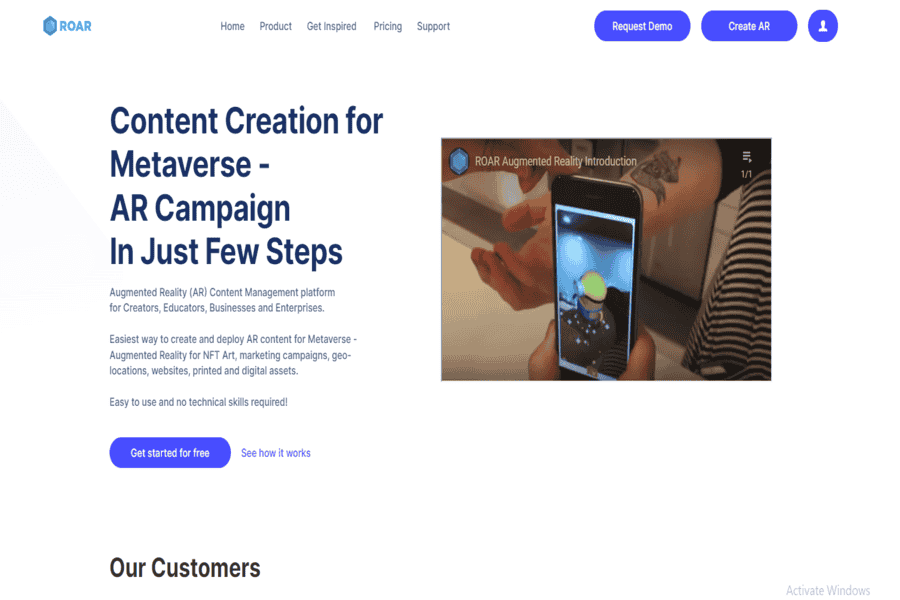
ROAR is a user-friendly AR platform for businesses, enabling them to create interactive AR experiences for retail and marketing.
Pros:
- Focused on retail and marketing applications.
- No coding is required.
- Strong analytics for campaigns.
Cons:
- Limited use of outside marketing scenarios.
- High pricing for premium features.
Pricing Package:
Free version available; premium plans start at $99/month.
HoloBuilder
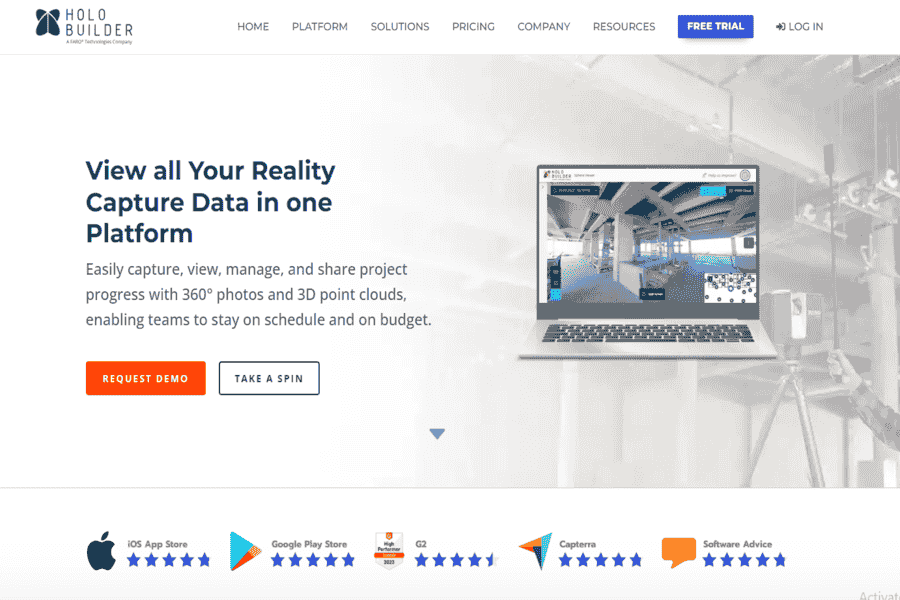
HoloBuilder specializes in creating AR environments for construction and architecture, offering advanced tools for 360° virtual tours.
Pros:
- Ideal for construction documentation.
- Integrates with BIM software.
- Easy collaboration across teams.
Cons:
- Limited to specific industries.
- High pricing for small teams.
Pricing Package:
Custom pricing based on needs.
Challenges and Limitations
These tools have real limits. Convincing real-time AR rendering is genuinely computationally demanding, which is part of why so many of these platforms are web- or cloud-assisted rather than fully on-device. Training and improving AI-driven scene understanding requires real volumes of environmental data, which smaller studios don’t always have access to. And AI-generated AR content raises real ethical questions around consent (face filters, likeness) and appropriate use, worth taking seriously rather than treating as an afterthought.
Where This Is Headed
More advanced AI algorithms keep improving how naturally digital content anchors to and interacts with the real world. Integration with adjacent technologies. AI assistants, IoT sensors, spatial computing headsets, is expanding what AR environments can actually respond to. And as the underlying platform landscape keeps shifting (as this list’s own Spark AR and Unity MARS entries show), ethical AI practices and platform stability are becoming real factors in which tool a team commits to, not just feature checklists.
The 10 tools above split into social-platform-specific tools (Lens Studio) for a single app’s audience, web-first cross-platform tools (8thWall, Zappar Studio, Wikitude Studio) that skip app-store friction entirely, and enterprise/engine-based platforms (Unity AR Foundation, Vuforia Studio, HoloBuilder) for more involved production work. Given how much churn this specific category has seen. Two of the ten tools here needed replacing for platform shutdowns or deprecation, it’s worth checking a platform’s own roadmap and update cadence before committing significant development time to it.


