Freemium Verified

Vectorizer.AI

Converts raster images into clean, editable vector graphics

4.3 Design
4.3 Very good 4.3

Bottom line: Vectorizer.AI is a strong design tool, best known for raster-to-vector image conversion (PNG/JPG to SVG/EPS). It has a free plan.

Genuinely specialized, accurate raster-to-vector conversion Narrow scope limited to this one specific conversion task
Reviewed by Challenging Voice Editorial · Updated Jul 2026 How we rate
PricingFrom $10/mo
Free planYes
CompanyVectorizer.AI
PlatformsAPI, Web
Best forDesign
Visits6
Last reviewedJul 2026
UpdatedJul 2026
Ask AI about Vectorizer.AI ChatGPT Claude Perplexity

Overview

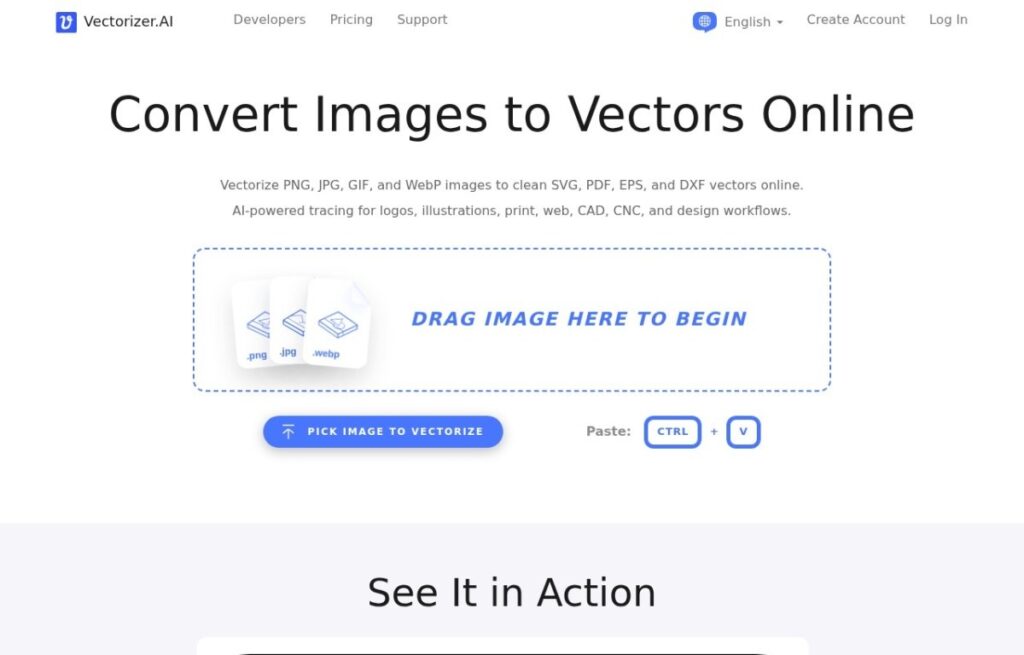
Vectorizer.AI does one specific, technical job: converting a raster image, a PNG or JPG with fixed pixel dimensions, into a true vector graphic, an SVG or EPS file that scales to any size without losing quality, a conversion designers previously did manually or with older, less accurate automated tools.

That narrow scope matters for a specific, recurring design need: taking a logo or graphic that only exists as a raster file, an old scanned logo, a low-resolution download, and producing a clean vector version usable for large-format printing, embroidery, or any application requiring infinite scalability without pixelation.

A free tier covers limited conversions, and paid plans start around $10 a month for more volume and higher accuracy settings. For anyone specifically needing to convert a raster image into a genuinely usable, clean vector file, Vectorizer.AI's narrow, technical focus on that exact conversion remains a specialized option other broader design tools don't replicate as precisely.

Key features

Screenshots & demo

Vectorizer.AI screenshot 1

Pricing

Vectorizer.AI has a free plan, and paid plans start at $10/mo.

  • Pricing modelFreemium
  • Starting priceFrom $10/mo
  • Free planYes
Visit Vectorizer.AI

Pricing is provided as a guide. Check the official site for the latest plans.

Pros & cons

Pros

  • Genuinely specialized, accurate raster-to-vector conversion
  • Solves a specific, recurring need broader design tools handle less precisely
  • Free tier available for occasional use
  • Output usable for large-format printing and embroidery

Cons

  • Narrow scope limited to this one specific conversion task
  • Higher volume and accuracy settings require a paid plan
  • Not useful for anyone who doesn't specifically need raster-to-vector conversion

How it compares

ToolRatingFreeFromBest known for
Vectorizer.AI (this tool)4.3Yes$10/moRaster-to-vector image conversion (PNG/JPG to SVG/EPS)
Durable4.7Yes$25/moWebsite generation marketed at roughly 30 seconds
Relume4.7Yes$26/moAI-generated wireframes and page structure from a prompt
Canva4.7Yes$15/moMagic Studio suite of AI design tools

Our verdict

4.3 / 5 4.3

Vectorizer.AI is a strong design tool, best known for raster-to-vector image conversion (PNG/JPG to SVG/EPS). It offers a free plan, with paid upgrades from $10/mo.

What makes it different: Vectorizer.AI stands out for raster-to-vector image conversion (PNG/JPG to SVG/EPS).

How we score it
Overall 4.3
Value for money 4.7
Feature depth 4.9
Popularity 3.7
Best for ProfessionalsTeamsCreatorsCurious learners

Frequently asked questions

What is Vectorizer.AI?
Vectorizer.AI is a design tool listed in the Challenging Voice directory. Converts raster images into clean, editable vector graphics.
Is Vectorizer.AI free?
Yes, Vectorizer.AI offers a free plan. Paid plans unlock more features and higher usage limits, starting at $10/month.
How much does Vectorizer.AI cost?
Vectorizer.AI starts at $10 per month. See the pricing plans above for full details.
What are the best Vectorizer.AI alternatives?
Popular alternatives to Vectorizer.AI include Plus AI, Beautiful.ai, and Napkin AI. Browse them all in the Design category.
Is Vectorizer.AI any good?
Vectorizer.AI scores 4.3 out of 5 based on our editorial review.

Reviews

4.3 No reviews yet

Write a review

Similar tools you might like