Freemium Verified

Visla

A storyboard-first workflow built around team collaboration and screen recordings

4.2 Video
4.2 Very good 4.2

Bottom line: A storyboard-first workflow built around team collaboration and screen recordings. Free plan available.

Storyboard step gives a reviewable plan before committing to full production More features require a paid plan
Reviewed by Challenging Voice Editorial · Updated Jul 2026 How we rate
PricingFrom $9/mo
Free planYes
CompanyVisla, Inc.
PlatformsWeb
Best forVideo
Founded2020
Visits32
Last reviewedJun 2026
UpdatedJul 2026
Ask AI about Visla ChatGPT Claude Perplexity

Overview

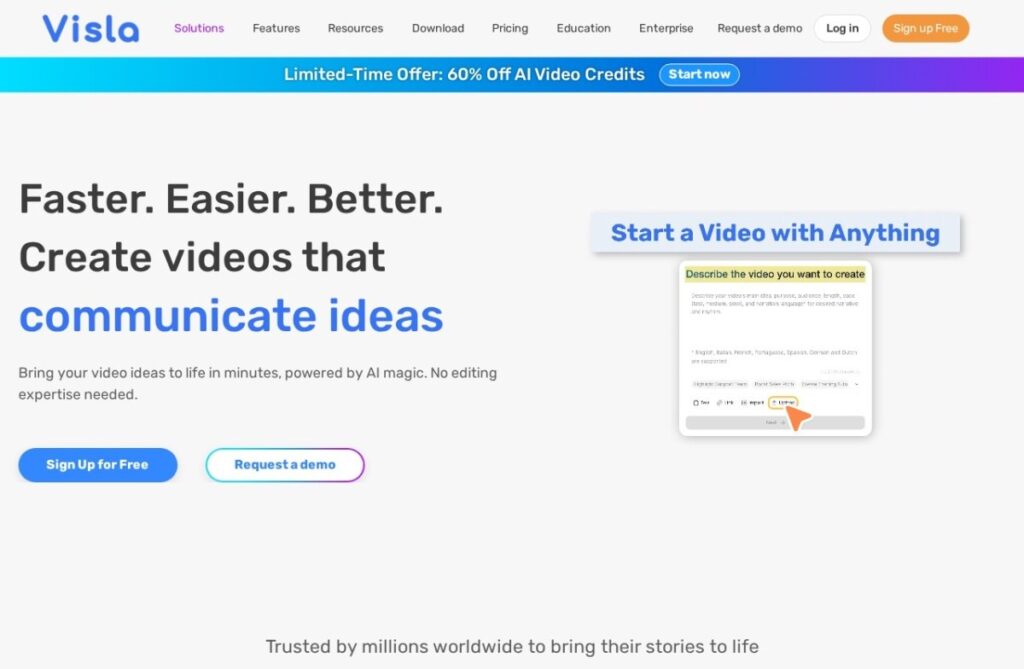
Visla, founded in 2020 by Visla, Inc., builds video creation around a storyboard-first workflow: an AI generates a structured storyboard from a topic or script before any actual video assembly happens, giving a team a reviewable plan to approve or adjust before committing to full production, rather than generating a finished video directly from a single prompt.

That storyboard step pairs with strong team-collaboration and workspace features, plus direct screen-recording-to-video conversion, positioning Visla toward teams producing video collaboratively from a mix of screen captures and planned content, rather than a solo creator working from prompts alone.

A free tier covers standard use, and paid plans start around $9 a month for more features. For a team that wants a reviewable storyboard step before full video production, plus screen-recording conversion and collaborative workspace tools, Visla's storyboard-first, team-oriented workflow addresses that combination directly.
Key features

  • Storyboard-first workflow with a reviewable plan before full production
  • Direct screen-recording-to-video conversion
  • Free tier for standard use
  • Operating since 2020
  • Team collaboration and shared workspace features
  • AI-assisted editing and script generation

Screenshots & demo

Pricing

Visla has a free plan, and paid plans start at $9/mo.

  • Pricing modelFreemium
  • Starting priceFrom $9/mo
  • Free planYes
Visit Visla

Pricing is provided as a guide. Check the official site for the latest plans.

Is Visla expensive?

Visla starts at $9, which is 44% below the Video median of $15.95 a month across the 130 priced tools we list in that category.

The cheapest paid option in Video starts at $0.5 and the most expensive at $295.

65% of Video tools in the directory offer a free tier, and this is one of them.

Compared against every priced listing in Video, recalculated as the catalogue changes. Method and the full market breakdown are in our AI tool pricing study.

Pros & cons

Pros

  • Storyboard step gives a reviewable plan before committing to full production
  • Free tier available for standard use
  • Screen-recording conversion suits tutorial and training content directly
  • Team collaboration features suit group production workflows well

Cons

  • More features require a paid plan
  • Storyboard-first workflow adds a planning step some solo creators may not want
  • Less avatar realism than dedicated avatar-first competitors

How it compares

ToolRatingFreeFromBest known for
Visla (this tool)4.2Yes$9/moStoryboard-first workflow with a reviewable plan before full production
Boords4.3Yes$29/moAI script-to-storyboard frame generation
Pictory4.4Yes$19/moAccepts text, PPTs, images, screen recordings, URLs, and existing video as source material
CinemaDrop3.5YesFreeScript generation with scenes, dialogue and structure

Alternatives to Visla

4 tools matched to Visla on what they do, their category and their price.

Boords

4.3

Turns a script into frame-by-frame storyboards with AI, then keeps client approvals in one shared link.

Freemium Video

Frequently asked questions

What is Visla?
Visla is a video tool. A storyboard-first workflow built around team collaboration and screen recordings.
Is Visla free?
Yes, Visla offers a free plan. Paid plans unlock more features and higher usage limits, starting at $9/month.
How much does Visla cost?
Visla starts at $9 per month. See the pricing plans above for full details.
What are the best Visla alternatives?
The closest matches in the directory are Boords, Pictory, and CinemaDrop, compared side by side above.

Reviews

4.2 No reviews yet

Write a review

More tools like Visla

Vibeknow

3.8

Turns a doc or slide deck directly into an explainer video, skipping the usual screen-recording-plus-voiceover workflow.

Freemium Video