
List your tool
Freemium Verified

Kapwing

Browser-based, real-time collaborative editing, with roots in meme-making

4.4 Video
4.4 Very good 4.4
Real-time collaboration is a genuine structural differentiator for team editing Watermark-free export requires a paid plan
Reviewed by Challenging Voice Editorial · Updated Jul 2026 How we rate
PricingFrom $16/mo
Free planYes
CompanyKapwing
PlatformsWeb
CategoryVideo
Founded2017
Last reviewedJun 2026
UpdatedJul 2026

Is this your tool?

  • Claim this listing. Sign in with an email at kapwing.com to manage it. Claim Kapwing
  • Get into the top 5 of Video. 5 of 5 spots open, from $159/month. See positions
  • Something out of date? Owners can request edits from My listings; anyone can tell us.
Ask AI about Kapwing ChatGPT Claude Perplexity

Overview

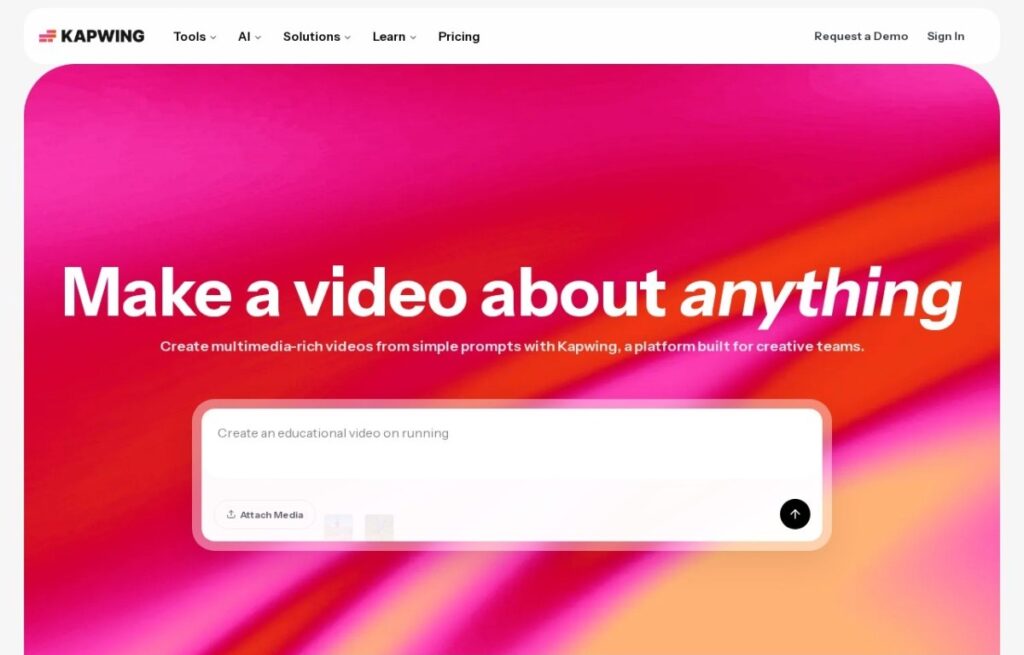
Kapwing, founded in 2017, runs entirely in the browser with real-time collaborative editing, multiple team members working on the same video project simultaneously the way Google Docs supports simultaneous document editing, a structural emphasis on team collaboration that several avatar-generation and template tools in this category don't build around directly.

Its original reputation grew from meme-making and fast, casual social content tools before expanding into fuller video editing, subtitle generation, and AI-assisted editing features, a lighter, more casual creative heritage than the professional-filmmaking or corporate-training positioning of several competitors covered elsewhere in this category.

A free tier covers standard use with a watermark, and paid plans start around $16 a month for watermark-free export and more features. For a team that wants real-time, Google-Docs-style collaborative video editing directly in the browser, rather than a single-user tool, Kapwing's collaborative-first architecture addresses that directly.

Key features

  • Real-time collaborative editing with multiple simultaneous users
  • Browser-based, no software installation required
  • Free tier for standard use, with a watermark on exports
  • Operating since 2017
  • Roots in meme-making and casual social content tools
  • Automatic subtitle generation and AI-assisted editing

Screenshots & demo

Demo video

Screenshots

Kapwing screenshot 1

Pricing

Free
$0
  • 10 credits
  • Unlimited exports with watermark
  • Exports up to 4 min
  • 720p quality
Pro
$24/mo
  • 1,000 credits/month
  • No watermark
  • 4K export resolution
  • Brand kit and custom fonts
  • 100GB cloud storage
Business
$64/mo
  • 4,000 credits/month
  • Custom voice clones
  • Lip sync videos
  • 500GB cloud storage
  • Dubbing up to 200 min/month

Is Kapwing expensive?

Kapwing starts at $16, which is right at the Video median of $15.95 a month across the 144 priced tools we list in that category.

The cheapest paid option in Video starts at $0.5 and the most expensive at $295.

64% of Video tools in the directory offer a free tier, and this is one of them.

Compared against every priced listing in Video, recalculated as the catalogue changes. Method and the full market breakdown are in our AI tool pricing study.

Pros & cons

Pros

  • Real-time collaboration is a genuine structural differentiator for team editing
  • Free tier available to test core functionality
  • Casual, accessible heritage suits quick social content well
  • Browser-based access requires no installation

Cons

  • Watermark-free export requires a paid plan
  • Less avatar or cinematic-generation depth than specialized competitors
  • Casual heritage may feel less suited to formal corporate or broadcast content

How it compares

ToolRatingFreeFromBest known for
Kapwing (this tool)4.4Yes$16/moReal-time collaborative editing with multiple simultaneous users
Veed.io4.3Yes$18/moComprehensive browser-based editing covering subtitles, AI editing, and avatars
FlexClip4.3Yes$12/moBrowser-based editing requiring no software installation
EasySub3.2YesFree90%+ recognition accuracy audio-recognition AI

Alternatives to Kapwing

4 tools matched to Kapwing on what they do, their category and their price.

EasySub

3.2

150+ languages, 90%+ recognition accuracy, all in the browser – AI subtitle generation, transcription, and translation with a free 30-minute tier and $0.20/minute after that.

Freemium Video

Frequently asked questions

What is Kapwing?
Kapwing is a video tool. Browser-based, real-time collaborative editing, with roots in meme-making.
Is Kapwing free?
Yes, Kapwing offers a free plan. Paid plans unlock more features and higher usage limits, starting at $16/month.
How much does Kapwing cost?
Kapwing plans: Free $0; Pro $24/mo; Business $64/mo.
What are the best Kapwing alternatives?
The closest matches in the directory are Veed.io, FlexClip, and EasySub, compared side by side above.

Reviews

4.4 Editorial rating No reviews yet

Write a review

More tools like Kapwing

Visla

4.2

A storyboard-first workflow built around team collaboration and screen recordings

Freemium Video

Dreamlux

3.9

Browser-based AI video generator that turns text prompts and still images into short, watermark-free clips.

Freemium Video