
AI-powered logo and brand-design tools generate visual identities from a prompt, a few style preferences, or an existing brief, cutting a process that once needed a designer and days of back-and-forth down to minutes. That doesn’t replace design judgment, but it does make a professional-looking starting point accessible to businesses that could never have afforded custom design work. Pairing this with Voice cloning tools Lets brands extend that same identity into a consistent, recognizable brand voice across video and audio content.
Top AI Tools for Logo and Brand Design
Atom.com
Create a logo in seconds with Atom.com’s AI-powered logo maker, trained on thousands of real logos and used daily by the company for real marketing material.
Pros
Choose from multiple styles, including wordmark and abstract icons
Every logo is unique and not based on templates
Cons
Limited customization
Pricing package
First six logos are free to create
Design.com
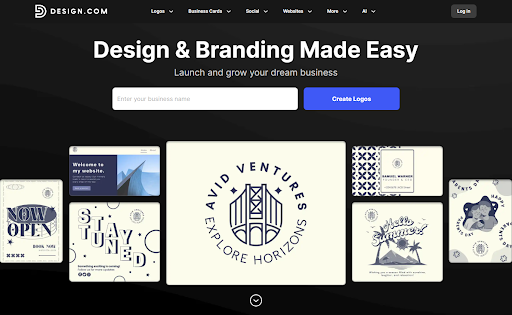
Design.com Uses the power of advanced AI to give beautiful and professional-level designs, fast.
Pros:
- Beginner-friendly controls and interface.
- A wide variety of templates fit for any industry.
- Unique fonts, icons, and other image assets.
Cons:
- Requires payment to download and use the logo.
- Customization options are less advanced.
Pricing Package:
Free; Paid plan starts at $5/month
Canva
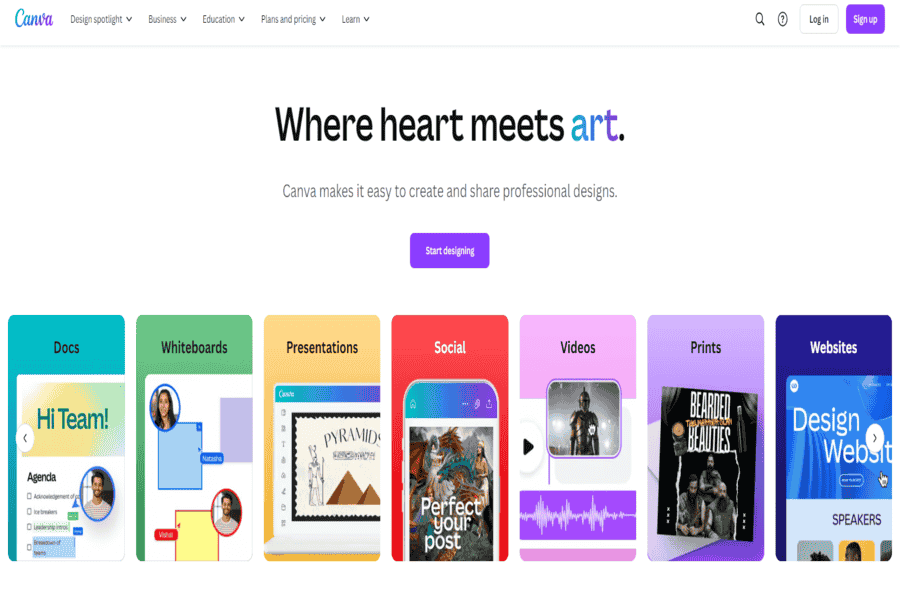
Canva offers an easy-to-use design platform with AI-powered tools for creating logos, branding materials, and social media graphics.
Pros:
- User-friendly drag-and-drop interface.
- Huge library of templates and elements.
Cons:
- There are limited customization options in the free version.
- Some advanced features require a Pro subscription.
Pricing Package:
Free; Pro starts at $12.99/month.
Looka
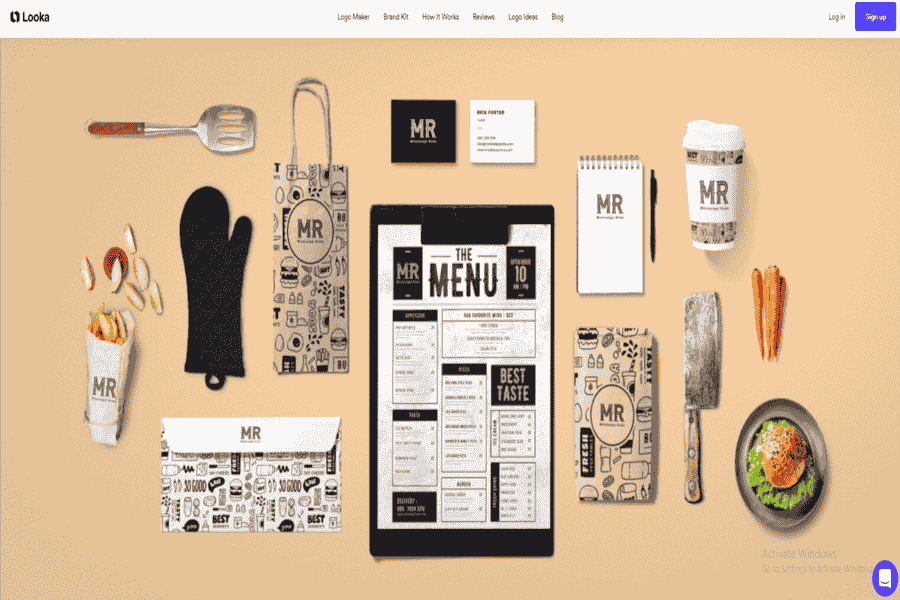
Looka combines AI with professional design principles to create logos and branding kits.
Pros:
- Customizable logo designs.
- Branding kit generation with matching templates.
Cons:
- Final downloads require payment.
- Limited free options.
Pricing Package:
Logo downloads start at $20; Brand kits start at $4.99/month.
Tailor Brands
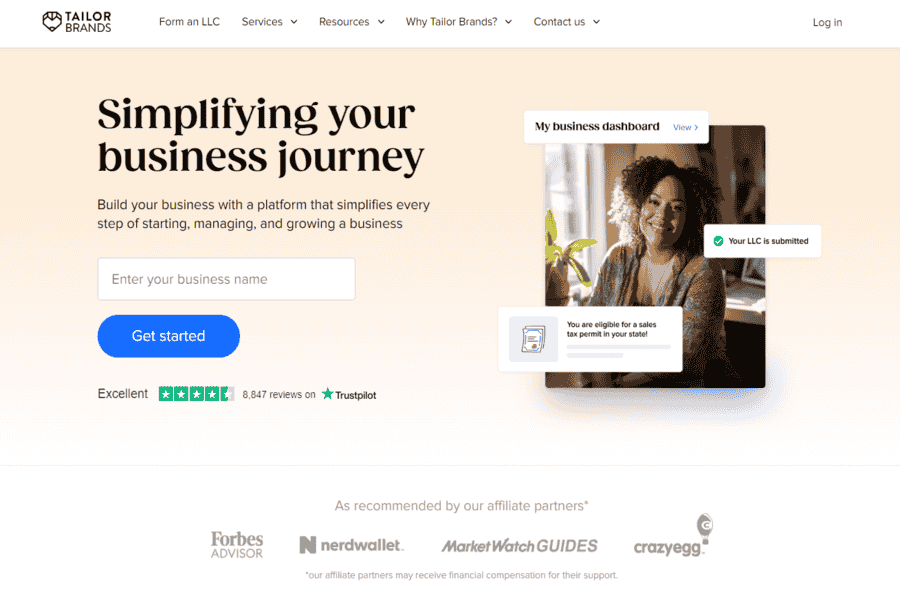
An AI-driven tool that helps businesses create logos and establish a cohesive brand identity.
Pros:
- Comprehensive branding solutions.
- Offers social media and website branding tools.
Cons:
- Subscription-based pricing can be costly for occasional users.
- Limited logo design options for non-subscribers.
Pricing Package:
Starts at $9.99/month.
DesignEvo
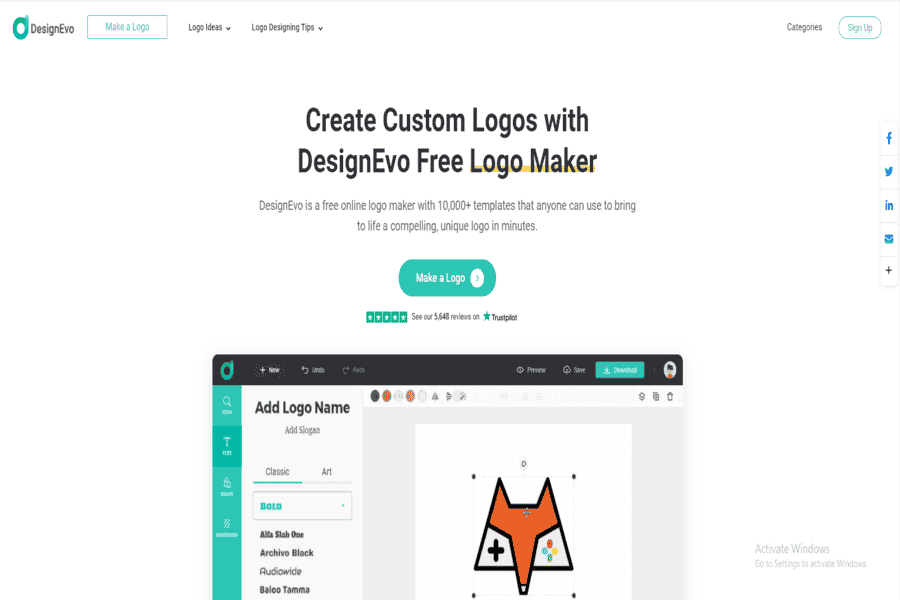
A free logo design tool with AI-powered features to create professional-quality logos in minutes.
Pros:
- Over 10,000 templates are available.
- Easy to use and customizable.
Cons:
- Limited features in the free version.
- Requires payment for high-resolution downloads.
Pricing Package:
Free: Paid plans start at $24.99.
LogoMakr
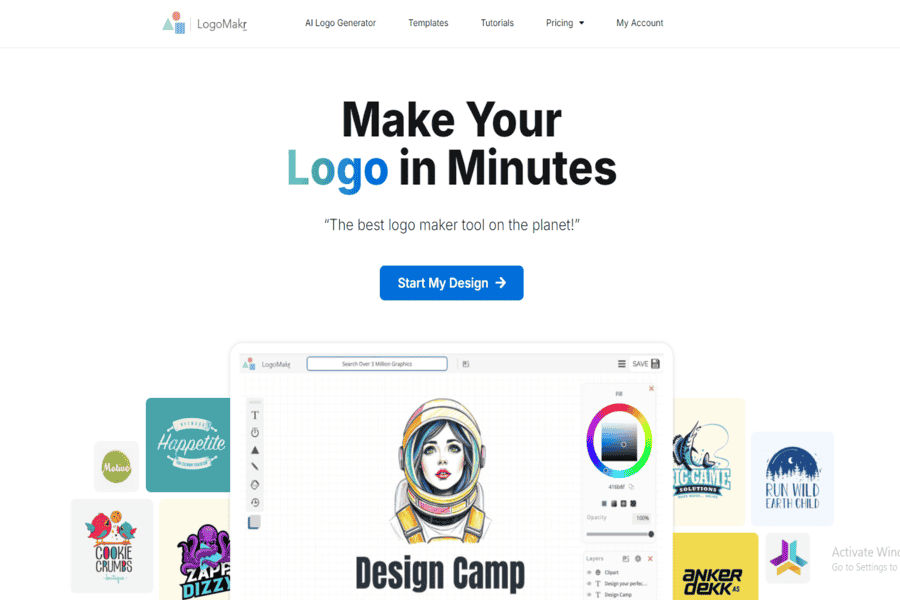
LogoMakr provides a simple yet effective AI-driven interface for creating logos quickly.
Pros:
- Free to use for basic designs.
- Intuitive drag-and-drop editor.
Cons:
- High-resolution downloads require payment.
- Limited design flexibility.
Pricing Package:
Free; High-res logos cost $19.
Wix Logo Maker
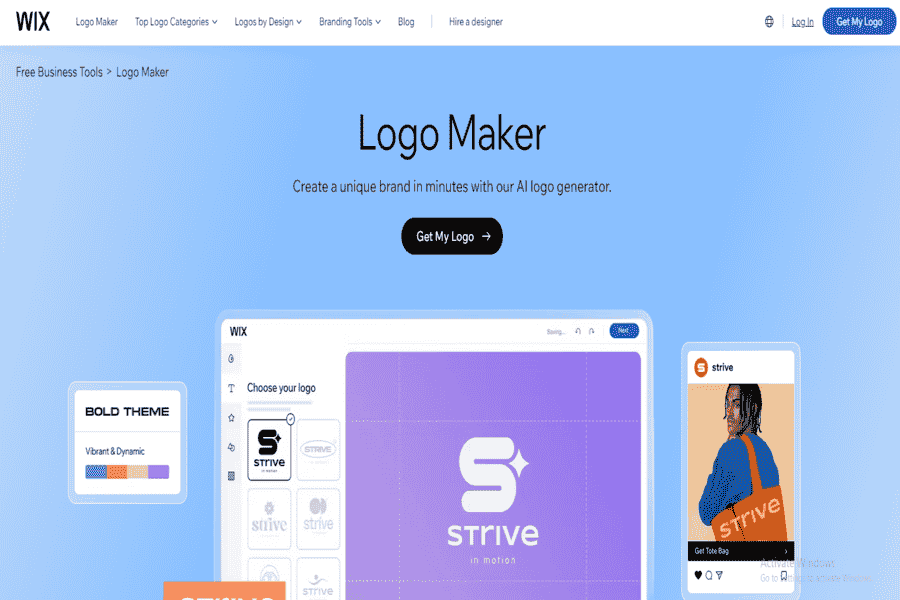
Part of the Wix ecosystem, this AI-based tool helps create logos that can integrate smoothly with a Wix website.
Pros:
- Full branding solutions are available.
- Integration with Wix website builder.
Cons:
- Paid downloads only.
- Limited to Wix platform users for full features.
Pricing Package:
Logo-only plans start at $20.
Hatchful by Shopify
Hatchful is a free logo generator that provides AI-designed logos for small businesses and entrepreneurs.
Pros:
- Completely free to use.
- User-friendly interface.
Cons:
- Limited customization options.
- Basic designs compared to other tools.
Pricing Package:
Free.
LogoAI
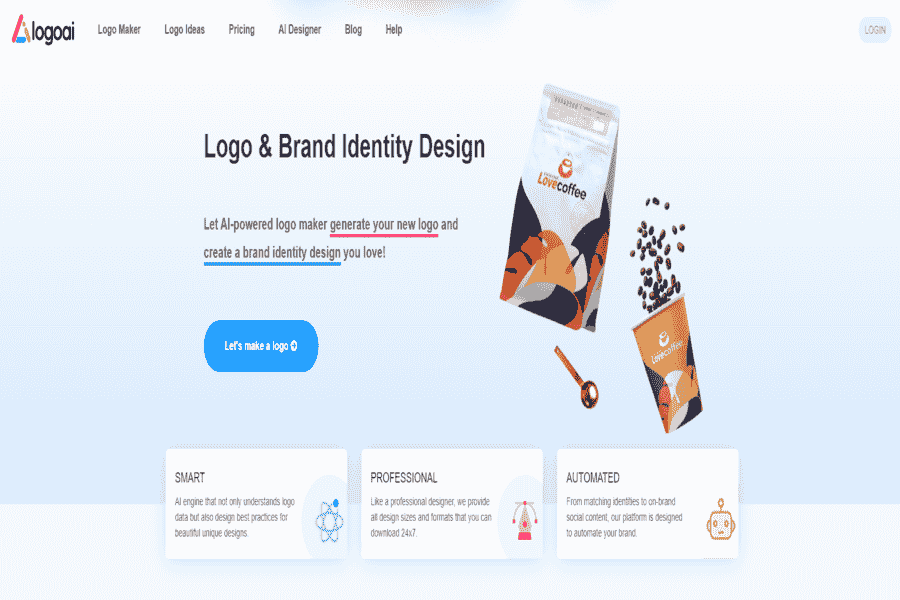
LogoAI Uses machine learning to generate professional logos and brand kits.
Pros:
- Offers a variety of templates and color schemes.
- Instant previews of designs.
Cons:
- Requires purchase to download designs.
- Limited free features.
Pricing Package:
Logo downloads start at $29.
Brandmark
Brandmark Uses AI to generate modern logos and branding materials tailored to user input.
Pros:
- High-quality, unique designs.
- Offers full branding kits.
Cons:
- Expensive compared to competitors.
- Limited free usage.
Pricing Package:
Starts at $25.
Designs.ai
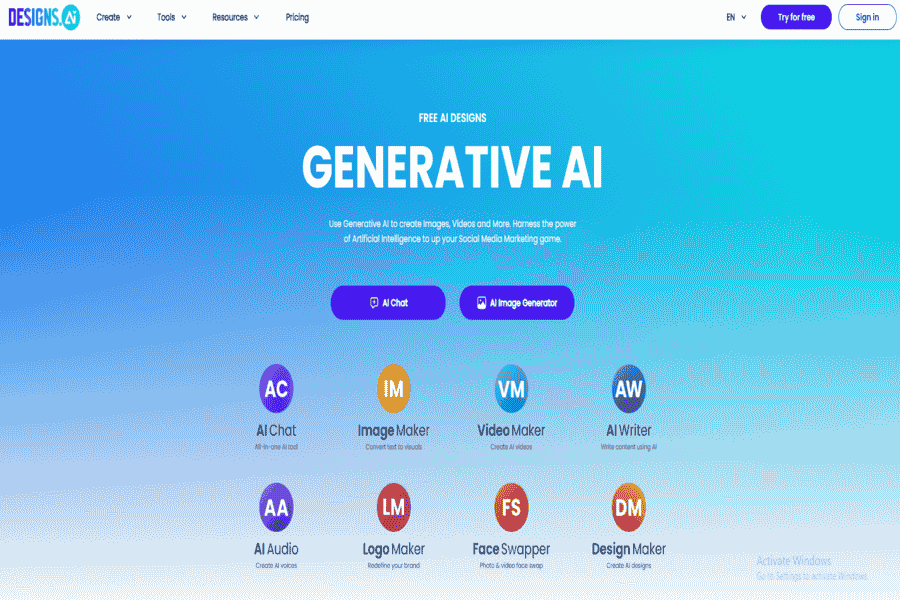
Designs.ai Offers an AI-powered logo maker and tools for creating branding assets and marketing materials.
Pros:
- All-in-one platform for branding.
- Fast and intuitive interface.
Cons:
- Requires a subscription for full access.
- Limited free downloads.
Pricing Package:
Starts at $29/month.
Logo Genie
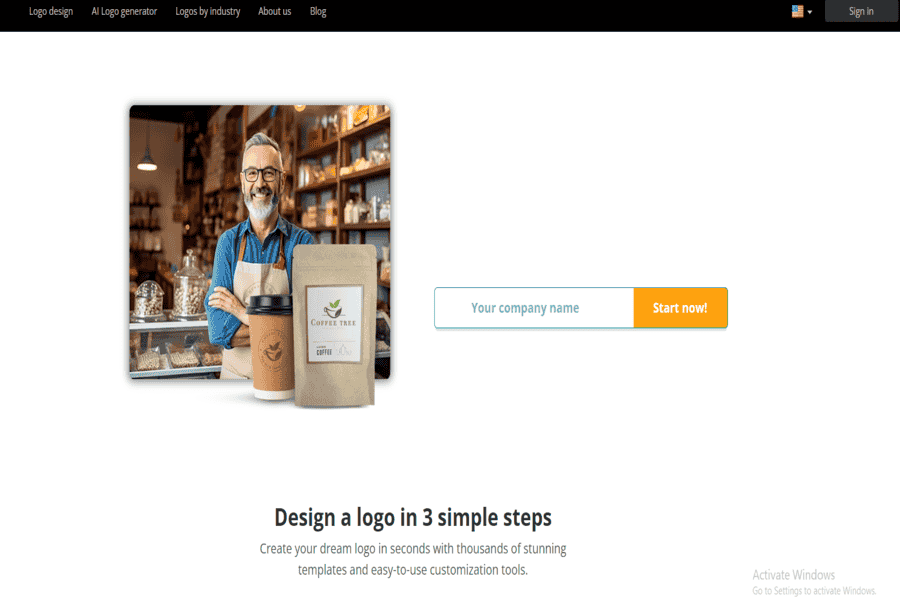
Logo Genie uses AI to generate professional logos and branding materials quickly and easily.
Pros:
- Quick logo generation process.
- Customizable templates.
Cons:
- Requires payment for high-resolution files.
- There are limited options in the free version.
Pricing Package:
Starts at $24.95 for a logo.
Logaster
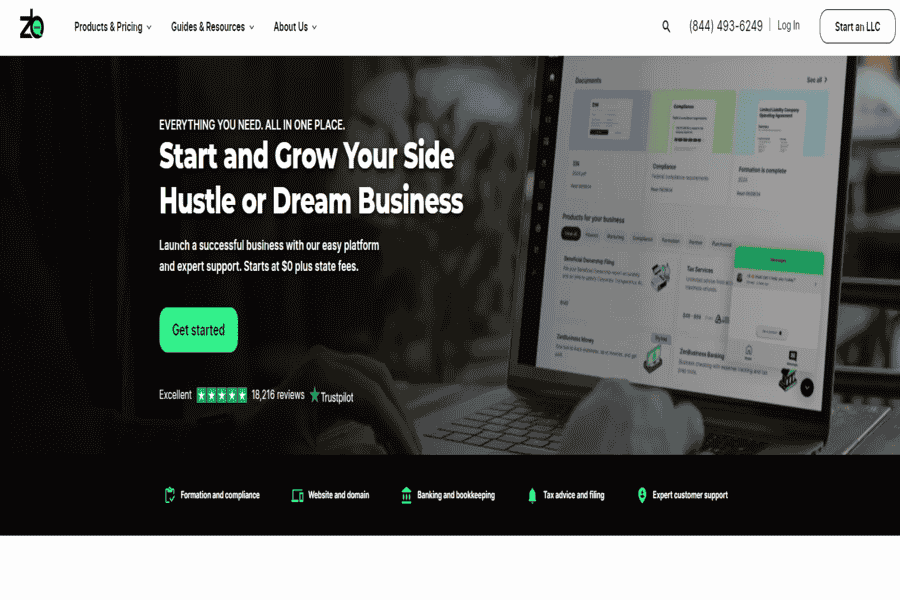
Logaster uses AI to create logos and provide a full suite of branding tools, including business cards, social media assets, and more.
Pros:
- Easy-to-use interface.
- Offers brand kits along with logos.
Cons:
- High-resolution files require payment.
- Limited customization in the free version.
Pricing Package:
Starts at $9.99 for a logo download.
Designhill Logo Maker
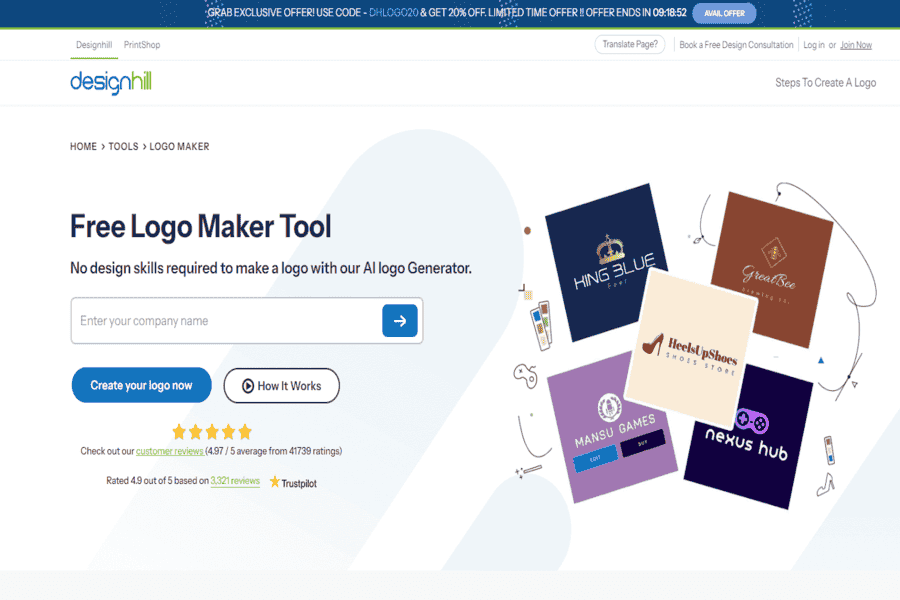
Designhill’s AI-driven logo maker allows users to create high-quality logos in minutes.
Pros:
- Provides a wide range of customizable templates.
- Affordable pricing options.
Cons:
- Downloading high-res logos requires payment.
- Limited free features.
Pricing Package:
Starts at $20 for a logo.
Placeit by Envato
Logo, mockup, and design-template generator with thousands of customizable templates for logos, video intros, and product mockups. Replaces “LogoCraft”. Its domain (logocraft.com) no longer hosts a logo-design tool at all; it now serves a real-money card-game gambling app download page, unrelated to design entirely.
Pros:
- Huge template library covering logos, mockups, and video intros.
- No design skill needed to get a polished result.
Cons:
- Template-based, so results can look similar to other users’ work.
Pricing Package:
Subscription-based; free trial available.
Ucraft Logo Maker
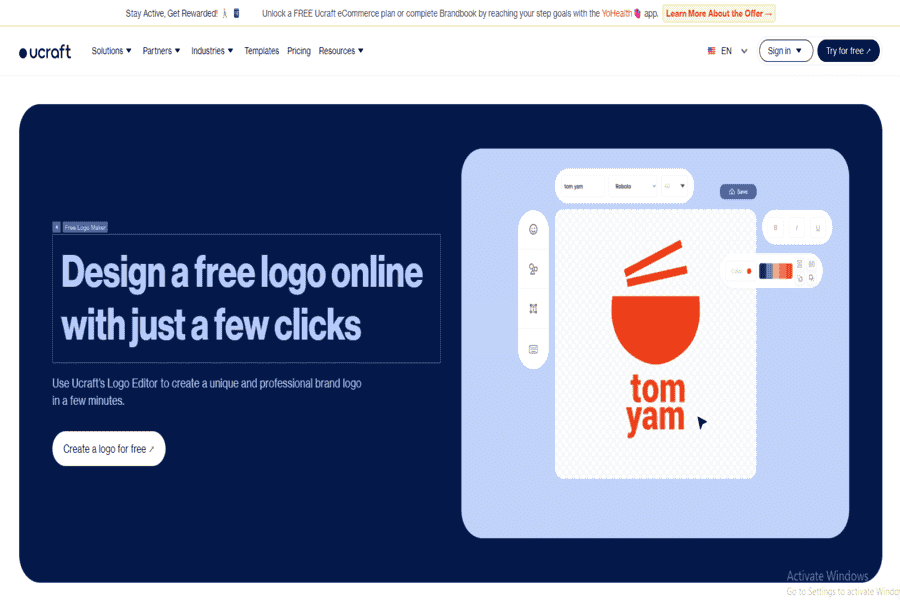
Ucraft offers an AI-powered logo maker tool that allows users to create simple, professional logos and download them for free.
Pros:
- Free to use for basic logos.
- Easy-to-use editor.
Cons:
- Limited design templates.
- High-res logo downloads require payment.
Pricing Package:
Free for basic logos; $10 for high-res logos.
Renderforest
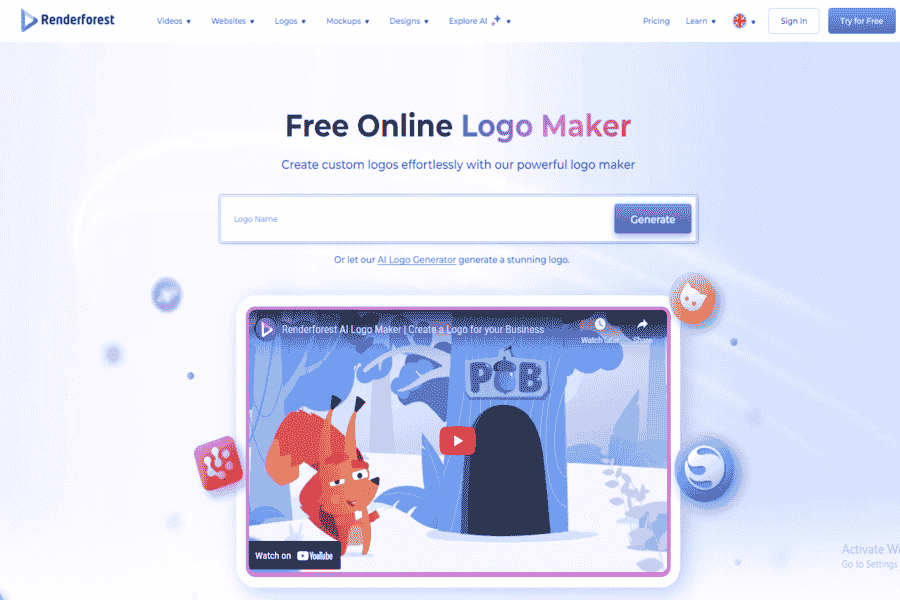
Renderforest‘s free AI Logo Maker is a tool that you can use to create stunning logo designs tailored to your business needs.
Pros:
- Offers a variety of design templates.
- User-friendly interface.
- Provides additional branding tools.
Cons:
- Some features may require a subscription.
- There are limited customization options in the free version.
Pricing Package:
Offers a free version with basic features; premium plans are available for advanced functionalities.
Logomaster.ai
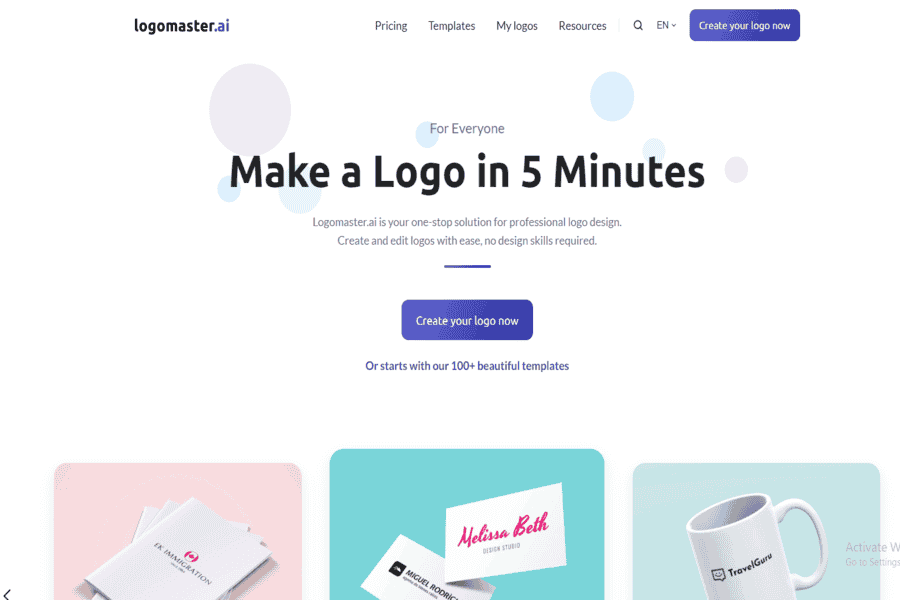
Logomaster.ai is a professional logo design tool that allows users to create and edit logos, requiring no design skills.
Pros:
- Easy-to-use interface.
- Provides a wide range of logo templates.
- No design experience is required.
Cons:
- Some features may be limited in the free version.
- Premium assets require a subscription.
Pricing Package:
Offers a free version with basic features; premium plans are available for advanced functionalities.
Kittl
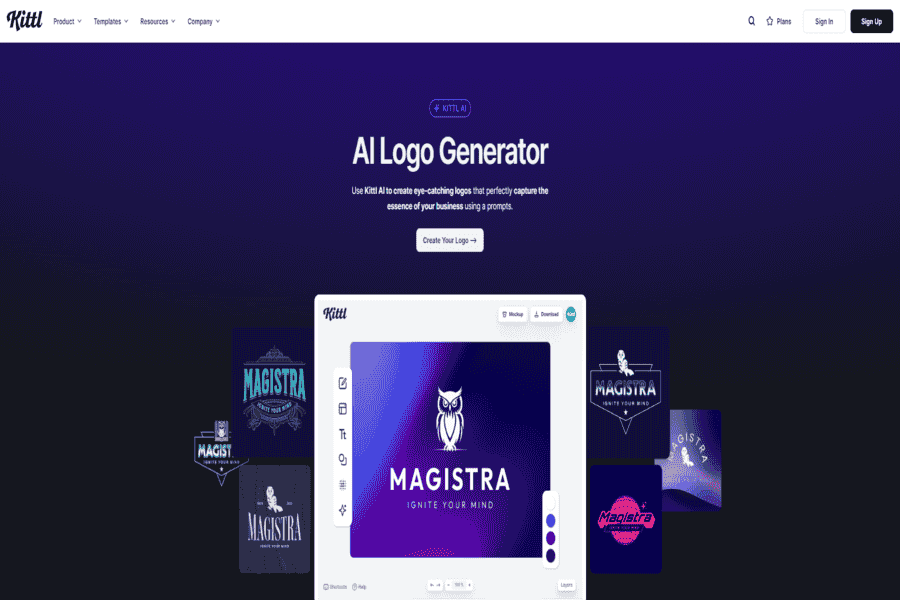
Kittl‘s AI logo design generator uses artificial intelligence algorithms to create unique and professional logos for individuals and businesses.
Pros:
- Generates unique logo designs quickly.
- Offers customization options for fonts, colors, and layouts.
- User-friendly interface.
Cons:
- Limited free version features.
- Some advanced customization options may require a subscription.
Pricing Package:
Offers a free version with basic features; premium plans are available for advanced functionalities.
Adobe Express
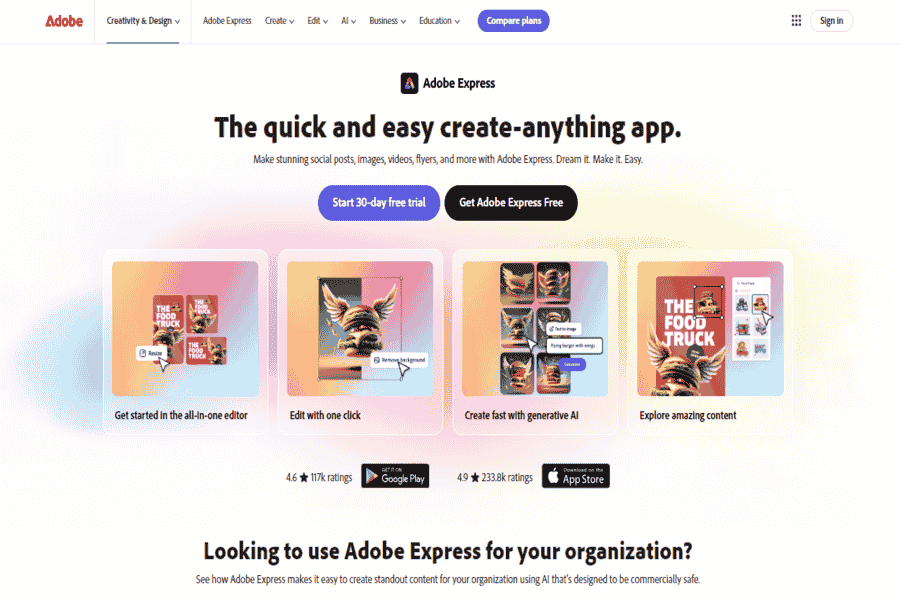
Adobe Express Is a cloud-based design platform that enables users to create videos, PDFs, graphics, and other digital assets. It integrates Adobe’s Firefly AI to assist in generating and customizing designs.
Pros:
- User-friendly interface suitable for beginners.
- Integration with other Adobe products.
- Access to a vast library of templates and assets.
Cons:
- Some advanced features require a subscription.
- Limited offline functionality.
Pricing Package:
Offers a free version with basic features; premium plans start at $10 monthly.
Vectornator
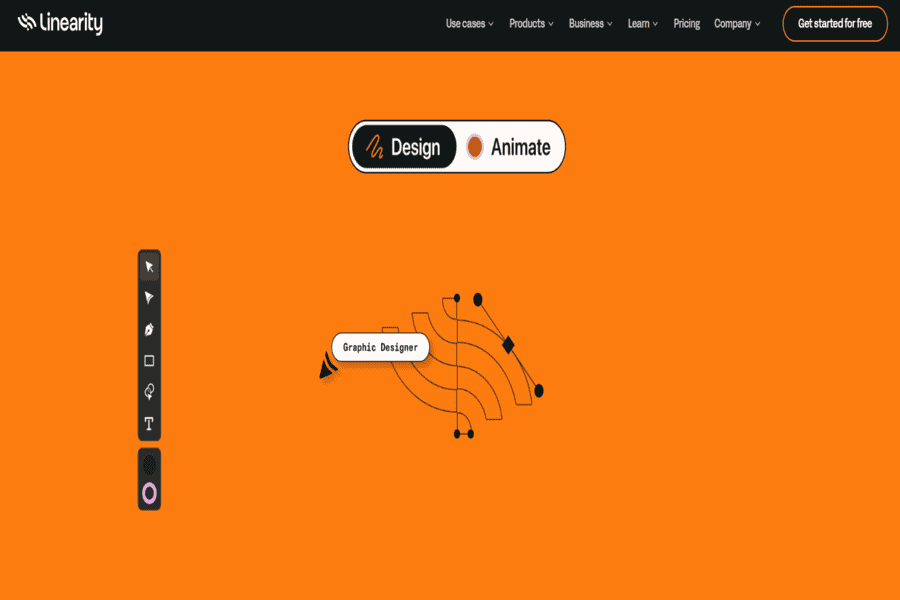
Vectornator is a versatile graphic design tool that uses AI to assist users in creating professional-grade logos, illustrations, and branding materials. Its strong vector graphic editing features cater to both beginners and professionals.
Pros:
- Intuitive user interface suitable for all skill levels.
- Complete vector graphic tools for precision design.
- Smooth integration with other platforms like Adobe Illustrator.
Cons:
- Less advanced AI-specific features compared to dedicated logo tools.
- Desktop functionality is restricted to macOS.
Pricing Package:
Free to use with premium features available for advanced users.
Getting Good Results, and the Trade-offs
AI logo tools work best when you start with a clear sense of your brand identity rather than expecting the tool to invent one for you, describe what you want in specific terms, treat the first result as a starting point rather than a final answer, and run a few iterations before settling. The tools are genuinely cost-effective and fast, and the data-driven suggestions can spark ideas a designer might not reach for, but they still lean on templates more than most brands realize, output can look generic without real customization effort, and a logo made entirely by AI can end up close to what a competitor generates from a similar prompt. A human pass at the end, even a light one, still matters for anything meant to last.
The tools above split roughly into all-in-one design suites (Canva, Adobe Express, Vectornator), dedicated AI logo generators (Looka, Tailor Brands, Brandmark, LogoAI, Designs.ai, Logomaster.ai, Kittl, Atom.com, Design.com), free/simple logo makers (LogoMakr, DesignEvo, Logo Genie, Logaster), and platform-bundled options tied to a specific website builder or e-commerce platform (Wix Logo Maker, Hatchful by Shopify, Designhill Logo Maker, Ucraft Logo Maker, Renderforest, Placeit by Envato). For a first logo on a tight budget, any of the free/simple tier works; for a brand meant to last, budget time for iteration and a final human review regardless of which tool you start with.


