
Freemium

AutoEdit

A Claude-powered Premiere Pro plugin builds talking-head rough cuts by understanding what a creator said.

3.6 Video
3.6 Good 3.6

Bottom line: AutoEdit is a capable video tool, best known for transcript-based editing that understands meaning, not waveform silence alone. It has a free plan.

Meaning-based editing catches redundant or weak takes that pure silence-detection tools miss Extremely new product (Creator Mode launched May 2026) with limited independent long-term reviews
Reviewed by Challenging Voice Editorial · Updated Aug 2026 How we rate
PricingFrom $9.99/mo
Free planYes
CompanyAutoEdit (Eleven Percent)
PlatformsMac, Windows
Best forVideo
Founded2026
Visits1
Last reviewedAug 2026
UpdatedAug 2026
Ask AI about AutoEdit ChatGPT Claude Perplexity

Overview

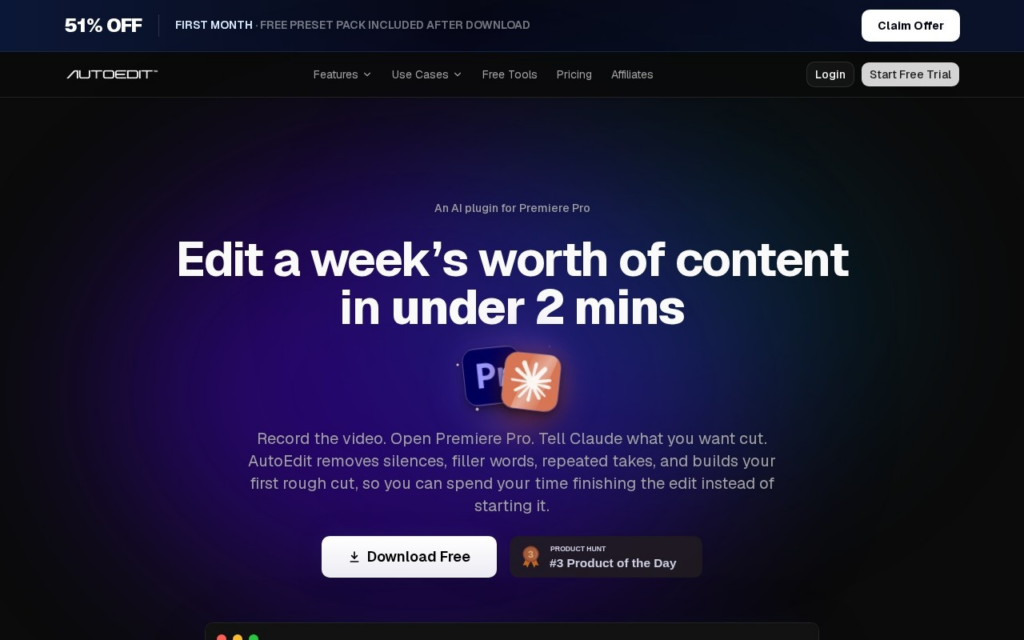
AutoEdit is an AI plugin for Adobe Premiere Pro that builds a rough cut from talking-head footage, removing dead air, repeated takes, and filler words, then adding captions, using Claude to parse the transcript for meaning rather than cutting on waveform silence alone. The product, part of the Eleven Percent plugin suite, comes from solo creator Devin Huynh, a former Los Angeles videographer and editor now based in Thailand, and launched its Creator Mode on Product Hunt on May 29, 2026.

Because the underlying model reads the transcript for content rather than pure audio levels, AutoEdit can detect when a creator restates the same point twice and keep the stronger take instead of preserving every spoken word, and it captions and transcribes across multiple languages as part of the same pass. The tool ships as one plugin with multiple modes, Creator Mode for talking-head content, Music Video Mode for beat-synced edits, and a standalone Selectr B-roll selector, rather than one fixed workflow.

Solo creators and small teams producing high-volume talking-head video, YouTubers, course creators, podcasters, are the target users rather than feature-film editors. Pricing runs a free forever tier (four tools, no AI editing), Lite at $9.99/month (4 videos, 45 minutes of AI editing), Creator at $29.99/month (15 videos, 2 hours), Pro at $79.99/month (40 videos, 5 hours), and custom Business/Enterprise pricing above that.

Key features

  • Transcript-based editing that understands meaning, not waveform silence alone
  • Automatic detection and removal of repeated takes, keeping the stronger version
  • Multi-language transcription and captioning generated in the same editing pass
  • Music Video Mode for beat-synced edits from performance footage and B-roll
  • Selectr, a standalone AI B-roll selector for trimming shaky or blurry clips
  • Free forever tier covering four base tools before any AI editing features are needed

Screenshots & demo

Demo video

Screenshots

AutoEdit screenshot 1

Pricing

AutoEdit has a free plan, and paid plans start at $9.99/mo.

  • Pricing modelFreemium
  • Starting priceFrom $9.99/mo
  • Free planYes
Visit AutoEdit

Pricing is provided as a guide. Check the official site for the latest plans.

Pros & cons

Pros

  • Meaning-based editing catches redundant or weak takes that pure silence-detection tools miss
  • Free tier gives a real starting point before committing to a paid plan
  • Entry-level Lite plan at $9.99/month undercuts most competing AI rough-cut tools
  • Multiple specialized modes (Creator, Music Video, B-roll) cover more than one editing workflow

Cons

  • Extremely new product (Creator Mode launched May 2026) with limited independent long-term reviews
  • Solo-creator-run business, without the support infrastructure of a larger editing-software company
  • Monthly video and AI-editing-time caps on every paid tier can run out during a heavy production month
  • Premiere Pro only, no support for DaVinci Resolve, Final Cut, or other NLEs

How it compares

ToolRatingFreeFromBest known for
AutoEdit (this tool)3.6Yes$9.99/moTranscript-based editing that understands meaning, not waveform silence alone
Pictory4.4Yes$19/moAccepts text, PPTs, images, screen recordings, URLs, and existing video as source material
Pika4.2Yes$10/moPikaffects library of exaggerated transformation effects
Reap4.2Yes$9.99/moPrompt-first clip-finding by topic, intent, or audience angle

Our verdict

3.6 / 5 3.6

AutoEdit is a solid video tool, best known for transcript-based editing that understands meaning, not waveform silence alone. It offers a free plan, with paid upgrades from $9.99/mo.

What makes it different: AutoEdit stands out for transcript-based editing that understands meaning, not waveform silence alone.

How we score it
Overall 3.6
Value for money 4.7
Feature depth 4.9
Popularity 3.7
Best for Video creatorsMarketersAgenciesEducators

Frequently asked questions

What is AutoEdit?
AutoEdit is a video tool listed in the Challenging Voice directory. A Claude-powered Premiere Pro plugin builds talking-head rough cuts by understanding what a creator said.
Is AutoEdit free?
Yes, AutoEdit offers a free plan. Paid plans unlock more features and higher usage limits, starting at $9.99/month.
How much does AutoEdit cost?
AutoEdit starts at $9.99 per month. See the pricing plans above for full details.
What are the best AutoEdit alternatives?
Popular alternatives to AutoEdit include DeepMotion, Deepshot AI, and Noodle Tomato. Browse them all in the Video category.
Is AutoEdit any good?
AutoEdit scores 3.6 out of 5 based on our editorial review.

Reviews

3.6 No reviews yet

Write a review

Similar tools you might like

DeepMotion

4.1

Converts ordinary video footage or text prompts into 3D character animation without motion-capture suits or markers.

Freemium Video

AutoCut

4.3

An AI plugin for Premiere Pro and DaVinci Resolve cuts silences, adds captions, and automates rough edits.

Free Trial Video