
Free Trial

AutoPod

Automatic multi-camera podcast editing for Premiere Pro – handles up to 10 cameras, generates social clips in three formats, and cuts silence based on your own decibel threshold.

3.3 Video
3.3 Good 3.3

Bottom line: AutoPod is a capable video tool, best known for automatic multi-camera editing for up to 10 cameras.

Genuinely time-saving for a real, tedious production task Requires an existing Adobe Premiere Pro license to use
Reviewed by Challenging Voice Editorial · Updated Aug 2026 How we rate
PricingFree Trial
Free planNo
CompanyAutoPod
PlatformsMac, Windows
Best forVideo
Last reviewedAug 2026
UpdatedAug 2026
Ask AI about AutoPod ChatGPT Claude Perplexity

Overview

AutoPod is a plugin suite for Adobe Premiere Pro automating tedious video editing tasks for podcast producers and video editors, built to reduce weekly production time on repetitive editing work.

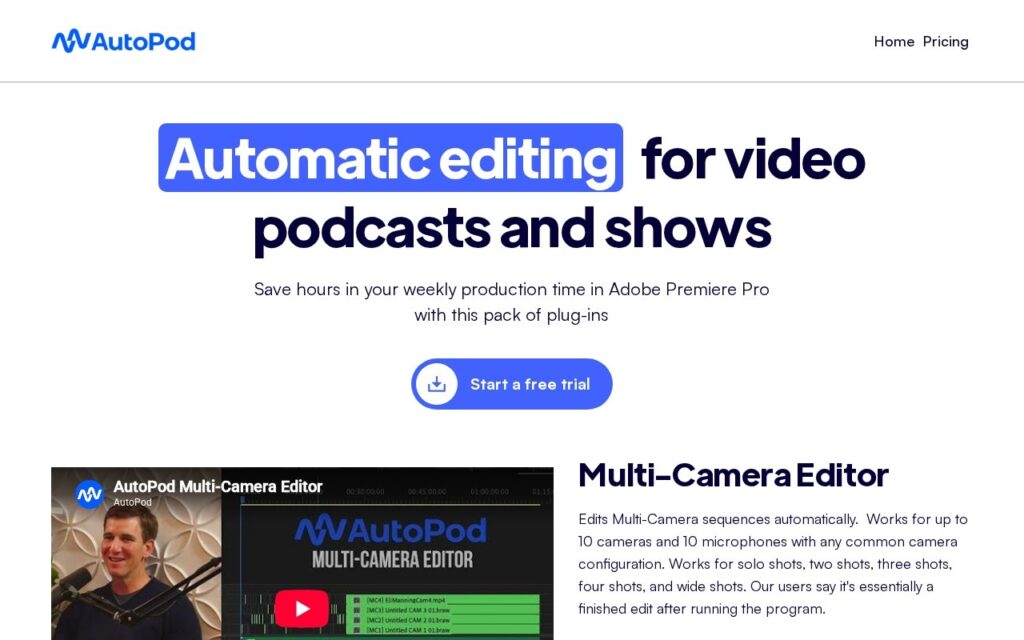
The Multi-Camera Editor automatically edits multi-camera sequences supporting up to 10 cameras and microphones, handling solo, two-shot, three-shot, group, and wide-angle shot types with customizable presets – users report it delivers essentially a finished edit after running. Social Clip Creator generates social-ready clips in three formats (1920×1080, 1080×1350, 1080×1920), automatically resizing with auto-reframe, watermarks, and endpages, plus batch export. Jump Cut Editor creates automatic jump cuts based on silence detection, with a customizable decibel threshold tuned to each microphone.

AutoPod targets video podcast producers, show editors, and content creators already working in Adobe Premiere Pro. A free trial is available via checkout; specific pricing tiers aren’t displayed on the page reviewed.

Key features

  • Automatic multi-camera editing for up to 10 cameras
  • Social Clip Creator with auto-reframe across 3 formats
  • Silence-based automatic jump cuts with customizable threshold
  • Batch export for social clip generation
  • Deep integration as a native Adobe Premiere Pro plugin

Screenshots & demo

AutoPod screenshot 1

Pricing

Visit the AutoPod website for current plans and pricing.

  • Pricing modelFree Trial
  • Starting priceCustom
  • Free planNo
Visit AutoPod

Pricing is provided as a guide. Check the official site for the latest plans.

Pros & cons

Pros

  • Genuinely time-saving for a real, tedious production task
  • Deep, native integration with an industry-standard editor (Premiere Pro)
  • Free trial available before committing

Cons

  • Requires an existing Adobe Premiere Pro license to use
  • Pricing tiers aren't shown on the site
  • No specific underlying AI model or detection method is named

How it compares

ToolRatingFreeFromBest known for
AutoPod (this tool)3.3NoAutomatic multi-camera editing for up to 10 cameras
Synthesia4.5No$29/moAmong the earliest and most established AI avatar tools, operating since 2017
HeyGen4.5Yes$24/moBroadly recognized avatar realism and ease of use
Fliki4.5Yes$21/moLarge library of natural-sounding AI voices across numerous languages

Alternatives to AutoPod

4 tools our editors picked as direct alternatives to AutoPod.

Fliki

4.5

Turns a script or article into video, built around a large natural-voice library

Freemium Video

Our verdict

3.3 / 5 3.3

AutoPod is a solid video tool, best known for automatic multi-camera editing for up to 10 cameras.

What makes it different: AutoPod stands out for automatic multi-camera editing for up to 10 cameras.

How we score it
Overall 3.3
Value for money 4.2
Feature depth 4.9
Popularity 3.7
Best for Video creatorsMarketersAgenciesEducators

Frequently asked questions

What is AutoPod?
AutoPod is a video tool listed in the Challenging Voice directory. Automatic multi-camera podcast editing for Premiere Pro – handles up to 10 cameras, generates social clips in three formats, and cuts silence based on your own decibel threshold.
Is AutoPod free?
AutoPod does not offer a free plan.
What are the best AutoPod alternatives?
Popular alternatives to AutoPod include Neural Frames, AdsTurbo, and SubtitlesDog. Browse them all in the Video category.
Is AutoPod any good?
AutoPod scores 3.3 out of 5 based on our editorial review.

Reviews

3.3 No reviews yet

Write a review

Similar tools you might like

StoryFile

3.6

Ask a question, get a real video answer from a real recorded interview – the National WWII Museum and NASA astronaut Terry Virts both use it, built around authentic footage, not synthetic fabrication.

Contact for Pricing Video

Vibeknow

3.8

Turns a doc or slide deck directly into an explainer video, skipping the usual screen-recording-plus-voiceover workflow.

Freemium Video

EbSynth

4.1

Desktop tool that repaints entire video sequences from a single hand-painted keyframe using example-based synthesis.

Freemium Video