Buffer AI Assistant is the writing helper built into the Buffer social media scheduler. It drafts post ideas, rewrites copy and adapts one message for several channels without leaving the composer. It suits small teams and solo creators who already schedule through Buffer.
What Buffer's AI Assistant Is
Buffer's AI Assistant is a text feature inside the Buffer composer that generates and edits short social media copy. It isn't a standalone product. You open it where you'd normally write a post, give it a rough idea, and it returns options you can edit or discard.
That placement is the whole point. You don't paste text between a chatbot and a scheduler, which removes the small friction that makes people skip drafting tools.
How It Fits Into a Posting Workflow
The assistant works best as a first-draft and rewrite tool, not an author. You supply the idea and the facts. It supplies phrasing, length options and variations.
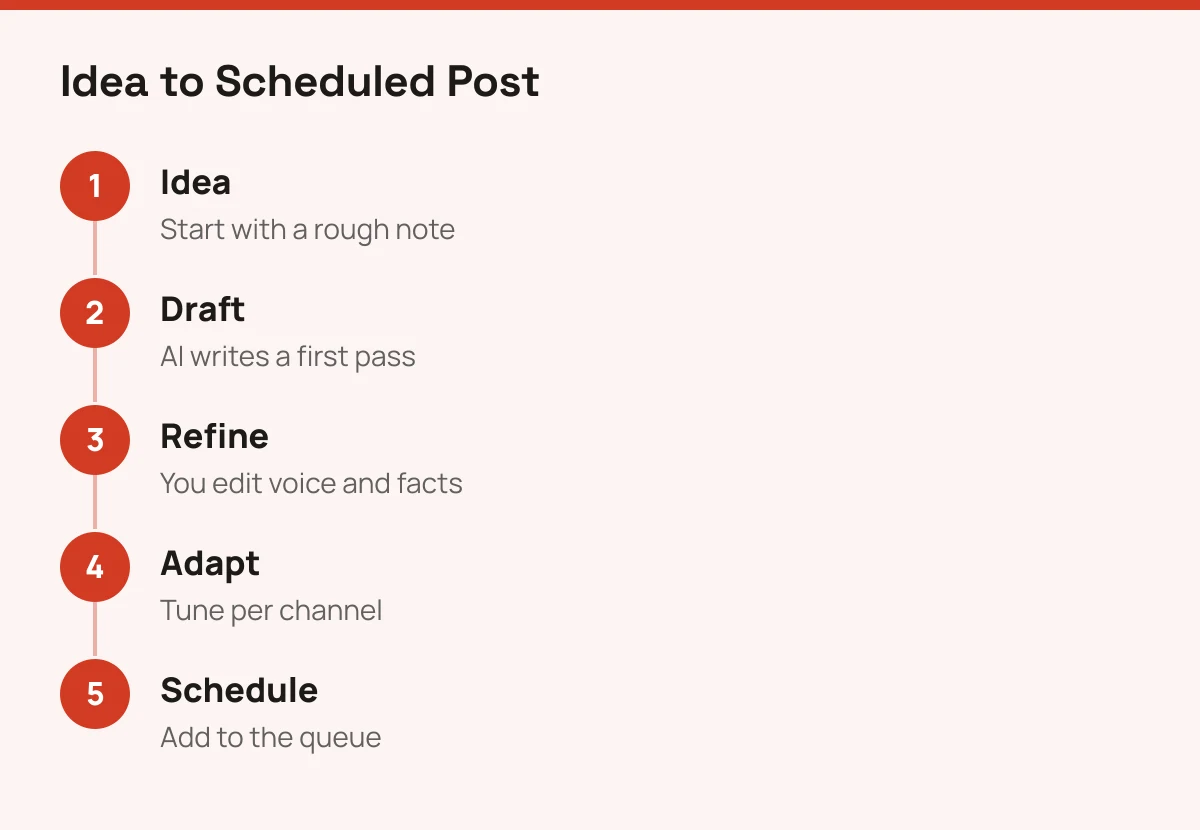
A typical flow looks like this:
- Write a rough note or paste an existing post.
- Ask the assistant to draft, shorten, expand or reword it.
- Edit the result so it sounds like you and the facts are right.
- Adjust the copy for each connected channel.
- Add it to your queue or schedule it.
Step 3 is the one that matters. AI copy for social tends to sound generic until a human adds a specific detail, a number or an opinion. Treat the output as scaffolding.
Who Should Use It
Buffer AI Assistant suits people whose bottleneck is writing volume, not strategy. Think of a freelancer running three client accounts, or a small brand posting daily with no copywriter.
Here's a quick decision rule:
| Your situation | Use it? |
|---|---|
| Already schedule in Buffer, post short copy often | Yes, it saves steps |
| Need long articles, newsletters or scripts | No, pick a general assistant such as those in our AI writing assistants comparison |
| Need strict brand voice across a large team | Test it first, and check how much voice control you get |
| Don't use Buffer at all | Skip it. It isn't sold separately |
If you're deciding between general chat tools for heavier drafting, the ChatGPT vs Claude comparison covers that choice.
Where It Falls Short
The assistant is narrow by design. It handles short social copy well and long-form work poorly, because that isn't what it's for.
Brand voice is the other limit. A dedicated writing tool usually lets you feed in style guides and samples, while a built-in assistant offers lighter controls. And it can't check facts, so every claim in a draft is yours to verify.
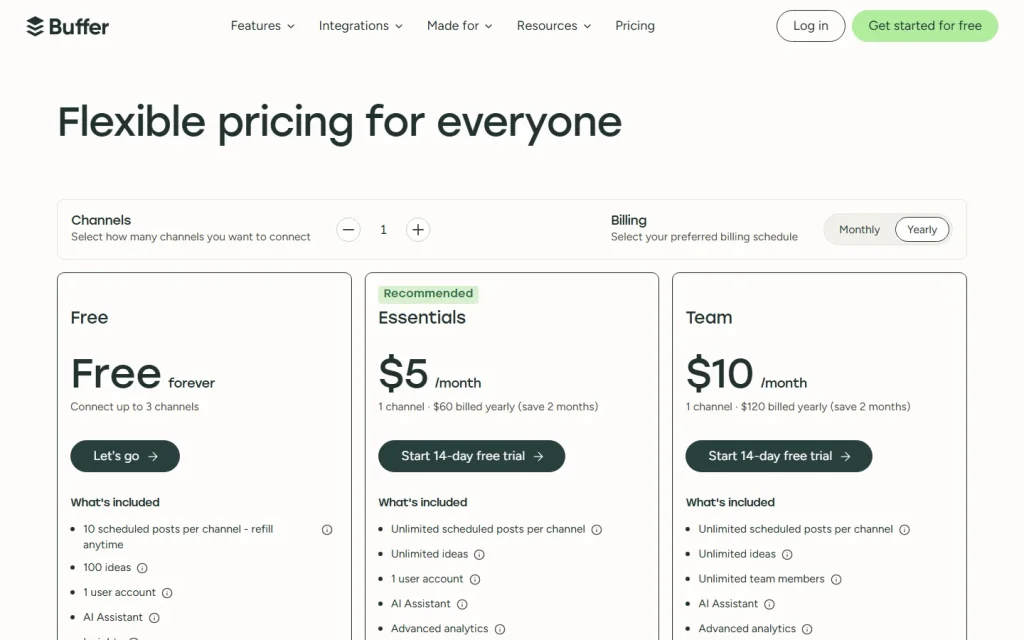
Check Buffer's pricing page for current plan limits on AI use, since access and caps can change. If you want to compare scheduling options before committing, browse the rest of the Social Media tools we list, starting with Buffer itself.