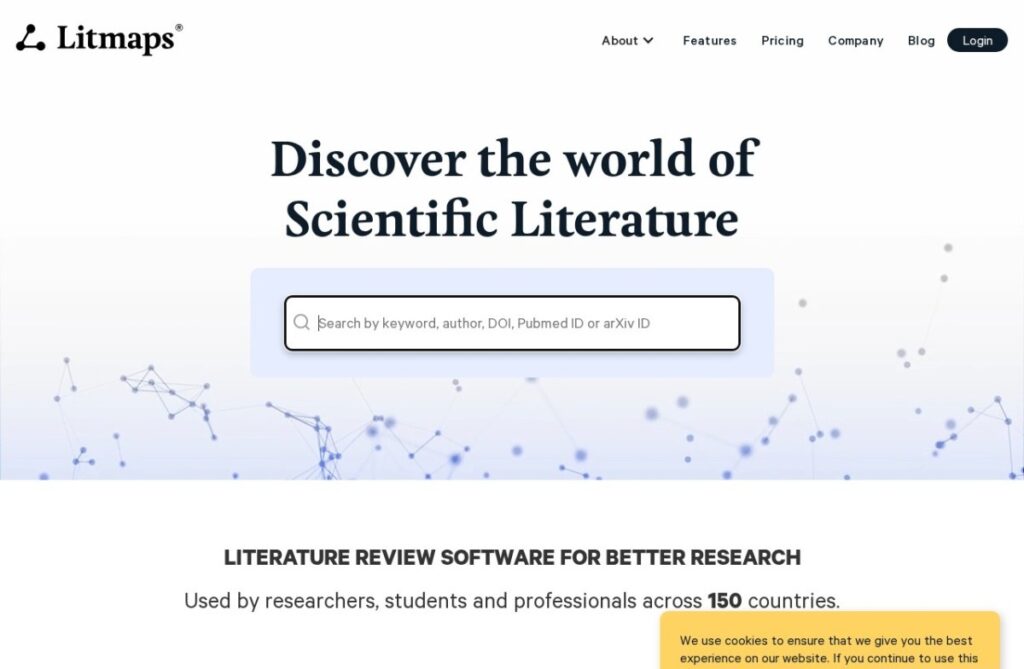
Litmaps, founded in 2019, builds visual citation maps similar in concept to Connected Papers, also covered in this directory, but adds continuous monitoring on top of the one-time graph: a saved map keeps tracking its topic and alerts the user when new papers are published that cite into or connect with that existing map.
That ongoing-alert layer matters for research that spans months or years rather than a single discovery session: a literature landscape mapped today keeps changing as new papers publish, and Litmaps' monitoring catches those additions automatically rather than requiring a researcher to manually re-run the same search periodically to check for updates.
A free tier covers standard use, and paid plans start around $10 a month for more maps and features. For a researcher tracking an active area of literature over an extended project, rather than mapping it once and moving on, Litmaps' continuous alerting on saved maps addresses a need a one-time citation graph does not.
Key features
Visual citation mapping around a research topic or paper
Ongoing alerts when new papers connect to a saved map
Free tier for standard use
Operating since 2019
Continuous monitoring rather than a one-time snapshot
Designed for literature tracking across extended projects
Screenshots & demo
Demo video
Screenshots
Pricing
Litmaps has a free plan, and paid plans start at $10/mo.
Pricing is provided as a guide. Check the official site for the latest plans.
Is Litmaps expensive?
Litmaps starts at $10, which is right at the Research median of $10 a month across the 43 priced tools we list in that category.
The cheapest paid option in Research starts at $1 and the most expensive at $1,667.
67% of Research tools in the directory offer a free tier, and this is one of them.
Compared against every priced listing in Research, recalculated as the catalogue changes. Method and the full market breakdown are in our AI tool pricing study.
Pros & cons
Pros
Ongoing alerts address literature that changes over a long project, not just a single search session
Free tier available for standard use
Visual mapping approach suits early-stage discovery well
Saves manually re-running searches to check for new papers
Cons
More maps and features require a paid plan
Alert-based monitoring adds less value for short, one-off research tasks
Visual graph format does not answer content questions the way a chat-based tool does
Ask a research paper a question and Oat, the AI assistant, answers directly from its content – plus rapid paper summarization and visual mapping of related work, updated every 5 minutes.