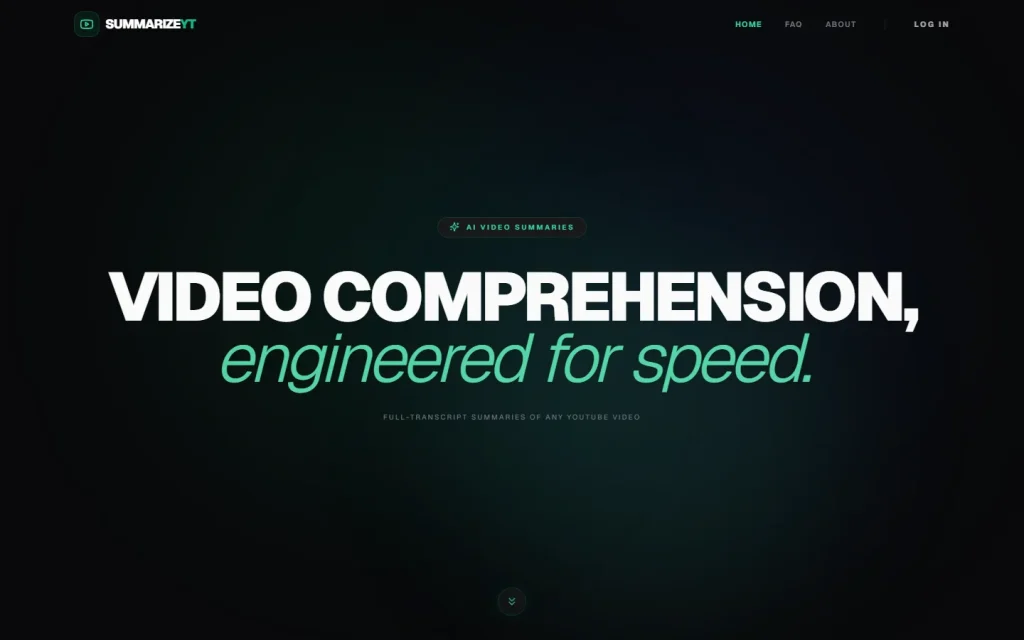
SummarizeYT is a web tool that turns a YouTube URL into an AI-generated summary. You paste a link, choose how deep the analysis should go, and click Summarize Video. It suits people drowning in long videos who want the substance fast.
What SummarizeYT Does With a YouTube Link
SummarizeYT does one job: it reads a YouTube video and returns a written breakdown. The interface is a single input for the URL, an Analysis Depth choice, and an Advanced Tuning control.
That narrow focus is the appeal. There's no workspace to learn and no document upload step. If you want a general summarizer for PDFs and web pages, look at SummarizeThis or Deep AI Summarizer instead.
Three Analysis Depths, Three Different Jobs
The site describes its analysis options in its own words, and they map to different needs.
Deep Analysis is an exhaustive semantic breakdown. It works through arguments, claims and nuanced context, so it fits interviews, lectures and opinion videos where the reasoning matters more than the headline.
Comprehensive is the fuller-coverage setting. Pick it when a short recap would drop too much.
Action Tasks converts content into prioritized action items. It's the one to use on tutorials, workshop recordings and talks, where you want a to-do list rather than a recap.
Our view: Action Tasks is the most distinctive of the three. Most YouTube summarizers stop at a recap.
Who Should Use It, and Who Should Skip It
SummarizeYT suits researchers, students and professionals who screen many videos and decide which deserve a full watch. It also suits anyone turning a how-to video into steps.
Skip it if you need summaries of content outside YouTube, or if your work needs verbatim quotes. A summary compresses, and compression loses detail, so check anything you plan to cite against the video itself.
What the Site Doesn't Tell You Yet
SummarizeYT publishes no pricing page that we could read, so its cost, free limits and any trial are not published. Check the site before you rely on it for regular use.
The pages also don't name a company, team or founding year, and they don't describe how submitted videos are handled. For casual use that's tolerable. For client or confidential material, ask before you paste anything.
If you're weighing options, browse the no-code AI platforms comparison for tools that automate summaries inside a workflow, or the price comparator for cost checks across the directory.