Freemium

Tilda

Block-based website builder with 550 pre-designed blocks and a Zero Block escape hatch.

4.1 Design
4.1 Very good 4.1
Strong defaults with a full editor where you need one No pricing figures published
Reviewed by Challenging Voice Editorial · Updated Aug 2026 How we rate
PricingFree
Free planYes
CompanyTilda Publishing
PlatformsWeb
CategoryDesign
Last reviewedAug 2026
Ask AI about Tilda ChatGPT Claude Perplexity

Overview

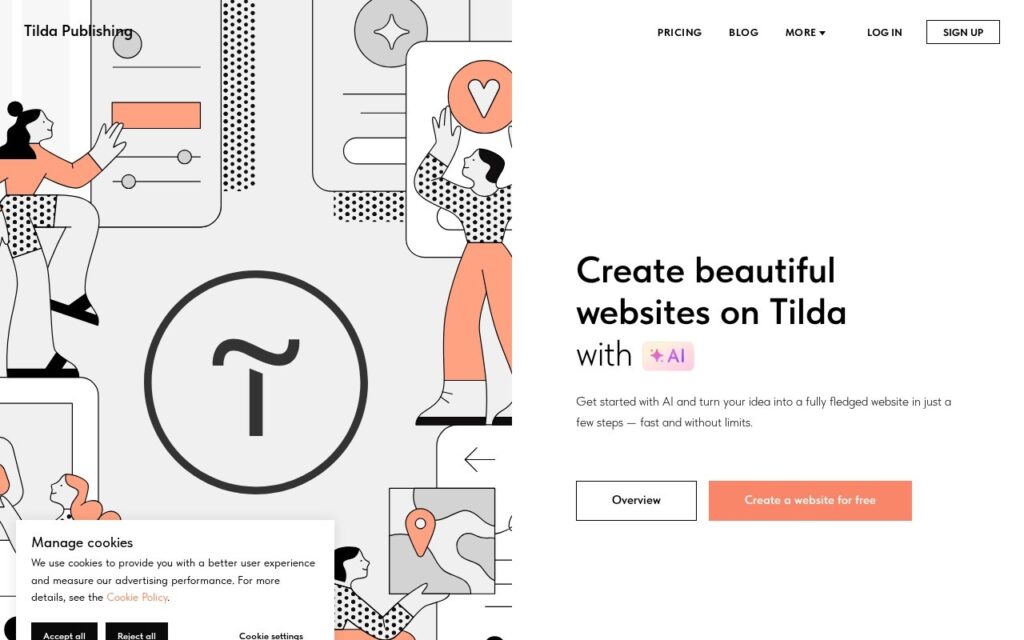
Tilda builds websites, landing pages, stores, blogs and courses from a library of more than 550 designed blocks, with Zero Block underneath for anyone who wants pixel control. An AI builder generates a first page from a couple of sentences about the business, and CMS Feeds, a CRM, email campaigns, quizzes and membership gating sit alongside.

The block library plus Zero Block combination is why designers tolerate it. Most no-code builders force a choice between templates you cannot escape and a blank canvas with no structure; Tilda gives a strong default and a full editor for the one section where the default is wrong, which is how design work actually goes.

Payments run through Stripe and PayPal, with SEO tools, custom domains and a CDN included, and a free tier to start. No pricing figures appear on the page. The block system has a recognisable house style that trained eyes will spot, Zero Block is a real editor with a real learning curve, and a hosted builder means moving off it later is a rebuild.

Key features

  • 550-plus pre-designed blocks
  • Zero Block advanced editor for pixel control
  • AI page generation from a business description
  • Built-in CRM, email campaigns and membership gating
  • Online store with Stripe and PayPal

Screenshots & demo

Tilda screenshot 1

Pricing

Tilda offers a free plan, with paid upgrades for higher limits and more features.

  • Pricing modelFreemium
  • Starting priceFree
  • Free planYes
Visit Tilda

Pricing is provided as a guide. Check the official site for the latest plans.

Is Tilda expensive?

Tilda has no advertised paid tier. Among the 119 priced tools we list in Design, the median entry price is $15 a month.

73% of Design tools in the directory offer a free tier, and this is one of them.

Compared against every priced listing in Design, recalculated as the catalogue changes. Method and the full market breakdown are in our AI tool pricing study.

Pros & cons

Pros

  • Strong defaults with a full editor where you need one
  • CRM and email included rather than integrated
  • Free tier to build before paying

Cons

  • No pricing figures published
  • The block system has a recognisable house style
  • Hosted, so moving off it later is a rebuild

How it compares

ToolRatingFreeFromBest known for
Tilda (this tool)4.1YesFree550-plus pre-designed blocks
SITE1233.7Yes$12.8/moNo-code structured website editor
Unicorn Platform3.7Yes$14/moPrompt-based AI website creation and modification
Sitekick3.4No$20/moAI-generated full website (copy, design, images) from a text description

Alternatives to Tilda

4 tools matched to Tilda on what they do, their category and their price.

Unicorn Platform

3.7

AI website builder for founders that creates SaaS, app, directory and blog sites from a prompt, with a free plan and paid plans from $14 a month.

Freemium Design

Sitekick

3.4

Describe your business and AI builds a full website in under 5 minutes – copywriter, designer and product-image generator rolled into one, no coding or design skill needed.

Free Trial Design

Frequently asked questions

What is Tilda?
Tilda builds websites, landing pages, stores, blogs and courses from a library of more than 550 designed blocks, with Zero Block underneath for anyone who wants pixel control.
Is Tilda free?
Yes, Tilda offers a free plan. Paid plans unlock more features and higher usage limits.
What are the best Tilda alternatives?
The closest matches in the directory are SITE123, Unicorn Platform, and Sitekick, compared side by side above.

Reviews

4.1 Editorial rating No reviews yet

Write a review

More tools like Tilda