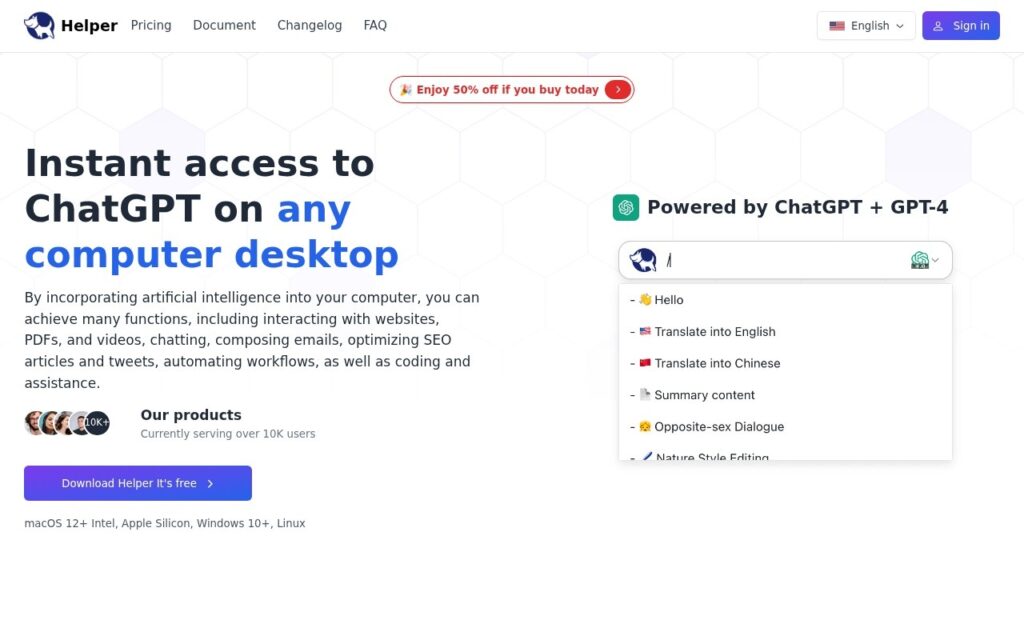
Helper is a desktop application for ChatGPT, available on macOS, Windows and Linux. The problem it solves is small and real: a browser tab holding an ongoing conversation gets buried behind thirty others, and the assistant you meant to keep beside your work disappears into the same pile as everything else.
A separate window with its own place in the task switcher changes how often it actually gets used, which is most of what a client like this can offer.
It is free. Two things to keep in mind: it is a wrapper around someone else’s service, so it depends entirely on OpenAI’s terms and availability, and there is little public information about who maintains it, which matters when your conversations pass through it.
Key features
Native desktop client
Builds for macOS, Windows and Linux
ChatGPT access outside the browser
Its own window in the task switcher
Free to use
Screenshots & demo
Pricing
Helper offers a free plan, with paid upgrades for higher limits and more features.
Pricing is provided as a guide. Check the official site for the latest plans.
Is Helper expensive?
Helper has no advertised paid tier. Among the 165 priced tools we list in Productivity, the median entry price is $11.6 a month.
72% of Productivity tools in the directory offer a free tier, and this is one of them.
Compared against every priced listing in Productivity, recalculated as the catalogue changes. Method and the full market breakdown are in our AI tool pricing study.
Pros & cons
Pros
A real window rather than a tab that gets buried
Builds for all three desktop platforms
Free
Cons
A wrapper around OpenAI's service, dependent on its terms and availability
ChatGPT and DALL-E combined into one Mac menu-bar assistant – send emails, draft documents, schedule appointments, and generate images without switching apps.
Select text in any Mac app, hit Space, run a custom AI command, paste the result back – no window switching, bring your own OpenAI key, pay once for lifetime access.