
List your tool
Freemium

ReRender AI

Architectural rendering for exteriors and interiors from sketches or reference images, with style transfer, multi-angle rendering and upscaling, in 14 interface languages.

3.8 Design
3.8 Good 3.8
Multi-angle consistency addresses the main weakness of one-shot render generators The direct pricing URL 404s; plans are only reachable in-app
Reviewed by Challenging Voice Editorial · Updated Sep 2026 How we rate
PricingFree
Free planYes
CompanyStylefie, Inc.
PlatformsWeb
CategoryDesign
Last reviewedAug 2026
UpdatedSep 2026

Is this your tool?

  • Claim this listing. Sign in with an email at rerenderai.com to manage it. Claim ReRender AI
  • Get into the top 5 of Design. 5 of 5 spots open, from $159/month. See positions
  • Something out of date? Owners can request edits from My listings; anyone can tell us.
Ask AI about ReRender AI ChatGPT Claude Perplexity

Overview

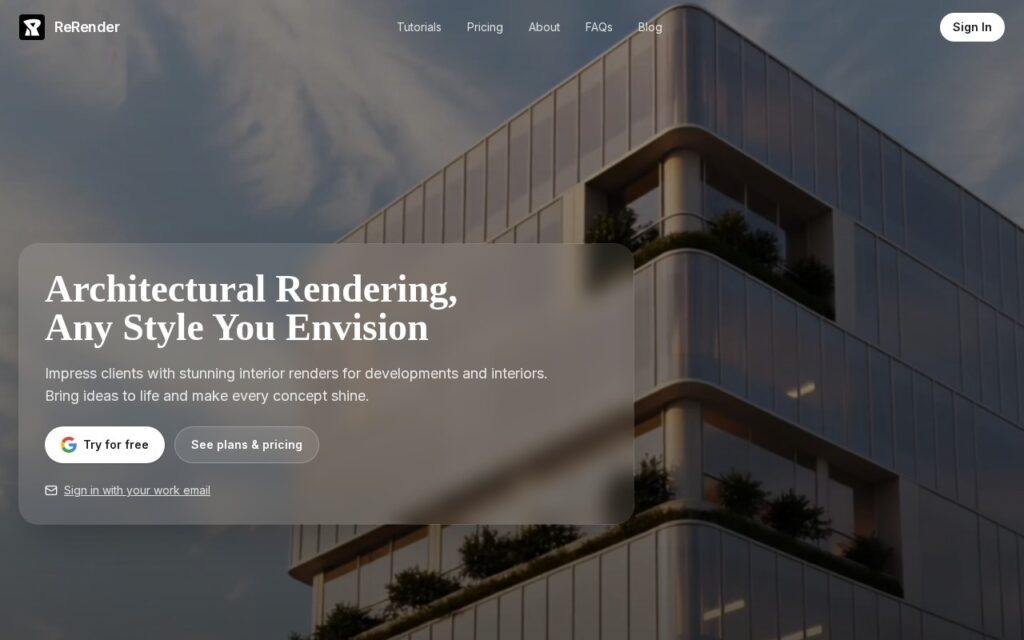
ReRender AI produces architectural visualisations for architects, interior designers and property developers – the client-facing renders that traditionally mean either specialist software or an outsourced visualiser.

The toolset is broader than a single generator. Exterior and interior rendering are separate flows, Sketch to Image works from a hand drawing, Style Reference applies the look of one image to another, and Multi-Angle Rendering keeps a design consistent across viewpoints – the thing that usually breaks when renders are generated one at a time. Render Enhance, Image Upscale, an image editor, a Google Maps style designer, RenderChat and an API round it out.

The interface ships in 14 languages, which is unusual in this category and matters for an international design practice. It is operated by Stylefie, Inc. and starts with a free tier; note the site’s direct pricing route 404s, so plans are reached through the in-app link.

Key features

  • Separate exterior and interior architectural rendering flows
  • Sketch to Image for working from hand drawings
  • Multi-Angle Rendering for consistency across viewpoints
  • Style Reference transfer between images
  • Render Enhance, upscaling and an image editor
  • API access and a 14-language interface

Screenshots & demo

ReRender AI screenshot 1

Pricing

ReRender AI offers a free plan, with paid upgrades for higher limits and more features.

  • Pricing modelFreemium
  • Starting priceFree
  • Free planYes
Visit ReRender AI

Pricing is provided as a guide. Check the official site for the latest plans.

Is ReRender AI expensive?

ReRender AI has no advertised paid tier. Among the 122 priced tools we list in Design, the median entry price is $15 a month.

73% of Design tools in the directory offer a free tier, and this is one of them.

Compared against every priced listing in Design, recalculated as the catalogue changes. Method and the full market breakdown are in our AI tool pricing study.

Pros & cons

Pros

  • Multi-angle consistency addresses the main weakness of one-shot render generators
  • Genuinely broad toolset rather than a single prompt box
  • 14 interface languages suits international practices

Cons

  • The direct pricing URL 404s; plans are only reachable in-app
  • Generated renders still need checking against real construction constraints
  • Narrow to architecture and interiors by design

How it compares

ToolRatingFreeFromBest known for
ReRender AI (this tool)3.8YesFreeSeparate exterior and interior architectural rendering flows
ReRoom AI3.2No—AI photorealistic rendering from an uploaded room or building photo
dsgnr AI4.0YesFreeSketch, CAD file, and photo-to-photorealistic rendering
Archsynth3.6No$10/moSketch-to-render conversion for architectural designs

Alternatives to ReRender AI

4 tools matched to ReRender AI on what they do, their category and their price.

ReRoom AI

3.2

Upload a photo of any room or building, get back a photorealistic AI rendering in the style you want – virtual staging and architectural visualization in one tool.

Free Trial Design

dsgnr AI

4.0

AI rendering platform that turns interior design sketches, CAD files, and photos into photorealistic visuals.

Freemium Design

Archsynth

3.6

Turn an architectural sketch into a professional rendering, 3D model, or CAD file with AI – style-reference rendering and automated texturing included, 15.6M+ renders created.

Paid Design

Frequently asked questions

What is ReRender AI?
ReRender AI produces architectural visualisations for architects, interior designers and property developers – the client-facing renders that traditionally mean either specialist software or an outsourced visualiser.
Is ReRender AI free?
Yes, ReRender AI offers a free plan. Paid plans unlock more features and higher usage limits.
What are the best ReRender AI alternatives?
The closest matches in the directory are ReRoom AI, dsgnr AI, and Archsynth, compared side by side above.

Reviews

3.8 Editorial rating No reviews yet

Write a review

More tools like ReRender AI

RNDRS

4.0

Turns architectural sketches and CAD exports into photorealistic renders on a node canvas.

Freemium Design

Luw.ai

3.5

Eight distinct AI design tools in one platform – redesign a room, transform a facade, turn a sketch into a photorealistic render, generate exportable 3D models, or ask ArchiGPT for design advice.

Freemium Design

Spacely AI

3.6

Turn a sketch, 3D model or room photo into a photorealistic interior render in under 60 seconds – adjust lighting, materials and furnishings while keeping the original geometry, with live multi-user Team Canvas editing.

Freemium Design