

A 4x upscale won’t rescue a photo the AI can’t read, so the right tool depends on your source image. For desktop photo and batch work, start with Topaz Gigapixel AI. For browser upscales, use Let’s Enhance. Waifu2x handles anime and line art for free, and Remini fixes faces on a phone.
This list isn’t a scored ranking. The top picks come first, and every tool gets the same breakdown: what it does, pricing from the vendor’s published plans, pros and one honest limit.
Comparisons draw on published pricing and feature data, not hands-on tests. If you’re starting from the output of AI image generators, an upscaler is the usual last step before print or a large display.
What Are AI Tools for Image Upscaling and Enhancement?
AI image upscalers are models trained on pairs of low- and high-resolution versions of the same picture, so they predict missing detail instead of stretching pixels. Traditional resizing averages neighboring pixels, which is why it blurs. An AI upscaler also cuts noise, removes compression artifacts and sharpens edges in the same pass.
There’s a catch: predicted detail isn’t recovered detail. Text, faces and fine patterns can come back plausible but wrong, so always check them at 100% zoom.
How Do You Use an AI Image Upscaler?
Most AI upscalers follow the same five steps, whether they run in a browser or on your desktop.
- Find the best source first: for web images, a reverse image search often turns up a larger original upload.
- Pick a web tool like Let’s Enhance for occasional jobs, or desktop software like Topaz Gigapixel AI for batches and private files.
- Upload the image by drag-and-drop or the file picker.
- Choose a scale factor (2x, 4x or 8x are typical) and, where offered, a model for your image type: photo, illustration or anime.
- Run the upscale, inspect faces and text at 100% zoom, then download.
A clean, well-lit source always beats a heavily compressed one. The model predicts from what’s already there. It doesn’t invent from nothing.
Core Features to Look For
Every upscaler on this list shares 4 baseline features: super-resolution, noise reduction, sharpening or unblurring, and compression-artifact removal. Those alone won’t separate one tool from another.
The differences sit in the extras: face restoration for portraits, dedicated anime and illustration models, texture recovery for old prints, batch processing, and local processing that keeps files off a vendor’s servers. Choose for the extra you need, not the baseline.
If you also want cropping, background removal or retouching, compare free AI image editors before paying for a single-purpose upscaler.
Which AI Upscaler Should You Pick?
Your source image and how often you upscale decide the pick more than any feature list. Match your situation below, then read that tool’s entry.
| Your situation | Start with | Why |
|---|---|---|
| Photos in bulk, on your own computer | Topaz Gigapixel AI | Batch processing, runs locally |
| Occasional upscales in a browser | Let’s Enhance or Imgupscaler | No install; Imgupscaler has a free version |
| Anime, manga or line art | Waifu2x, then BigJPG | Models built for flat color and clean lines |
| Selfies and old portraits on a phone | Remini | Face restoration in a mobile app |
| You don’t want a subscription | Pixbim Enlarge AI, DVDFab Photo Enhancer AI or PhotoZoom Pro | One-time license |
| Product shots and marketing assets | Icons8 Smart Upscaler | Aimed at commercial images |
Top AI Tools for Image Upscaling and Enhancement
Topaz Gigapixel AI
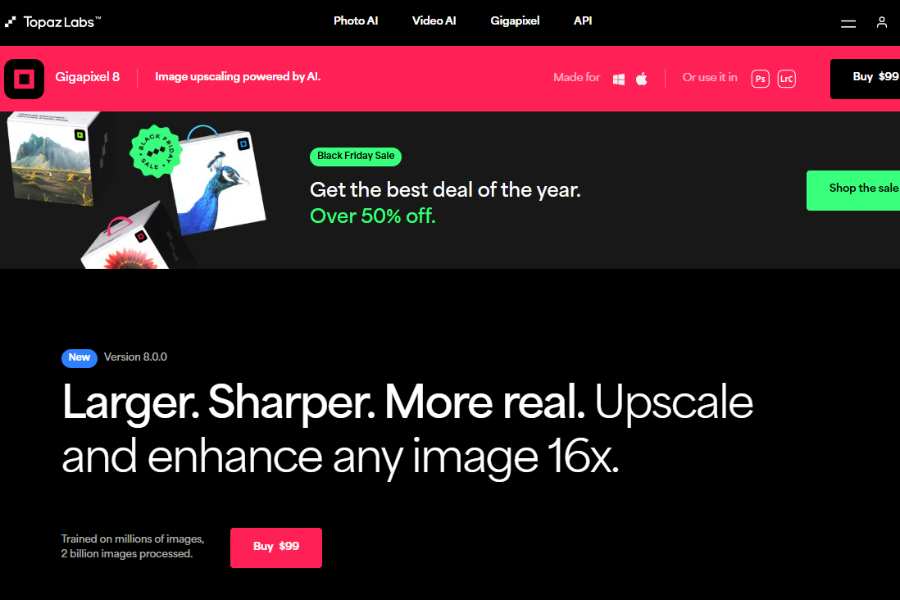
Topaz Gigapixel AI is desktop software built for photo upscaling, with batch processing. It’s the pick when you’ve got hundreds of files or can’t upload client work to a web service.
For footage rather than stills, Topaz Labs sells a separate product, Topaz Video AI.
Pricing Package:
Topaz Labs ended perpetual licenses in September 2025, so Gigapixel is now subscription-only. Check the Topaz Labs pricing page for current standalone and bundle prices.
Pros:
Strong detail preservation, batch processing, runs locally.
Cons:
Heavy system requirements, so it’s slow on older machines without a capable GPU.
Let’s Enhance
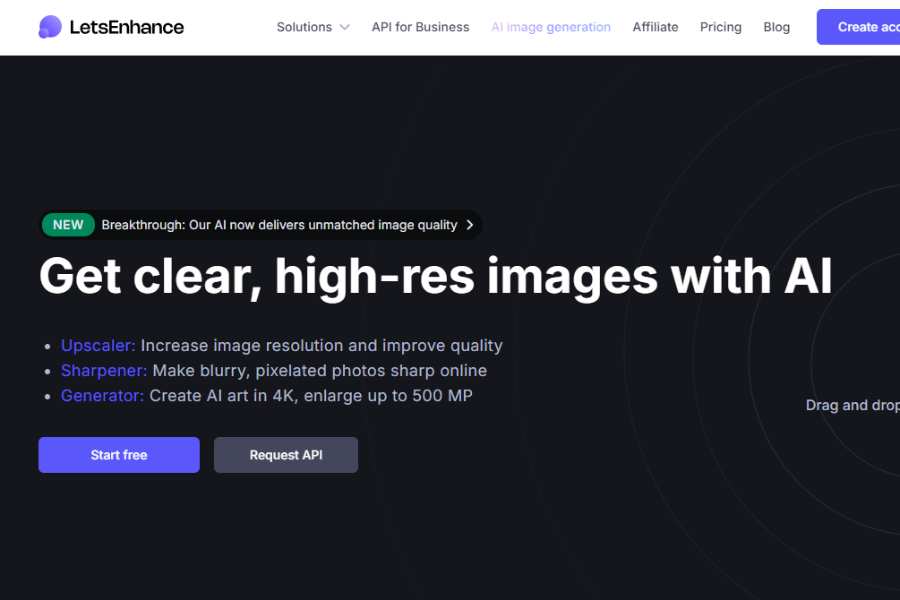
Let’s Enhance is a browser-based upscaler and enhancer with nothing to install. It suits marketers and online sellers who upscale a handful of images a week.
Pricing Package:
Starts at $9/month (billed annually; $12/month if billed monthly) on the Let’s Enhance pricing page.
Pros:
Web-based, easy to use, batch processing.
Cons:
Browser only. A monthly plan is poor value if you upscale a few times a year.
BigJPG
BigJPG is a web upscaler tuned for anime and artwork, built to keep line work and flat color intact as it enlarges.
Pricing Package:
Free; pro plans available. Check the vendor’s pricing page for current prices.
Pros:
Strong on anime and artwork, simple interface.
Cons:
Weaker on photos, slow on large files.
Remini
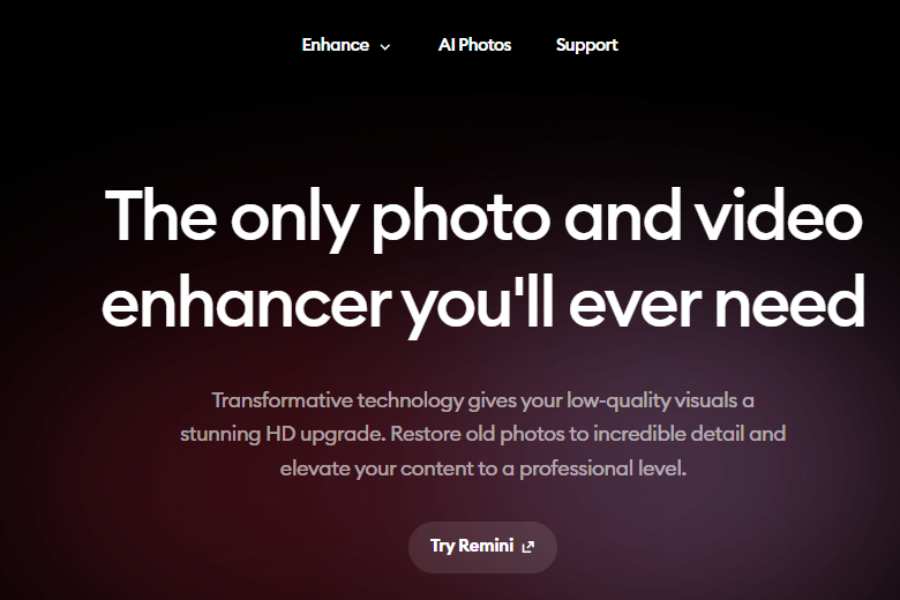
Remini is a mobile app known for face restoration, rebuilding blurry selfies and old portraits in a few taps.
Pricing Package:
Free version available. Paid plans bill weekly rather than monthly.
Pricing varies by offer, so confirm it in the app before subscribing.
Pros:
Mobile-friendly, quick results, good for photo restoration.
Cons:
Little manual control over the result. It’s built for casual use.
Enhance.Pho.to
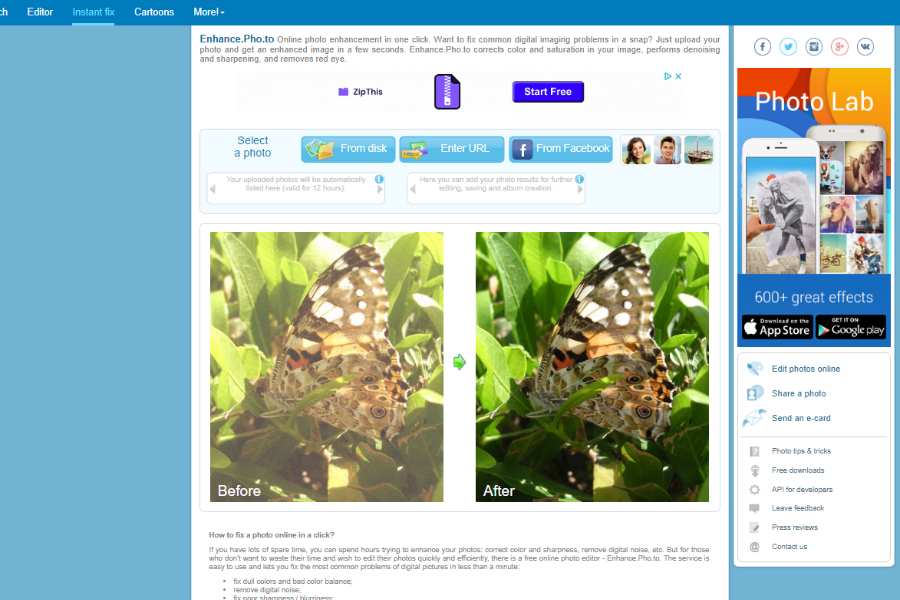
Enhance.Pho.to is a free web tool for one-click fixes: color correction, brightness and sharpness. Treat it as a quick touch-up, not a true upscaler.
Pricing Package:
Free. Check the official site to confirm the service is still available.
Pros:
Free, quick adjustments.
Cons:
Basic features and little real upscaling.
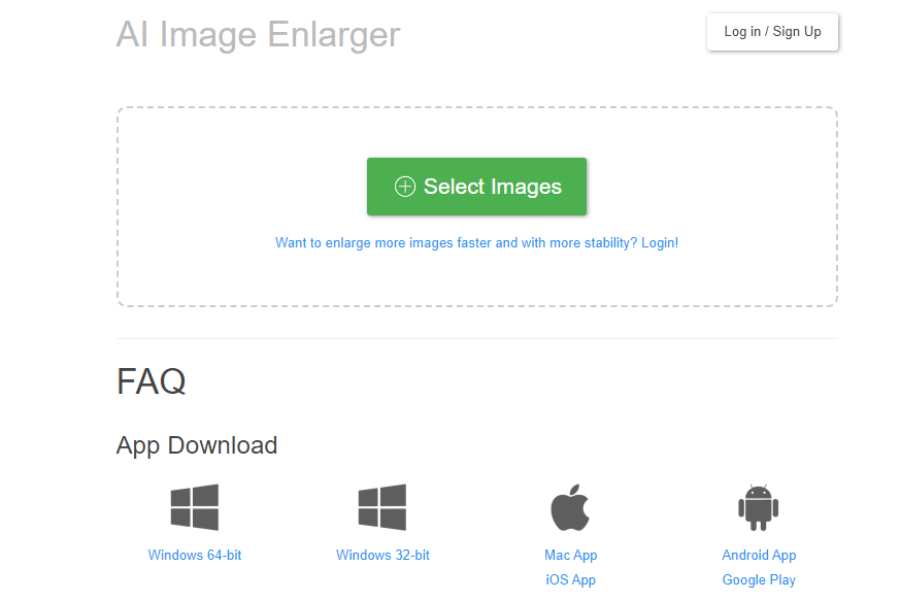
AI Image Enlarger
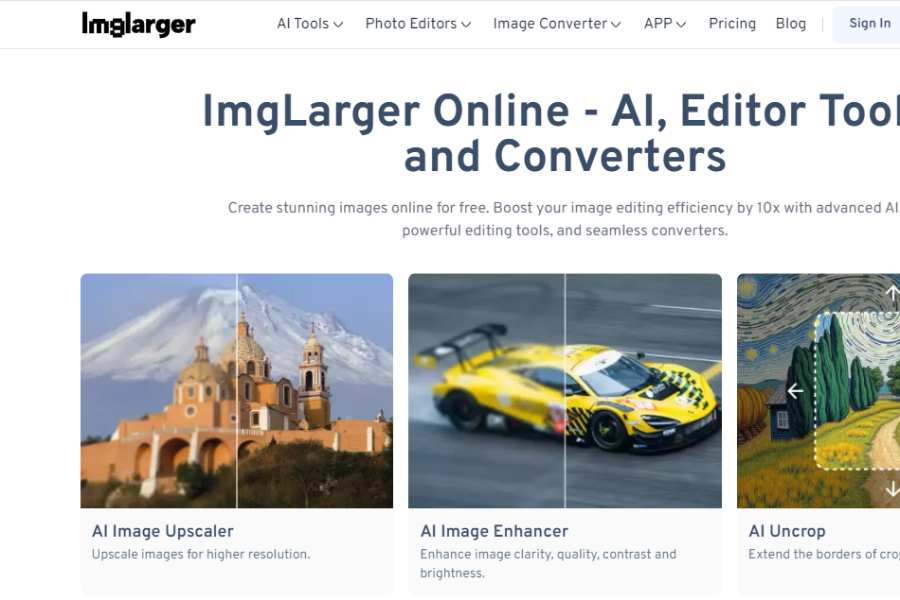
AI Image Enlarger offers 4 upscaling options and runs on the web and on the desktop.
Pricing Package:
Free; pro plans available. Check the vendor’s pricing page for current prices.
Pros:
Good enlargements, web and desktop versions.
Cons:
Tight free limits, and it’s strongest on smaller upscales.
Upscale Pics
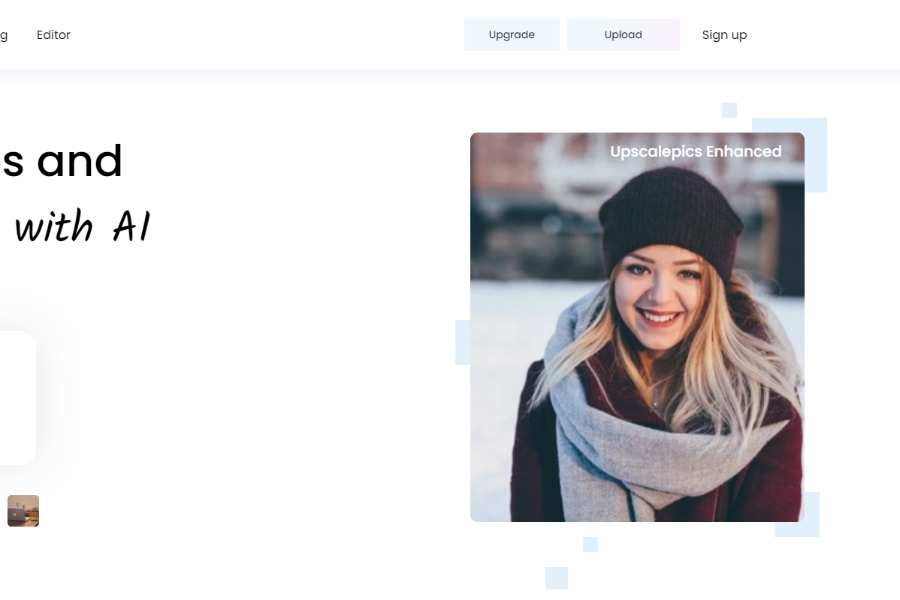
Upscale Pics is an online upscaler with batch processing and a free tier for light use.
Pricing Package:
Free; premium plan available. Check the vendor’s pricing page for current prices.
Pros:
Easy interface, batch processing.
Cons:
The free tier caps high-resolution output.
VanceAI Image Enlarger
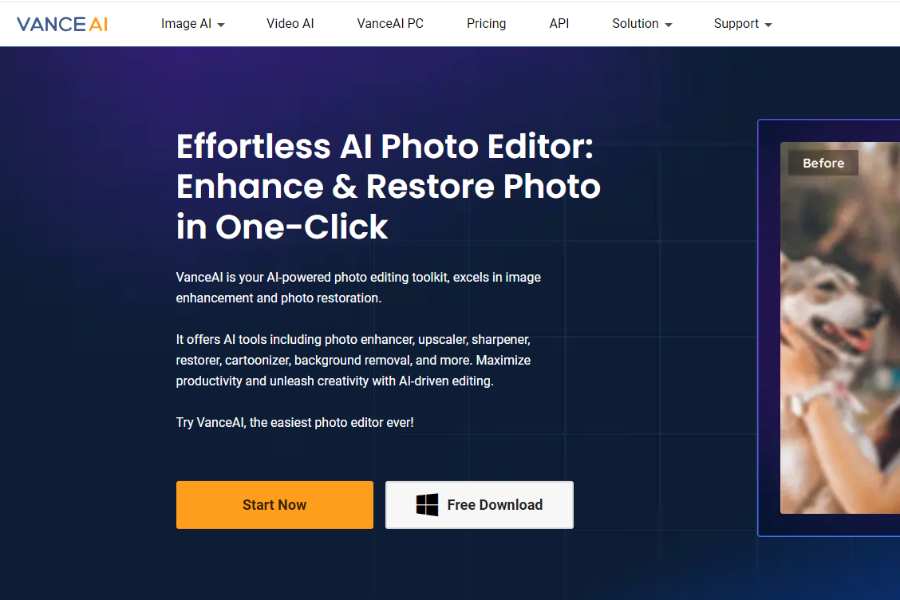
VanceAI Image Enlarger upscales images up to 8x and sits inside a wider set of VanceAI editing tools for sharpening and denoising.
Pricing Package:
Free version available; premium plans available. Check the vendor’s pricing page for current prices.
Pros:
Strong results, supports multiple image formats.
Cons:
The free tier is limited.
Deep Image
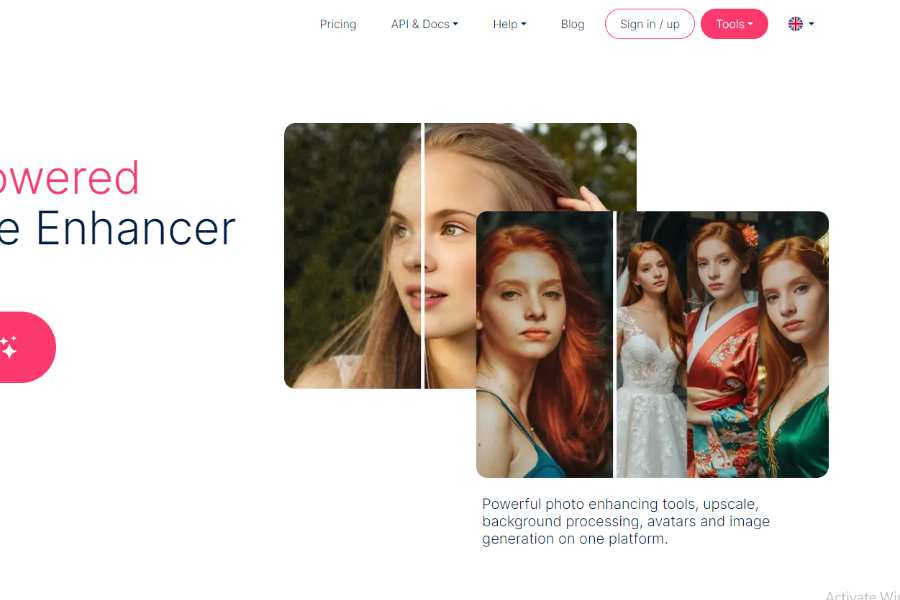
Deep Image is an upscaler aimed at photographers, enhancing photo quality and resolution on the web and in an app.
Pricing Package:
Free trial; paid plans available. Check the vendor’s pricing page for current prices.
Pros:
Strong photo enhancement, web and app versions.
Cons:
No free plan, only a trial.
Pixbim Enlarge AI
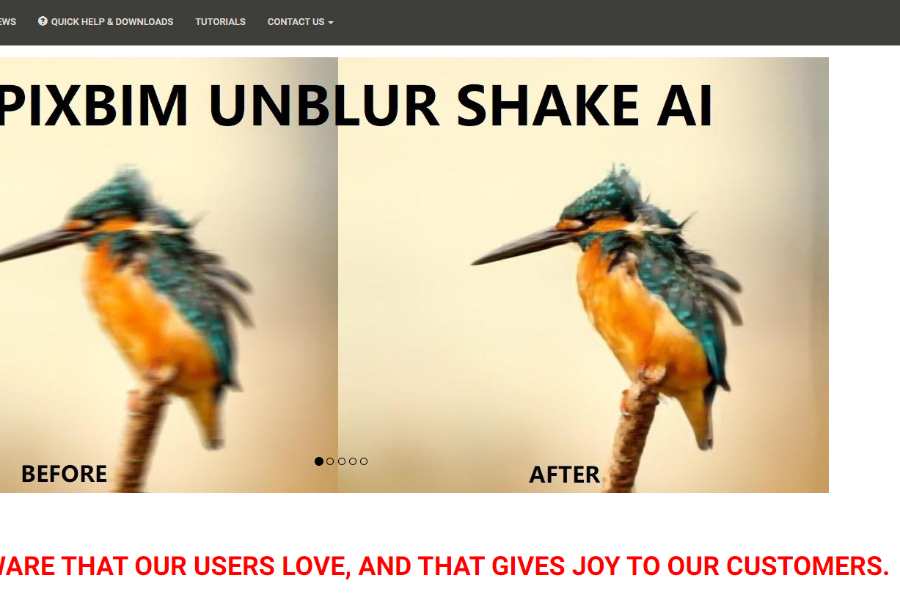
Pixbim Enlarge AI is downloadable software that upscales photos and other images locally, with no subscription.
Pricing Package:
One-time purchase. Check the vendor’s pricing page for the current price.
Pros:
No monthly fees, good detail retention.
Cons:
Desktop only, slow on high-resolution files.
DVDFab Photo Enhancer AI
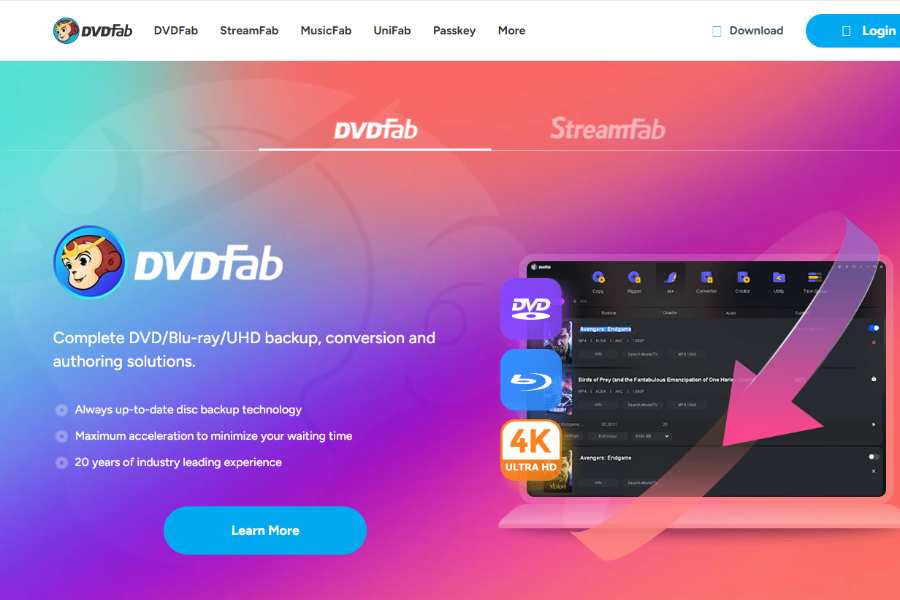
DVDFab Photo Enhancer AI is desktop software that bundles upscaling, denoising and sharpening in one app.
Pricing Package:
One-time purchase. Check the vendor’s pricing page for the current price.
Pros:
Strong upscaling plus several enhancement tools in one place.
Cons:
Needs a powerful computer.
PhotoZoom Pro
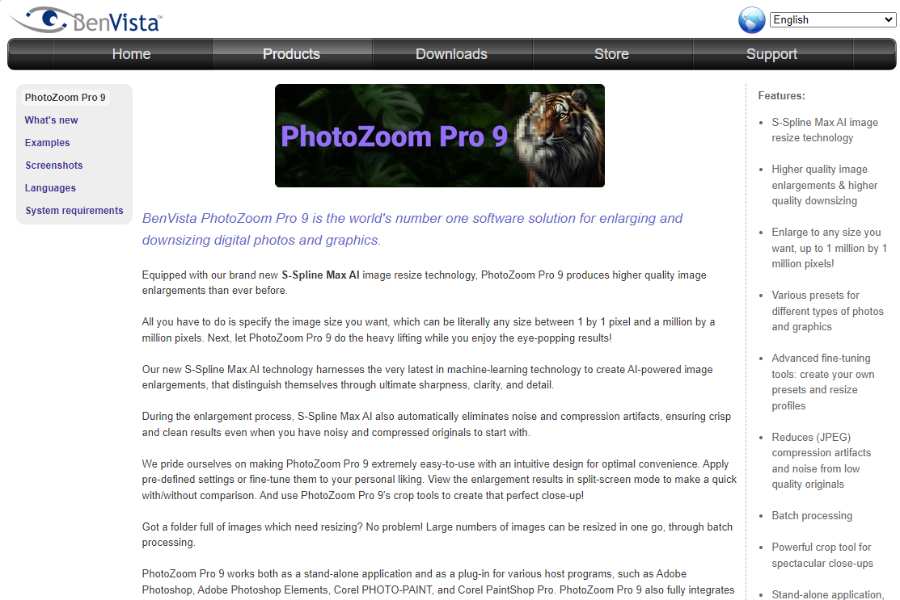
PhotoZoom Pro is professional enlargement software, built for print-size output with fine manual control.
Pricing Package:
One-time license available; check the current price on the vendor page.
Pros:
Precise control, high-quality enlargements.
Cons:
$159 is a lot to pay for a few enlargements a year.
PhotoAI

PhotoAI restores and upscales images, with a focus on face refinement. Several tools share the PhotoAI name, so confirm you are on the right product’s official site before signing up.
Pricing Package:
Subscription plans are available; check the current pricing on the vendor page.
Pros:
Strong face enhancement, easy to use.
Cons:
Limited batch processing.
Imgupscaler
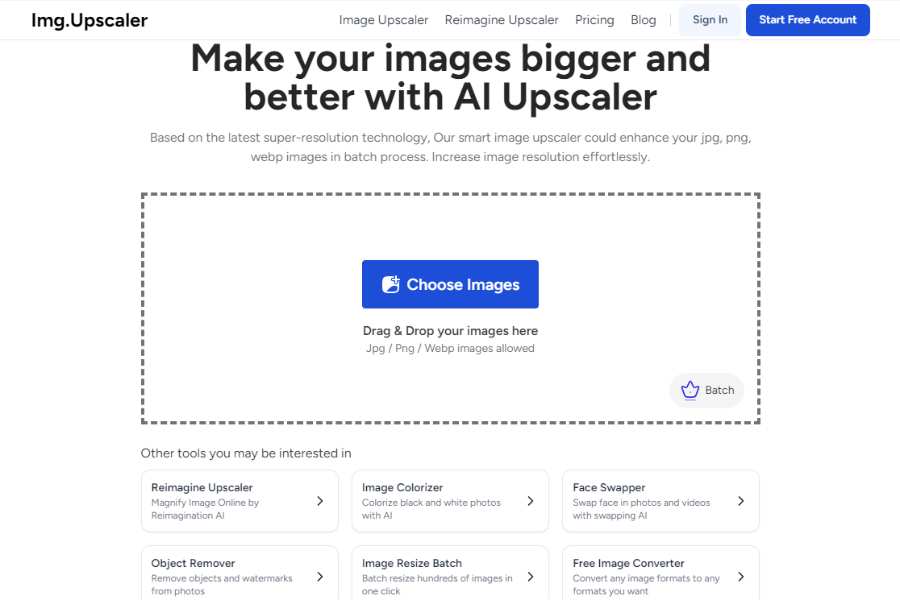
Imgupscaler is an online upscaler for everyday images, focused on preserving detail as it enlarges.
Pricing Package:
Free version available; premium plan is paid, so check the current pricing on the vendor page.
Pros:
Simple interface, fine for general use.
Cons:
The free version caps output resolution.
Imglarger
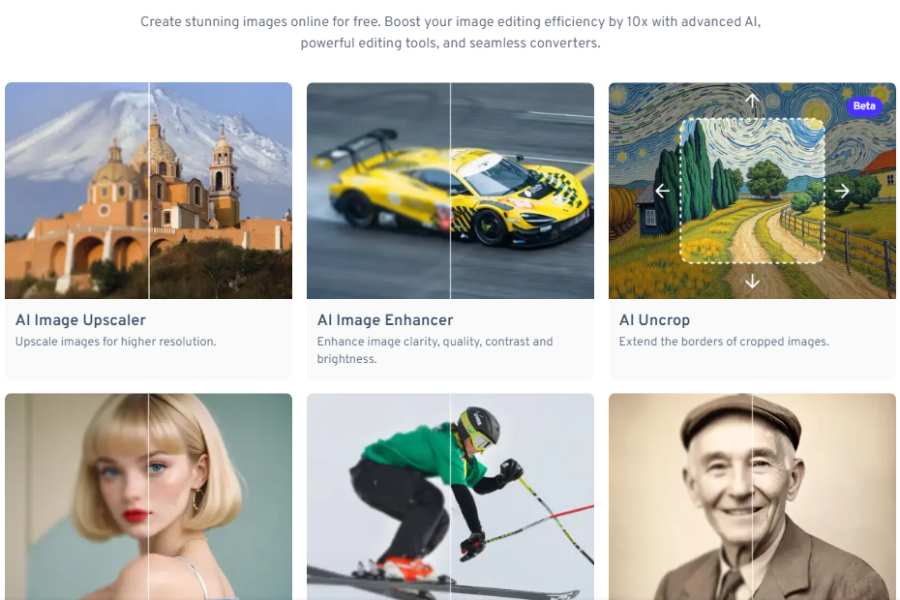
Imglarger is an online upscaler for high-resolution enlargements with strong detail preservation. It may be listed under similar names such as AI Image Enlarger, so check the vendor site to confirm which product you are using.
Pricing Package:
Free for low-res images; pro plans are paid, so check the current pricing on the vendor page.
Pros:
Good results, fast processing.
Cons:
Built for standard photos, less so for artwork.
Waifu2x
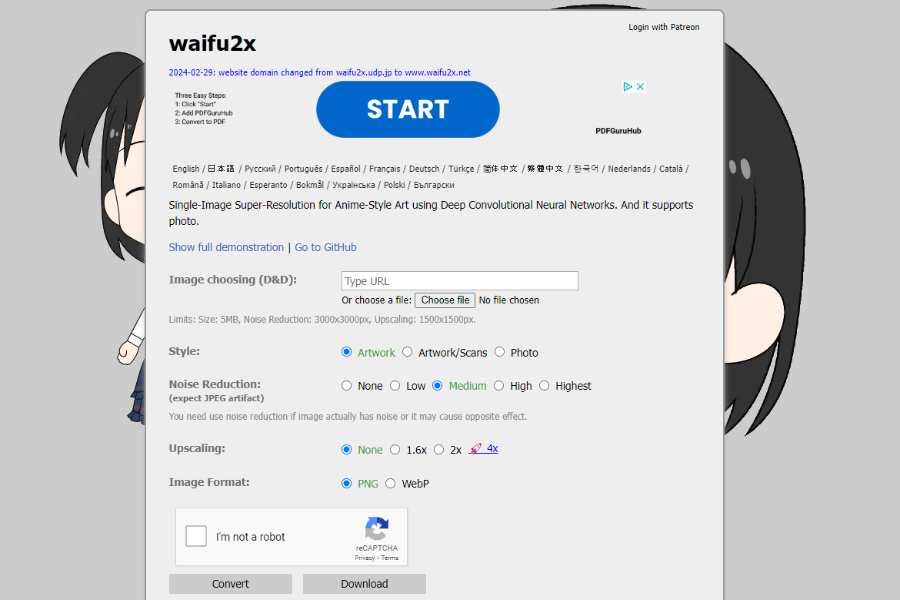
Waifu2x is a free, open-source upscaler built for anime-style art, using a neural network to enlarge images and remove JPEG noise.
The original Waifu2x project on GitHub runs locally if you’re comfortable with a command line.
Pricing Package:
Free.
Pros:
Excellent on anime, free and open source.
Cons:
Weak on real photos.
Upscaler
Upscaler is a simple online tool aimed at product images and designs. Check the vendor’s official site for the current details.
Pricing Package:
Free to start; paid options are available, so check the current pricing on the vendor page.
Pros:
Easy for commercial work, clean output.
Cons:
The free tier is limited.
Pixelup AI
Pixelup AI is a mobile app for quick upscales of photos headed for social media.
Pricing Package:
Free version available; premium plan is paid, so check the current pricing on the vendor page.
Pros:
Mobile-friendly, fast for quick enhancements.
Cons:
Few manual settings.
Icons8 Smart Upscaler
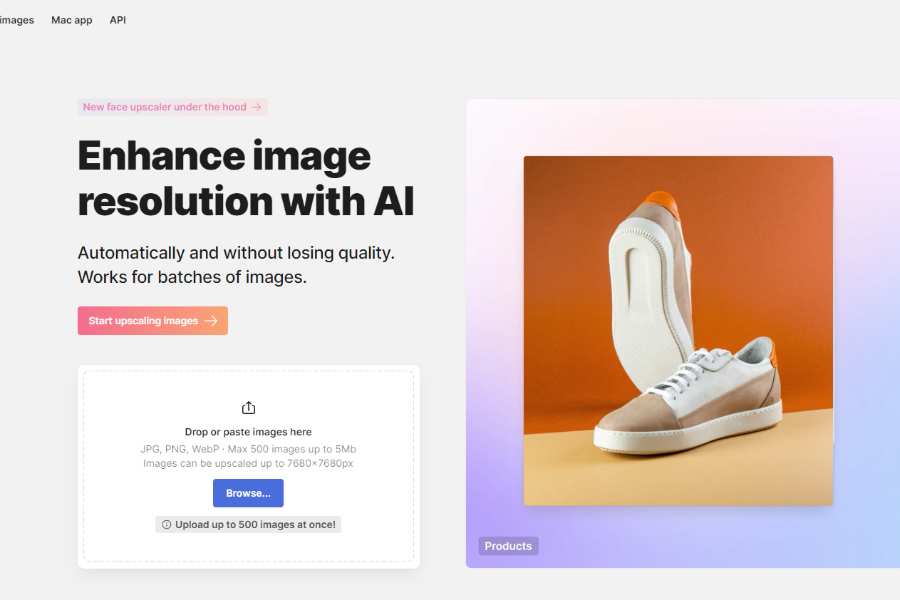
Icons8 Smart Upscaler is an online tool from Icons8 aimed at commercial and marketing images.
Pricing Package:
Free for low-res images; a pro plan is available, so check the current pricing on the vendor page.
Pros:
Fast and reliable for business images.
Cons:
The free version is limited.
All the Upscalers Side by Side
Platform and billing model narrow the field faster than output quality does. The table sums up each entry above.
| Tool | Runs on | Billing |
|---|---|---|
| Topaz Gigapixel AI | Desktop | Subscription |
| Let’s Enhance | Web | Subscription |
| BigJPG | Web | Free tier plus subscription |
| Remini | Mobile | Free tier plus weekly subscription |
| Enhance.Pho.to | Web | Free |
| AI Image Enlarger | Web and desktop | Free tier plus subscription |
| Upscale Pics | Web | Free tier plus subscription |
| VanceAI Image Enlarger | Web | Free tier plus subscription |
| Deep Image | Web and app | Trial plus subscription |
| Pixbim Enlarge AI | Desktop | One-time |
| DVDFab Photo Enhancer AI | Desktop | One-time |
| PhotoZoom Pro | Desktop | One-time |
| PhotoAI | Web | Subscription |
| Imgupscaler | Web | Free tier plus subscription |
| Imglarger | Web | Free tier plus subscription |
| Waifu2x | Web demo or local | Free, open source |
| Upscaler | Web | Free tier plus subscription |
| Pixelup AI | Mobile | Free tier plus subscription |
| Icons8 Smart Upscaler | Web | Free tier plus subscription |
When Does AI Upscaling Fail?
AI upscaling fails most often on images unlike the model’s training data: heavy compression, extreme close-ups and unconventional art styles. The more compressed the source, the harder blockiness and ringing are to remove.
Higher scale factors cost more compute and add more invented detail. Start at 2x, check the result, and only go to 4x when you need the pixels.
Video is harder again. Real-time upscaling for streams and calls lags well behind single-photo work.
Test One Hard Image on Two Tools
Pick your hardest image this week, one with faces or small text, and run it through two tools from the decision table. Most of them offer a free tier or trial, so the test costs only time.
Compare both results at 100% zoom, not as thumbnails. That’s where invented texture shows.
To look beyond upscalers, the full A to Z directory of AI tools lists every tool by name.
Frequently asked questions
Is There a Free AI Image Upscaler?
Yes. Waifu2x is free and open source, and Enhance.Pho.to is free for basic fixes. BigJPG, Imgupscaler, VanceAI and several others have free tiers that cap resolution or usage.
Can AI Upscaling Fix a Blurry Photo?
Partly. Tools with unblurring or face restoration sharpen soft edges and rebuild faces, but they predict detail rather than recover it. Motion blur and out-of-focus small text rarely come back accurately.
Is AI Upscaling Good Enough for Printing?
For moderate enlargements of clean sources, it usually is. A 2x upscale of a sharp photo prints far better than a 4x upscale of a compressed web image, which shows invented texture up close. Check the file at 100% zoom before sending it to print.
Should You Choose a Subscription or a One-Time License?
A one-time license fits if you upscale regularly for years and want local processing. Pixbim Enlarge AI, DVDFab Photo Enhancer AI and PhotoZoom Pro sell that way. Subscriptions suit occasional bursts, since you can cancel between projects.
Are Web Upscalers Safe for Client Images?
Web upscalers process your file on the vendor’s servers, so read each vendor’s data retention policy before uploading client work. For confidential images, desktop software that runs locally keeps files on your own machine.


