Paid Verified

Topaz Video AI

AI video upscaling, denoising, and enhancement software

4.4 Video
4.4 Very good 4.4

Bottom line: Topaz Video AI is a strong video tool, best known for AI video upscaling to higher resolution.

Strong upscaling and restoration quality No free version available
Reviewed by Challenging Voice Editorial · Updated Jul 2026 How we rate
PricingPaid
Free planNo
CompanyTopaz Labs
PlatformsMac, Windows
Best forVideo
Founded2022
Visits4
Last reviewedJul 2026
UpdatedJul 2026
Ask AI about Topaz Video AI ChatGPT Claude Perplexity

Overview

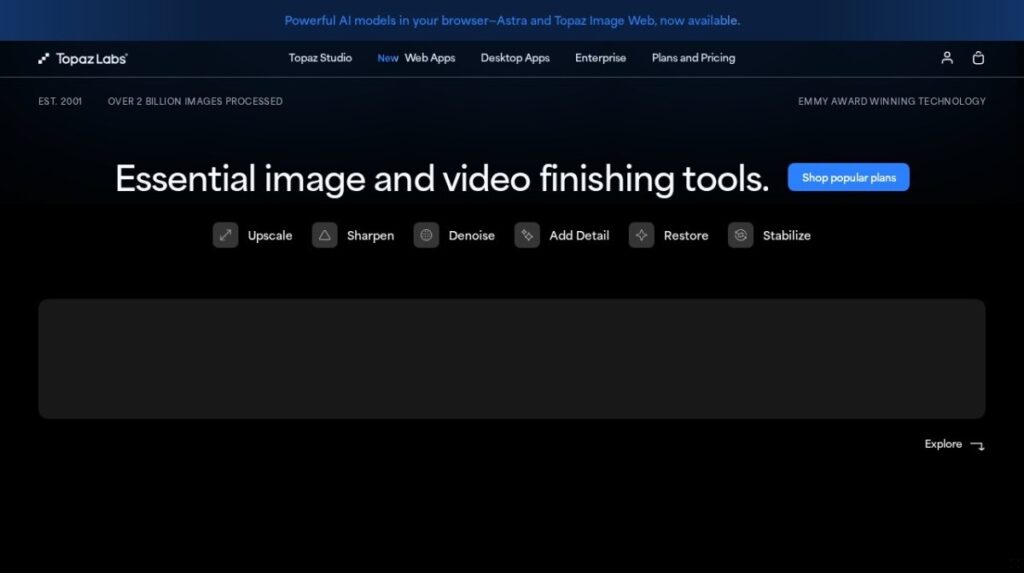
Topaz Video AI is desktop software from Topaz Labs focused on enhancing existing video rather than generating it. It uses trained models to upscale footage to higher resolutions, reduce noise and grain, sharpen detail, deinterlace, and smooth or interpolate motion for higher frame rates. The application processes video locally on the user's machine, which keeps footage private and takes advantage of GPU acceleration. It is a specialized enhancement tool designed to improve the technical quality of clips that already exist, including older or low resolution material.

The software is built for videographers, editors, restoration specialists, and post production professionals who need to clean up or upscale footage. People restoring old home videos, upgrading archival material, or preparing content for high resolution delivery are typical users, along with studios handling technical finishing. Topaz Video AI is sold as a paid license, often with a period of updates included, which suits professionals who want a one time purchase and offline processing. It is not a free service, reflecting its focus on serious enhancement work.

In practice, users load a clip, choose enhancement models for upscaling, denoising, or frame interpolation, and render an improved version. The application allows previewing results, batch processing, and adjusting settings for different footage types and target resolutions.

Key features

Pricing

Visit the Topaz Video AI website for current plans and pricing.

  • Pricing modelPaid
  • Starting priceCustom
  • Free planNo
Visit Topaz Video AI

Pricing is provided as a guide. Check the official site for the latest plans.

Pros & cons

Pros

  • Strong upscaling and restoration quality
  • Processes footage locally and privately
  • One time license option
  • Handles old and low resolution video

Cons

  • No free version available
  • Requires a capable GPU
  • Rendering can be slow

How it compares

ToolRatingFreeFromBest known for
Topaz Video AI (this tool)4.4NoAI video upscaling to higher resolution
Google Veo4.5Yes$20/moText to video clip generation
OpusClip4.5Yes$15/moLong video to short clips
Fliki4.5Yes$21/moText to video conversion

Our verdict

4.4 / 5 4.4

Topaz Video AI is a strong video tool, best known for AI video upscaling to higher resolution.

What makes it different: Topaz Video AI stands out for AI video upscaling to higher resolution.

How we score it
Overall 4.4
Value for money 4.2
Feature depth 4.9
Popularity 3.7
Best for Video creatorsMarketersAgenciesEducators

Frequently asked questions

What is Topaz Video AI?
Topaz Video AI is a video tool listed in the Challenging Voice directory. AI video upscaling, denoising, and enhancement software.
Is Topaz Video AI free?
Topaz Video AI does not offer a free plan.
What are the best Topaz Video AI alternatives?
Popular alternatives to Topaz Video AI include Arcads, Dreamina, and Google Flow. Browse them all in the Video category.
Is Topaz Video AI any good?
Topaz Video AI scores 4.4 out of 5 based on our editorial review.

Reviews

4.4 No reviews yet

Write a review

Similar tools you might like