
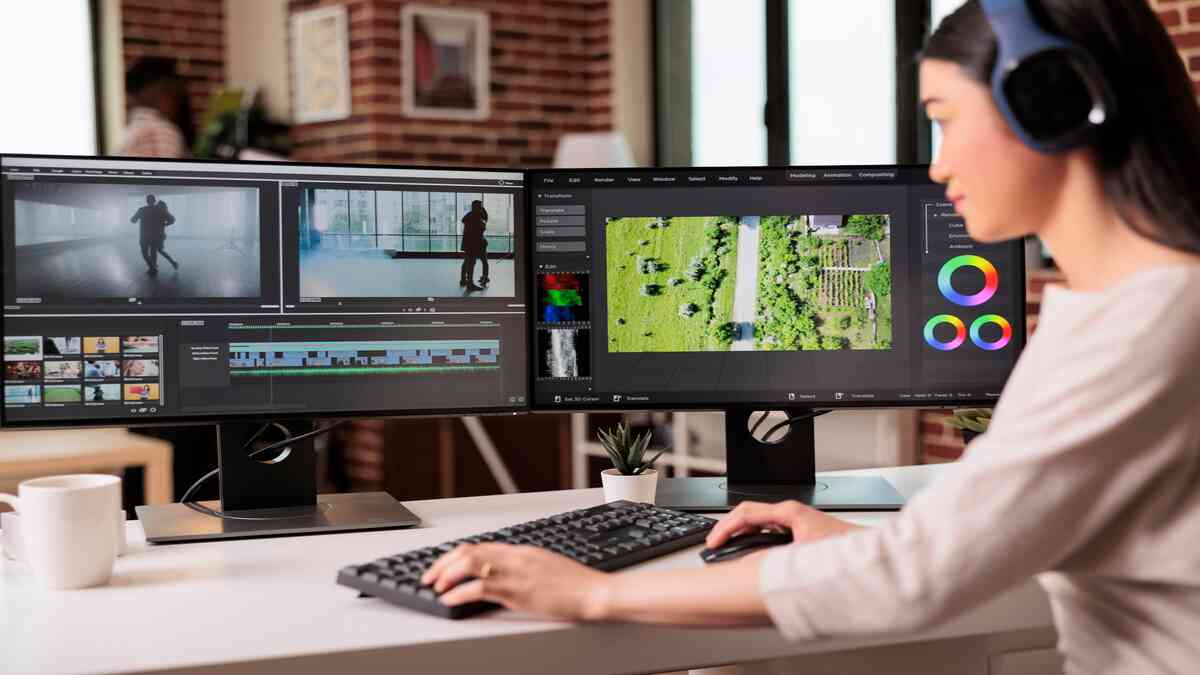
The best AI tools for video animation and editing depend on what you ship. Pick DaVinci Resolve for free professional editing, Adobe Premiere Pro for Adobe-based teams, CapCut for fast social clips, and Animaker or Powtoon for template-driven explainer animation.
This list compares 11 editors and animation apps on their AI features, platforms and published pricing. If you want to generate video from a text prompt rather than edit footage, see the AI video generator tools guide.
How Were These Tools Chosen?
Each tool here had to do at least one of 2 jobs well: edit real footage with AI help, or produce animation without frame-by-frame work.
The bar was specific. An AI feature had to save time on a named task, not just appear on the box as a label.
The order isn’t a score. The list runs roughly from professional editing suites to template-driven animation apps, and the prices come from each vendor’s published plans.
Four criteria decided which tools made the list:
- AI features tied to a real task, such as auto captions, scene detection or background removal.
- Output that holds up at the resolution and format you publish to.
- Enough manual control to fix what the AI gets wrong.
- A free version, a free trial or a published price you can check before committing.
Which AI Features Save the Most Editing Time?
Auto captions, scene detection and transcript-based editing save the most time. Each one replaces hours of repetitive manual work with a first pass that you then correct.
Background removal, masking and automated color matching come next. These tasks used to need rotoscoping skill or a green screen, and now they take a few clicks.
AI upscaling, stabilization and noise reduction can rescue weak footage, and dedicated AI video enhancers go further than most editors here. For dialogue-heavy edits, the voice cleanup used in AI podcast editing tools is worth a look.
The 11 AI Video Editing and Animation Tools Worth Knowing
Adobe Premiere Pro
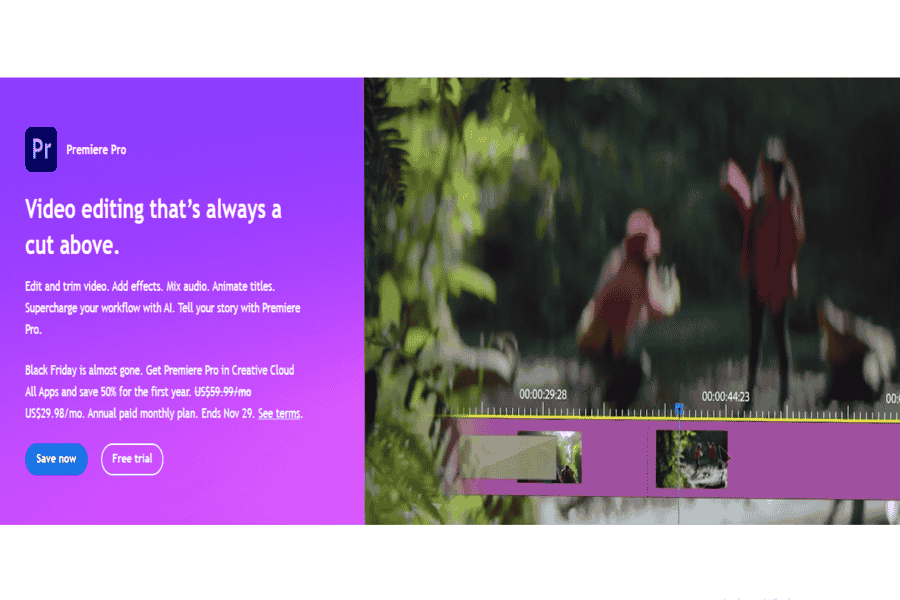
Adobe Premiere Pro is the industry-standard editor for teams already working in Adobe Creative Cloud. Its AI features sit inside a full professional timeline.
Text-Based Editing lets you cut footage by editing its transcript. Auto Reframe resizes clips for vertical formats, Scene Edit Detection splits a flattened file into clips, and Generative Extend uses Adobe Firefly to lengthen a shot.
Pick it if you already pay for Creative Cloud. If you don’t, DaVinci Resolve’s free version covers most of the same editing at no cost.
Pros:
- Advanced editing tools.
- Excellent integration with other Adobe Creative Cloud apps.
- A vast library of effects and plugins.
Cons:
- High learning curve.
- Subscription-only pricing.
Pricing Package:
$20.99/month.
Invideo Editor
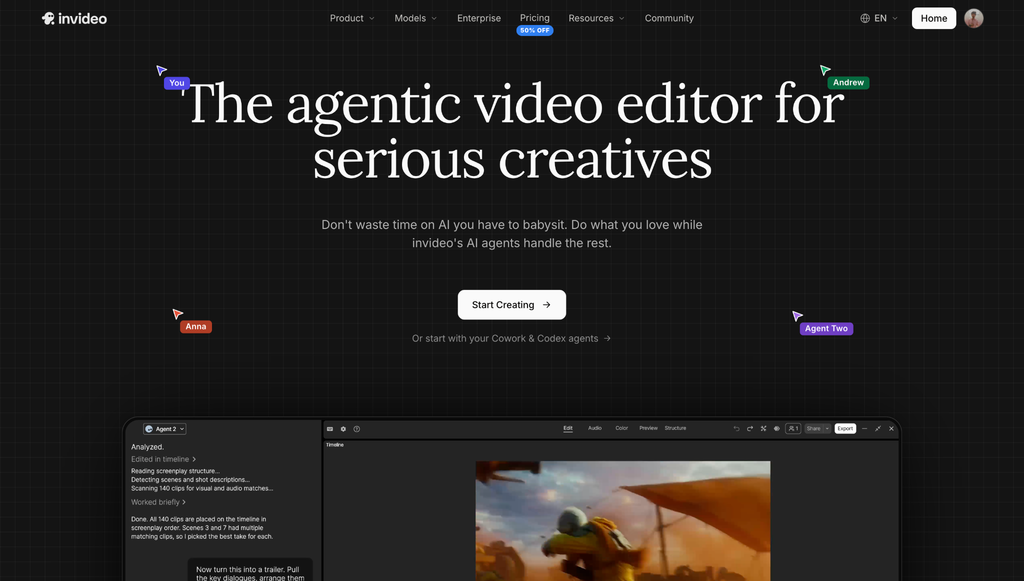
Invideo’s editor is agentic, which means AI agents carry out multi-step edits from plain-language instructions. The agents work on a real multitrack timeline.
You describe the edit, the agents assemble it, and every result stays open to manual changes. Choose it if you want AI to make the first cut but still need keyframe-level control.
Pros:
- Agents handle assembly, multicam sync, cleanup, grading, and sound from plain-language direction.
- Full manual toolset underneath: keyframes, color grading, and audio mixing on the same timeline.
- Every agent result stays editable by hand, and the manual timeline is free to use.
Cons:
- Agent access requires a paid plan.
- Runs in the browser, so it needs an internet connection.
Pricing Package:
Manual timeline is free. Paid plans are listed on Invideo’s pricing page, and pricing varies by region.
Final Cut Pro
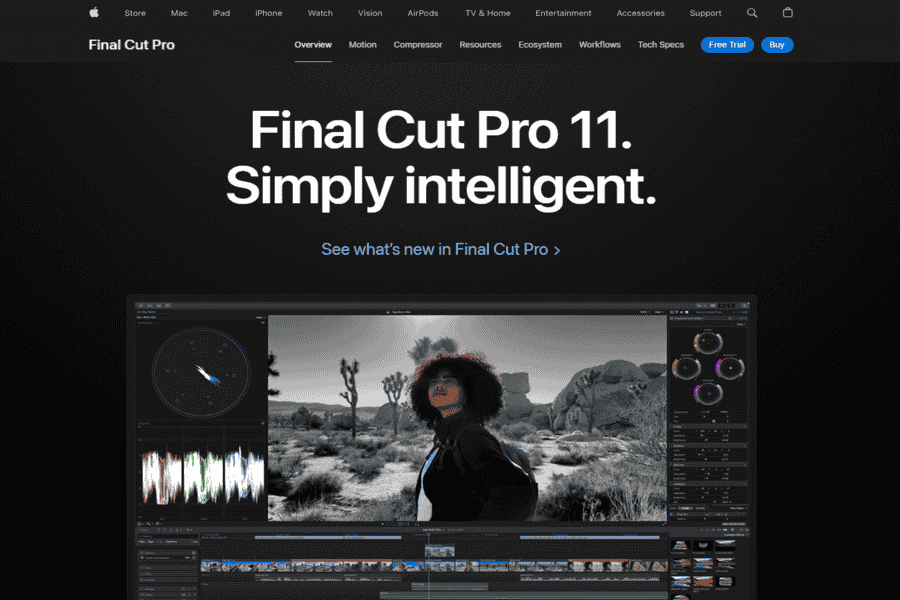
Final Cut Pro is Apple’s professional editor for macOS, built to run fast on Apple silicon.
Its AI tools include Magnetic Mask, which isolates people and objects without a green screen, and Transcribe to Captions for automatic subtitles. Smart Conform reframes footage for vertical and square formats.
Go with Final Cut Pro if you edit only on a Mac and care about smooth playback on large projects.
Pros:
- Optimized for macOS.
- Intuitive interface.
- Powerful performance with large projects.
Cons:
- Mac only on desktop; the iPad version is a separate app.
- On Mac you can pay once for Final Cut Pro, or get it as part of the Apple Creator Studio subscription.
Pricing Package:
One-time purchase on the App Store for Mac, per Apple’s Final Cut Pro page; check the App Store for the current price.
DaVinci Resolve
DaVinci Resolve is Blackmagic Design’s all-in-one suite for editing, color grading, visual effects and audio. Its free version is the strongest no-cost professional editor on this list.
The AI runs on the DaVinci Neural Engine, which powers Magic Mask for tracking subjects, Smart Reframe, Voice Isolation and Speed Warp slow motion. Many of those features sit in the paid Studio version, so check Blackmagic Design’s feature comparison.
DaVinci Resolve suits you if you want pro-grade color without a subscription and can handle a steep learning curve.
Pros:
- Free version available with strong features.
- Excellent color grading tools.
- Professional editing tools.
Cons:
- Steeper learning curve.
- Requires powerful hardware for smooth performance.
Pricing Package:
Free, or $236 one-time for DaVinci Resolve Studio, per Blackmagic Design’s DaVinci Resolve page.
Blender
Blender is free, open-source 3D modeling and animation software. It earns its place here for animation, not for AI.
Its AI is narrow. The Cycles renderer uses AI denoising, through Intel Open Image Denoise or NVIDIA OptiX, to clean up noisy renders faster, and anything more comes from third-party add-ons.
Choose Blender for 3D animation you control frame by frame. Its built-in Video Sequencer handles simple cuts, not a full edit.
Pros:
- Completely free.
- Extensive tools for animation and 3D modeling.
- Strong community support.
Cons:
- Not beginner-friendly.
- Limited advanced video editing features.
Pricing Package:
Free.
Camtasia
Camtasia is TechSmith’s screen recorder and editor for tutorials, training videos and product demos.
Its AI features target that work, such as background removal and captions; see TechSmith’s site for the current feature list.
Camtasia is the right call if most of your video starts as a screen recording. For anything else, a general editor from this list fits better.
Pros:
- Intuitive interface, suitable for beginners.
- Excellent for screen recordings and annotations.
- Library of templates and assets.
Cons:
- Limited advanced editing features.
- Hard to justify if you rarely record your screen.
Pricing Package:
Free trial available; see TechSmith’s site for current pricing and licence options.
CapCut
CapCut is ByteDance’s AI-native editor, built around automation and templates for short-form video. Its AI Auto-Edit takes raw footage plus a text description and returns a first-pass edit with transitions and music.
CapCut replaces HitFilm Pro on this list, as HitFilm has been discontinued by its owner, Artlist.
Use it for TikTok, Reels and Shorts. Check availability in your country and the current free-plan limits first.
Pros:
- Free with a generous feature set; extensive template and effects library.
- Strong auto-captioning, background removal, and short-form export presets.
Cons:
- Less suited to long-form or complex professional VFX work than a dedicated compositor.
Pricing Package:
Free; Pro plan for advanced features and stock assets (see CapCut’s site for current pricing).
Pinnacle Studio
Pinnacle Studio is a Windows-only editor that sits between beginner apps and professional suites.
AI isn’t its headline. You buy it for a one-time-priced timeline with motion tracking, masking and 360-degree video editing.
Pinnacle Studio makes sense if you’re on Windows and want to own your editor outright.
Pros:
- Intuitive timeline editing.
- Includes 360-degree video editing.
- Variety of effects and transitions.
Cons:
- Only available for Windows.
- Performance issues on low-end systems.
Pricing Package:
- Standard: $59.95
- Plus: $99.95
- Ultimate: $129.95
iMovie
iMovie is Apple’s free editor for Mac, iPhone and iPad, and it covers basic and intermediate editing.
On iPhone and iPad, Magic Movie builds an edited video from the clips and photos you select, and Storyboards gives you shot-by-shot templates.
Start here if you’re on Apple hardware and new to editing. When you outgrow it, you can move iMovie projects on a Mac into Final Cut Pro.
Pros:
- Free for Apple users.
- User-friendly interface.
- Smooth integration with other Apple products.
Cons:
- Limited advanced editing tools.
- Only available on Apple devices.
Pricing Package:
Free.
Animaker
Animaker is a browser-based animation platform for explainer videos, character animation and presentations, built on drag-and-drop templates.
It suits marketers and teachers who need animated video without animation skills. Check the Animaker website for its current AI generation features. Pair it with AI voiceover, a workflow covered in how AI voice technology is changing video.
The trade-off is control. Templates get you to a finished video fast, and they also make the results look alike.
Pros:
- Easy drag-and-drop interface.
- Variety of templates and characters.
- Cloud-based; no installation required.
Cons:
- Limited advanced customization.
- Watermarks in the free version.
Pricing Package:
- Free version available.
- Starter: $10/month.
- Pro: a paid monthly plan is available; check Animaker’s pricing page for current prices and billing terms.
- Enterprise: Custom pricing.
Powtoon
Powtoon is a browser-based platform for animated presentations and explainer videos, aimed at business and education teams.
Its collaboration tools set it apart from Animaker, so it fits teams working on the same video together. Check the Powtoon website for its current AI features.
Check your plan before you publish. Exports from the free version carry a watermark.
Pros:
- User-friendly with pre-made templates.
- Ideal for business and educational content.
- Cloud-based collaboration tools.
Cons:
- Limited advanced editing options.
- Watermarks in the free version.
Pricing Package:
- Free version available.
- Pro: $19/month.
- Pro+: a higher-tier paid plan; check Powtoon’s pricing page for current plan names and prices.
- Enterprise: Custom pricing.
AI Video Editing and Animation Tools Compared
The table sets the 11 tools side by side on the 3 things that decide most choices: what each tool is best for, where it runs and whether you can start free.
| Tool | Best for | Platform | Free option |
|---|---|---|---|
| Adobe Premiere Pro | Professional editing in Creative Cloud | Windows, macOS | Free trial only |
| Invideo | Prompt-driven editing on a timeline | Browser | Free manual timeline |
| Final Cut Pro | Professional editing on a Mac | macOS, iPad | Free trial only |
| DaVinci Resolve | Color grading and pro editing | Windows, macOS, Linux | Free version |
| Blender | 3D animation | Windows, macOS, Linux | Free and open source |
| Camtasia | Screen-recorded tutorials | Windows, macOS | Free trial only |
| CapCut | Short-form social video | Desktop, mobile, browser | Free plan |
| Pinnacle Studio | Windows editing without a subscription | Windows | One-time purchase; check the official site for trial availability |
| iMovie | Beginners on Apple devices | macOS, iOS, iPadOS | Free |
| Animaker | Template-based explainer animation | Browser | Free plan with watermark |
| Powtoon | Animated presentations made by teams | Browser | Free plan with watermark |
Which Tool Should You Pick?
The right tool depends on how much of the video you want the AI to make. If you want AI to assist an edit you control, pick a professional suite. If you want AI or templates to build most of the video, pick a template-driven tool.
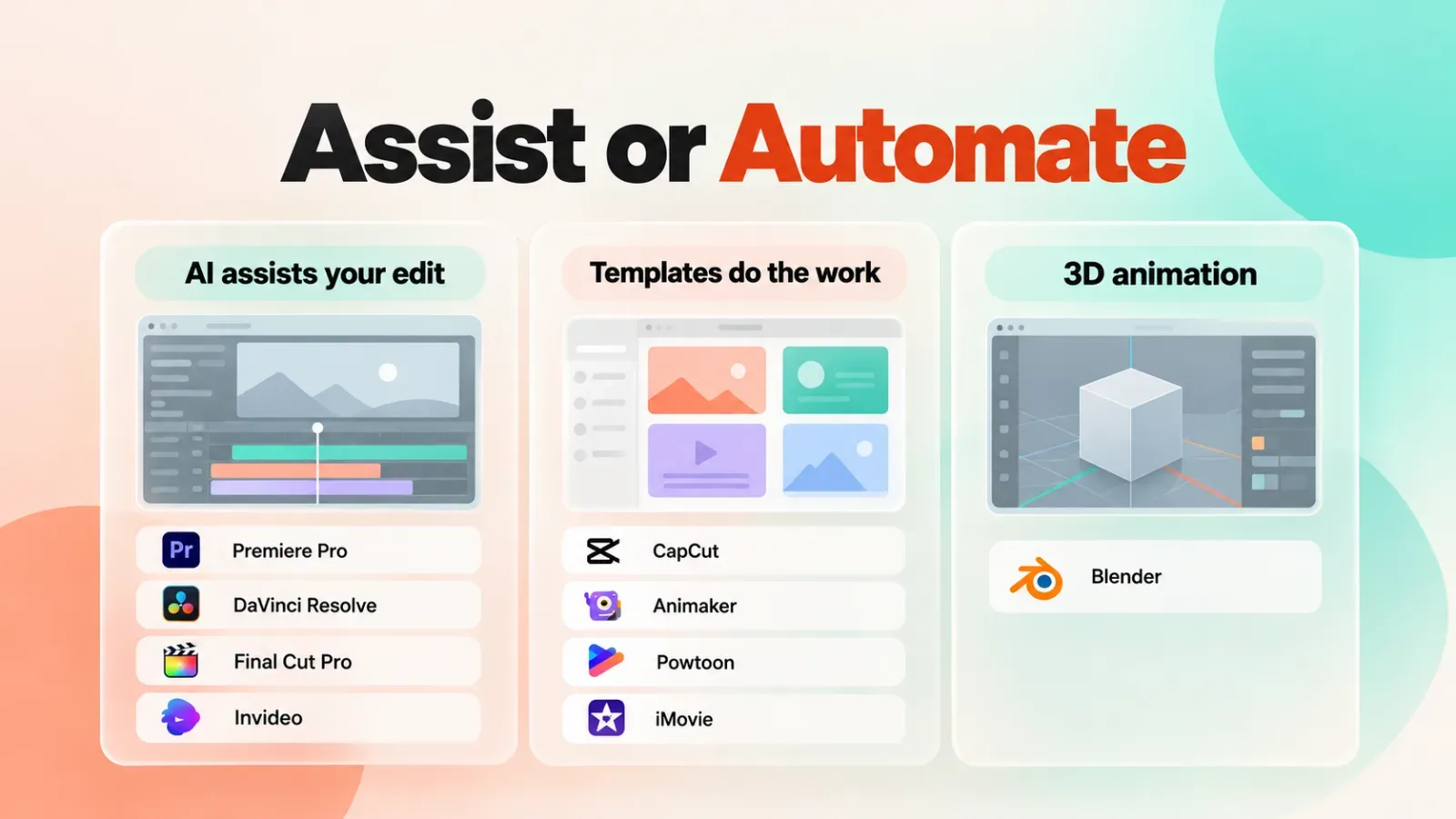
- Editing only on a Mac: Final Cut Pro, or iMovie while you learn.
- Editing free on any desktop: DaVinci Resolve.
- Sharing projects with an Adobe team: Premiere Pro.
- Posting short-form clips every day: CapCut.
- Directing edits in plain language: Invideo.
- Recording software tutorials: Camtasia.
- Animating explainers without drawing: Animaker for solo work, Powtoon for teams.
Blender is the pick only when you need 3D animation. Pinnacle Studio makes sense only for Windows users who don’t want a subscription.
Where Do AI Video Tools Still Fall Short?
AI video tools still struggle with complex motion, faces and consistency from shot to shot. Plan a human editing pass on anything AI-generated before it ships.
Deepfakes and AI likenesses raise legal and ethical questions, and the rules differ by jurisdiction and use case. Content Credentials, provenance labels based on the C2PA (Coalition for Content Provenance and Authenticity) standard that Adobe backs, are one way to disclose synthetic media.
Heavy AI work like upscaling, style transfer and masking is compute-intensive. That’s why so many AI features run in the cloud, and why entry-level hardware still struggles to process them locally.
Run One Real Project Through Two Free Tools
Before you pay for anything, re-edit one finished project in two free tools from the table, such as DaVinci Resolve and CapCut.
Time the tasks you dislike most, such as captions or reframing, and note which AI feature cuts them down. The tool that saves time on your own footage beats the one with the longest feature list.
Frequently asked questions
What Is the Best AI Tool for Animation?
The best AI tool for animation depends on the kind of animation you need. Animaker and Powtoon are the fastest routes to template-based 2D explainers. Blender is free and far deeper for 3D work. To turn a still picture into motion, image-to-video AI tools are a closer fit.
Is There Free AI Video Editing Software?
Yes. DaVinci Resolve, CapCut, iMovie and Blender all have free versions, and Invideo’s manual timeline is free. The catch is that the most advanced AI features usually sit in paid tiers, such as DaVinci Resolve Studio.
Can AI Edit a Whole Video for You?
AI can produce a usable first cut, not a finished video. CapCut’s AI Auto-Edit and Invideo’s agents can assemble footage from a text description. You still need your own judgment for pacing, story and brand fit.
What’s the Difference Between an AI Video Editor and an AI Video Generator?
An AI video editor works on footage you supply. An AI video generator creates new footage from a prompt, a script or an image. Generators like those in this ranking of AI video generators suit avatar and stock-style clips, while editors suit footage you’ve already shot.


