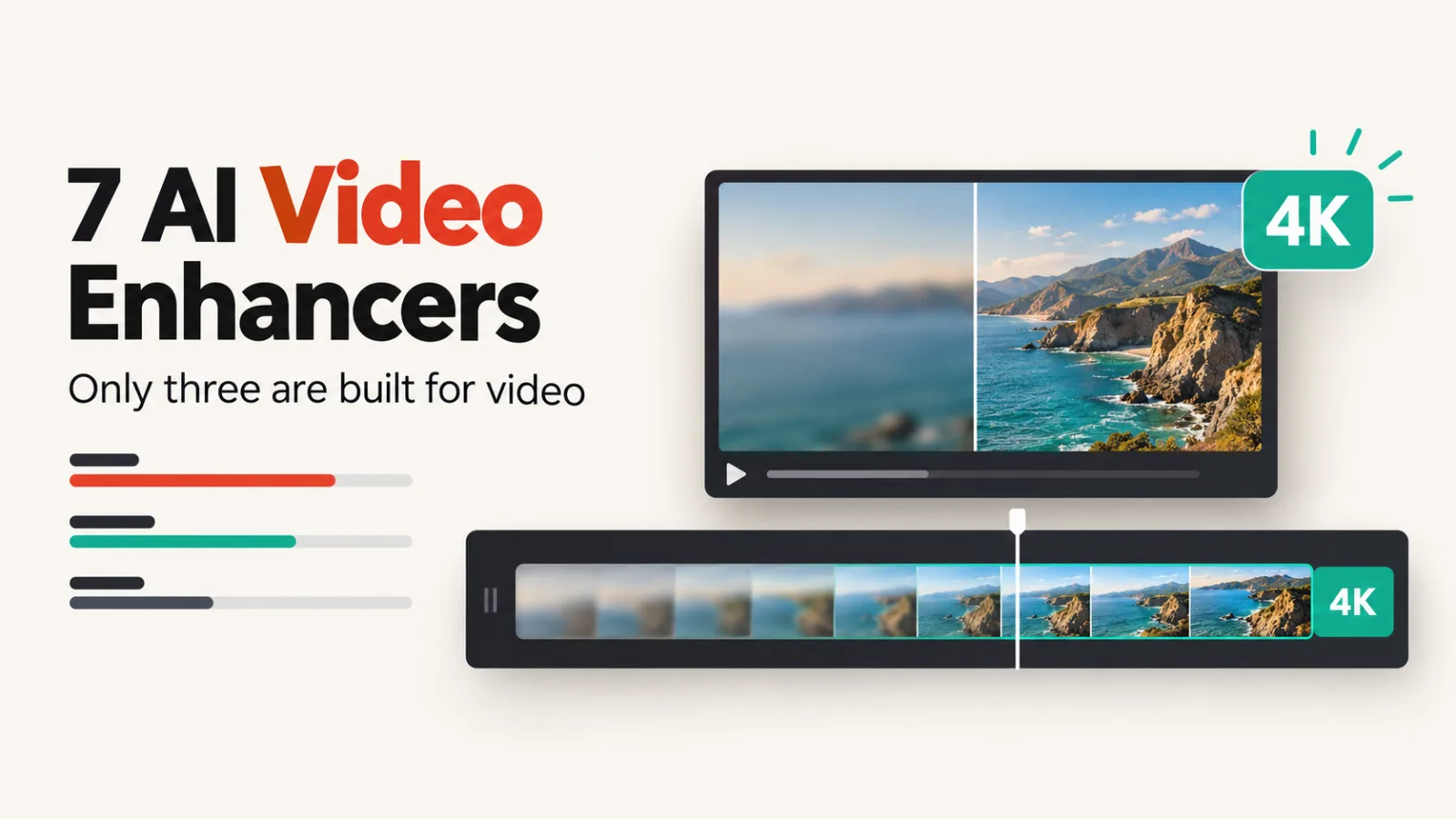
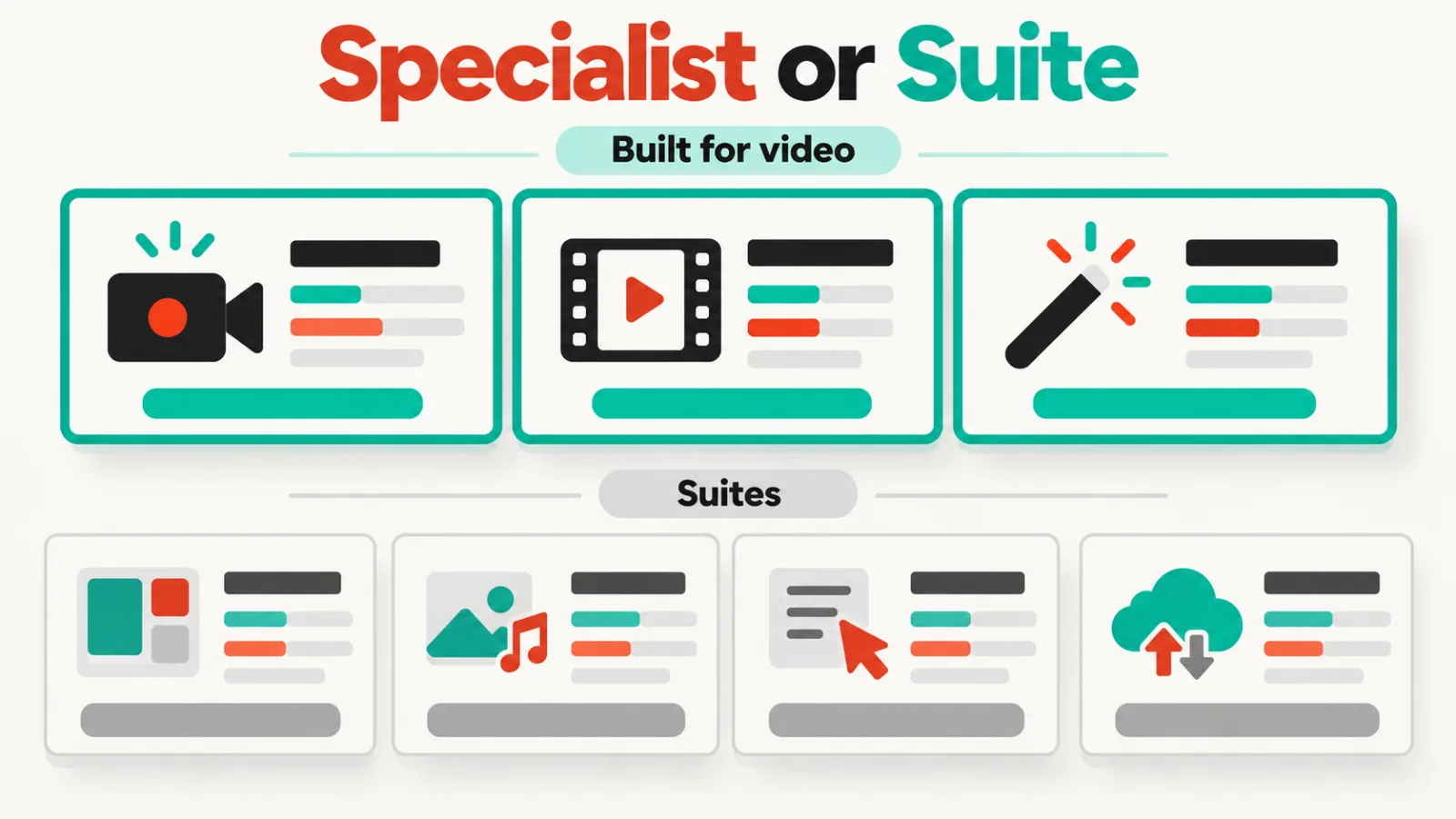
Of the seven AI video enhancers in our catalogue, only three are built for the job: Topaz Video AI, HitPaw VikPea and AVCLabs. The other four are suites that add a video enhancer to photo editing, style transfer or social video.
That split decides most purchases. If you have footage to rescue, such as old family video, low-resolution clips or a shaky shoot, start with the first group. If you already use one of the suites, its enhancer may be enough.
Built for video
Topaz Video AI upscales resolution, interpolates frame rate, reduces noise and stabilises shaky footage. It works on video you already have rather than generating new clips, and its 4.4 is the highest rating here.
It has no free plan. On 5 October 2026 the pricing page showed Topaz for Web – Video at $29 a month, marked down to $19 for a limited time. Topaz Studio, which includes the desktop Topaz Video app, was $399 a year.
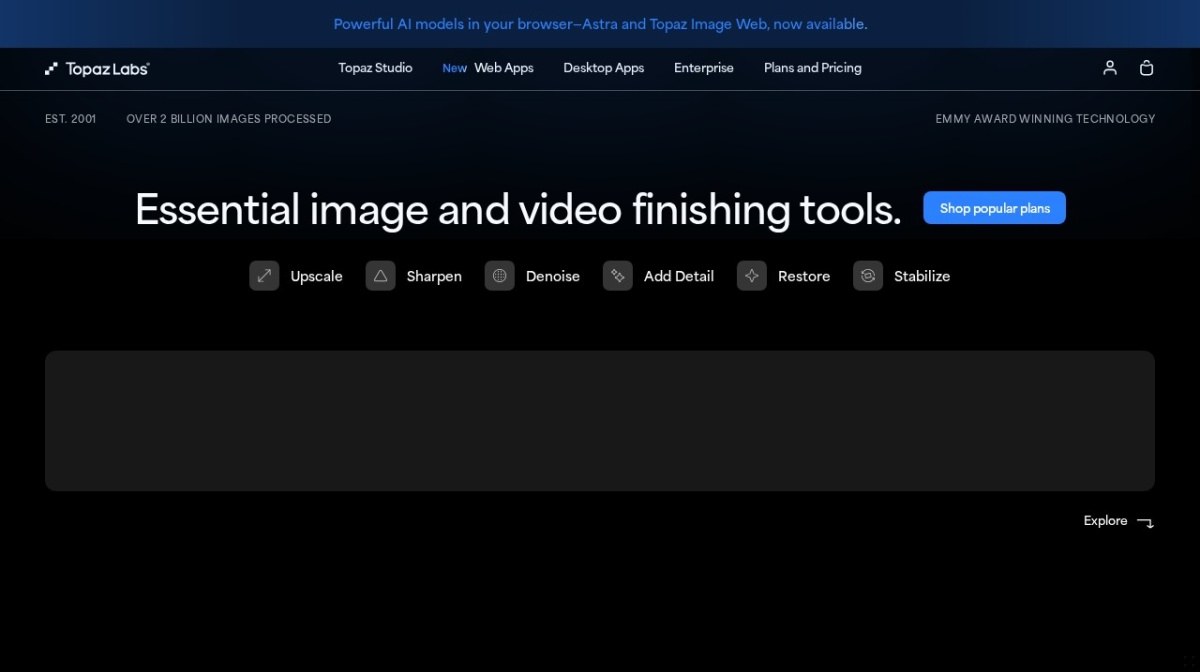
The catch is the buying decision. Topaz sells a browser version and desktop apps under separate plans, so work out which one you need before you pay for the other.
Device coverage is where HitPaw VikPea stands out, with Windows, Mac, web and mobile versions (editorial rating 3.8). It upscales video to 4K and 8K, sharpens blurry footage and colourises black-and-white material. Its page also lists frame rates up to 60FPS and enhancement of AI-generated clips from tools such as Kling, Sora and Veo.
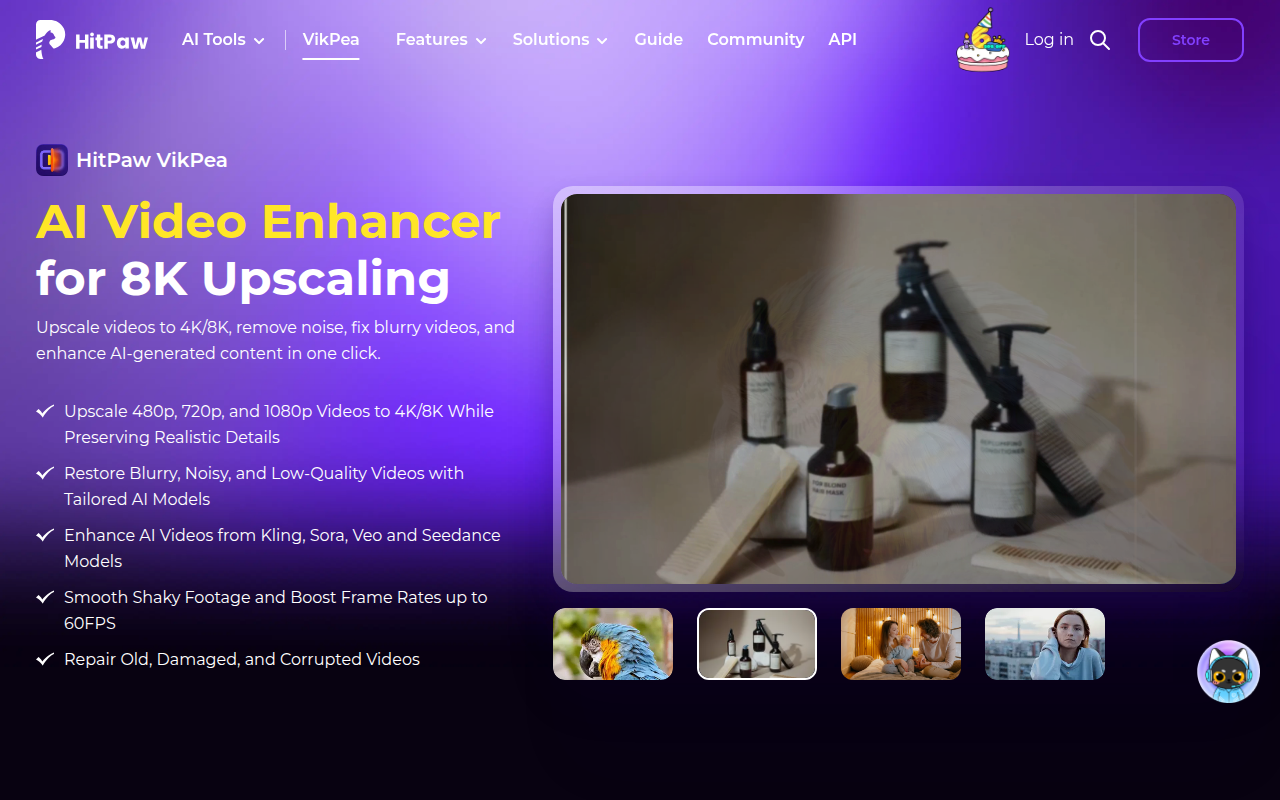
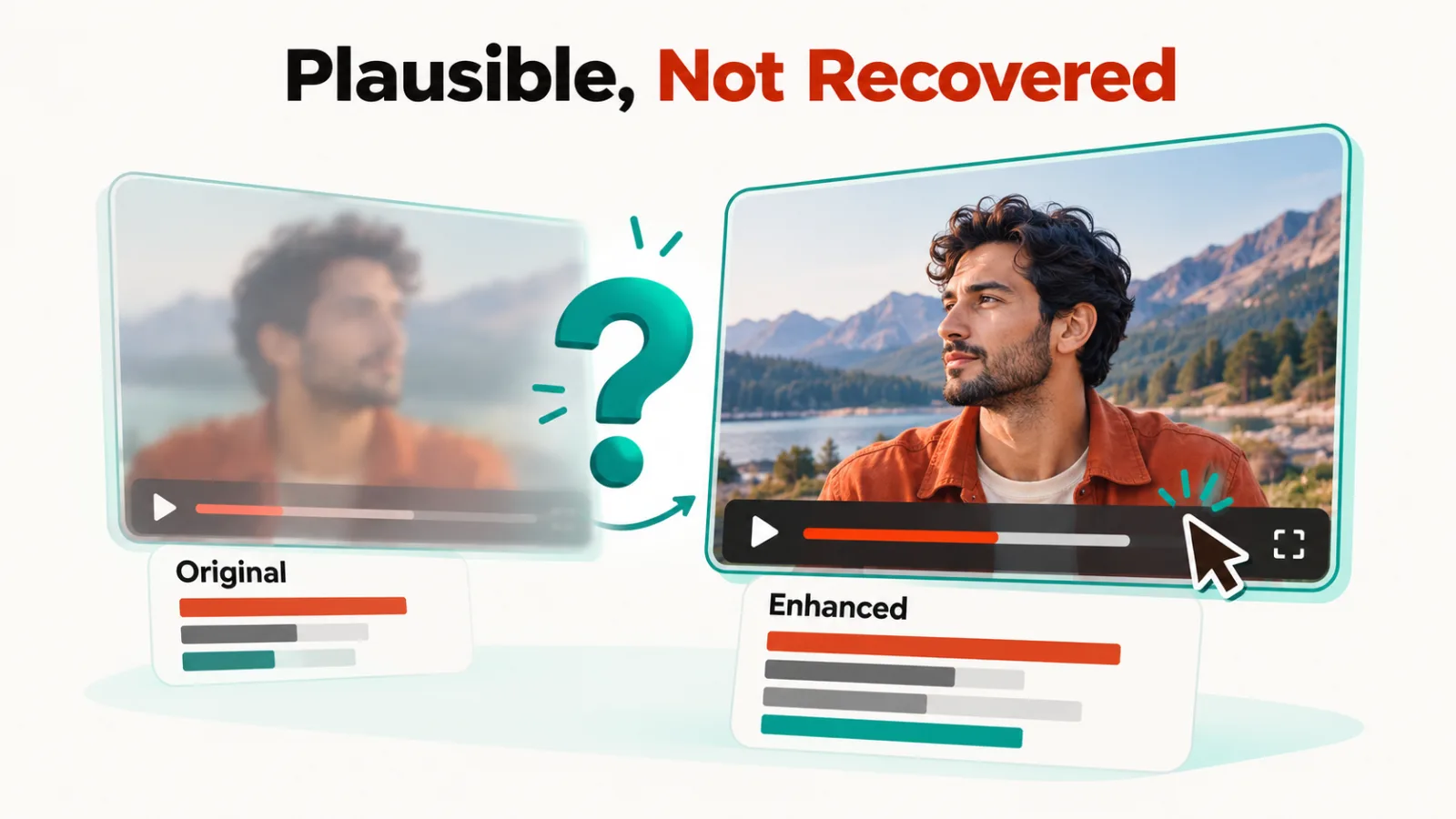
It has no free plan, though a trial is available. Like every AI upscaler, it generates plausible detail rather than recovering detail the camera never recorded, so it suits viewing and presentation and not evidence.
AVCLabs is the only one of the three with a free plan, and it’s rated 3.7. Its Video Enhancer AI upscales to 4K and 8K, reduces blur, restores faces and stabilises footage. A separate Video Blur AI automatically blurs faces and licence plates, which is useful before you publish dashcam or street footage.
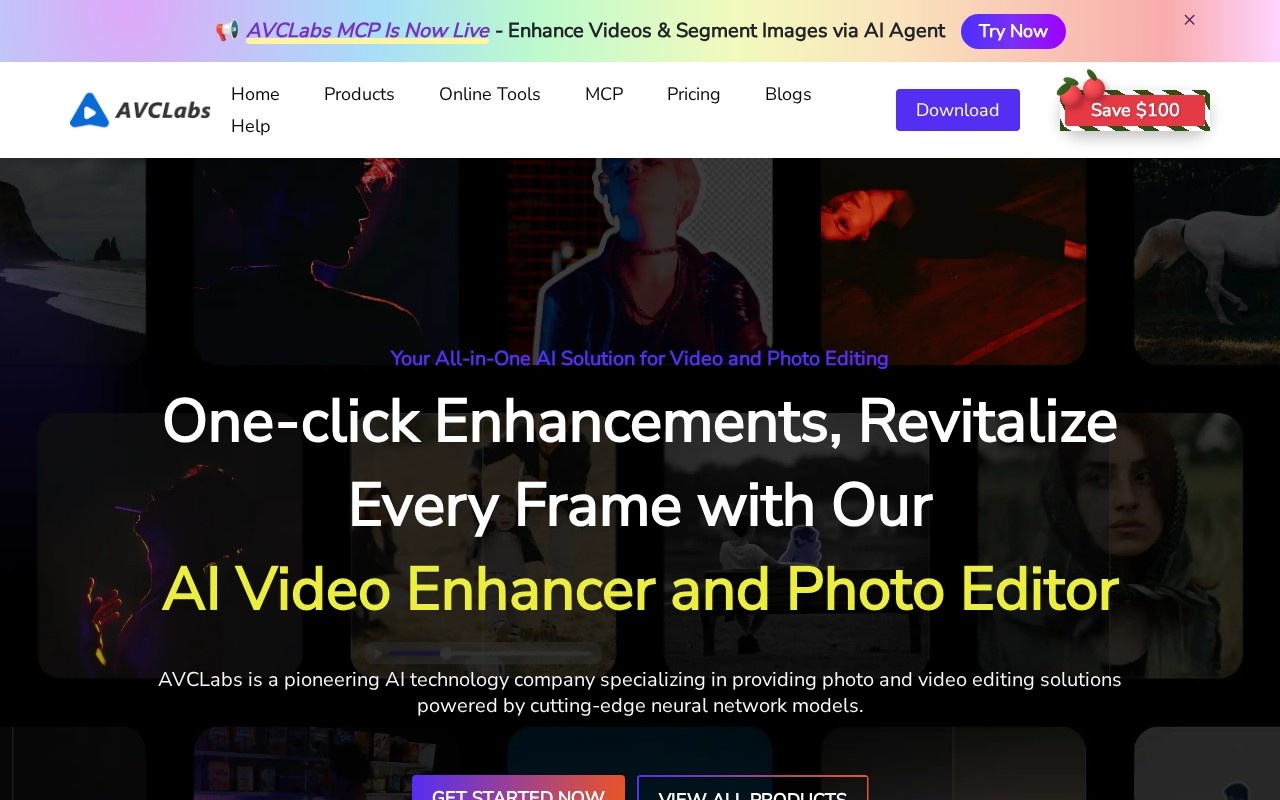
AVCLabs sells the enhancer and the blur tool as separate products, so check which one a plan covers before you buy.
Suites with an enhancer inside
Cutout Pro began as a background remover and grew into a broad visual AI platform, and its 4.0 is the highest rating in this group. Photo enhancement, colourisation and video tools run on credits. Video is processed and billed separately, by the minute, and a free tier is available.
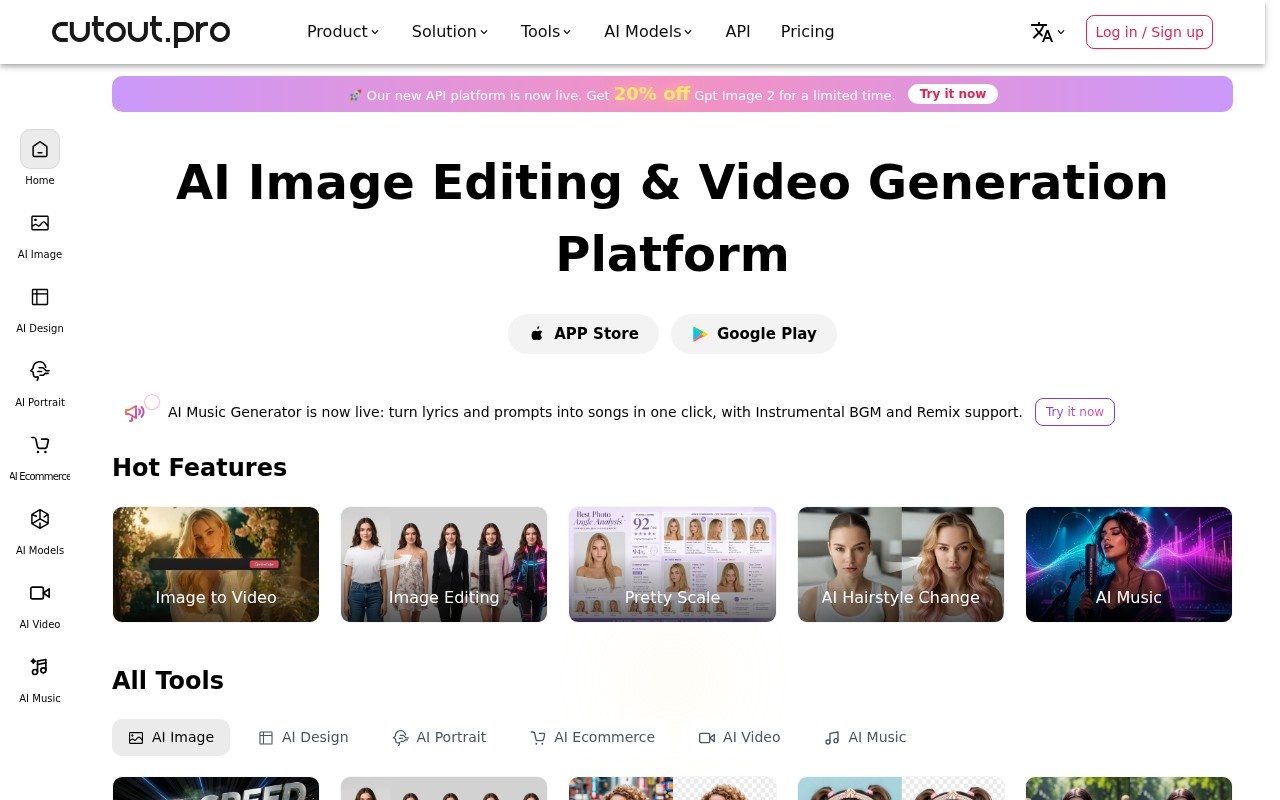
It’s an image platform first. If footage is your main job, the dedicated tools above will serve you better.
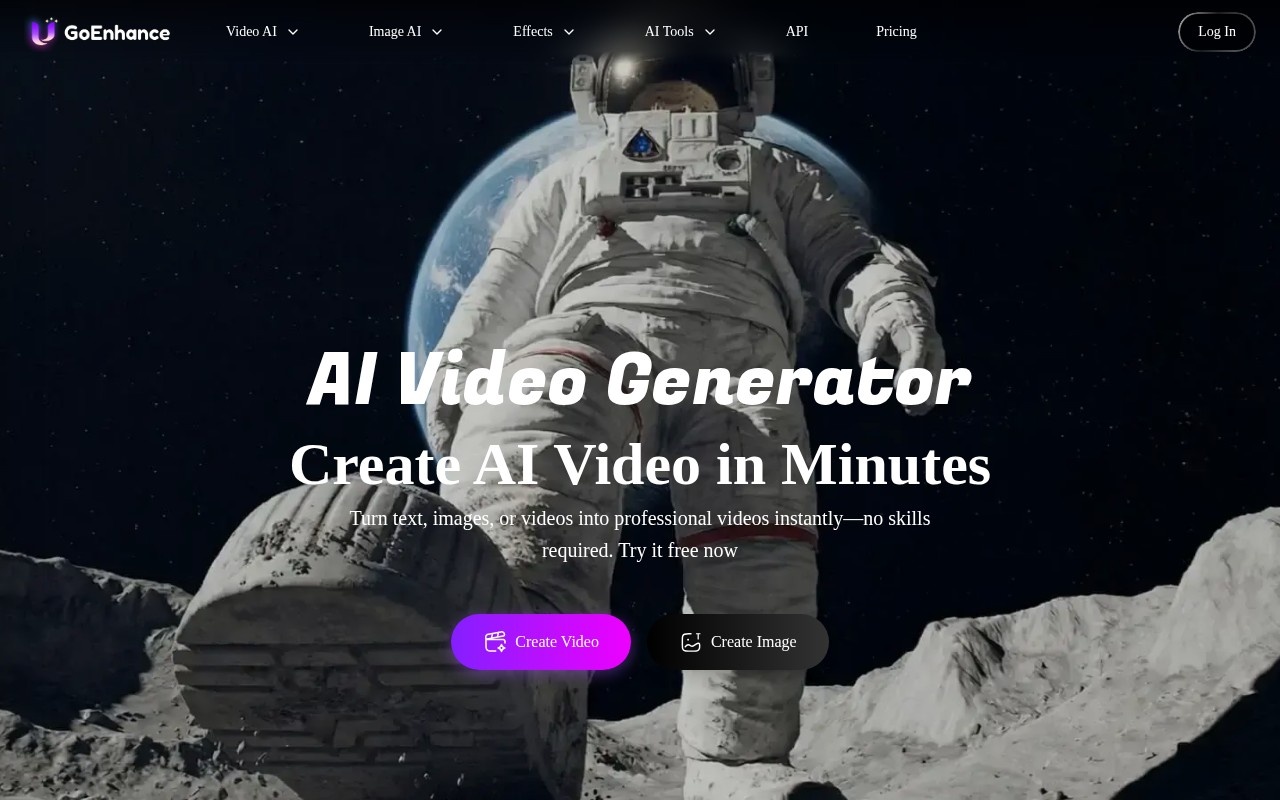
Video-to-video style transfer, which holds an anime or 3D look steady across frames, is what GoEnhance AI is best known for. It’s a browser-based platform rated 3.9, with 4K upscaling and wrapped third-party models including Sora, Kling and Runway. A free plan is available.
Upscaling here is a side feature, so judge the platform on the style work.
A studio for short-form social video, Vmake also rates 3.9. Its toolset covers UGC clips, avatar video, a video translator and a hook generator, with an enhancer alongside them. There’s a free plan with credits, then paid tiers.
It suits sellers polishing clips for social feeds, not anyone restoring archive footage.
Photos come first at Remini, though it enhances video too, with unblurring, denoising and enlargement. Its reputation rests on old photo restoration, and it has a free plan. It’s rated 3.8.
The limit is the faces: the model fills in a best guess of a blurred face, which can look right and still not be the person photographed.
How this list is ordered
Each group runs from the highest editorial rating to the lowest, with free-plan availability noted. The ratings are editorial, not hands-on benchmarks or user votes.
Prices were checked on vendor pages from a US server on 5 October 2026, and where a page wouldn’t show one, this list gives none. The full set sits in our video tools category.
Which one fits
- Maximum control over restoration: Topaz Video AI.
- One tool on every device, up to 8K: HitPaw VikPea.
- A free plan, plus face and plate blurring: AVCLabs.
- Photos and video in one credit pool: Cutout Pro.
- Stylised video with upscaling: GoEnhance AI.
- Short-form social clips: Vmake.
- Old photos first, video second: Remini.
Common questions
Can AI add detail that was never recorded?
It can add plausible detail, which isn’t the same thing. These tools infer what a sharper frame probably looked like, which is fine for family video and presentations. Don’t use enhanced footage where it must stay accurate, such as evidence.
Is there a free AI video enhancer?
Five of the seven list a free plan: AVCLabs, Cutout Pro, GoEnhance AI, Vmake and Remini. Topaz Video AI and HitPaw VikPea don’t, though VikPea offers a trial. Some meter usage in credits, so check what a free clip can do before relying on it.
How high can they upscale?
HitPaw VikPea and AVCLabs both list 4K and 8K output, and GoEnhance AI lists 4K. Source quality still sets the ceiling, so a tiny clip won’t become sharp however high you scale it.
What if I need to generate video instead?
Enhancers improve footage you already have. For new clips, see our guides to the best AI video generators and image-to-video tools, or AI video editing tools. For stills, there’s a separate guide to AI image upscalers.