If you want one image to video AI tool for a still you already have, Hailuo AI is the highest-rated in our catalogue at $9 a month. Kling AI costs nothing to start and holds up best on physics.
All nine below take a picture as the input, not a paragraph. Eight of the nine have a free tier, so you can see what your own image does before paying anything.
How this list is ordered, and what it leaves out
These nine are ordered by our editorial rating, then by whether a free plan exists, then by starting price. That rating comes from reviewing each product’s features, pricing and positioning against the rest of our AI video catalogue.
We don’t render the same source image through every model, so you won’t find a quality ranking from us. Every price and limitation below is drawn from that product’s listing, each of which carries its own last-reviewed date.
The exclusions are the interesting part. Runway, Sora, Google Veo and Higgsfield AI are all in the catalogue. Their listings describe text-to-video, so we don’t score them on an input we haven’t recorded.
That’s a limit of our own notes rather than a verdict on those products. For the wider field, our roundup of AI video generators covers them properly, and text-to-video generators covers the other input.
| Tool | Rating | Free plan | From | Best for |
|---|---|---|---|---|
| Hailuo AI | 4.4 | Yes | $9 | Template-led social clips |
| Kling AI | 4.3 | Yes | Free | Physics that hold up |
| Vidu | 4.3 | Yes | $8 | Keeping a face consistent |
| Luma Dream Machine | 4.3 | Yes | $10 | Believable camera movement |
| PixVerse | 4.3 | Yes | $10 | Speed and cost per minute |
| Pika | 4.2 | Yes | $10 | Playful transformation effects |
| Dreamina | 4.2 | Yes | $10 | Anyone already in CapCut |
| Kaiber | 4.0 | Yes | $10 | Four models, one bill |
| DomoAI | 4.0 | No | $6.99 | Stylised anime and art looks |
1. Hailuo AI
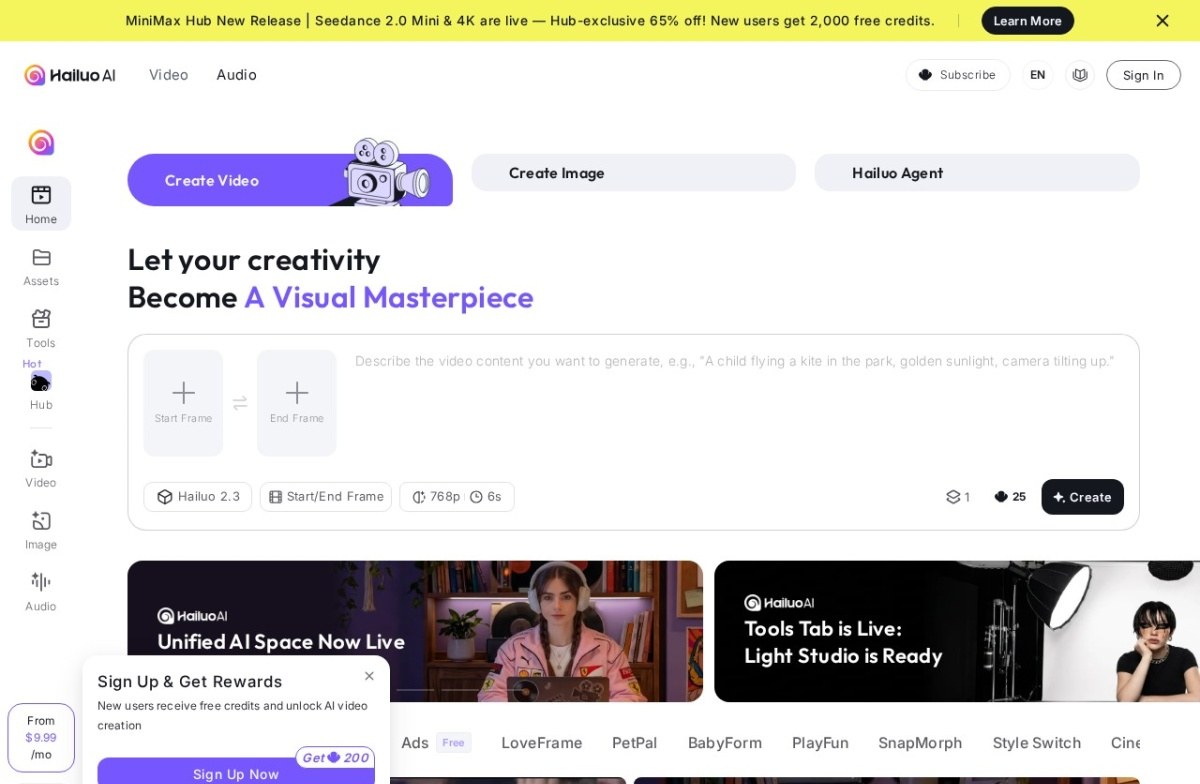
Hailuo AI comes from MiniMax, a Chinese lab running since 2021, and it generates from text or an image prompt. Its interface takes a start frame and an end frame, so a still is a first-class input.
What sets it apart is the template library. Pre-built formats cover transformations, pets, dancing and ASMR-style clips, which is faster than describing the same thing from scratch.
Paid plans start near $9 a month with a free tier to start. Two costs: templates give you less open-ended control than a prompt-first tool, and the full pricing isn’t laid out clearly up front.
MiniMax has been building since 2021, and the extras show it. Style transfer runs through named presets, an assistant helps shape the brief, and the ad generator is free to use on its own.
2. Kling AI
Kling AI is built by Kuaishou, the Chinese short-video platform often described as a domestic rival to TikTok. It launched in 2024 and takes text or image prompts.
Its reputation rests on physical realism: fluid, cloth and object movement that behaves. It also generates longer native clips than most competing models, which matters when a single shot has to carry.
It’s free to use, with paid tiers for more generations. Two things to weigh: volume needs a paid plan, and its Chinese platform origin is a consideration for some organisations.
Kuaishou’s backing is the reason it holds up. A short-video platform brings render capacity and a decade of footage, and Kling is cited as a top performer in most quality comparisons. That ranking moves month to month.
3. Vidu
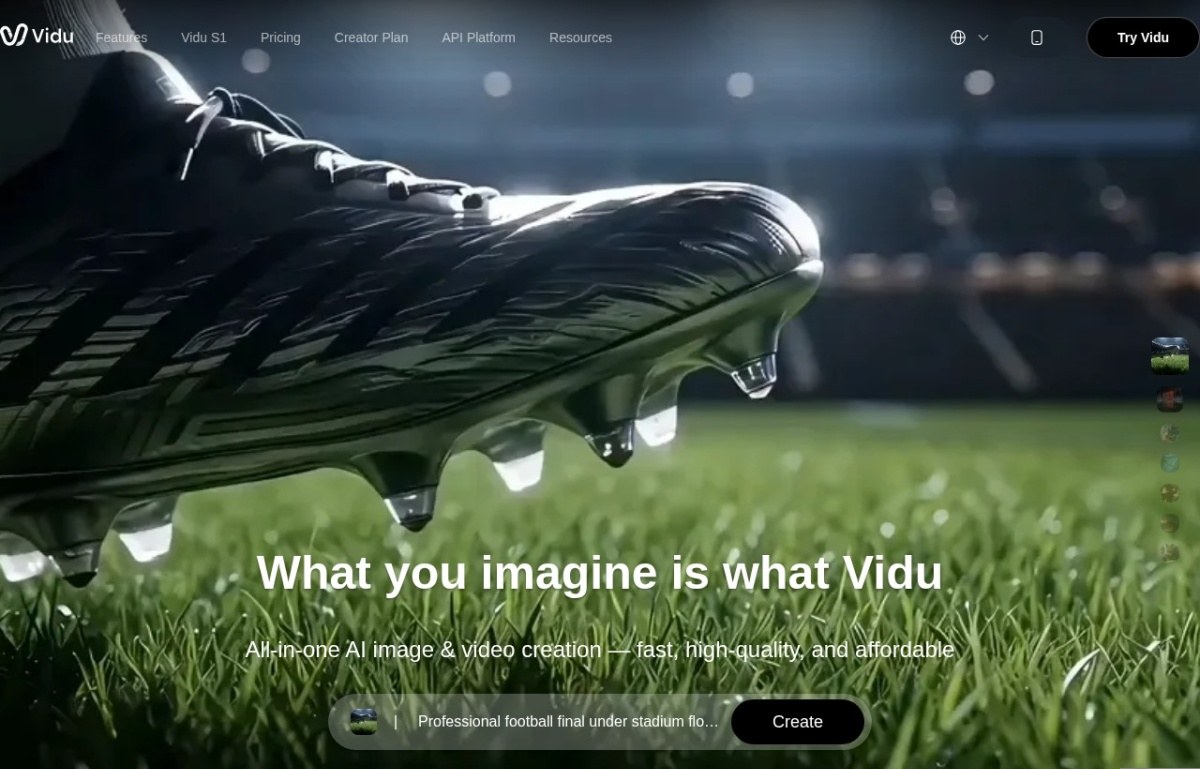
Vidu comes from ShengShu Technology, a lab linked to Tsinghua University, and launched in 2024. It solves a problem anyone generating more than one shot runs into.
Its Multiple-Entity Consistency feature blends up to seven reference images into one video while keeping each face, object and setting true to its source. That targets character drift between separately generated shots.
A free tier covers standard use and paid plans start around $8 a month, the cheapest subscription here. It’s worth less for a single standalone clip, and it’s a young product with a short track record.
Its reference feature goes past faces. Gestures, props and whole scenes can each be pinned to a source picture, so a product stays the same product across five shots. Developers get the same thing through an interface with lip-sync.
4. Luma Dream Machine
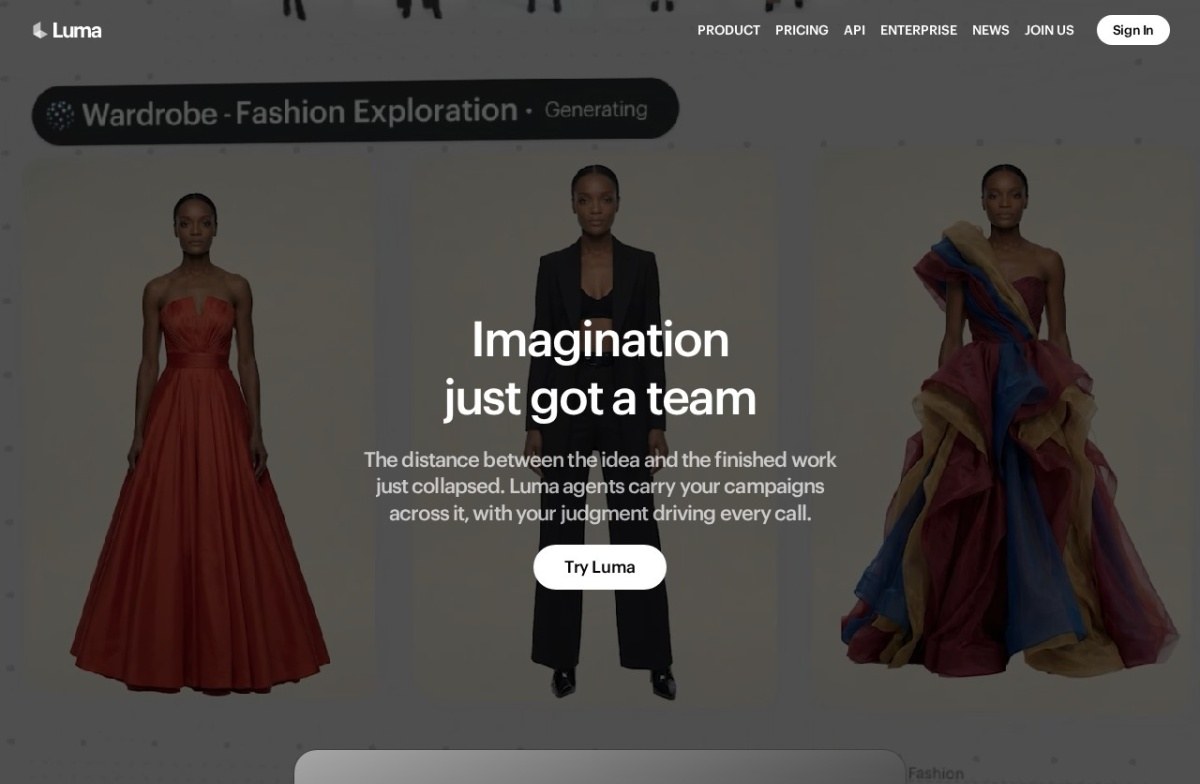
Luma Dream Machine was among the first consumer video models to earn broad praise, and Luma Labs has been going since 2021. Its listing records both text and image input.
The strength is camera movement, and it traces back to where the company started: 3D capture and neural radiance fields. That spatial grounding shows in how convincingly a camera travels through a scene.
A free tier covers standard use, with paid plans from $10 a month. Newer rivals have closed much of the quality gap it opened with, and it carries less enterprise depth than the largest labs.
The heritage explains the ceiling. Spatial-scene work makes camera motion convincing, and it does less for anything a camera isn’t doing. Enterprise depth is thinner here than at the largest labs.
5. PixVerse
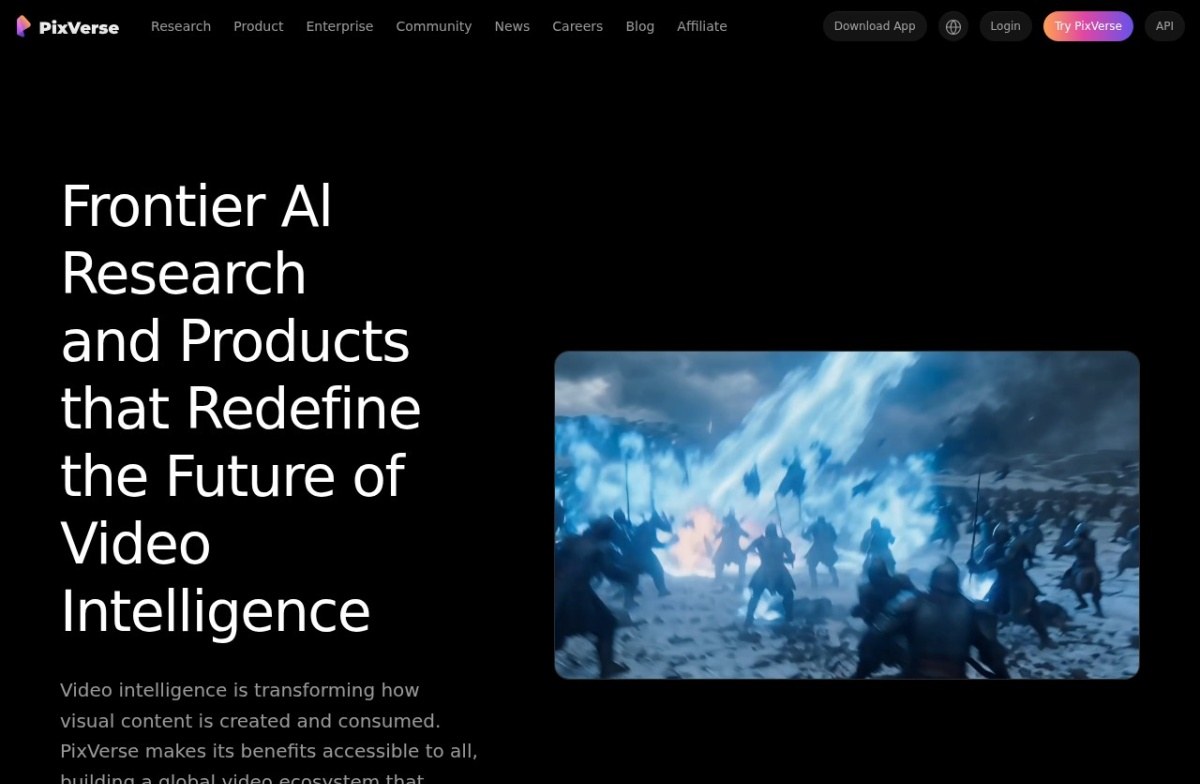
PixVerse started in 2023 and takes text or image prompts, with one priority most rivals don’t chase: speed. It generates 1080p in real time for interactive use.
Cost follows from that. The company cites roughly $4.80 per minute against competitors at $13 to $18, and it generates its own audio, including effects, music and dialogue.
A free tier covers standard use, with paid plans from $10 a month. Speed buys you little on a one-off creative project, and consumer pricing is published less clearly than the enterprise rates.
Speed is not the only argument. It generates its own audio: effects, music and dialogue. It also carries multi-shot tools that hold a character steady across cuts rather than one clip at a time.
6. Pika
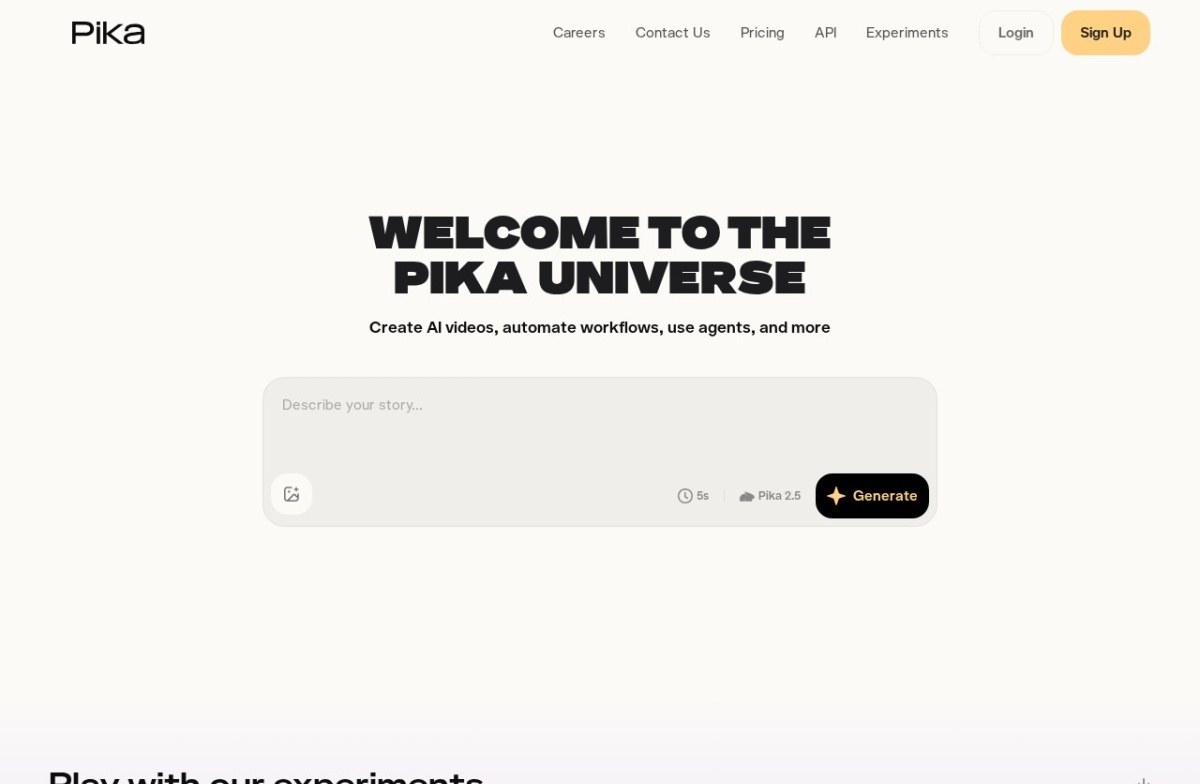
Pika has been running since 2023 and takes both text and image prompts. It isn’t chasing photorealism, and that’s the point of it.
Its Pikaffects library applies exaggerated transformations to an uploaded image: melting, inflating, exploding. For a shareable clip built from one photo, that’s a shorter route than describing a scene.
A free tier covers standard use, with paid plans from $10 a month. The trade is obvious: an effects-first identity fits fewer corporate uses, and it won’t match Kling on cinematic realism.
Effects apply to footage as well as stills. You can drop in a clip you already have and transform that, which makes it a finishing tool as much as a generator. Photorealism is not what it optimises for.
7. Dreamina
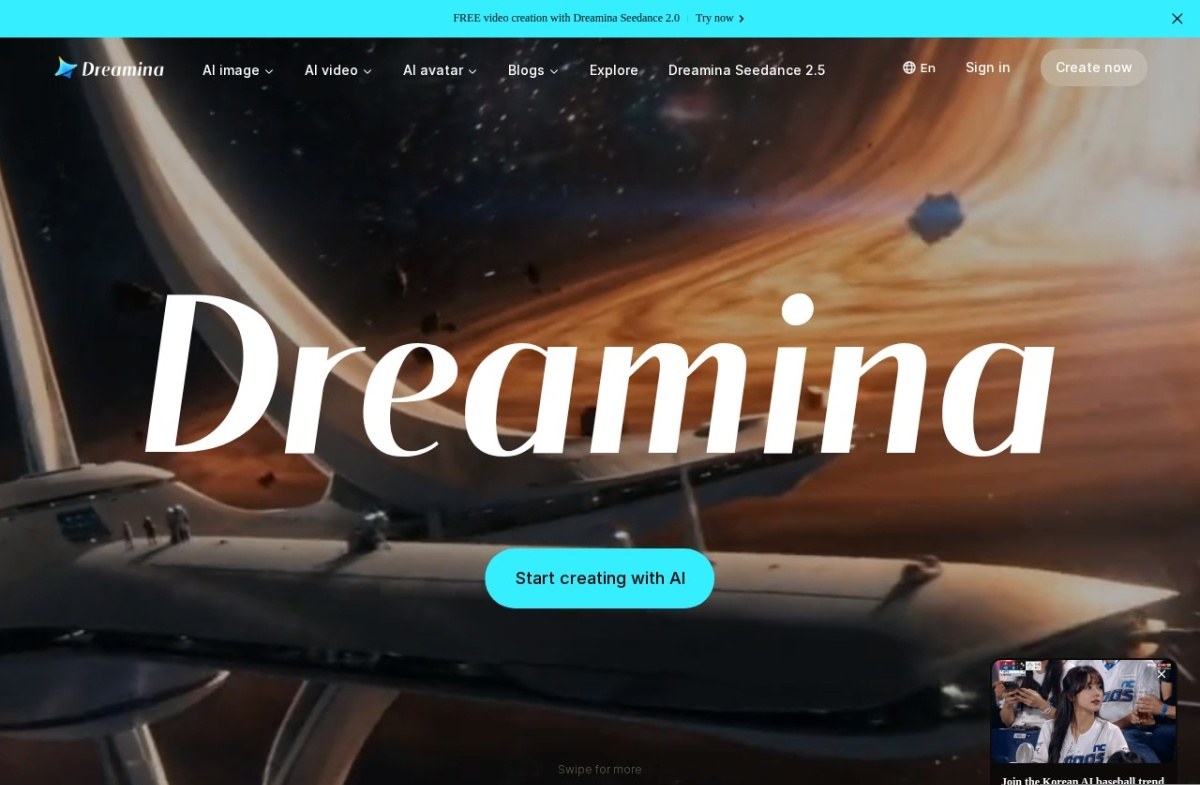
Dreamina is ByteDance’s generation model, and it sits on a subdomain of CapCut’s own site. It generates from text or image prompts rather than editing footage you shot.
That relationship is the reason to pick it. If your edit already lives in CapCut, generation sits alongside it rather than in a separate subscription and a separate export.
A free tier covers standard use, with paid plans from $10 a month. Its own navigation now carries Seedance, ByteDance’s underlying model, so the two are one family rather than rival picks.
The CapCut relationship is practical rather than cosmetic. Generation sits on a subdomain of the editor’s own site, so output lands next to the timeline instead of in a separate download folder. It generates rather than edits.
8. Kaiber
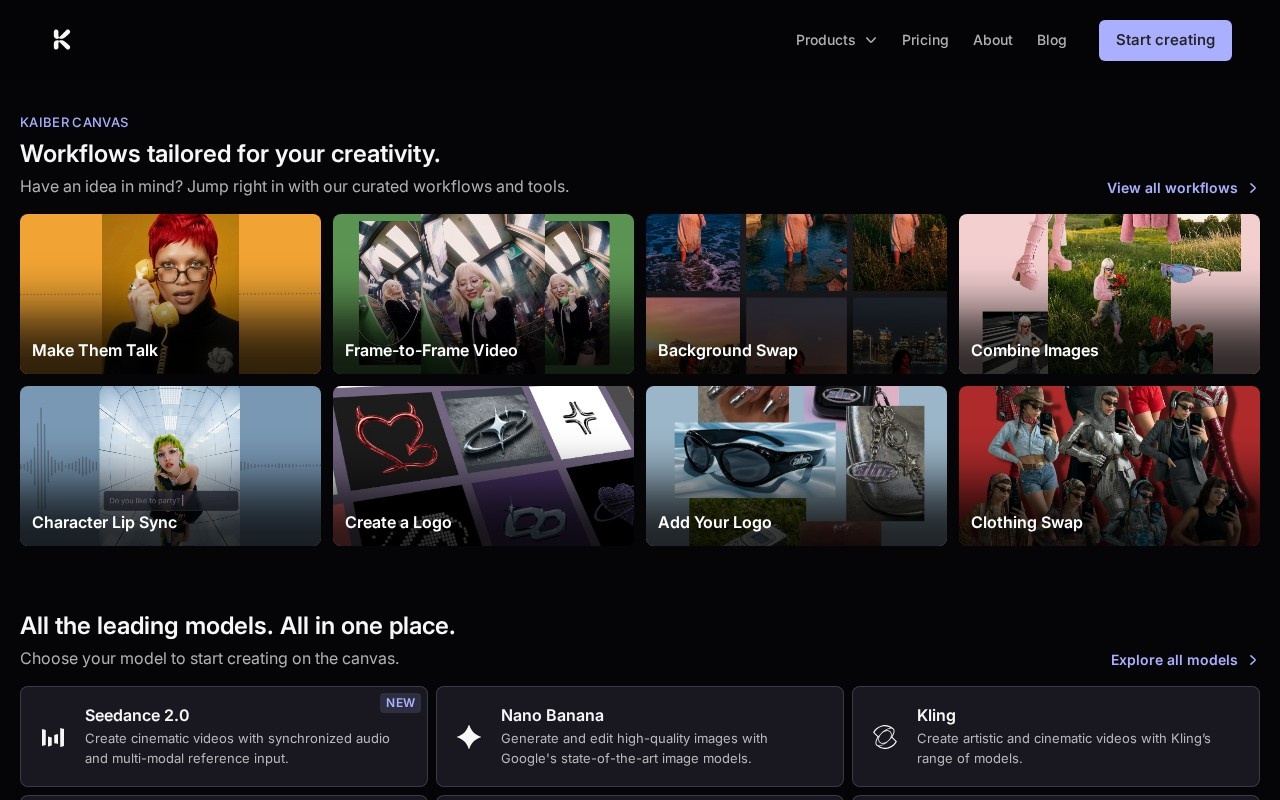
Kaiber launched in 2022 out of New York and built its name in music, with artists including Grimes using it for visuals. It doesn’t run a model of its own.
Instead it bundles Kling, Luma Ray, Google Veo and Runway under one credit-based subscription, with workflows for talking portraits, frame-to-frame video and combining images. One plan replaces four.
A pay-as-you-go free plan exists and paid tiers start near $10 a month. Two real catches: the entry plan withholds commercial rights, and credit burn changes with whichever model runs, so cost per video is hard to predict.
Its style modes are worth knowing before you sign up. Flipbook and Motion cover different looks, and music-reactive generation drives the video from an uploaded track. A five-day trial runs at $5 with full access.
9. DomoAI
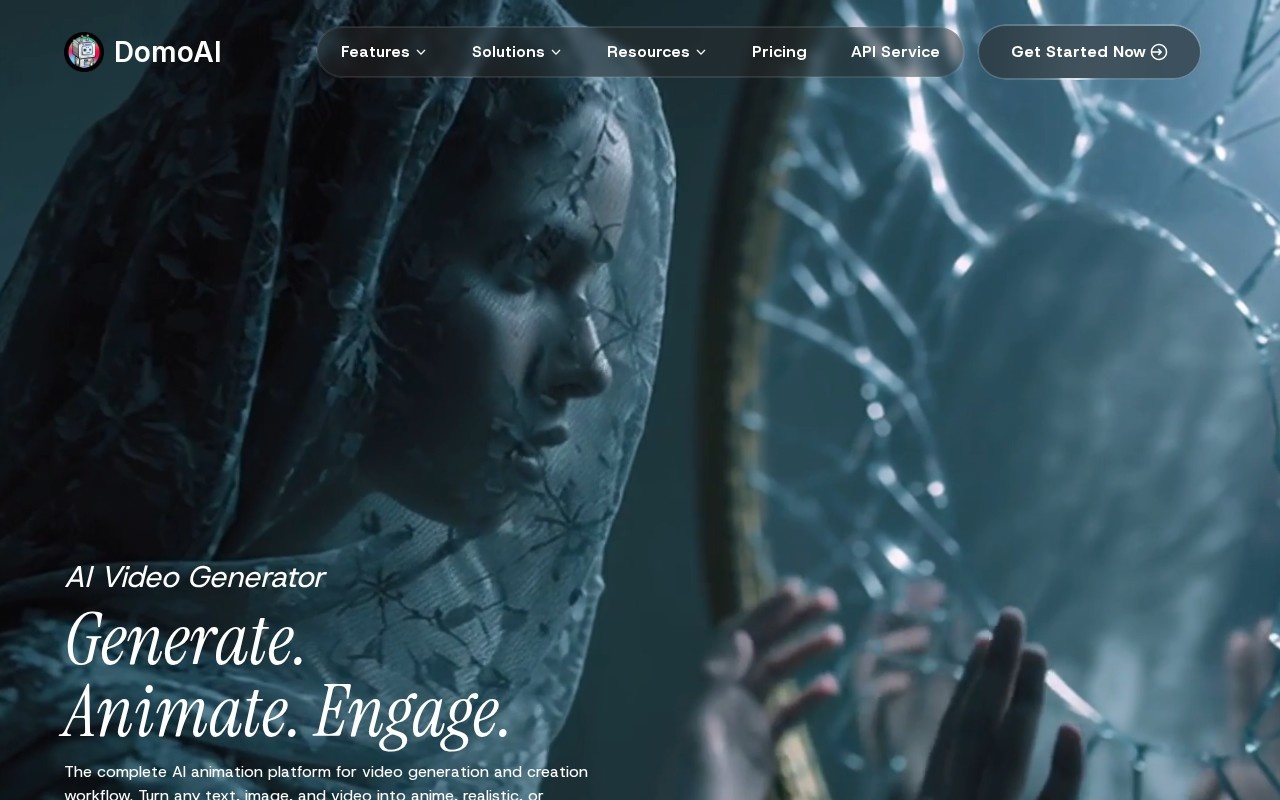
DomoAI is a Singapore platform running since 2023, and its listing is the most explicit here about turning a still image into motion. It also restyles footage you already have.
More than 70 style models sit behind one interface, spanning anime, painterly and realistic looks, alongside talking avatars with lip sync, upscaling and background removal.
It’s the only entry with no perpetual free plan, only starter credits, from $6.99 a month. Output quality varies across that model library, and lower tiers run out of credits quickly.
Beyond stills it restyles footage. Feed in a clip and it re-renders in a chosen look, with talking avatars, upscaling and background removal alongside. Quality varies across those 70 models, so the first hour is spent finding the good ones.
How we rate these
Our rating comes from reading each product’s features, pricing and positioning against the rest of the video category. We then check the product is still live and still sold as described. It isn’t a lab score.
That matters more here than in most categories, because output quality is the thing you’d want ranked and it changes with every model release. A comparison written in March is stale by June.
So treat the order as a shortlist. Each listing carries its own last-reviewed date, and eight of these nine cost nothing to test, which settles quality questions faster than any ranking.
What to check before you buy
Six things decide whether a generator survives contact with a real brief. None of them is the model name.
- Rights: whether the free tier allows commercial use, or only the paid one
- Input: one image, a start and end frame, or up to seven references
- Audio: generated with the clip, or added afterwards in an editor
- Cost: a flat subscription, or credits that burn faster on longer clips
- Consistency: whether a face survives across more than one shot
- Export: resolution and watermark on the tier you intend to pay for
How to choose between them
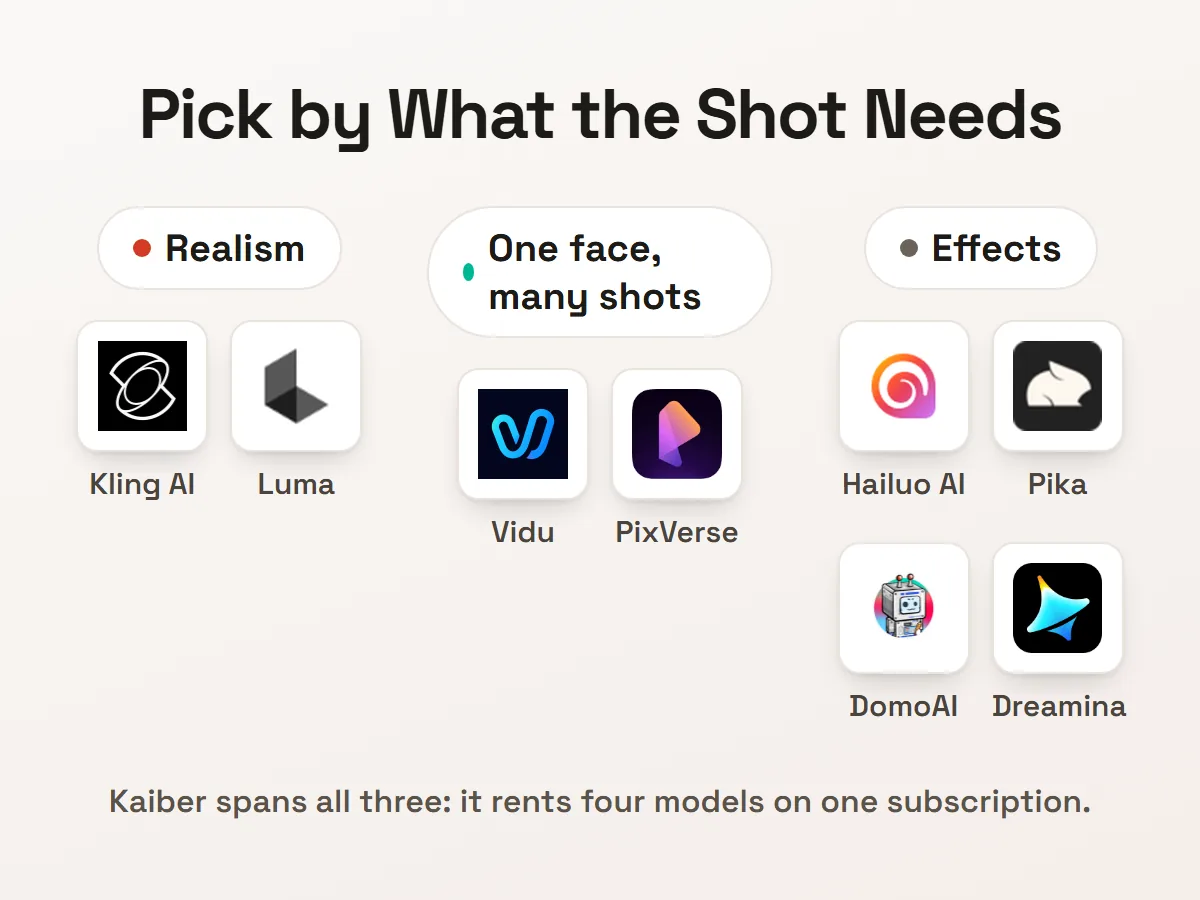
Start with what your image is. A product shot that needs a slow camera move points at Luma. A face that has to stay the same across shots points at Vidu.
If the clip is for social and the format matters more than the realism, Hailuo’s templates and Pika’s effects both get you there faster. For anything where physics would give the fake away, start with Kling.
Then check the licence before the price. Kaiber withholds commercial rights on its entry tier, and a clip you can’t use commercially is worth nothing to a business, whatever it cost.
Test with your own picture rather than the gallery. Eight of these nine have a free tier, and a showreel is built from images that already worked. Our guide to AI video animation and editing covers what happens after the clip exists.
Questions buyers ask
What is an image to video AI tool?
An image to video AI tool takes a still picture as its starting point and generates motion from it, rather than building a scene from a written description. Most here accept text too. The image is what anchors the result to something you already own.
Which of these are free?
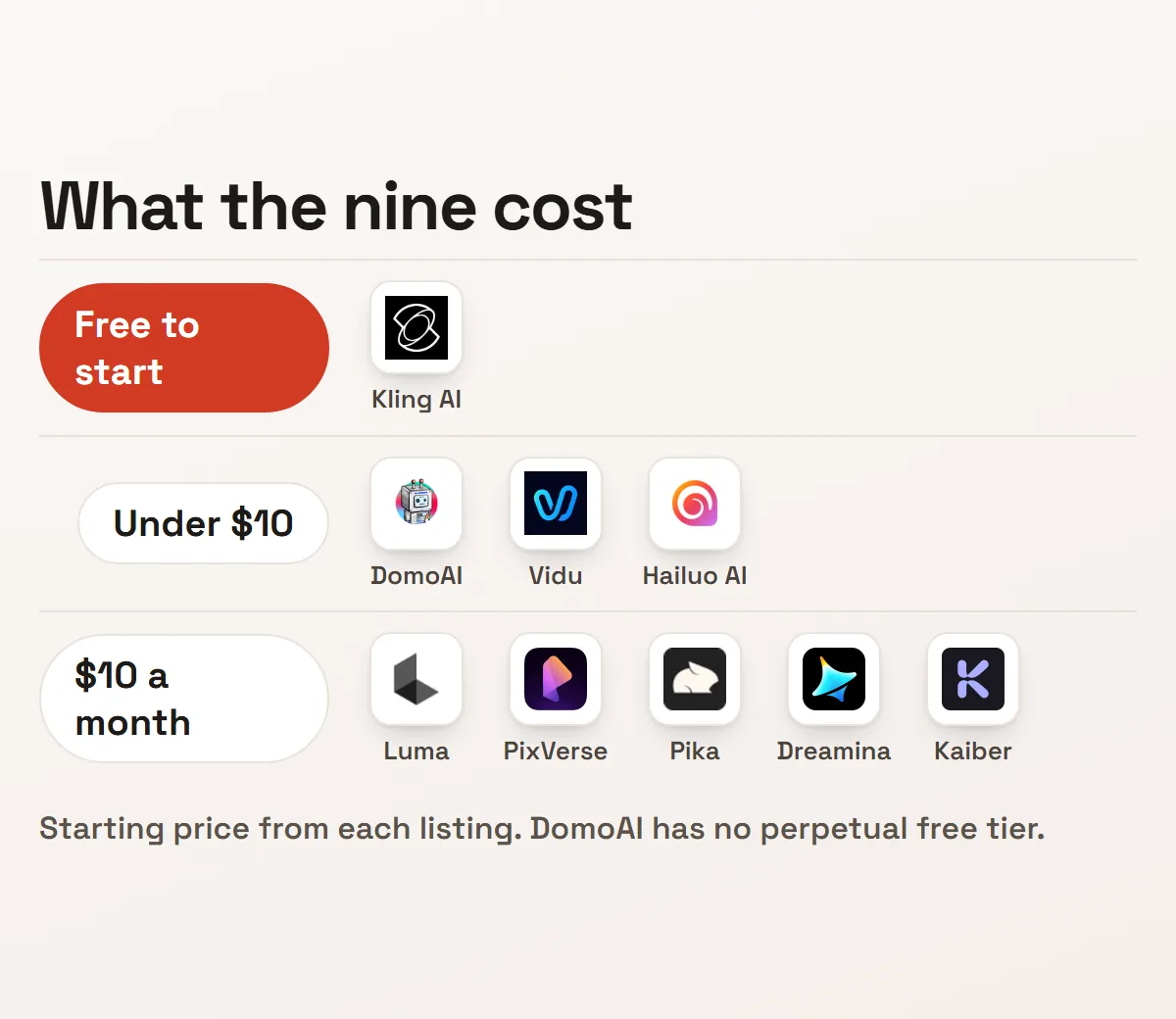
Eight of the nine have a free tier: Hailuo AI, Kling AI, Vidu, Luma Dream Machine, PixVerse, Pika, Dreamina and Kaiber. Kling is free to use outright. DomoAI gives starter credits instead, then bills from $6.99.
Do I still need a text prompt?
Usually yes, and it does more than you’d expect. The image fixes what the subject looks like, and the prompt decides what it does. Tools like Hailuo swap part of that for a template, which is faster and less specific.
What happens to the images I upload?
You should check each vendor’s terms before uploading a client’s product shots. The answer varies by tool and by tier, and free tiers are the most likely to allow training on what you send. None of these listings settles it for you.
Can I use the clips commercially?
Check each plan, because the answer changes by tier rather than by product. Kaiber’s listing is explicit that commercial rights start at its Creator tier, not the entry one. Free tiers are the most likely to withhold them.
Why aren’t Runway, Sora and Veo on this list?
They’re in the catalogue, and their listings describe text-to-video, so we don’t rate them on an input we haven’t recorded. That’s a gap in our notes rather than a limit of those tools. Our AI video generators roundup covers them.