

The best AI video generator is the one that matches your workflow, not the one with the loudest launch hype. AI video generators are tools that turn text prompts, reference images, or existing footage into finished video clips. For most creators and teams, Hedra Is the strongest all-around pick, Google Veo 3.1 wins on cinematic quality, OpenAI Sora 2 leads on realism, Pika 2.5 owns social clips, and Adobe Firefly Video is safest for commercial work. The 10 tools below are ranked on genuine usefulness for specific jobs, with confirmed pricing, free-tier details, and one honest caveat each, so you can stop comparing specs and start producing.
How We Chose These AI Video Generators
We picked these tools using the same evaluation lens that runs through serious AI video reviews: video quality, prompt adherence, creative control, ease of use, audio quality, pricing and value, and fit for a real workflow. The goal was not to crown a single winner for everyone, because that tool does not exist.
We prioritized tools with enough confirmed pricing and free-tier detail to make a clean comparison, and we grouped them by where they actually shine rather than by name recognition. A platform built for filmmakers belongs in a different bucket than one built for quick social clips, and we ranked accordingly. Every pick names the use case it wins and the situation where you should pick something else.
Best AI Video Generators Ranked
Each tool below leads with a one-line verdict, then covers what it is, why it earns its place, and the tradeoff that matters most. The order reflects all-around usefulness across the most common video jobs, but the use-case recap further down maps each tool to a specific need.
1. Hedra: Best Overall for Creators and Teams

Focuses on character performance: audio-driven lip-sync and expressive acting
Hedra Is a multi-model AI video platform built for creators, marketers, and teams who want flexibility without juggling separate subscriptions. It routes one prompt or asset set through several AI models inside a single interface.
What makes Hedra the strongest generalist is its Character-3 technology, described as the first omnimodal foundation model in production, which processes image, text, and audio together to create character-driven content. Unlike Google Veo 3.1, which is excellent but locked to a single-model approach, Hedra lets you switch models for the job in front of you. That matters when you bounce between talking-character explainers one day and product ads the next. The honest catch: max video length depends on which model you select, so consistency across every generation is not guaranteed.
- Best for: Creators and teams that want a flexible multi-model workflow in one place
- Standout feature: Character-3 omnimodal model that handles image, text, and audio together
- Starting price: Free tier with 300 credits/month; paid plans start at $10/month
- Free tier: Yes, though it includes a watermark and non-commercial use limits
2. Google Veo 3.1: Best for Cinematic Quality
Google Veo 3.1 is the top pick when you need broadcast-ready clips with native audio baked in. It generates short cinematic video from prompts and reference images for marketing teams, filmmakers, and brands.
Its signature feature is Ingredients to Video, which takes up to four reference images per generation and holds the same subject identity across scene changes. Compared with OpenAI Sora 2, Veo 3.1 pairs that consistency with native audio and a more polished pipeline, which is why it wins on pure cinematic quality. The tradeoff is real: base clips stay short, premium API costs climb fast at high volume, and you are committed to one model with no option to swap approaches.
- Best for: Marketing teams, filmmakers, and brands needing cinematic video with native audio
- Standout feature: Ingredients to Video for subject consistency across scenes
- Starting price: Google AI Premium at $19.99/month; enterprise via Vertex AI at custom rates
- Free tier: Yes
3. OpenAI Sora 2: Best for Realism and Narrative
OpenAI Sora 2 is the choice when physical realism and believable scene behavior matter more than convenience. It turns text prompts into realistic video and can insert a user’s own likeness into a scene through its characters feature.
Where Veo 3.1 leans cinematic, Sora 2 pushes harder on how objects move and interact, which makes it strong for narrative prototypes and experimental work. The realism is the draw. The barriers are steep, though: full 1080p access is expensive, availability is regionally limited, and there is no standalone subscription outside ChatGPT. If you are budget-first or need broad access today, this is not your tool.
- Best for: Creative professionals who prioritize realism and scene physics
- Standout feature: Characters feature that inserts your likeness into scenes with strong fidelity
- Starting price: ChatGPT Plus at $20/month for limited 720p; ChatGPT Pro at $200/month for full access
- Standout strength: Physical realism and narrative consistency
4. Runway Gen-4.5: Best for Creative Control
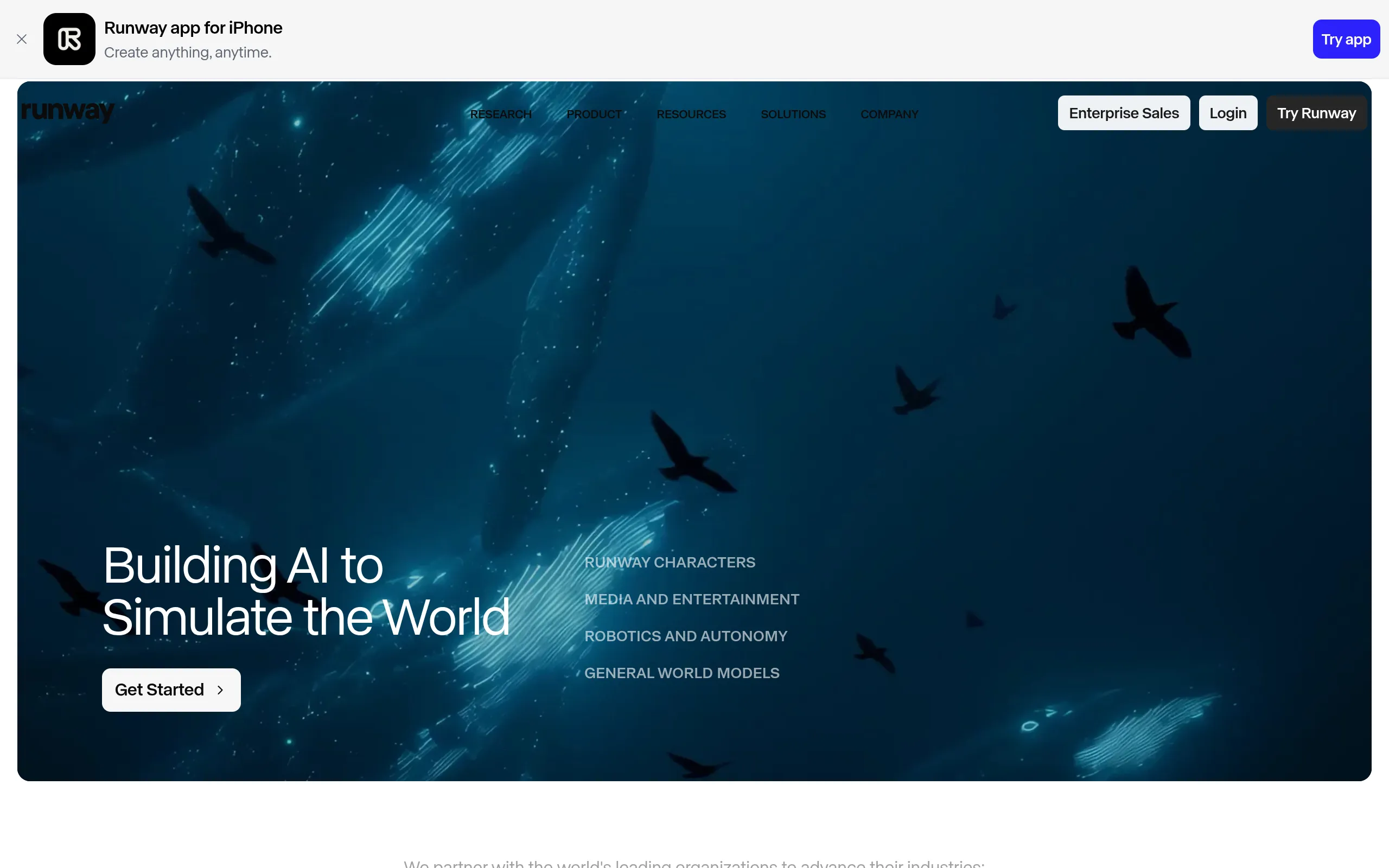
Runway Gen-4.5 is the most complete platform for filmmakers and VFX-minded users who need granular control over every clip. It handles prompt-to-video, image-to-video, and in-video editing in one suite.
The depth comes from three tools working together: Aleph for in-video editing, Act-Two for motion capture, and Workflows for building reusable creative pipelines. Unlike Luma Dream Machine, which favors fast first-pass ideas, Runway rewards iteration and precision. That power has a cost. Clip duration is limited, credits drain quickly on lower plans, and there is no native audio generation yet, so plan for a separate audio step.
- Best for: Filmmakers, VFX artists, and creators who need iterative control
- Standout feature: Aleph, Act-Two, and Workflows for editing, motion capture, and pipelines
- Starting price: Free tier with 125 credits; Standard at $12/month
- Free tier: Yes
5. Kling AI 2.6: Best Value for Longer Clips
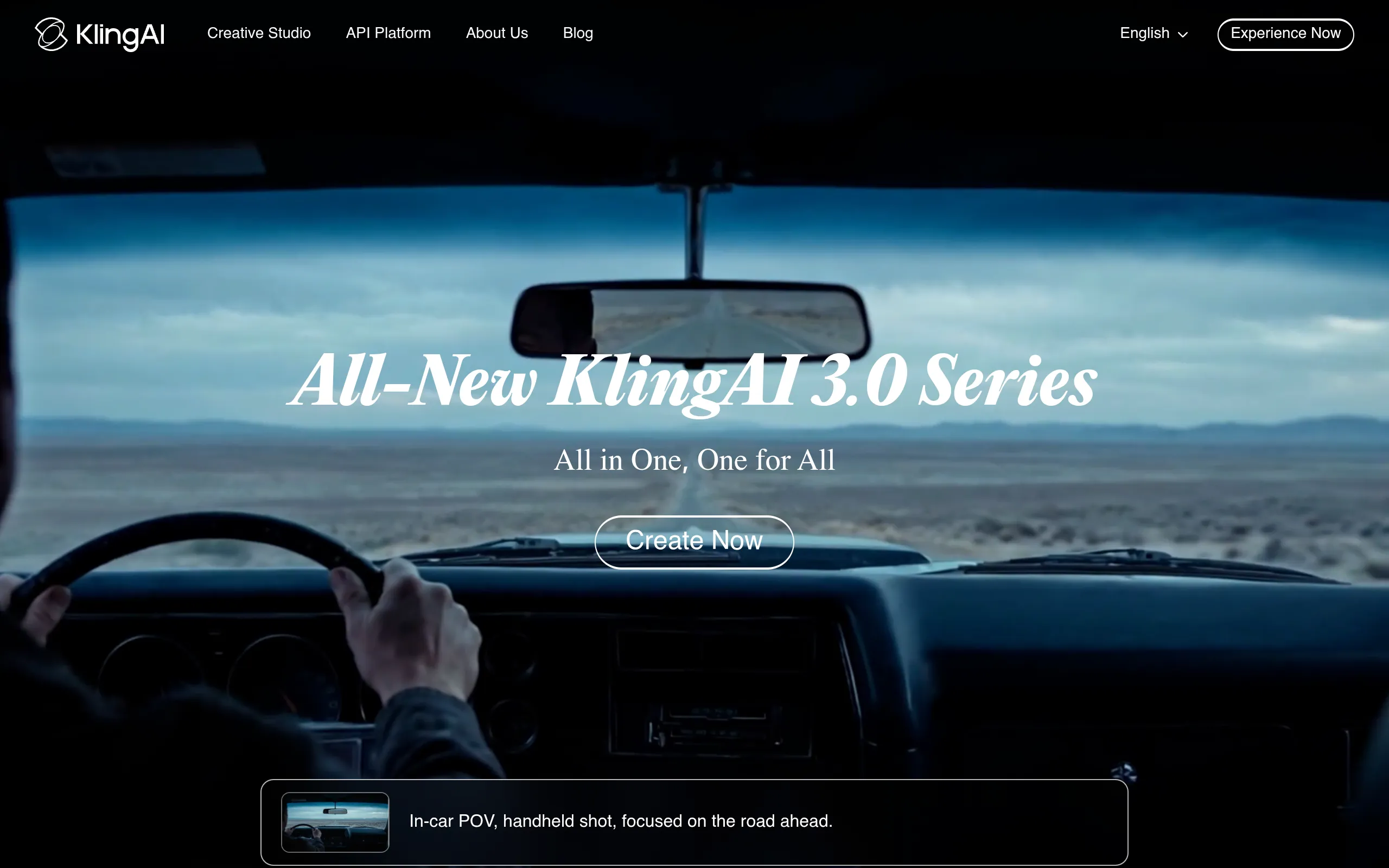
Kling AI 2.6 is the value pick for short-form creators and e-commerce teams who want longer clips on a tighter budget. It generates video from prompts with a bias toward duration.
The headline number is its 2-minute generation length, which makes single-clip product walkthroughs and educational videos practical where most rivals force stitching. Compared with Hailuo Minimax 2.3, Kling balances long-clip potential with everyday creator utility. The catch is consistency: it performs better on some subject types than others, queue times can run long, and output quality varies by prompt, so expect a few retries.
- Best for: Social media creators and e-commerce teams producing high volumes on a budget
- Standout feature: Up to 2-minute video generation in a single clip
- Starting price: Trial packages at $9.79 for 100 units and $97.99 for 1000 units, valid 30 days
6. Pika 2.5: Best for Social Media Content
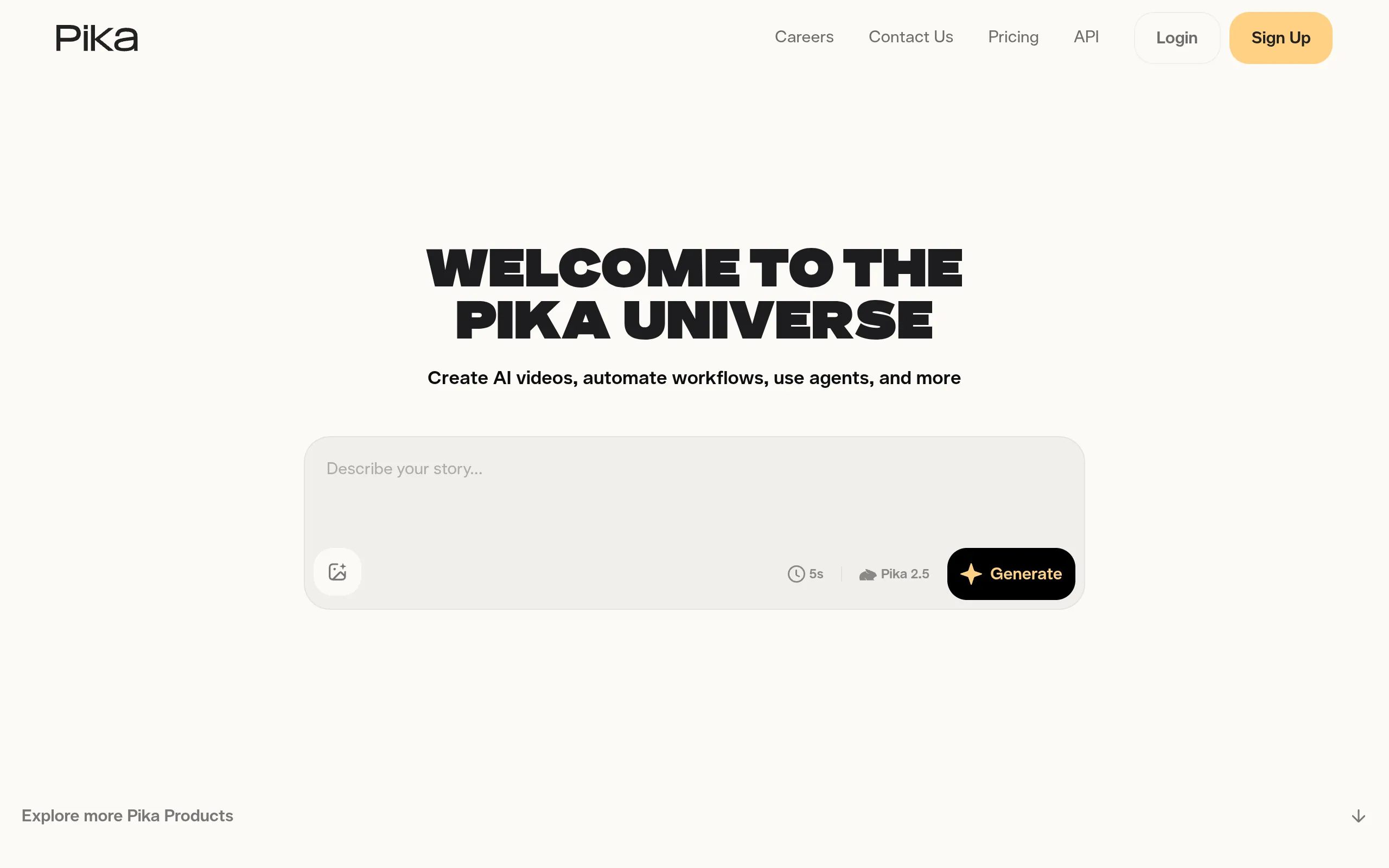
Pika 2.5 is the fast, playful pick for TikTok, Instagram Reels, and YouTube Shorts creators who want eye-catching clips quickly. It turns prompts and assets into short social-ready video.
Its standout is Pikaffects, a set of viral transformations like squish, melt, explode, and inflate that give clips instant scroll-stopping appeal. Where Runway is built for control, Pika trades depth for speed and novelty. Be clear-eyed about the limits: photorealism is weaker than the cinematic leaders, clips are short, and it is not built for professional post-production. For pure social fun, that is a fair trade.
- Best for: TikTok, Reels, and Shorts creators who need fast, attention-grabbing clips
- Standout feature: Pikaffects for viral creative effects
- Starting price: Free Basic plan with 80 credits; Standard at $8/month
- Free tier: Yes
7. Luma Dream Machine (Ray3): Best for Quick Iterations

One of the earliest widely praised consumer text-to-video models, from a 3D-capture company
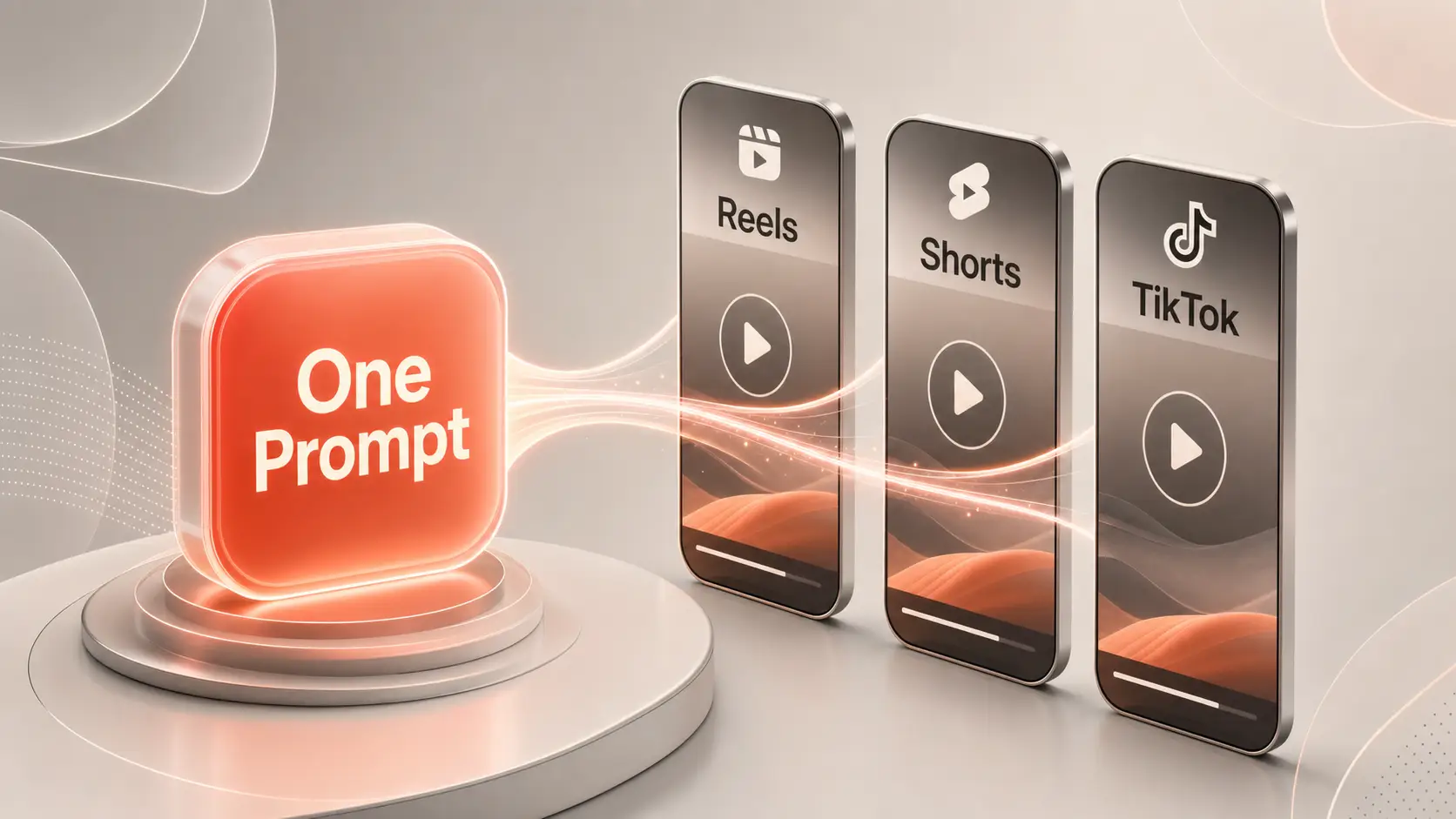
Luma Dream Machine, running its Ray3 model, is the best tool for rapid ideation and concept iteration. It generates quick video and lets you reshape outputs for different platforms.
Its Reframe feature stands out by re-cutting and resizing generated assets across aspect ratios, which saves real time in multi-platform production. Compared with Pika, Luma is less about viral effects and more about exploring directions fast and reusing the winner. Treat it as an ideation engine, not a final-render machine: it does not match the cinematic polish of the leaders, so it works best inside a larger workflow. For creators looking to make longer clips, tools to extend video online can help expand existing footage and build longer video sequences.
- Best for: Creators and small teams who need to explore ideas quickly
- Standout feature: Reframe for resizing and repurposing assets across platforms
- Starting price: Free tier available; plans start from $7.99/month
- Free tier: Yes
8. Wan2.2: Best Open-Source Option
Wan2.2 is the developer-friendly open-source pick for people who want full control and local privacy. You can download and run it locally, or access it through cloud providers per clip.
The differentiator is its Apache 2.0 license, which permits commercial use and gives technical teams freedom most commercial tools cannot match. Unlike Adobe Firefly Video, which sells enterprise-safe packaging, Wan2.2 hands you the raw flexibility to build your own pipeline. The barriers are technical: setup takes real know-how, the flagship 14B model needs high-end GPUs, and native output tops out at 720P, behind the 4K leaders.
- Best for: Developers, researchers, and studios building custom video workflows
- Standout feature: Fully open-source under the Apache 2.0 license
- Starting price: Free to run locally; cloud access from about $0.05 per 480P clip
- Free tier: Yes
9. Adobe Firefly Video: Best for Commercial Safety
Adobe Firefly Video is the safest choice for enterprise and brand teams that care about commercial usage rights. It generates AI video inside Adobe’s ecosystem alongside Creative Cloud tools.
Its key strength is training data: Firefly models learn from licensed content, Adobe Stock imagery, and public domain material rather than random web scrapes, which gives brands stronger commercial confidence. Where Wan2.2 sells flexibility, Firefly sells peace of mind and tight integration with Premiere Pro and After Effects. The tradeoff is creative range. Output can feel more constrained, so it is less suited to experimental or highly stylized work.
- Best for: Enterprise teams, agencies, and brands needing commercial-safe AI video
- Standout feature: Models trained on licensed and public domain content for commercial confidence
- Starting price: Included with select Adobe Creative Cloud plans ; standalone access available
10. Hailuo Minimax 2.3: Best for Speed and Volume
Hailuo Minimax 2.3 closes the list as the speed-and-volume pick for marketing teams and agencies. It runs on a consumption-based credit system and prioritizes fast output.
Its claim to fame is generation roughly 2.5x faster than most competitors, which suits high-volume ad creative and product videos where throughput beats perfection. Compared with Kling AI, Hailuo trades long-clip flexibility for raw speed. Set expectations accordingly: it is less suited to cinematic or narrative work, and character consistency across generations is weaker than the top models, so it shines on volume, not polish.
- Best for: Marketing teams, e-commerce brands, and agencies focused on fast output
- Standout feature: Generation roughly 2.5x faster than most competitors
- Starting price: Consumption-based, with package tiers starting at $1000 for 3760 credits
Comparison Summary Table
This table is the cheat sheet for readers who want the shortlist in seconds. It keeps the ranking order and uses plain-English use-case labels so you can match a tool to your job without reading every review.
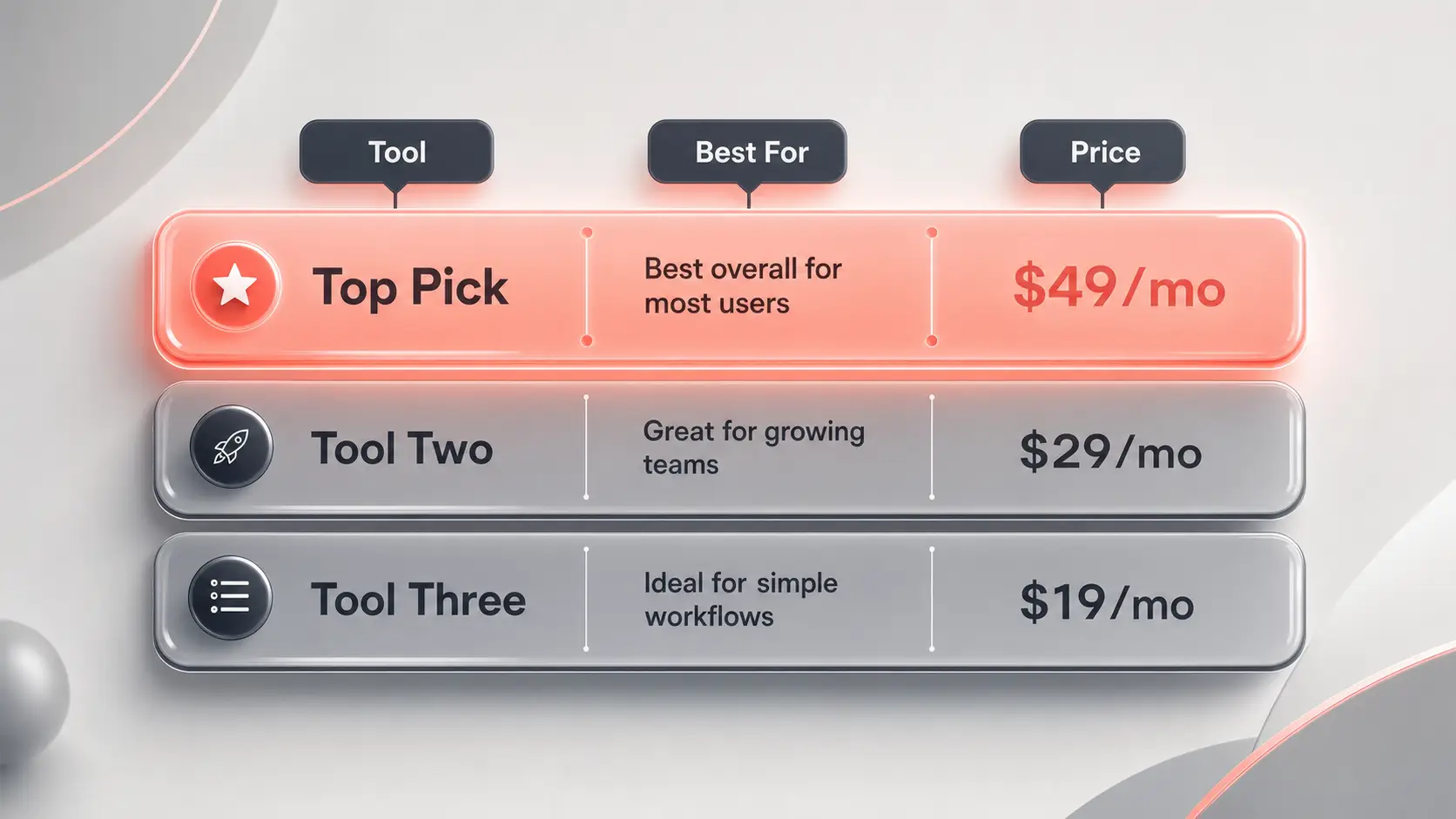
| Name | Best For | Starting Price |
|---|---|---|
| Hedra | Flexible multi-model workflow | Free; from $10/month |
| Google Veo 3.1 | Cinematic quality with native audio | $19.99/month |
| OpenAI Sora 2 | Realism and narrative scenes | $20/month (ChatGPT Plus) |
| Runway Gen-4.5 | Granular creative control | Free; from $12/month |
| Kling AI 2.6 | Longer clips on a budget | From $9.79 (100 units) |
| Pika 2.5 | Fast social media content | Free; from $8/month |
| Luma Dream Machine | Quick concept iteration | Free; from $7.99/month |
| Wan2.2 | Open-source local control | Free; cloud from $0.05/clip |
| Adobe Firefly Video | Commercial-safe brand work | With Creative Cloud plans |
| Hailuo Minimax 2.3 | Speed and high output volume | From $1000 (3760 credits) |
We picked these tools by ranking them on output quality, prompt adherence, creative control, ease of use, pricing, and fit for a real workflow. We grouped them by where each one genuinely wins rather than by popularity, and we kept tools off the list when there was not enough confirmed data to review them cleanly.
Best AI Video Generators by Use Case
The overall ranking helps, but the right tool depends on the job in front of you. Here is how the shortlist maps to the most common buyer needs.
For the Best overall Choice across mixed creator and team work, Hedra wins on multi-model flexibility. For Cinematic quality, Google Veo 3.1 leads with native audio and subject consistency. For Realism and narrative, OpenAI Sora 2 pushes scene physics the furthest. For Social media, Pika 2.5 turns prompts into viral-ready clips fastest.
For Business and commercial safety, Adobe Firefly Video is the brand-safe pick. For Budget or open-source Control, Wan2.2 gives developers local flexibility. And for Long clips or production volume, Kling AI 2.6 stretches duration while Hailuo Minimax 2.3 maximizes speed. If you work with avatar-led content, our guide to The best AI avatar generators Covers the talking-head side in more depth.
FAQ
What is the best AI video generator out now?
Hedra is the strongest all-around AI video generator right now because it combines multiple AI models in one interface, so you are not locked into a single approach. If you want the single best output for cinematic clips with native audio, Google Veo 3.1 is the top specialist. The right answer depends on whether you value flexibility or peak quality in one style.
Which is the best AI video generation platform?
For most users, Hedra is the best platform because its multi-model setup removes the need to manage separate subscriptions for different jobs. Runway Gen-4.5 is the better platform if you need a full creative-control suite with editing, motion capture, and reusable workflows. Pick the platform that fits how much control you actually need.
Is there a free AI video generator that is actually good?
Yes. Hedra offers a free tier with 300 credits per month, Runway Gen-4.5 includes 125 free credits, and Pika 2.5 gives 80 credits on its free Basic plan. The catch on most free tiers is a watermark and non-commercial use limits, so run your real project through the free version first, then upgrade only the tool that fits your workflow.
Which AI video generator is best for realistic videos?
OpenAI Sora 2 is the best for realism, since it focuses on physical accuracy and how objects move and interact in a scene. Google Veo 3.1 is a close second and adds native audio plus strong subject consistency across scenes. If realism matters most and budget is secondary, Sora 2 is the pick.
Which AI video generator is best for business or marketing use?
Adobe Firefly Video is the safest choice for business because its models train on licensed and public domain content, which gives brands stronger commercial confidence. For high-volume marketing output, Hailuo Minimax 2.3 generates roughly 2.5x faster than most rivals. Choose Firefly for safety and Hailuo for speed.
Choosing the Right Tool for Your Next Project
The honest reality is that no single AI video generator wins every job, and chasing the highest-rated tool on a spec sheet usually leads to a subscription you barely use. Match the tool to the work: cinematic clips, social shorts, brand-safe video, or developer control each point to a different pick. Test one or two tools from this shortlist on a real project before you commit, and keep the one that fits how you actually work. To round out your creation stack, compare our picks for the Best text-to-video AI generators.


