
AI has moved into game level design at every stage. Procedurally generating layouts, testing whether a level is actually playable before a human ever sets foot in it, and generating art and dialogue assets that used to take a full team. This guide covers how AI is used across the pipeline and the 14 tools worth knowing, from full game engines to specialized art and writing tools game teams lean on.
How AI Is Used in Level Design
The core applications: procedural generation creates layouts algorithmically rather than by hand, useful for roguelikes and open worlds that need far more content than a team could design manually. Intelligent level design tools suggest layout improvements based on established design patterns. Automated testing simulates playthroughs to catch broken paths, impossible jumps, or difficulty spikes before a human tester ever sees them. AI-powered asset creation generates textures, models, and concept art from a text prompt. And AI-driven gameplay mechanics can adapt difficulty or NPC behavior dynamically based on how a specific player is actually performing.
The Benefits
Done well, this translates into real gains: faster iteration since generating and testing a level variant takes minutes instead of days, more design bandwidth freed up for creative decisions instead of repetitive layout work, and levels that get tested more thoroughly than a small team could manage by hand. None of it replaces a designer’s judgment about what actually makes a level fun. It changes how much of the repetitive groundwork a designer has to do before getting to that judgment call.
AI-Powered Level Design Tools For Game Creators
Unity Game Engine
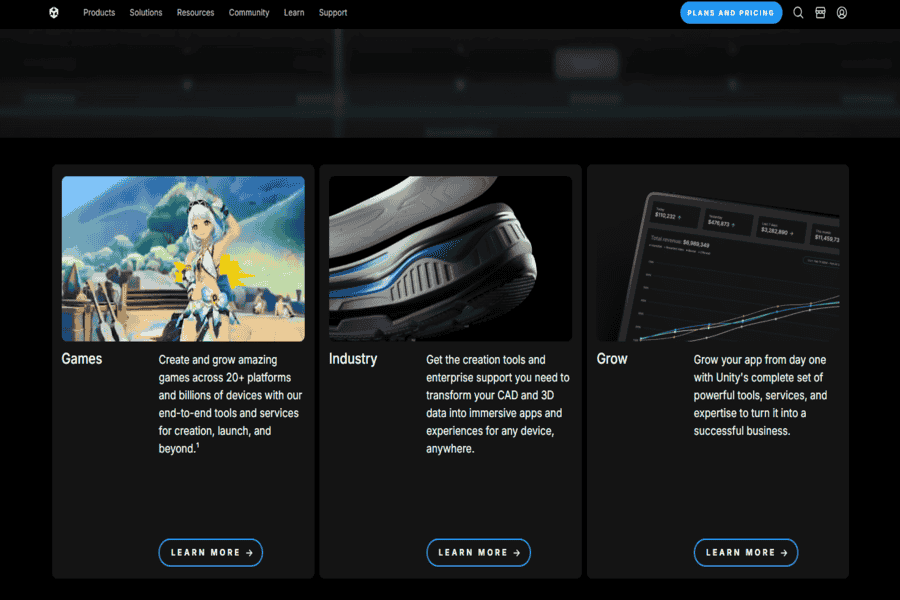
A powerful and versatile game engine used to create 2D and 3D games. While not exclusively an AI tool, it integrates AI tools and libraries to assist in level design, procedural generation, and character behavior.
Pros:
- Widely used: Large community and extensive support.
- Versatile: Capable of creating a wide range of game genres.
- AI integration: Built-in AI tools and libraries for intelligent behavior and procedural generation.
Cons:
- Steep learning curve: This can be complex for beginners.
- Performance-intensive: Requires powerful hardware for complex projects.
Pricing Package:
Offers a variety of pricing plans, including a free personal plan and paid plans for professional use.
Unreal Engine
A high-end game engine known for its advanced graphics and realistic physics. It incorporates AI tools and libraries to create intelligent characters, procedural environments, and dynamic gameplay.
Pros:
- Advanced graphics: Stunning visual fidelity.
- Powerful AI: Advanced AI tools for complex behaviors.
- Procedural generation: Create vast and diverse game worlds.
Cons:
- Steep learning curve: Requires significant technical expertise.
- Performance-intensive: High hardware requirements.
Pricing Package:
Free to use, with a revenue-sharing model for games that exceed certain revenue thresholds.
GameMaker Studio 2
A user-friendly game engine suitable for both beginners and experienced developers. It includes AI tools and behaviors to create intelligent characters and interactive environments.
Pros:
- Easy to learn: User-friendly interface and drag-and-drop functionality.
- Fast prototyping: Quickly iterate on game ideas.
- AI capabilities: Built-in AI tools for various behaviors.
Cons:
- Limited performance: It may not be suitable for highly demanding games.
- Smaller community: Less extensive support compared to larger engines.
Pricing Package:
Offers various pricing plans, including a free version and paid plans for additional features.
Godot Engine
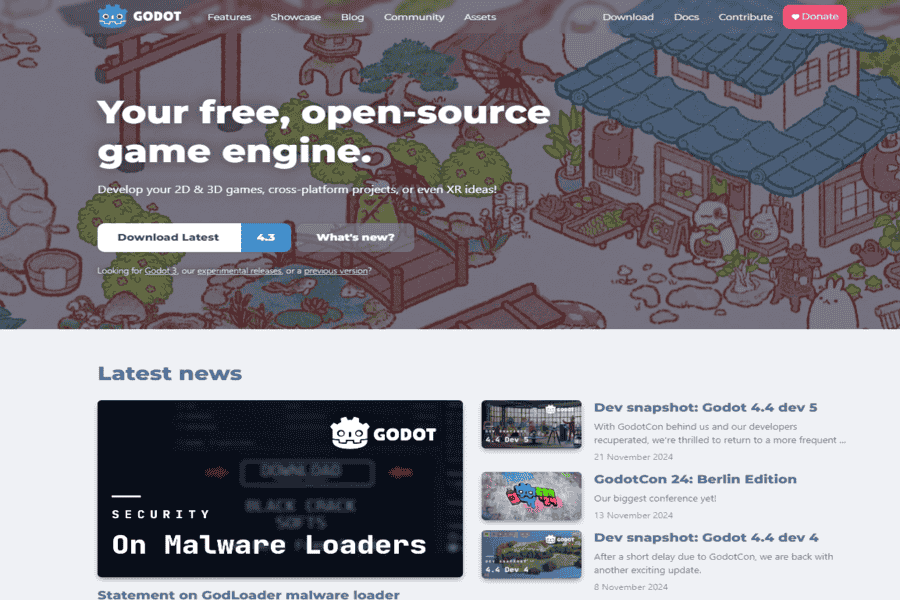
A free and open-source game engine with a strong focus on flexibility and customization. It includes AI tools and libraries for creating intelligent characters and procedural environments.
Pros:
- Free and open-source: No licensing fees.
- Highly customizable: Tailor the engine to your specific needs.
- AI capabilities: Built-in AI tools and libraries for various behaviors.
Cons:
- Steeper learning curve: Requires more technical knowledge than some other engines.
- Smaller community: Less extensive support compared to larger engines.
Pricing Package:
Free.
AI Dungeon
An AI-powered text-based adventure game that uses machine learning to generate unique and immersive stories. While primarily a game, it can be used as a tool to generate level ideas, character backstories, and plot points.
Pros:
- Creative inspiration: Generate unique and imaginative content.
- Rapid prototyping: Quickly test game ideas.
- Collaborative storytelling: Work with the AI to create new narratives.
Cons:
- Limited control: The AI has a degree of autonomy in generating content.
- Repetitive patterns: The AI may sometimes produce predictable or repetitive output.
Pricing Package:
Free to use, with a premium subscription for additional features.
Promethean AI
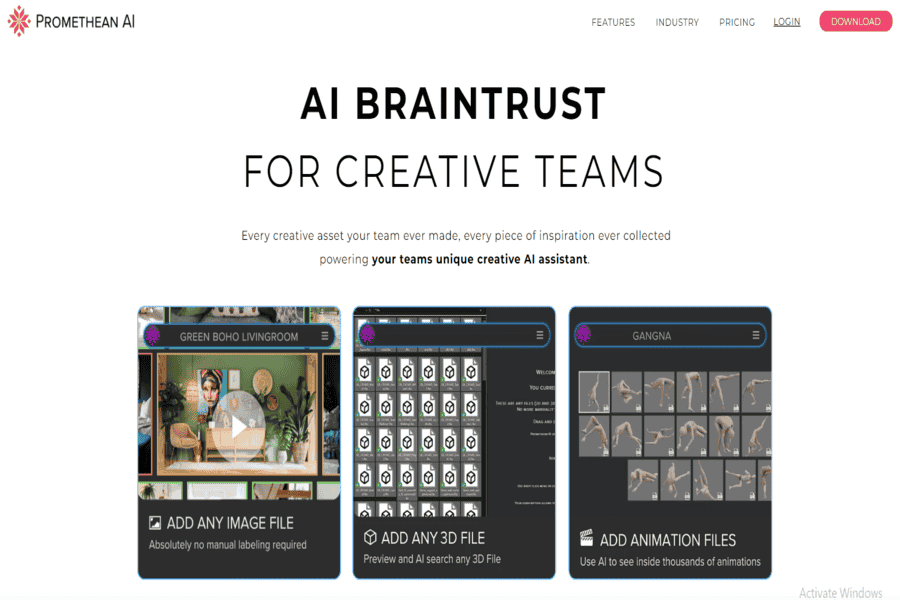
Promethean AI is a platform that uses AI to generate game assets, such as 3D models, textures, and animations. It can be used to rapidly prototype levels and environments.
Pros:
- Rapid prototyping: Quickly create and iterate on-level designs.
- Consistent art style: Generates assets that adhere to a specific style guide.
- Reduced workload: Automates repetitive tasks, freeing up time for creative work.
Cons:
- Requires training: The AI must be trained on a dataset of assets to generate accurate results.
- Limited control: Less control over the generated assets compared to manual creation.
Pricing Package:
Subscription-based, with various plans to suit different needs.
Unreal Engine’s Quixel Megascans
Megascans is a library of high-quality 3D scans of real-world objects and environments. It can be used to populate levels with realistic assets quickly.
Pros:
- Realistic assets: High-quality scans of real-world objects and environments.
- Speeds up development: Quickly populate levels with realistic assets.
- Variety of assets: A vast library of assets to choose from.
Cons:
- Can be expensive: High cost for commercial licenses.
- Requires powerful hardware: To handle the large file sizes of Megascans assets.
Pricing Package:
Subscription-based, with various plans for different levels of access.
Unity’s Shader Graph
Shader Graph is a visual node-based shader editor that allows you to create custom shaders without writing code. It can create unique and visually striking effects for your levels.
Pros:
- Visual programming: Easy to learn and use.
- Customizable shaders: Create unique visual effects.
- Improved performance: Optimize shaders for specific hardware.
Cons:
- Steeper learning curve: Requires some understanding of shader programming concepts.
- Limited to Unity: Only compatible with the Unity game engine.
Pricing Package:
Included with Unity’s various pricing plans.
Jasper.ai
Jasper.ai is an AI writing assistant that can generate creative text formats, such as blog posts, social media content, and scripts. It can generate level descriptions, character dialogue, and lore for your game.
Pros:
- Creative writing assistance: Generate unique and engaging text content.
- Speeds up the writing process: Quickly generate large amounts of text.
- Overcomes writer’s block: Provides inspiration and ideas.
Cons:
- Reliance on prompts: The output quality depends on the prompts’ quality.
- Potential for repetitive output: The AI may produce similar or repetitive text.
Pricing Package:
Subscription-based, with various plans to suit different needs.
NightCafe Creator
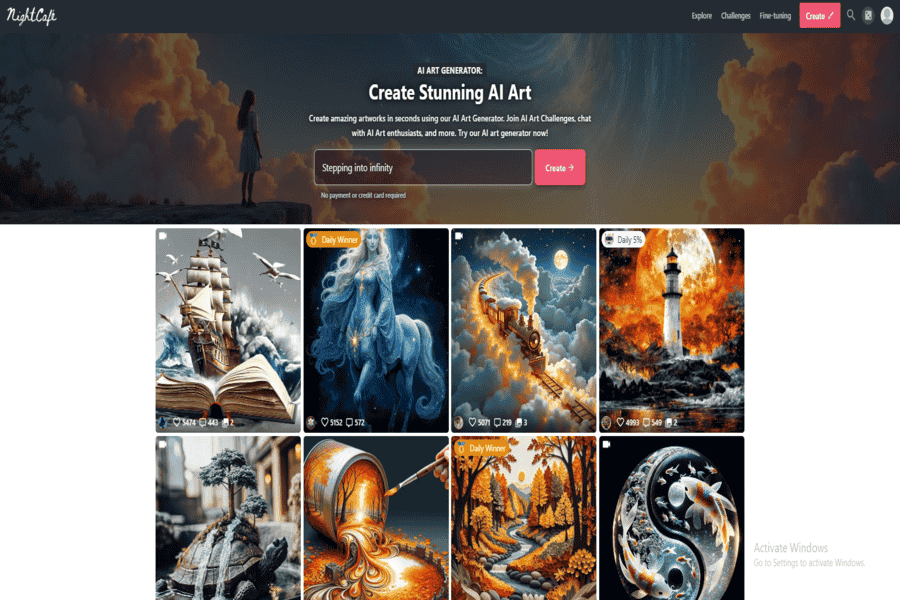
An AI art generator that can be used to create stunning concept art and backgrounds for games. By inputting text prompts, users can generate unique and visually appealing images.
Pros:
- Creative inspiration: Generates unique and imaginative art.
- Rapid prototyping: Quickly create concept art and backgrounds.
- Diverse styles: Can generate art in various styles, from realistic to abstract.
Cons:
- Limited control: Less control over the generated art compared to traditional methods.
- Reliance on prompts: The output quality depends on the prompts’ quality.
Pricing Package:
Offers a free plan with limited usage and paid plans for unlimited access.
GPT Image 2
OpenAI’s current image generation model. Replaces DALL-E 2 in this list, which OpenAI fully retired (along with DALL-E 3) on May 12, 2026. Generates concept art, backgrounds, and character designs from text prompts, same use case as its predecessor.
Pros:
- Sharper detail and prompt accuracy than the retired DALL-E generation.
- Rapid prototyping: quickly iterate on visual designs.
Cons:
- Requires an OpenAI account and API access.
Pricing Package:
API-based pricing, with costs varying based on usage.
Stable Diffusion
An open-source text-to-image model that can be used to generate a wide range of images, including concept art, backgrounds, and character designs.
Pros:
- Open-source: Can be customized and fine-tuned for specific needs.
- The diverse range of styles: Can generate art in various styles, from realistic to abstract.
- Community support: A large and active community of users and developers.
Cons:
- Requires technical expertise: Requires knowledge of machine learning and programming.
- Can be computationally intensive: Requires large processing power.
Pricing Package:
Free and open-source.
Midjourney
An AI art generator that creates images from textual descriptions. It can generate concept art, backgrounds, and character designs.
Pros:
- High-quality images: Generates high-quality images in various artistic styles.
- Easy to use: Simple interface and intuitive controls.
- Rapid iteration: Quickly generate multiple variations of an image.
Cons:
- Limited access: An invitation is required to use the platform.
- Can be computationally expensive: Requires large processing power.
Pricing Package:
Subscription-based, with various plans for different levels of access.
Artbreeder
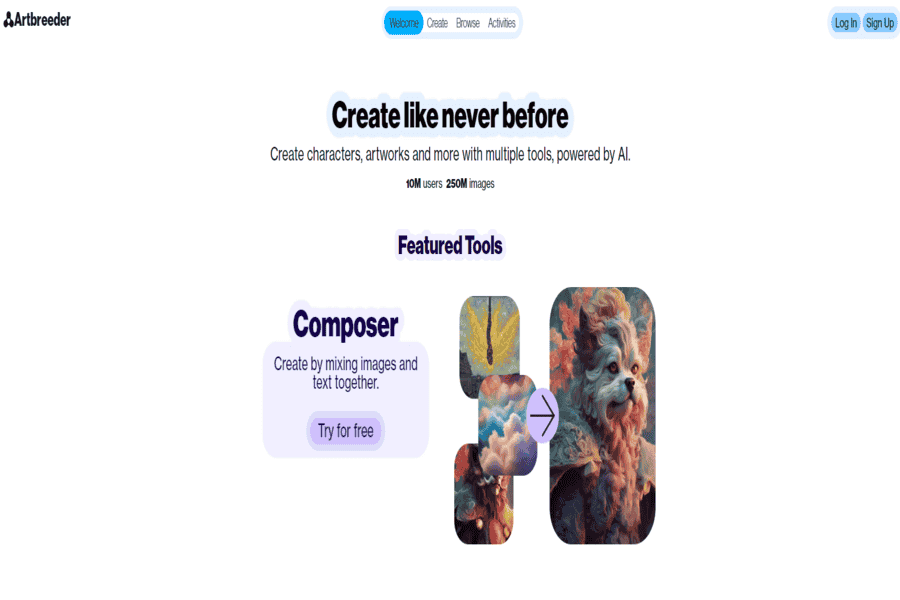
An AI-powered art generation tool that allows users to create and manipulate images, including concept art and backgrounds.
Pros:
- Easy to use: Simple interface and intuitive controls.
- Creative flexibility: Allows for a wide range of artistic styles and techniques.
- Rapid iteration: Quickly generate multiple variations of an image.
Cons:
- Limited to image generation: Primarily focused on image generation and manipulation.
- Can be computationally intensive: Requires large processing power.
Pricing Package:
Offers a free plan with limited features and paid plans for unlimited access.
Challenges and Considerations
These tools have real limits. Models trained on existing levels and art tend to reproduce the patterns in that training data, which can mean bias toward familiar genre conventions rather than genuinely fresh design. Purely procedural output without a human pass can feel generic. The best results come from AI generating a starting point that a designer then shapes, not a finished level. Learning to use engine-level tools like Shader Graph or a new procedural system has a real technical learning curve. And using AI-generated assets raises real ethical and rights questions depending on training data provenance, worth understanding before shipping a commercial game with them.
Where This Is Headed
Development keeps accelerating as procedural and testing tools mature, freeing designers to spend more time on creative decisions and less on repetitive layout work. Levels are getting more personalized too. Adapting difficulty and content to how a specific player performs rather than shipping one fixed experience for everyone. The most effective teams treat AI and human designers as complementary rather than AI replacing the designer’s judgment call about what makes a level actually fun. And as generated content becomes more central to shipped games, ethical questions around training data and asset rights are becoming a real part of production planning, not an afterthought.
The 14 tools above split into a few groups: full game engines (Unity, Unreal Engine, GameMaker Studio 2, Godot) that are the foundation everything else builds on; engine-specific features (Shader Graph, Quixel Megascans) for a particular visual capability; and standalone AI content tools (Promethean AI, AI Dungeon, the image generators, Jasper.ai) that plug into whichever engine you’re already using. None of these replace a designer’s sense of what makes a level fun to play. They cut the time between an idea and a testable version of it.


