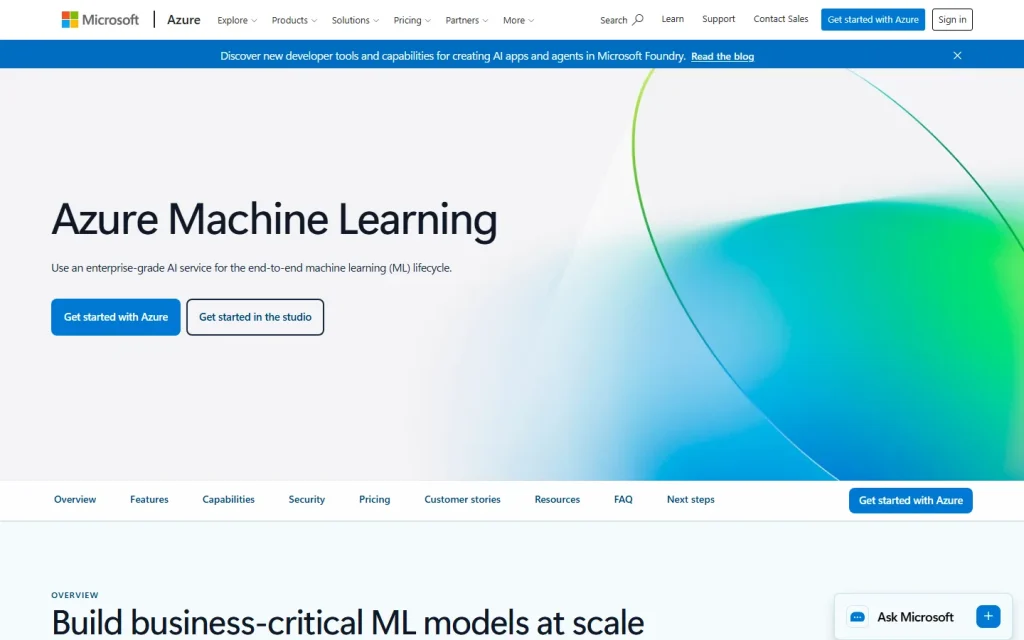
Azure Machine Learning is Microsoft's cloud platform for building, training, deploying and monitoring machine learning models. It's aimed at data science and engineering teams, especially those already running workloads on Azure. You'll get the most from it if you need production-grade MLOps, not just a notebook to experiment in.
Who Azure Machine Learning Fits
Azure Machine Learning suits organizations that already store data and run applications in Azure and want models to live in the same environment. Identity, networking and access controls carry over from the rest of the Azure account, which matters for regulated industries.
It also serves mixed teams. Data scientists can work in Python notebooks with the SDK or CLI, while analysts can use the visual Designer or automated machine learning (AutoML), which tries different algorithms and settings to find a workable model.
A solo developer testing an idea will likely find it heavy. Setup involves workspaces, compute targets and storage accounts before the first model trains.
How the Platform Works in Practice
Azure Machine Learning organizes work inside a workspace, the central place for datasets, experiments, models and endpoints. You attach compute, train a model, register it, then deploy it to an endpoint for real-time or batch predictions.
The lifecycle tooling is the real draw. Pipelines automate repeat training, the model registry tracks versions, and monitoring helps you catch drift when live data stops resembling training data. Teams that treat models as software they must maintain will value this far more than teams shipping a one-off prediction.
Microsoft has also added generative AI tooling, including a model catalog and prompt flow for building language model applications. If that's your main goal, compare it with Azure's other AI services before committing.
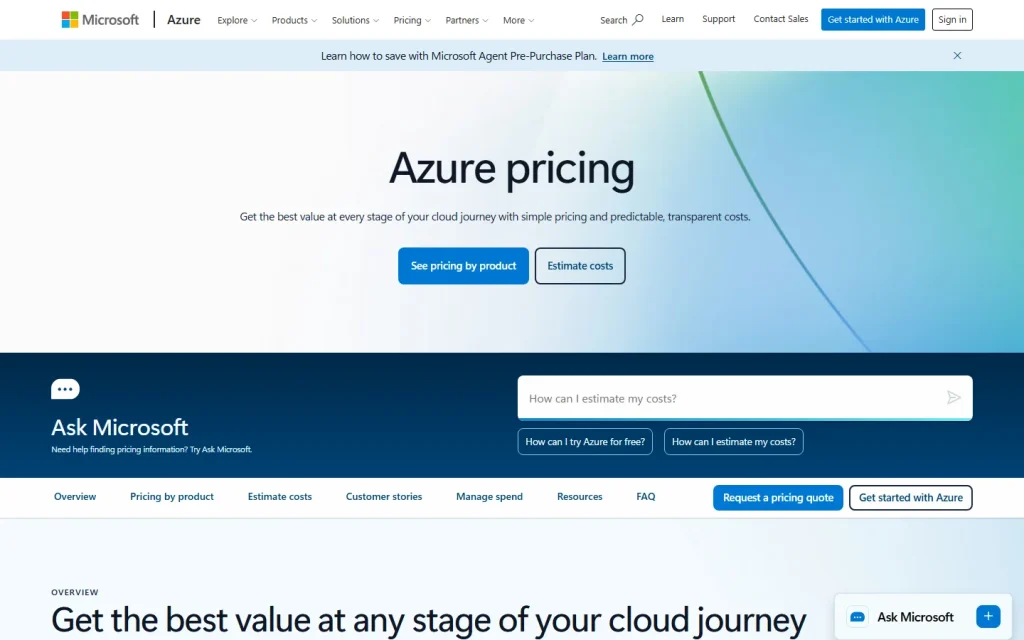
For pricing, Microsoft publishes usage-based rates on its Azure Machine Learning pricing page. The service itself is only part of the bill. Compute, storage and networking are billed separately, so estimate all of them before you budget.
When to Pick Something Else
Skip Azure Machine Learning if your team has no Azure footprint and no plan to adopt one. The learning curve and billing spread across resources rarely pay off for small projects.
If you're still deciding what category of tool you need, start with our guide on what machine learning is used for. For side-by-side options, see the ranked list of best machine learning software. Teams weighing another enterprise platform can also look at the IBM Watson AI Platform listing.