Freemium

ChordCreate

AI chord progression generator that turns a natural-language prompt into a playable, exportable piano-roll sequence.

3.4 Audio
3.4 Good 3.4
Natural-language prompts instead of manual music theory input No pricing page or account-limit information published anywhere
Reviewed by Challenging Voice Editorial · Updated Sep 2026 How we rate
PricingFree
Free planYes
CompanyChordCreate
PlatformsWeb
CategoryAudio
Founded2021
Visits5
Last reviewedSep 2026
UpdatedSep 2026
Ask AI about ChordCreate ChatGPT Claude Perplexity

Overview

ChordCreate generates a chord progression directly from a written description, such as a request for a dreamy melodic house progression or an upbeat pop progression in a specific key using 7th and diminished chords, and lays the result out on an interactive piano roll with a built-in instrument player. A musician can play the generated sequence back at a chosen tempo and time signature, humanize the timing so it sounds less mechanical, adjust individual notes on the piano roll, and export the result for use in a digital audio workstation. The tool keeps a history of previous generations and includes hot keys for a faster workflow once a person is used to the interface.

A generated chord progression is a starting point for a track, not a finished composition, so a musician should still shape, humanize and arrange it to fit the rest of a song rather than using the raw AI output unchanged. No pricing page or company information beyond the ChordCreate name was found anywhere on the live site, so account limits and any paid tier are not stated up front and would need confirming after signing in.

No pricing details are published anywhere on the site itself; the tool is usable directly at chordcreate.com, and any account limits or paid tier would need to be confirmed after signing in.
Key features

  • Generates a chord progression directly from a written text prompt
  • Interactive piano roll with playback, tempo and time-signature controls
  • Humanize option to make generated timing sound less mechanical
  • Exportable output for use in a digital audio workstation
  • Generation history and hot keys for a faster workflow

Screenshots & demo

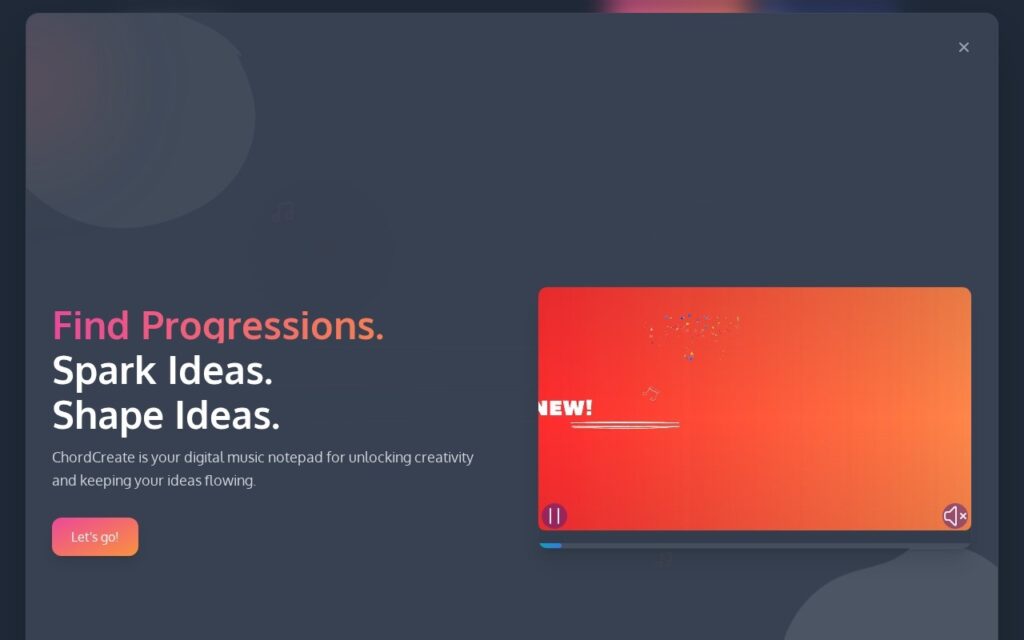
ChordCreate screenshot 1

Pricing

ChordCreate offers a free plan, with paid upgrades for higher limits and more features.

  • Pricing modelFreemium
  • Starting priceFree
  • Free planYes
Visit ChordCreate

Pricing is provided as a guide. Check the official site for the latest plans.

Is ChordCreate expensive?

ChordCreate has no advertised paid tier. Among the 79 priced tools we list in Audio, the median entry price is $10 a month.

67% of Audio tools in the directory offer a free tier, and this is one of them.

Compared against every priced listing in Audio, recalculated as the catalogue changes. Method and the full market breakdown are in our AI tool pricing study.

Pros & cons

Pros

  • Natural-language prompts instead of manual music theory input
  • A fully interactive piano roll, not a static chord list alone
  • Usable directly in the browser with no separate download

Cons

  • No pricing page or account-limit information published anywhere
  • No distinct legal entity or company information found
  • Generated progressions still need arranging and humanizing to fit a real track

How it compares

ToolRatingFreeFromBest known for
ChordCreate (this tool)3.4YesFreeGenerates a chord progression directly from a written text prompt
PhonicMind3.8YesFreeFull-song stem separation: vocals, drums, bass, keys, strings, horns
Moises4.6Yes$3/moStem separation optimized for practice, not production
Chord AI3.4YesFreeReal-time AI chord recognition via device microphone

Alternatives to ChordCreate

4 tools matched to ChordCreate on what they do, their category and their price.

PhonicMind

3.8

Separates a full song into up to 8 stems – vocals, drums, bass, keys, strings, horns – in a single pass that keeps the musical coherence intact, browser-based.

Freemium Audio

Chord AI

3.4

Point your phone at any song – AI names the chords, tracks the beat, transcribes the lyrics with OpenAI's Whisper, and splits the audio into four exportable stems.

Freemium Audio

Vochlea Music (Dubler 2)

4.0

AI-powered voice-to-MIDI controller that turns singing, humming or beatboxing into real-time MIDI notes inside any DAW, with no keyboard or programmed drums required.

Paid Audio

Frequently asked questions

What is ChordCreate?
ChordCreate generates a chord progression directly from a written description, such as a request for a dreamy melodic house progression or an upbeat pop progression in a specific key using 7th and diminished chords, and lays the result out on an interactive piano roll with a built-in instrument player.
Is ChordCreate free?
Yes, ChordCreate offers a free plan. Paid plans unlock more features and higher usage limits.
What are the best ChordCreate alternatives?
The closest matches in the directory are PhonicMind, Moises, and Chord AI, compared side by side above.

Reviews

3.4 No reviews yet

Write a review

More tools like ChordCreate

Cyanite AI

3.5

In-house AI auto-tags music by genre, mood, instruments, and tempo, then finds the perfect song match from a short text prompt – trusted by BMG and Warner Chappell.

Free Trial Audio