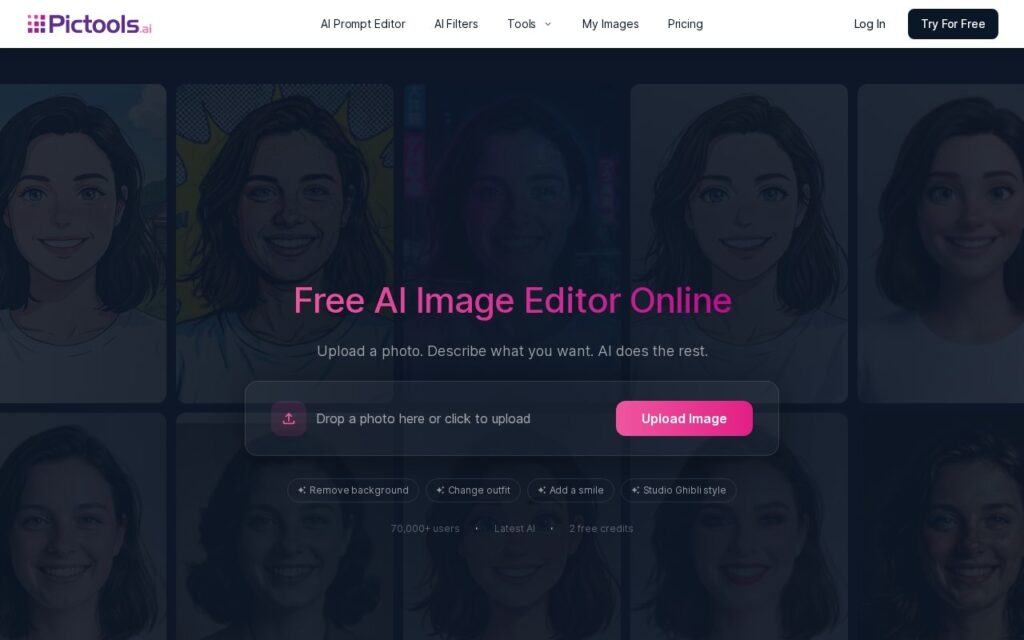
PicTools.AI edits photos through text prompts (“remove background,” “change outfit”) or more than 100 one-click filters spanning styles like Studio Ghibli, anime and vintage. Beyond stylistic filters it covers background removal, object and watermark removal, photo restoration, portrait retouching, professional headshot generation, hair-color changes and general quality enhancement.
Real, named use cases – LinkedIn headshots, family photo restoration, product photography – rather than generic “AI editing” claims are what distinguish this from a novelty filter app: restoring a damaged family photo and generating a professional headshot are different technical problems from applying a Ghibli filter, and covering all of them credibly in one tool with a 2-credit free trial (no card required) makes it easy to test the specific capability that matters to you before paying anything.
Watermark removal specifically requires a paid plan or credits, which is worth knowing before assuming free-tier output is fully clean. As with any AI photo restoration tool, results on severely damaged source photos are inference, not guaranteed recovery of detail that’s genuinely lost.