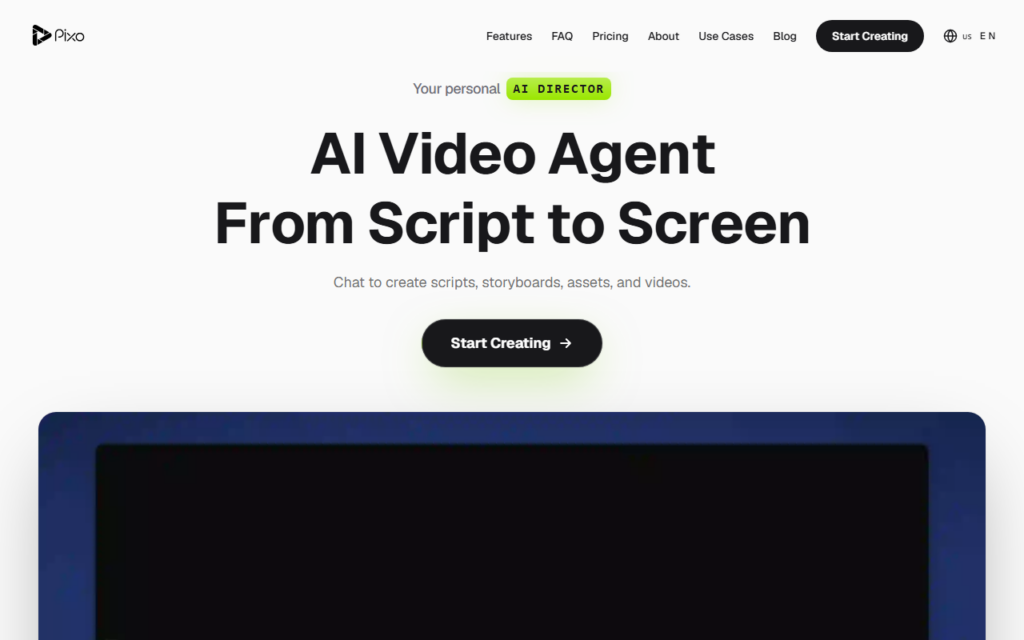
Pixo splits video production across agents with distinct jobs — research, scripting, editing — and puts the user in the director’s seat rather than the editor’s. A brief goes in, the agents produce a full piece, and the user reviews and redirects rather than assembling a timeline.
Series support is the part that suits ongoing channels. Once a format is defined, subsequent episodes inherit the structure, which keeps a channel’s output consistent without redefining the treatment each time.
Agent-produced video needs a fact check on the research stage before publication, since a scripted claim carries the same credibility risk as any generated text. Pricing is credit-based with a free tier, so evaluation costs nothing beyond time.
Key features
Separate research, scripting and editing agents
Full video produced from a written brief
Series formats that carry across episodes
Collaborative review and redirection
Credit-based pricing with a free tier
Export for social and long-form channels
Screenshots & demo
Pricing
Pixo has a free plan, and paid plans start at $9/mo.
Pricing is provided as a guide. Check the official site for the latest plans.
Is Pixo expensive?
Pixo starts at $9, which is 40% below the Video median of $15.1 a month across the 142 priced tools we list in that category.
The cheapest paid option in Video starts at $0.5 and the most expensive at $295.
65% of Video tools in the directory offer a free tier, and this is one of them.
Compared against every priced listing in Video, recalculated as the catalogue changes. Method and the full market breakdown are in our AI tool pricing study.
Pros & cons
Pros
Covers research through edit rather than one production stage
Series formats keep a channel's output consistent
Free tier for judging output quality first
Cons
Scripted claims need fact checking before publishing
Upload a CSV of 50 video ideas, get 50 ready-to-post shorts back – AI handles the script, voiceover, stock footage, captions, and render, zero manual editing.
Pixo splits video production across agents with distinct jobs — research, scripting, editing — and puts the user in the director's seat rather than the editor's.
Is Pixo free?
Yes, Pixo offers a free plan. Paid plans unlock more features and higher usage limits, starting at $9/month.
How much does Pixo cost?
Pixo starts at $9 per month. See the pricing plans above for full details.
What are the best Pixo alternatives?
The closest matches in the directory are TaleTok, Inksprout Flow, and CinemaDrop, compared side by side above.