Free Trial

Raygun

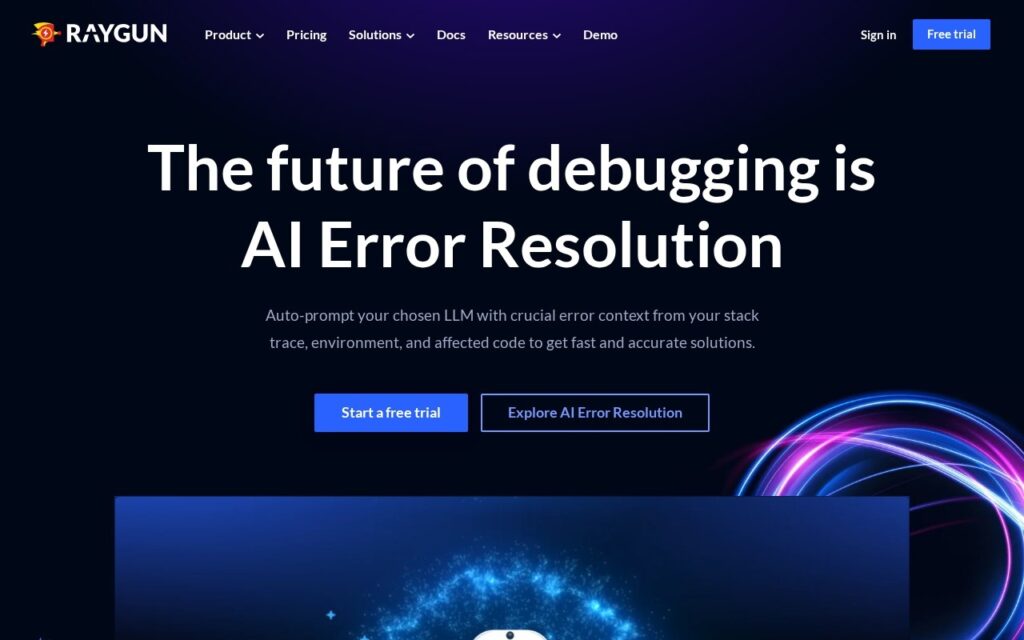
Crash reporting, real user monitoring and APM in one platform, with AI Error Resolution suggesting fixes for the errors it catches.

3.8 Coding
3.8 Good 3.8
Front-end and back-end monitoring in one platform, so causes link to symptoms Overlaps heavily with observability tools many teams already run
Reviewed by Challenging Voice Editorial · Updated Sep 2026 How we rate
PricingFree Trial
Free planNo
CompanyRaygun
PlatformsWeb
CategoryCoding
Visits8
Last reviewedAug 2026
UpdatedSep 2026
Ask AI about Raygun ChatGPT Claude Perplexity

Overview

Raygun covers three monitoring disciplines in one product: crash reporting for errors, Real User Monitoring for front-end performance as actual visitors experience it, and application performance monitoring for the server side.

Having all three together is the practical argument. A slow page is a front-end symptom of a back-end cause more often than not, and chasing that across two vendors with different session identifiers is where debugging time disappears. AI Error Resolution is the AI layer, moving crash reporting past detect-and-diagnose toward suggesting the fix – which is where the time actually goes once an error is reproduced.

Real User Monitoring deserves particular note: synthetic tests measure a lab, while RUM measures the devices and networks your users actually have. As with any monitoring tool, weigh what error payloads may contain before deployment – crash reports can carry user data.
Key features

  • Crash reporting with error detection and diagnosis
  • AI Error Resolution suggesting fixes
  • Real User Monitoring for front-end performance
  • Application performance monitoring for server-side visibility
  • Support across web and mobile applications
  • Deployment tracking and error grouping

Screenshots & demo

Raygun screenshot 1

Pricing

Visit the Raygun website for current plans and pricing.

  • Pricing modelFree Trial
  • Starting priceCustom
  • Free planNo
Visit Raygun

Pricing is provided as a guide. Check the official site for the latest plans.

Pros & cons

Pros

  • Front-end and back-end monitoring in one platform, so causes link to symptoms
  • AI Error Resolution targets the fix, not just the diagnosis
  • Real user data rather than synthetic lab measurements

Cons

  • Overlaps heavily with observability tools many teams already run
  • Crash payloads can carry user data – review before deploying
  • Costs scale with error and session volume

How it compares

ToolRatingFreeFromBest known for
Raygun (this tool)3.8NoCrash reporting with error detection and diagnosis
CICube3.9NoContinuous integration cost analysis
Mermaid Viewer4.0Yes$5.83/moLive preview while typing Mermaid code
Bubble4.3Yes$59/moVisual editor for front-end, database, and workflow logic in one tool

Alternatives to Raygun

4 tools matched to Raygun on what they do, their category and their price.

CICube

3.9

Analyses GitHub Actions runs to cut continuous integration spend and fix failing workflows.

Free Trial Coding

Bubble

4.3

Lets builders assemble full web applications with a visual editor and workflow logic instead of hand-written code.

Freemium Coding

Frequently asked questions

What is Raygun?
Raygun covers three monitoring disciplines in one product: crash reporting for errors, Real User Monitoring for front-end performance as actual visitors experience it, and application performance monitoring for the server side.
Is Raygun free?
Raygun does not offer a free plan.
What are the best Raygun alternatives?
The closest matches in the directory are CICube, Mermaid Viewer, and Bubble, compared side by side above.

Reviews

3.8 No reviews yet

Write a review