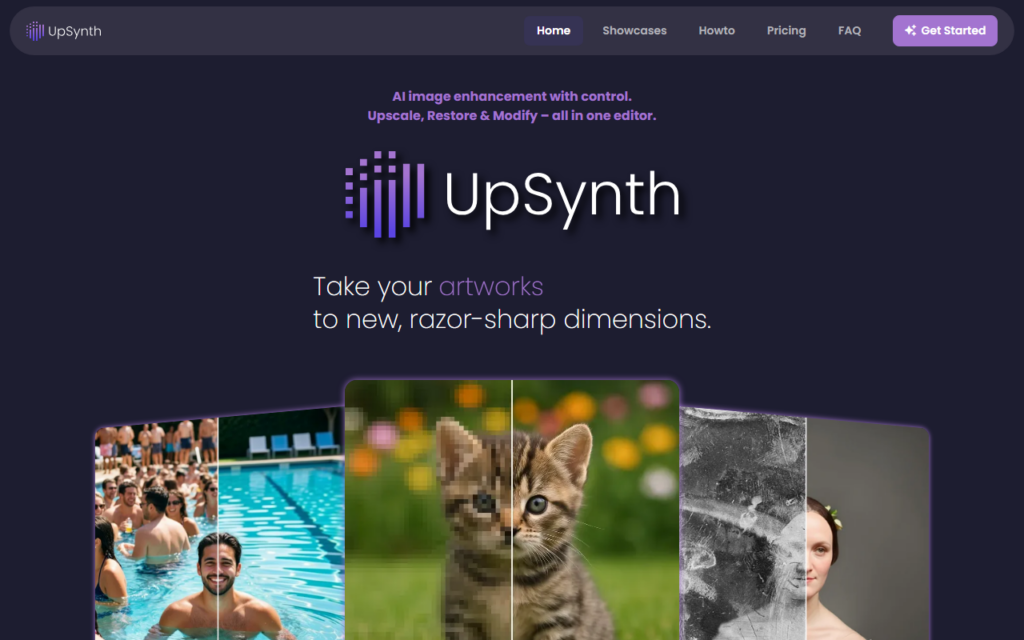
UpSynth handles enhancement, upscaling and repair of photos and graphics inside one editor, with manual control over how the model behaves. Its stated position is that upscaling without control is chance — one-click upscalers invent detail with no way to steer the result, which shows up as plastic skin or hallucinated texture.
Exposing parameters lets the operator dial fidelity against invention, which matters for archival photographs and product imagery where a plausible invented detail is a defect rather than an improvement.
The restoration side covers damaged and degraded source images, where results depend heavily on what survives in the original. A first free upscale allows judging output on a real file before paying, which is the right way to evaluate this category.
Key features
Upscaling with manual parameter control
Restoration of damaged or degraded images
Enhancement and modification in one editor
Control over fidelity versus invented detail
Support for photographs and graphics
First upscale free for evaluation
Screenshots & demo
Pricing
UpSynth offers a free plan, with paid upgrades for higher limits and more features.
Pricing is provided as a guide. Check the official site for the latest plans.
Is UpSynth expensive?
UpSynth has no advertised paid tier. Among the 147 priced tools we list in Image Generation, the median entry price is $10 a month.
66% of Image Generation tools in the directory offer a free tier, and this is one of them.
Compared against every priced listing in Image Generation, recalculated as the catalogue changes. Method and the full market breakdown are in our AI tool pricing study.
Pros & cons
Pros
Parameter control avoids the plastic look of one-click upscalers
Restoration and upscaling handled in the same editor
Free first result on a real file before paying
Cons
Manual control needs more operator time than a one-click tool
Restoration results depend on what survives in the original
AI Face Restoration, Inpainting, Background Removal, Image Upscale, and Photo-to-Anime – genuine generative editing tools, not just filters, in one photo editor.