Wudpecker records and summarises meetings, with two things that lift it above basic transcription.
Templates shape the summary to the meeting type – a sales call, a user interview and a standup need different notes, and a generic summary serves none of them well. Ask Wudpecker then queries across accumulated meetings rather than one at a time, which is where the value compounds: the useful question is usually “what did this client say about pricing over the last six months”, not “what happened in Tuesday’s call”.
Privacy and security get their own documented section, which is appropriate and worth reading for a tool that records conversations. Recording carries consent obligations that vary by jurisdiction and by who is in the room – settle that before deploying it across a team, and tell participants they are being recorded.
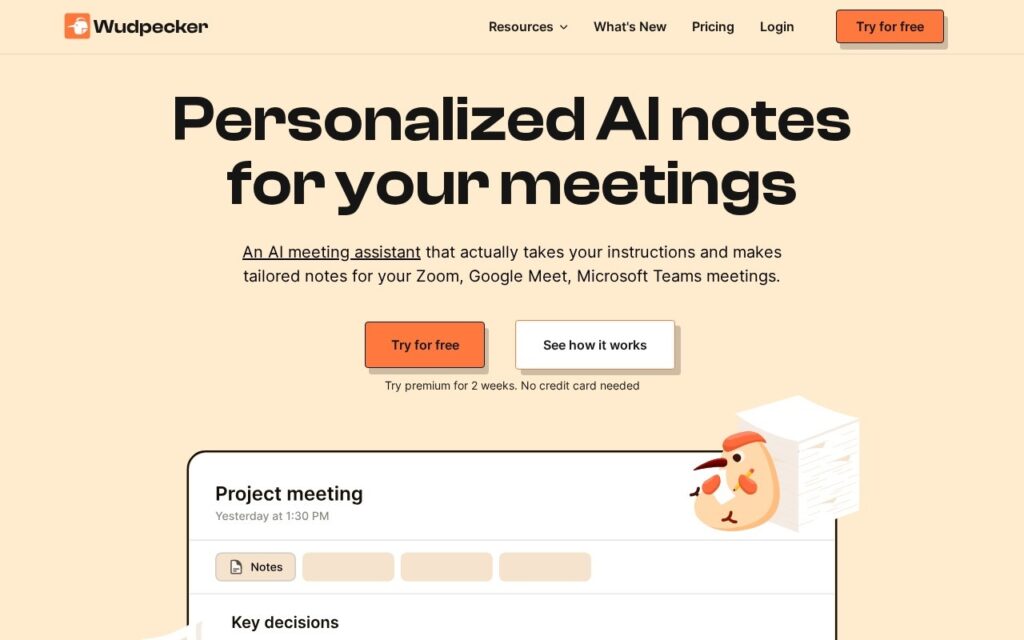
Key features
AI meeting recording and summarisation
Templates shaping notes to the meeting type
Ask Wudpecker for querying across past meetings
Free meeting note templates
Documented privacy and security policies
Free tier to start
Screenshots & demo
Pricing
Wudpecker offers a free plan, with paid upgrades for higher limits and more features.
Pricing is provided as a guide. Check the official site for the latest plans.
Is Wudpecker expensive?
Wudpecker has no advertised paid tier. Among the 156 priced tools we list in Productivity, the median entry price is $11.8 a month.
71% of Productivity tools in the directory offer a free tier, and this is one of them.
Compared against every priced listing in Productivity, recalculated as the catalogue changes. Method and the full market breakdown are in our AI tool pricing study.
Pros & cons
Pros
Cross-meeting search is where meeting notes actually compound in value
Templates produce useful notes rather than generic summaries
Privacy and security documented rather than assumed
Cons
Recording carries consent obligations that vary by jurisdiction
Participants should be told they are being recorded
Wudpecker is a solid productivity tool, best known for AI meeting recording and summarisation. It offers a free plan.
What makes it different: Wudpecker stands out for AI meeting recording and summarisation.
How we score it
Overall3.6
Value for money4.7
Feature depth4.9
Popularity3.7
Best forProfessionalsTeamsFoundersFreelancers
Frequently asked questions
What is Wudpecker?
Wudpecker is a productivity tool listed in the Challenging Voice directory. AI meeting notes with templates and Ask Wudpecker for querying across past meetings, with privacy and security documented separately.
Is Wudpecker free?
Yes, Wudpecker offers a free plan. Paid plans unlock more features and higher usage limits.
What are the best Wudpecker alternatives?
Popular alternatives to Wudpecker include MeisterTask, Teamwork.com, and Write My PRD. Browse them all in the Productivity category.
Is Wudpecker any good?
Wudpecker scores 3.6 out of 5 based on our editorial review.
AI scores your pitch deck's investability, gives slide-by-slide feedback, and shows how you stack up against other startups – completely free, 3,000+ founders already using it.