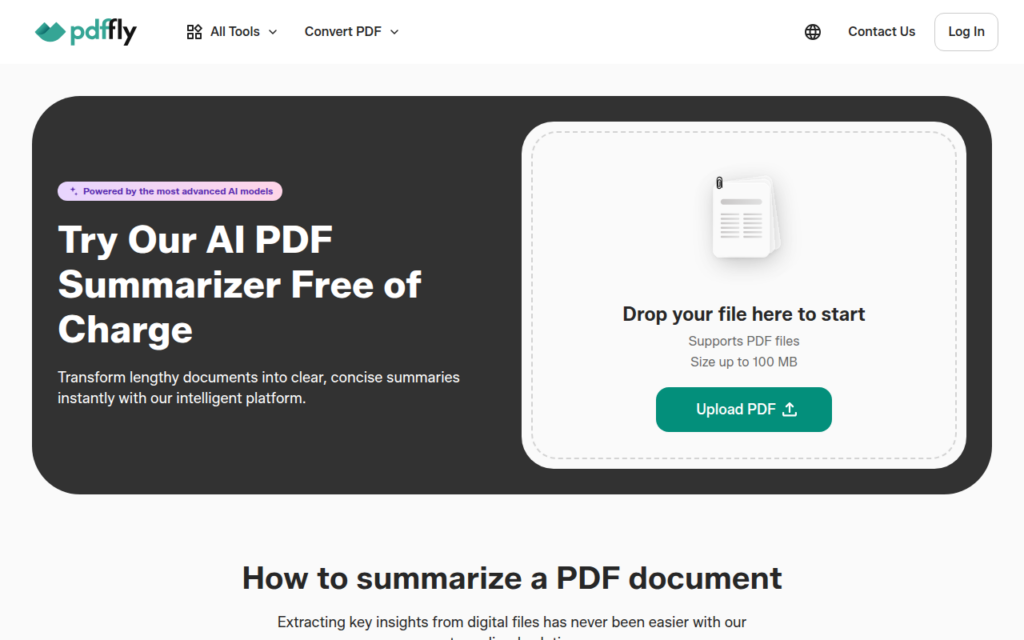
PDFFly summarises PDFs and lets you question them conversationally, with the notable condition that it works without creating an account. That removes the friction that makes most document tools not worth using for a single file, where signing up takes longer than skimming the document yourself.
The no-account model suits exactly the case it is designed for: an occasional long document, a report, a contract, a paper, that needs to be understood quickly. For that job, being able to open the site and get an answer immediately is the entire value proposition.
It sits within a broader suite of PDF utilities, so related tasks are handled in the same place. Two sensible cautions apply to any summarisation tool: verify anything consequential against the source, and think carefully before uploading confidential documents to a service that requires no account and therefore offers no account-level controls.
Key features
PDF summarisation with no sign-up required
Conversational questioning of document contents
Part of a wider suite of PDF utilities
Free to use for the core summarisation function
Browser-based with no installation
Screenshots & demo
Demo video
Screenshots
Pricing
PDFFly offers a free plan, with paid upgrades for higher limits and more features.
Pricing is provided as a guide. Check the official site for the latest plans.
Is PDFFly expensive?
PDFFly has no advertised paid tier. Among the 198 priced tools we list in Productivity, the median entry price is $10 a month.
69% of Productivity tools in the directory offer a free tier, and this is one of them.
Compared against every priced listing in Productivity, recalculated as the catalogue changes. Method and the full market breakdown are in our AI tool pricing study.
Pros & cons
Pros
No account requirement removes friction for one-off documents
Immediate usefulness without setup
Broader PDF toolset available alongside
Cons
Confidential documents warrant caution on a no-account service
Summaries need verification for anything consequential