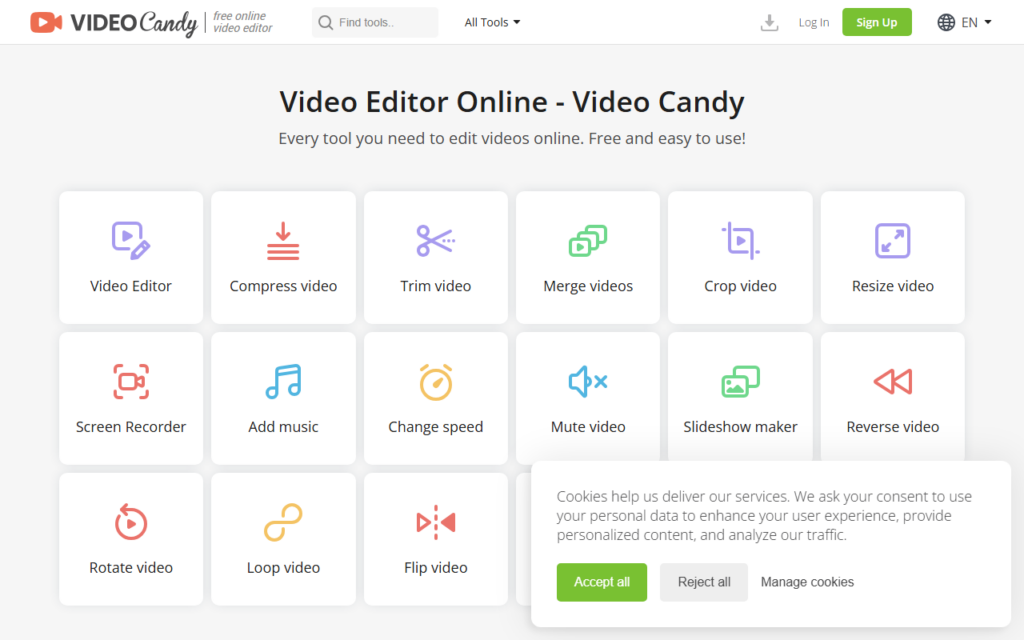
Video Candy is a browser video editor surrounded by single-purpose utilities: merge, trim, compress, convert, resize, plus AI-assisted functions. The structure suits the common case, where someone needs one operation on one file and has no interest in learning an editing suite.
Free access to the basic tools is the reason it gets used. Compressing a file to fit an upload limit or trimming thirty seconds off a clip does not justify a subscription, and the alternative — installing desktop software for a two-minute job — is worse.
Browser processing puts a practical ceiling on file size and export quality, so long or high-resolution projects belong in desktop software. Paid tiers lift limits for people who hit them regularly.
Key features
Browser-based editing with nothing to install
Single-purpose tools for merge, trim, compress and convert
Format conversion across common video types
AI-assisted editing functions
Free access to core tools
Paid tiers for higher limits
Screenshots & demo
Demo video
Screenshots
Pricing
Video Candy has a free plan, and paid plans start at $8/mo.
Pricing is provided as a guide. Check the official site for the latest plans.
Is Video Candy expensive?
Video Candy starts at $8, which is 47% below the Video median of $15.1 a month across the 142 priced tools we list in that category.
The cheapest paid option in Video starts at $0.5 and the most expensive at $295.
65% of Video tools in the directory offer a free tier, and this is one of them.
Compared against every priced listing in Video, recalculated as the catalogue changes. Method and the full market breakdown are in our AI tool pricing study.
Pros & cons
Pros
Right-sized for one-off operations on a single file
Free tools cover the common one-off jobs
No installation or account needed to start
Cons
Browser processing caps file size and export quality
Desktop AI media suite for remastering, upscaling and converting video, images and audio, with hardware acceleration and a separate editor in VideoProc Vlogger.