List your tool
Freemium

Prisma

Turns photographs into artwork in hundreds of painterly styles, on iOS and Android.

4.0 Image Generation
4.0 Very good 4.0
A decade of shipping behind it, unusual in this category No pricing published on the company's own site
Reviewed by Challenging Voice Editorial · Updated Sep 2026 How we rate
PricingFrom $1.99/mo
Free planYes
CompanyPrisma Labs, Inc.
PlatformsAndroid, iOS
CategoryImage Generation
Founded2016
Last reviewedAug 2026
UpdatedSep 2026

Is this your tool?

  • Claim this listing. Sign in with an email at prisma-ai.com to manage it. Claim Prisma
  • Get into the top 5 of Image Generation. 5 of 5 spots open, from $159/month. See positions
  • Something out of date? Owners can request edits from My listings; anyone can tell us.
Ask AI about Prisma ChatGPT Claude Perplexity

Overview

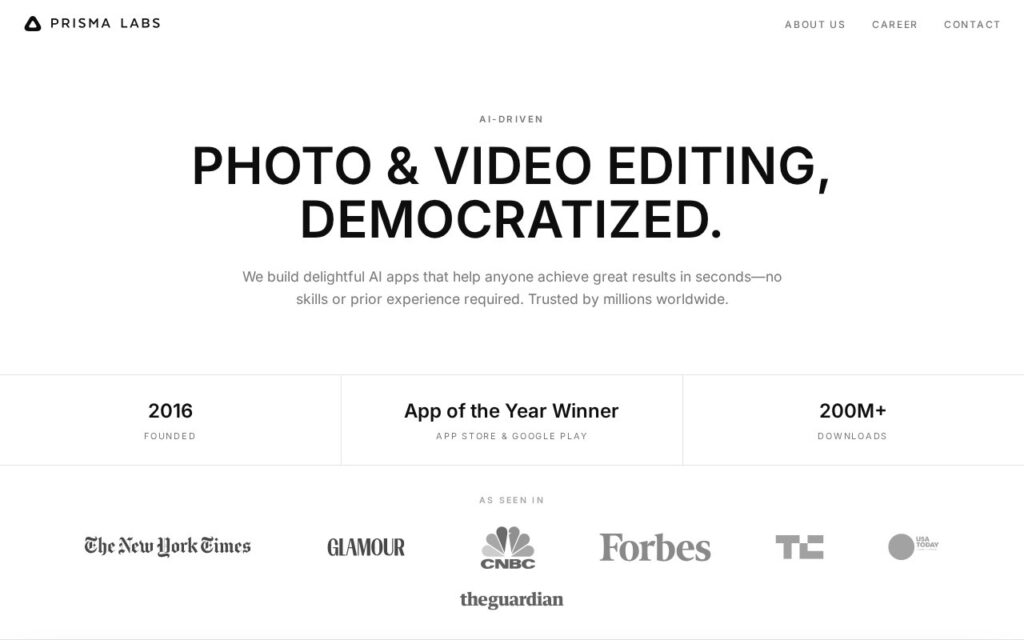
Prisma applies art styles to photographs, drawing on hundreds of looks inspired by famous painters, in one tap and without any editing skill. Prisma Labs also makes Lensa AI for portrait enhancement and background replacement; between them the apps have passed 200 million downloads and won App of the Year on both stores.

Prisma is the app that made neural style transfer a mainstream thing in 2016, which is why it is still worth attention a decade later. It arrived before the current wave, established the one-tap-transformation pattern that everything since has copied, and has kept shipping while most of its contemporaries disappeared.

It is free to download with a three-day trial, then subscriptions from $1.99 a week. No pricing appears on the company’s own site, only in the app stores. Style transfer is a filter rather than generation, so the result depends heavily on the photograph underneath, and weekly subscription pricing on a consumer app adds up far faster than it reads.

Key features

  • Hundreds of art and portrait styles
  • One-tap transformation with no editing skill needed
  • Portrait enhancement and background replacement in Lensa
  • Free to download with a three-day trial
  • iOS and Android apps

Screenshots & demo

Prisma screenshot 1

Pricing

Prisma has a free plan, and paid plans start at $1.99/mo.

  • Pricing modelFreemium
  • Starting priceFrom $1.99/mo
  • Free planYes
Visit Prisma

Pricing is provided as a guide. Check the official site for the latest plans.

Is Prisma expensive?

Prisma starts at $1.99, which is 80% below the Image Generation median of $10 a month across the 150 priced tools we list in that category.

The cheapest paid option in Image Generation starts at $0 and the most expensive at $800.

65% of Image Generation tools in the directory offer a free tier, and this is one of them.

Compared against every priced listing in Image Generation, recalculated as the catalogue changes. Method and the full market breakdown are in our AI tool pricing study.

Pros & cons

Pros

  • A decade of shipping behind it, unusual in this category
  • One tap from photograph to finished image
  • Free to download and try before subscribing

Cons

  • No pricing published on the company's own site
  • Style transfer depends heavily on the source photograph
  • Weekly subscription pricing adds up faster than it reads

How it compares

ToolRatingFreeFromBest known for
Prisma (this tool)4.0Yes$1.99/moHundreds of art and portrait styles
Facetune3.7No$5.99/moAI hairstyle transformations and virtual makeup application
AILab Tools3.2YesFreeFree web-based portrait enhancement and background removal
DaVinciFace3.1No—Portraits generated in Leonardo da Vinci's style

Alternatives to Prisma

4 tools matched to Prisma on what they do, their category and their price.

Facetune

3.7

The most downloaded selfie editor in the world – AI hairstyle transformations, an AI Headshot Generator, and one-tap retouching, from 295M+ installs.

Free Trial Image Generation

AILab Tools

3.2

Free web-based portrait enhancement, background removal, and virtual try-on, plus 50+ commercial APIs for the same – files auto-deleted within 24 hours.

Freemium Image Generation

Frequently asked questions

What is Prisma?
Prisma applies art styles to photographs, drawing on hundreds of looks inspired by famous painters, in one tap and without any editing skill.
Is Prisma free?
Yes, Prisma offers a free plan. Paid plans unlock more features and higher usage limits, starting at $1.99/month.
How much does Prisma cost?
Prisma starts at $1.99 per month. See the pricing plans above for full details.
What are the best Prisma alternatives?
The closest matches in the directory are Facetune, AILab Tools, and DaVinciFace, compared side by side above.

Reviews

4.0 Editorial rating No reviews yet

Write a review

More tools like Prisma

Mokker

3.5

Upload a product photo, AI removes the background and studies your own reference images to match their exact style – no photoshoot, control the output colors too.

Freemium Image Generation

FaceApp

3.6

AI photo editor with age, gender and style transformation filters, installed by 1 billion+ people, from FaceApp Technology Limited.

Freemium Image Generation