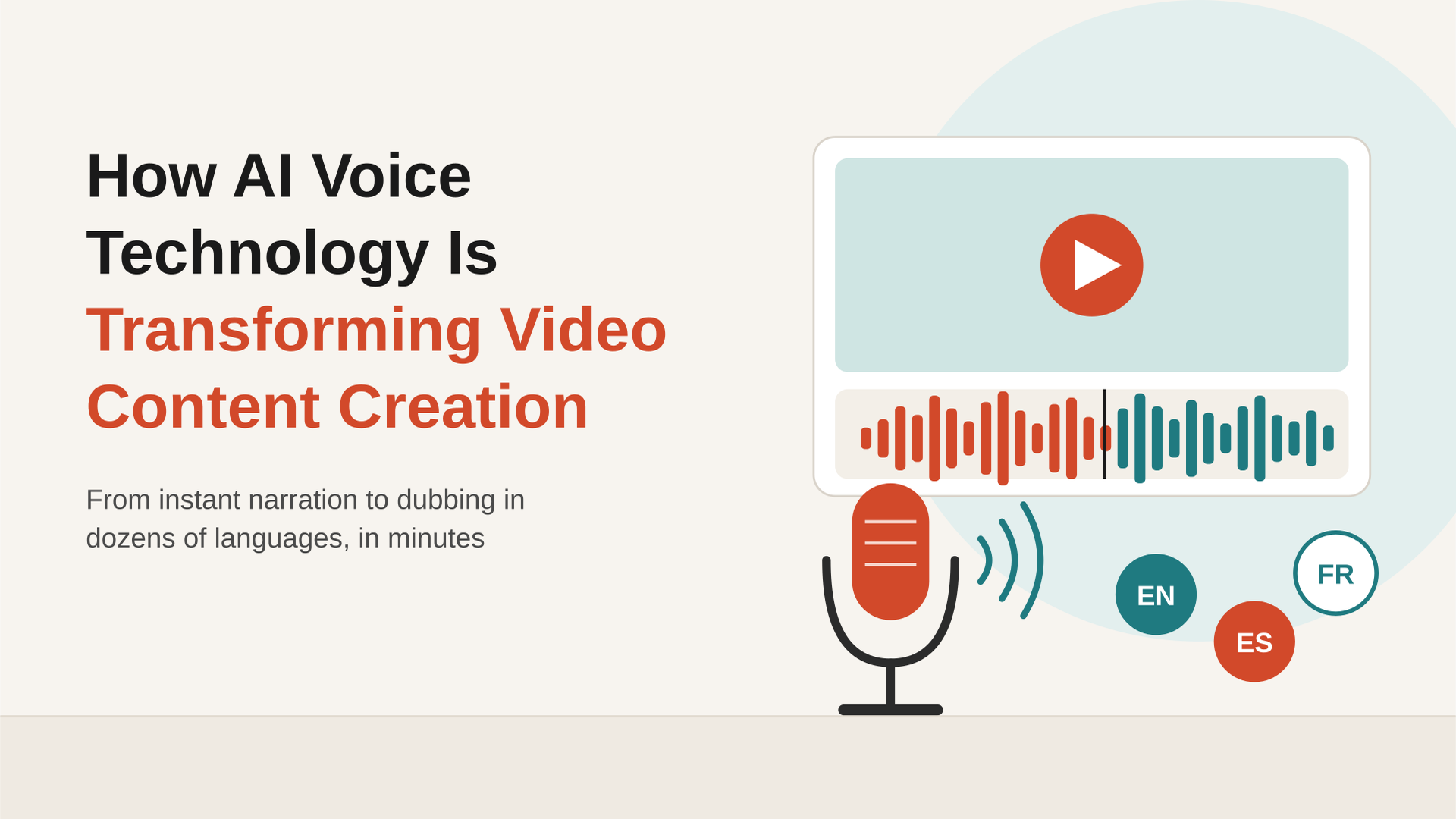
Modern AI voice technology enables you to generate video voiceovers in your preferred language, accent, and speaking pace in seconds.
I saw this firsthand last week while working on an ad video for a skincare brand. I was confident I could hook viewers in the first 3 to 5 seconds. The voiceover, however, stopped me in my tracks.
When I raised my pitch, the delivery sounded too loud. When I softened it, the voice felt flat and lacked emotional depth. Either way, I risked losing the connection with my audience.
So, I turned to an AI voice generator to experiment with different tones and delivery styles. When I watched the finished video, I was surprised by how natural the voiceover sounded.
Imagine having that flexibility every day and taking greater control of your own or your clients’ video projects.
Let’s see how it works!
Types of AI Voice Technology for Video Creation
The best AI voices don’t just sound pleasant. They sound real. A realistic voice shapes first impressions, builds brand recognition, and makes your content feel authentic.
That’s why your choice of tool matters. A superior AI voice generator gives you lifelike voices, natural pacing, and control over tone and emphasis. For instance, Murf offers 200+ voices across 35+ languages, so you can match almost any script or audience.
AI voice technology comes in different forms. Each one suits a different kind of video project. Here are the main types you can use:
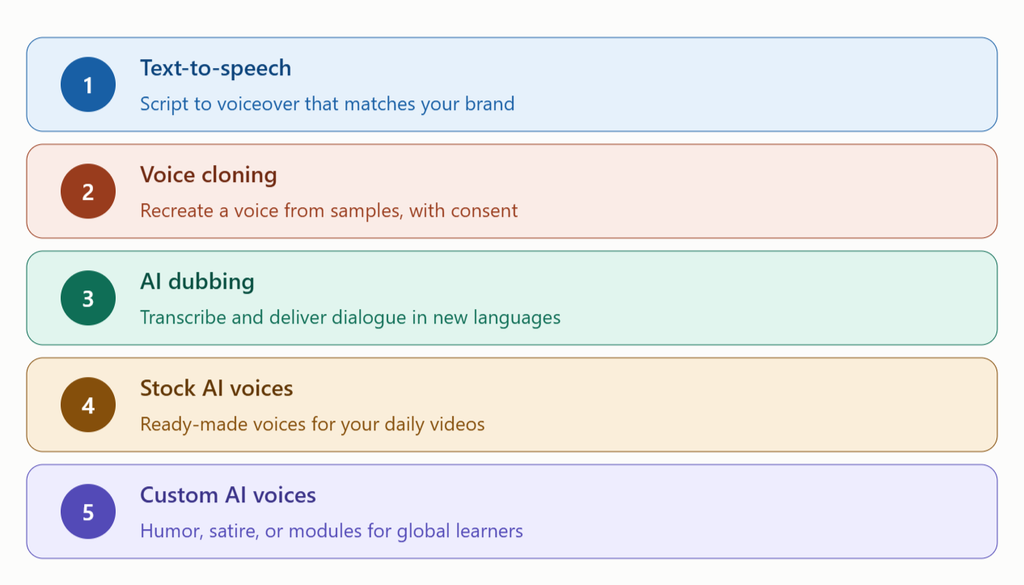
- Text-to-speech: Imagine turning a script for your new boutique’s promotional video into a Meta ad campaign. AI text-to-speech can bring it to life with a voiceover that matches your brand guidelines.
- Voice cloning: Think of your favorite singer or a user-generated content (UGC) creator. With their consent, AI voice cloning can recreate their voice using audio samples. It helps you preserve familiar vocal qualities, tonality, and accents for different purposes.
- AI dubbing: Want to turn your French travel videos on YouTube into Spanish content? AI-powered dubbing can translate the dialogue and generate speech in the target language, thereby making your videos accessible to a wider audience. Recently, YouTube expanded its AI-based auto-dubbing capability to 27 languages. Make use of it.
- Stock AI voices: These are ready-made voices you can pick and use right away without requiring any setup or training. They suit everyday content where speed is paramount. For example, a stock voice can narrate your daily lifestyle vlog in a warm and upbeat tone.
- Custom AI voices: Finally, unique voices built just for your brand or project, unlike stock voices that anyone can use. They help you create a distinct character or a signature brand sound. For example, you can design a quirky voice for satirical videos, or you can give your online course one consistent instructor voice across every module.
3 Ways AI Voices Make Video Creation Easier
While the demand for video content is climbing fast, audiences and clients have less patience for slow production. Fortunately, AI voice technology can help you save time without losing quality.
Here are three ways it makes your work easier.
1. You don’t need to be a voiceover specialist
When you want a satirical tone for your anime Instagram reel, it can be a little witty or exaggerated. But when the video is for your product demonstration, the tone must be professional yet interactive.
That’s where the best AI agents for voiceover come in. They can do a lot for you without making you feel overwhelmed.
- You can rewrite the lines of your script by providing a simple command.
- You can modify the tone, pace, accent, language, and pronunciation to add or pause gestures.
- You can review and edit short audio clips as demos before creating voiceover batches.
- You can avoid mismatches between the audio and video to ensure the dialogue and vocal expression sync naturally with the visuals.
2. You don’t need a professional recording setup
Professional video creators usually record voiceovers in a dedicated studio. However, a proper setup needs many things:
- A soundproofed room to block background noise.
- A premium microphone, headphones, and other monitoring gear.
- Strong audio editing skills, which take years to build.
With an AI voice generator, you skip all of that. You get clean studio-quality audio straight from your script with no equipment to buy. To polish the visuals, you can pair it with AI video enhancers that sharpen and upscale your footage. Together, they give you a professional finish without a studio.
3. You don’t need a big budget or long timelines
Traditional voice recording often stalls for reasons outside your control. For example, you might be:
- Hiring several narrators to lend voice to different characters
- Dealing with voice strain after repeated takes
- Struggling to produce, tweak, or update several audio files in a day
All these delays eat up both time and money. With an AI voice generator, however, you can pick up right where you left off. Simply edit the script or settings and regenerate the audio in minutes. That way, you avoid costly studio teams and stretched timelines.
How to Create a Video Voiceover With AI
Let’s say you want a 1-minute UGC fashion video, a 5-minute product SOP refresher, or a 30-second restaurant ad. Here’s how you can build that voiceover with a high-grade tool.
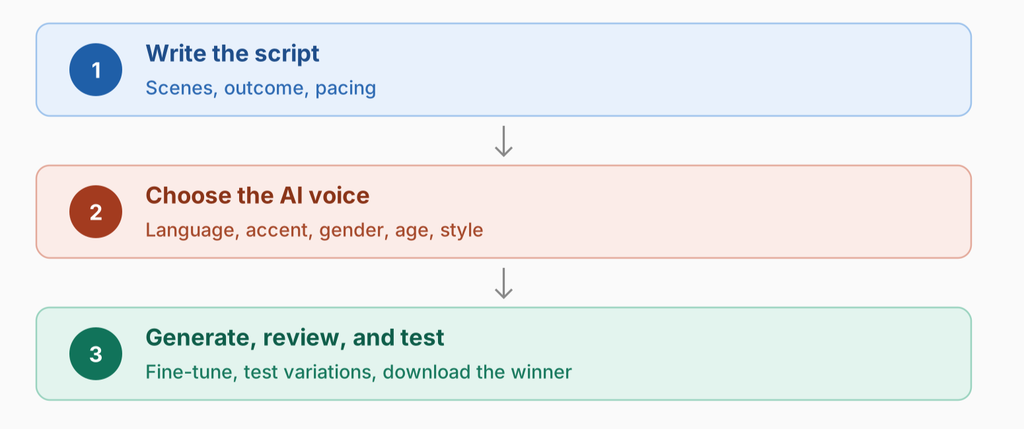
- Write the script: Start with a clear and concise script that follows your brand guidelines. Plan your scenes, the outcome you want, and the pacing. Then type or paste the text into the AI tool.
- Choose the AI voice: Choose the voice type and your preferred language and accent. Filter by gender, age, style, or language to match your script’s mood. For regional campaigns, pick a local accent or language.
- Generate, review, and test the audio: Click generate and preview your voiceover. Fine-tune pitch, speed, emphasis, and pauses at the word level, or switch voice styles. Create short variations and test which one holds attention longer. Then download the winner in MP3, WAV, or AAC.
Take Control of AI Voices in Your Videos
AI voice technology can handle a big share of your video work. They turn scripts into multilingual voiceovers, support dubbing, and match dialogue with your visuals. With the speaker’s consent, they can even clone a voice. As a result, you get a lifelike delivery that keeps your audience listening.
That said, the tool only follows your direction. My skincare ad worked because I kept testing the tone until it felt right. So, before you rely on AI voices, keep these three things in mind:
- Use your brand kit: Add your own or your client’s brand tone, key terms, and pronunciations to every project. This keeps each voiceover consistent across videos and channels.
- Never skip the quality check: Listen to every clip before it goes live. Fix odd emphasis, wrong pronunciations, or flat delivery, even when deadlines feel tight.
- Measure the impact: Track what the voiceover changes for you. That could be time saved, lower costs, or longer watch time.
Also, use AI voices openly and fairly. Get clear consent before you clone anyone’s voice. In addition, check each platform’s rules, since some ask you to label realistic AI-generated content.
If you’re new to AI voices or looking for a better tool, expert guidance can save you plenty of trial and error. Challengingvoice is an independent AI tools directory that tests tools by hand. Compare voice tools on pricing, features, and platform, then pick the right one with confidence.
Frequently Asked Questions
Q1: What is an AI voice generator?
An AI voice generator is a tool that turns written text into natural human-like speech. You type or paste your script, pick a voice, and generate the audio. Most tools also let you adjust tone, pitch, pace, and emphasis. Many support multiple languages and accents for localized content.
Q2: Can I use AI-generated voices for commercial projects?
Yes. Paid plans on most AI voice tools include commercial rights for ads, YouTube videos, and client work. However, free plans may limit commercial use. So, always check the tool’s license before you publish.
Q3: Will AI voices replace human voice actors?
Not fully. Human actors still bring creative judgment and emotional range that AI can’t fully match. AI voices work best as a fast and flexible option when time and budget are tight.
Q4: How much does an AI voiceover cost?
It depends on the tool and plan. Many tools offer a free tier to start. Paid plans usually work on a monthly subscription or usage-based pricing. In either case, retakes and language versions cost far less than rebooking a voice actor.
Q5: What should I look for in an AI voice technology?
Start with your workflow and goals. Then compare voice realism, pronunciation control, language support, and voice cloning options. Check export formats and integrations with your editing tools. Finally, review the monthly limits on minutes or characters so the plan fits your output.