

AI deepfake and face-synthesis tools let creators swap faces, generate talking-head avatars, and stylize video and images with a realism that was studio-only work a few years ago. The same technology that powers a fun face-swap filter also powers AI presenters, dubbing, and personalized video at scale, and it carries real responsibility. Every tool below should only be used on your own likeness, footage you have rights to, or with explicit consent from the person depicted; most reputable platforms enforce this in their terms of service, and using someone’s likeness without consent is both an ethical line and, in a growing number of jurisdictions, a legal one. With that framing, here’s what’s actually available today for legitimate content creation.
Top Tools of AI Deepfake Generators for Content Creators
DeepFaceLab
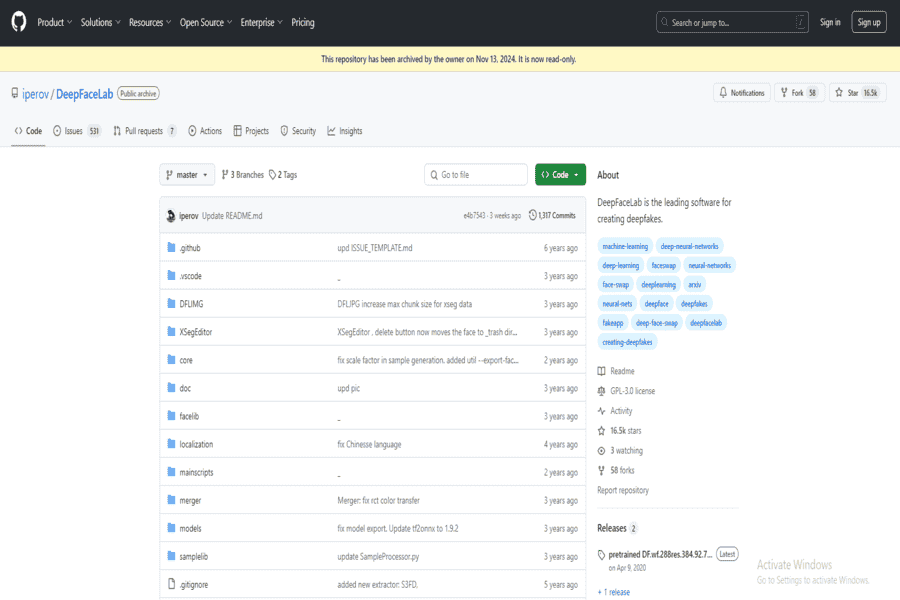
DeepFaceLab is an open-source deepfake tool used primarily for academic and personal projects. It offers advanced face-swapping capabilities and is regarded as one of the most powerful tools for creating deepfake videos.
Pros:
- Open-source and free to use.
- Supports advanced features like face morphing and XSeg masking.
- Regular updates by the developer community.
Cons:
- Requires technical expertise and powerful hardware.
- It needs to be more user-friendly for beginners.
Pricing package:
Free (open source).
Reface
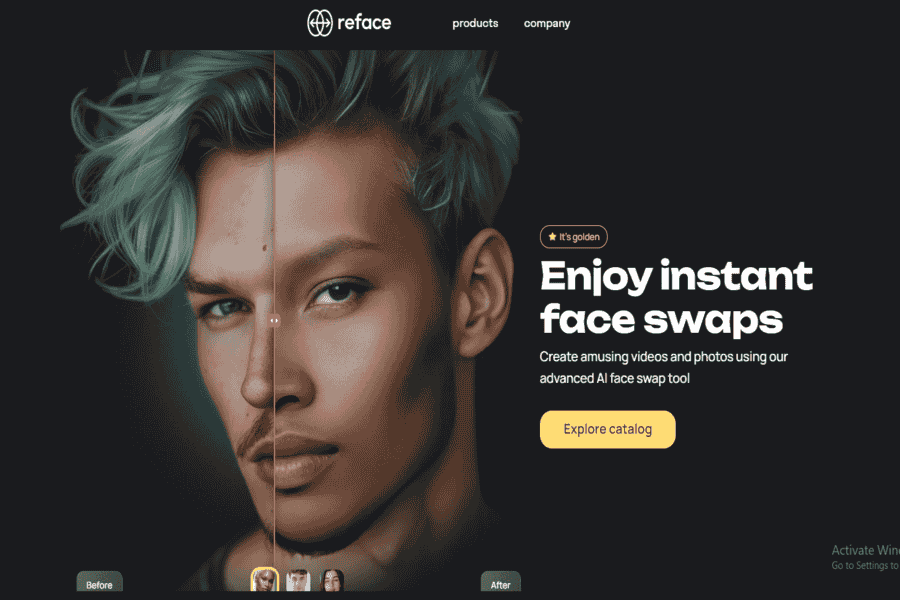
Reface is a mobile app that allows users to swap faces in videos, GIFs, and images in seconds. It is designed for casual users and content creators who want to create entertaining deepfake-style content.
Pros:
- Easy-to-use interface.
- Fast processing on mobile devices.
- Regularly updated with new templates and features.
Cons:
- Limited control over advanced settings.
- It is only suitable for lightweight, casual use.
Pricing package:
Free with in-app purchases; premium plans start at $3.99/month.
FaceApp
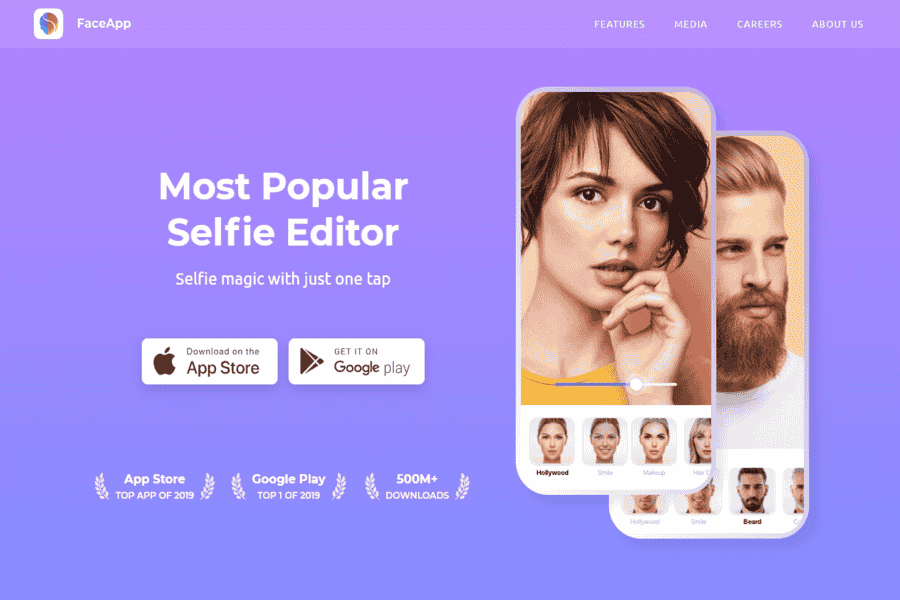
FaceApp is a popular mobile application that uses AI to alter facial features, age progression, and gender-swapping. It’s widely used for creating fun and engaging content.
Pros:
- Extremely easy to use.
- High-quality image manipulation.
- Free version available with core features.
Cons:
- Limited video editing features.
- Privacy concerns about data handling.
Pricing package:
Free version available; Pro plans start at $3.99/month.
Deep Dream Generator
AI-powered style-transfer tool that turns photos and videos into artistic renderings, blending images together or applying a chosen artistic style. Replaces DeepArt.io, which ceased operations after August 2022; its parent company entered liquidation in February 2023 and deepart.io no longer serves the product.
Pros:
- Free tier available for basic use.
- Wide range of artistic styles.
Cons:
- Rendering can be slow, especially on the free tier.
Pricing package:
Free tier available; paid credits for faster/higher-resolution rendering.
HeyGen
AI video platform for generating talking-head avatars and presenter-style videos from text, widely used for marketing, training, and localized content at scale. Replaces Zao, whose listed URL actually belongs to an unrelated US restaurant chain; the real Zao app was a Chinese face-swap app banned by WeChat during its 2019 privacy backlash and never had meaningful availability outside China.
Pros:
- Wide library of AI avatars plus custom avatar creation.
- Strong multilingual dubbing and localization support.
Cons:
- Free tier is limited; full features need a paid plan.
Pricing package:
Free tier available; paid plans for longer videos and more avatars.
Synthesia
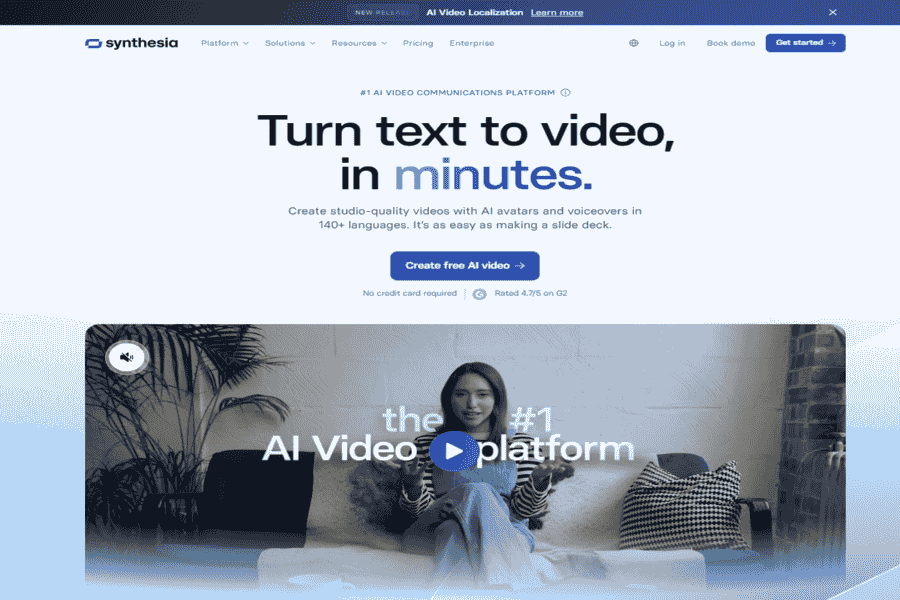
Synthesia Specializes in creating AI-generated videos with custom avatars and voiceovers. It’s a professional tool for businesses and content creators looking for personalized video production.
Pros:
- Professional-grade video generation.
- Supports multilingual voiceovers.
- High-quality output.
Cons:
- Expensive for casual users.
- Requires a subscription for full access.
Pricing package:
Starts at $30/month per user.
Avatarify
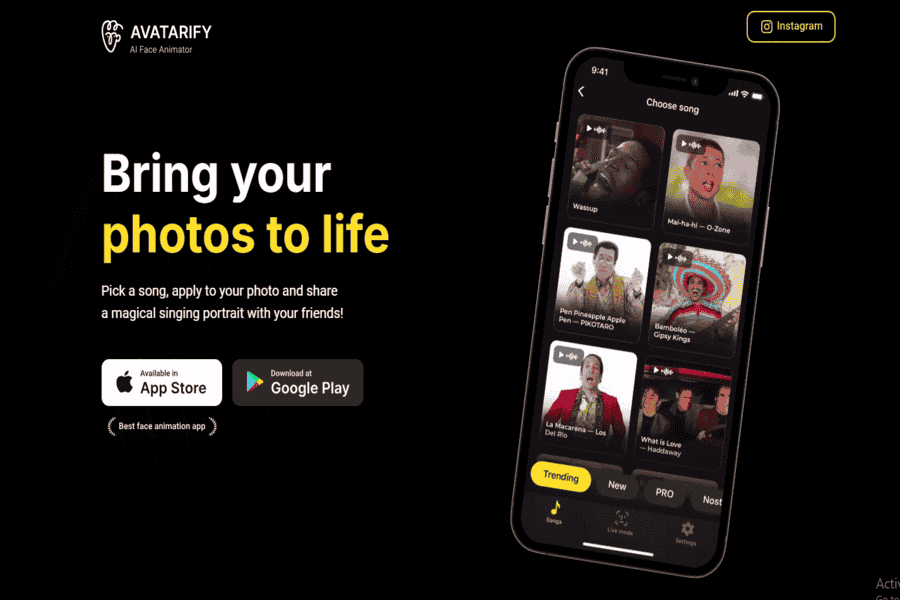
Avatarify is a deepfake app that allows real-time face animation during video calls or streaming. It uses AI to map your facial expressions onto an avatar or other faces.
Pros:
- Real-time functionality for video calls.
- Open-source and free for non-commercial use.
- Fun and creative for live interactions.
Cons:
- Requires powerful hardware for smooth performance.
- Limited support for custom videos outside live streaming.
Pricing package:
Free for personal use.
DeepSwap
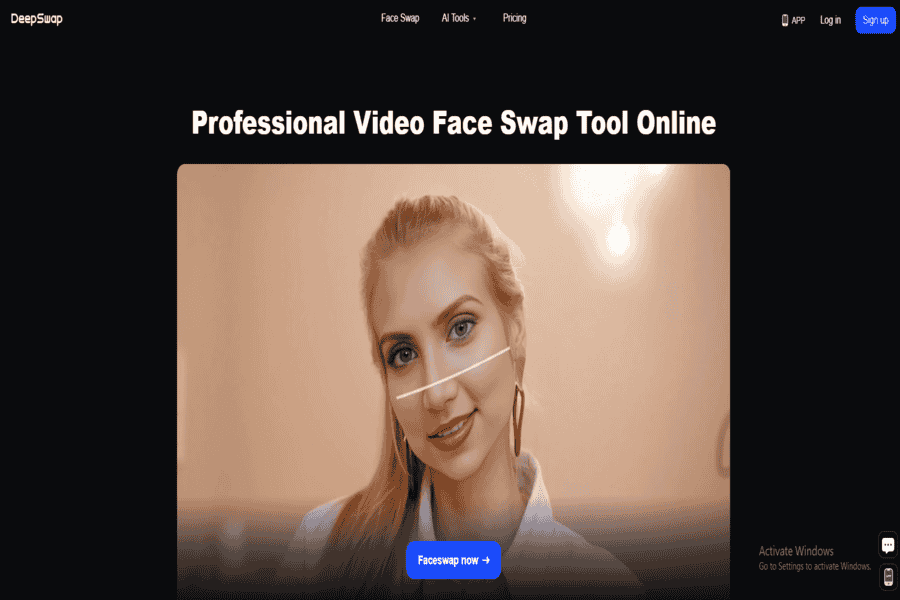
DeepSwap is an online tool for creating high-quality face-swapping videos and images. It’s designed for simplicity, making it accessible to non-technical users.
Pros:
- User-friendly interface.
- Works directly in a browser; no installation is required.
- High-quality outputs for videos and GIFs.
Cons:
- Limited advanced customization options.
- Requires a subscription for full features.
Pricing package:
Free trial available; premium plans start at $9.99/month.
FaceMagic
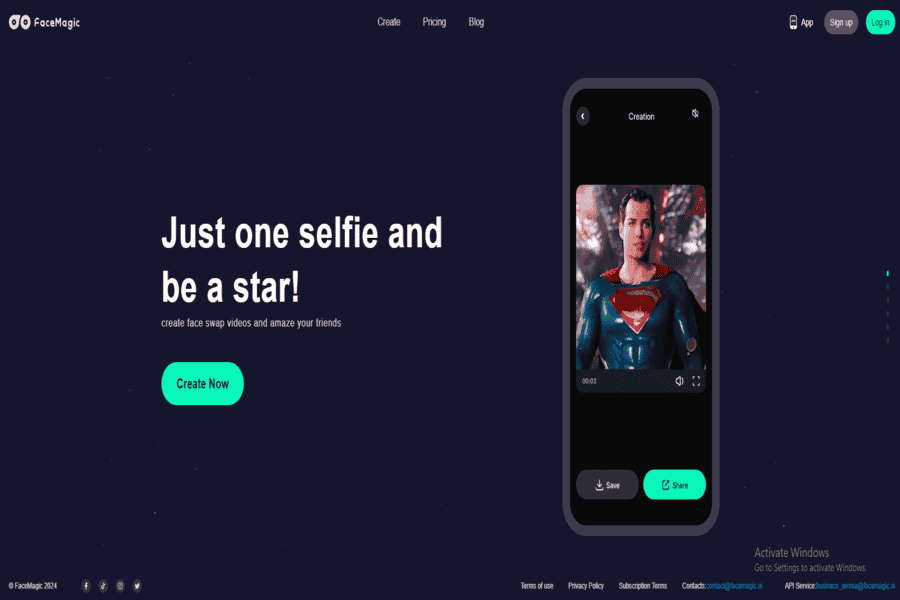
FaceMagic is a deepfake generator that lets users swap faces in images, videos, and GIFs quickly and easily, targeting casual creators.
Pros:
- Easy to use.
- High-quality outputs.
- Works on mobile devices.
Cons:
- Limited customization for professional use.
- Requires a subscription for unlimited swaps.
Pricing package:
Free trial available; premium plans start at $4.99/month.
MyHeritage Deep Nostalgia

MyHeritage’s Deep Nostalgia feature animates old family photos using AI, creating realistic movements and expressions for historical portraits.
Pros:
- Focused on historical photos and family memories.
- Extremely user-friendly.
- Delivers realistic and smooth animations.
Cons:
- Limited to photo animations.
- Requires a subscription for extended use.
Pricing package:
Free trial; premium plans start at $79/year.
Wombo AI
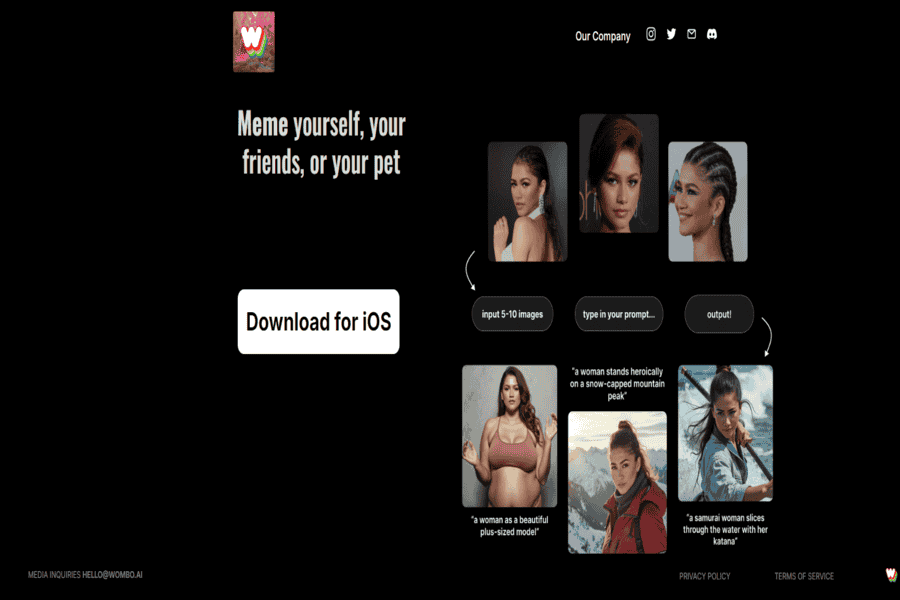
Wombo AI specializes in animating static images to make them lip-sync to songs. It’s a fun and lighthearted app for creating entertaining content.
Pros:
- Quick and easy to use.
- Hilarious and engaging outputs.
- Free to use.
Cons:
- Limited customization options.
- Focused only on lip-sync animations.
Pricing package:
Free with in-app purchases.
DeepBrain AI
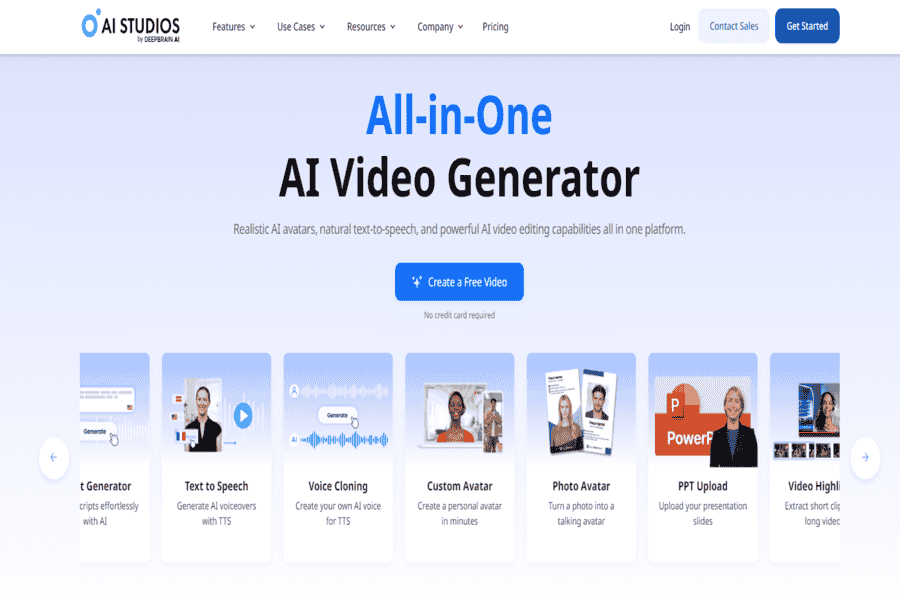
DeepBrain AI Provides AI-generated video solutions using virtual avatars. It’s geared toward professional content creators and businesses seeking automated video creation.
Pros:
- Supports professional-grade video creation.
- Multilingual avatar voiceovers.
- Customizable avatars for branding.
Cons:
- Expensive for casual users.
- Requires training for advanced use.
Pricing package:
Custom pricing is available on request.
Artbreeder
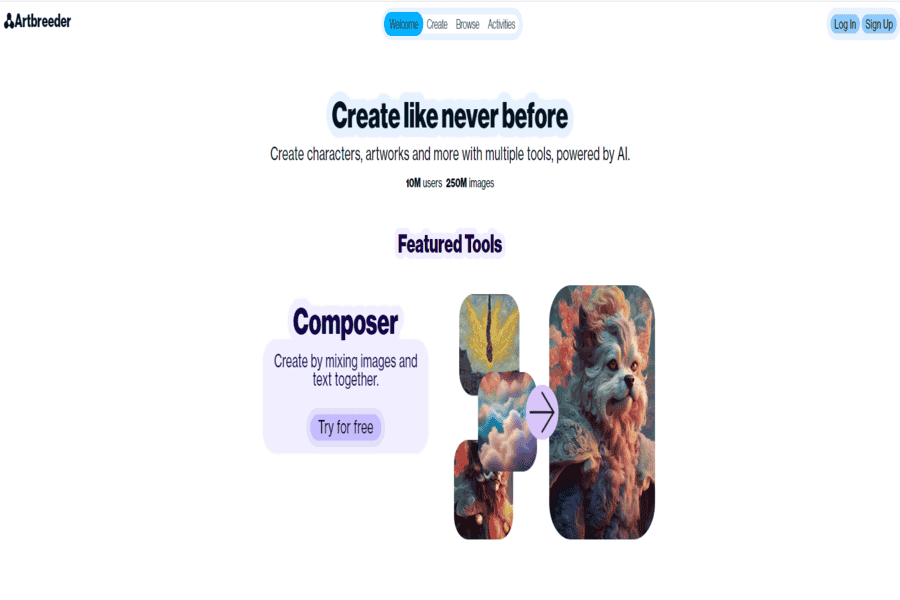
Artbreeder Is an AI tool that lets users create and modify digital portraits and artwork. It’s not directly a deepfake generator but offers creative possibilities for avatars and content.
Pros:
- Highly customizable.
- Community-driven platform.
- Free to use with premium options.
Cons:
- Limited to static images.
- Not suitable for video creators.
Pricing package:
Free version; Pro plans start at $8.99/month.
RunwayML
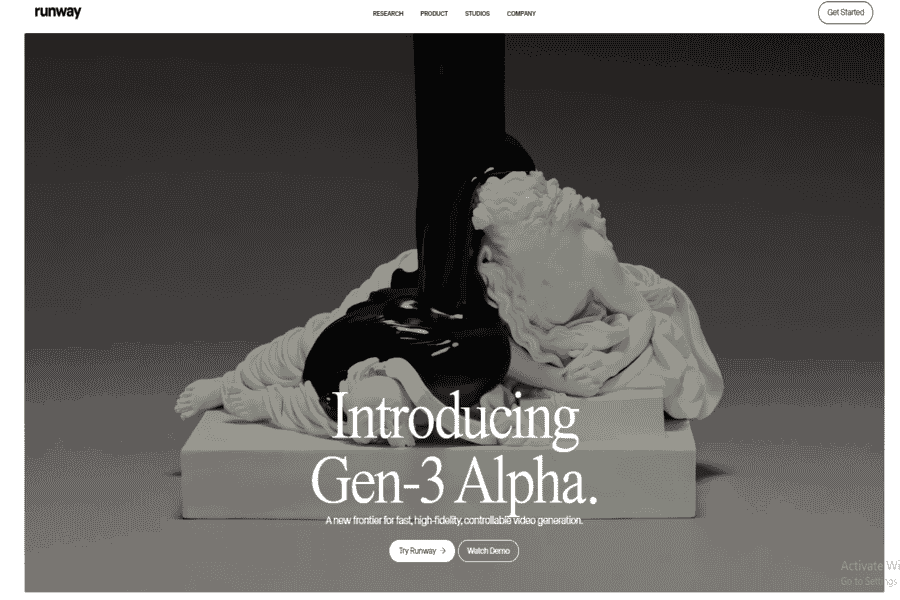
RunwayML is a creative AI tool that offers features for artists and content creators that can edit videos, do face-swapping, and generate text-to-image.
Pros:
- Professional-grade video editing.
- Supports collaboration on creative projects.
- Offers integrations with popular design tools.
Cons:
- Steep learning curve.
- Expensive for casual users.
Pricing package:
Free trial available; Pro plans start at $12/month.
Challenges and Responsible Use
The core risk with this technology is using someone’s likeness without their consent, that’s the line between a creative tool and a harm, whether the result is used for misinformation, harassment, non-consensual explicit content, or damaging someone’s reputation. Nearly every platform above prohibits non-consensual use in its terms of service, and a growing number of jurisdictions now have specific laws against non-consensual deepfakes, particularly explicit ones. Beyond consent, deepfakes raise real concerns around misinformation and eroded trust in media, copyright issues when source material isn’t your own, and legal exposure for defamatory content, and the technology itself still has limits: visible artifacts, heavy dependence on training data quality, and real computational cost for the more advanced tools.
Where This Is Headed
Real-time deepfake generation is moving from research demos toward practical use in live video and interactive experiences. Personalization at scale. Generating variations of a video for different audiences automatically, is becoming standard in marketing and localization tools likeHeyGen And Synthesia. And regulation is catching up: expect more jurisdictions to require disclosure when content is AI-generated, and more platforms to build in provenance/watermarking by default rather than as an afterthought.
For legitimate content creation. Marketing videos, dubbing, personalized outreach, creative face-swap effects, restoring old family photos, the tools above cover the range from consumer novelty apps (Reface, FaceApp, MyHeritage Deep Nostalgia, Wombo AI) to professional AI-video platforms (Synthesia, HeyGen, DeepBrain AI, RunwayML) to open-source and developer tools (DeepFaceLab, Avatarify). Use them on your own likeness or with clear consent from whoever’s depicted, check each platform’s terms before assuming a use case is allowed, and treat “can I build this” and “should I build this” as two separate questions.


