

AI scheduling and task management tools automate the busywork of staying organized. Prioritizing tasks, finding time for them on your calendar, and adjusting when plans change, so you spend less time managing your schedule and more time on the work itself.
What Are AI Scheduling and Task Management Tools?
These are software tools that use AI to automate and optimize time management: analyzing your past schedules, task priorities, and work patterns to make intelligent suggestions, automate repetitive scheduling work, and optimize your workflow rather than just listing tasks in order.
How to Use Them
Pick a tool suited to your needs (general-purpose like Todoist, or a full project-management platform), enter tasks with deadlines and rough time estimates, and let the AI features do the real work: smart scheduling that places tasks into open time based on your energy patterns and past performance, automated reminders, and natural-language task entry. Review and adjust regularly. The AI gets more useful over time as it learns your actual work patterns, and most tools include progress tracking to keep you honest about what’s actually getting done.
Benefits
The real value: intelligent scheduling and automated prioritization save the time you’d otherwise spend managing your task list instead of doing the work; automating routine scheduling and reminders frees up focus time; data-driven insights into your own work patterns support better decisions about where your time actually goes; and AI tools that flex around changing priorities and unexpected events help distribute workload more evenly, which genuinely reduces burnout compared to a rigid manual schedule.
Top 20 AI Scheduling and Task Management Tools
Trello
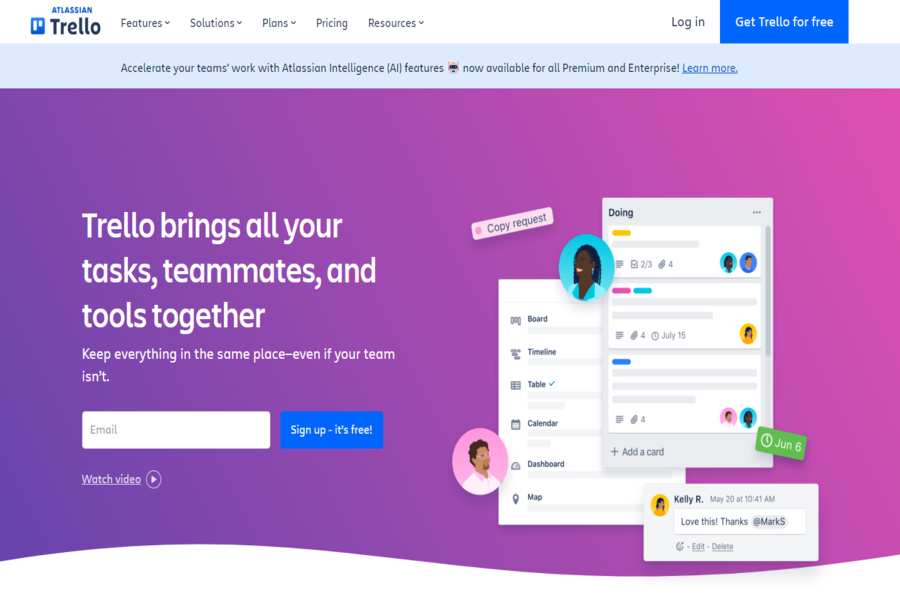
A popular visual tool for organizing tasks and projects with AI-powered automation features.
Pricing Package:
Free; Business Class from $12.50/user/month; Enterprise plans available.
Pros:
Easy-to-use interface, flexible, integrates with numerous apps, automation with Butler.
Cons:
Less advanced features in the free version can get cluttered in larger projects.
Asana
A comprehensive task management tool with AI-driven task prioritization and workflow automation.
Pricing Package:
Free; Premium starts at $10.99/user/month; Business starts at $24.99/user/month.
Pros:
Customizable workflows, excellent reporting tools, and AI-driven task suggestions.
Cons:
It can be overwhelming for beginners; premium plans are needed for advanced features.
Monday.com
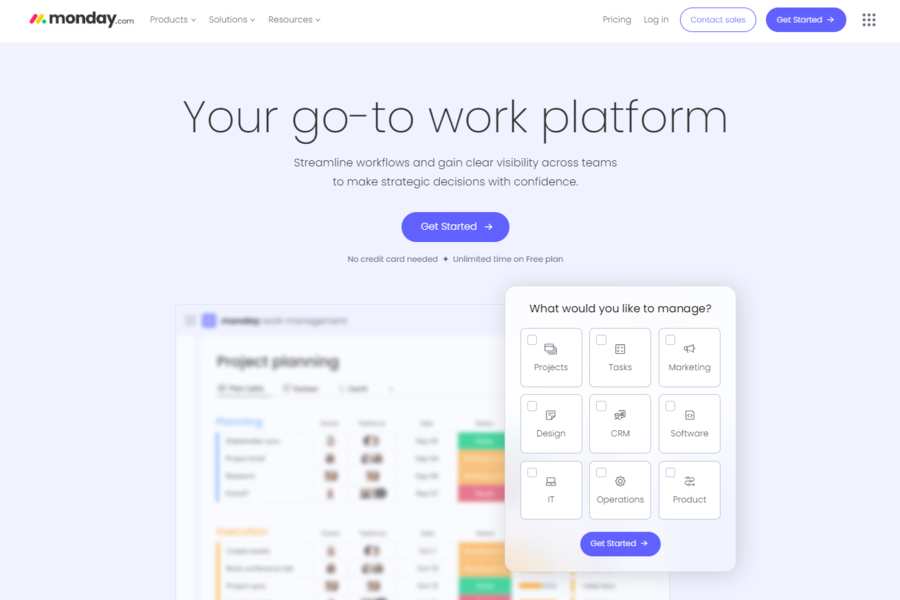
An AI-enhanced platform for managing tasks, projects, and team collaboration, with automation to improve efficiency.
Pricing Package:
Free for basic use; paid plans start at $8/seat/month.
Pros:
User-friendly, customizable, AI-powered automation, real-time updates.
Cons:
It can be pricey for larger teams and a steep learning curve for new users.
ClickUp
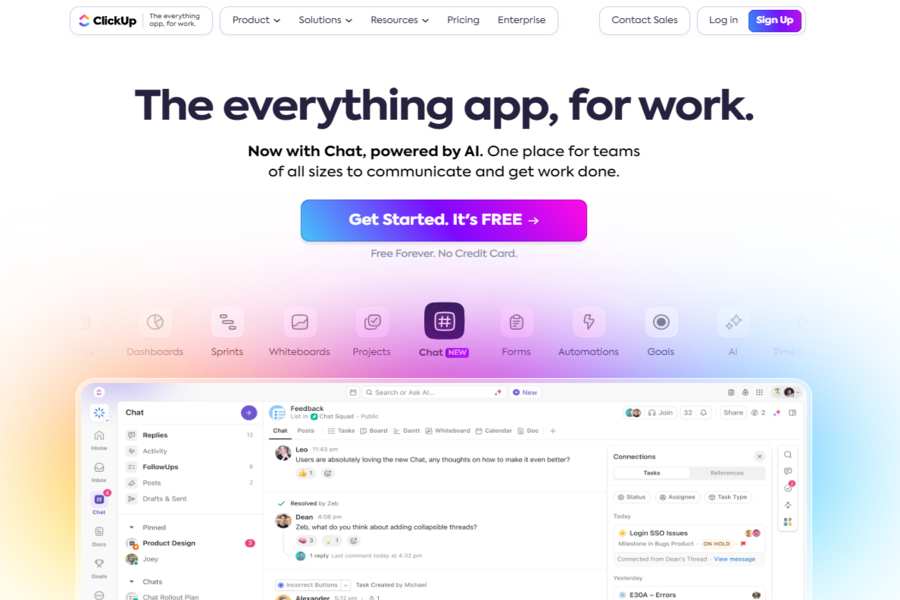
A strong productivity platform that offers AI tools to automate repetitive tasks and simplify workflows.
Pricing Package:
Free; Unlimited starts at $5/user/month; Business starts at $12/user/month.
Pros:
Highly customizable, integrates with multiple tools and AI-powered features for task and time management.
Cons:
It can be complex for new users, and some features may require a learning curve.
Wrike
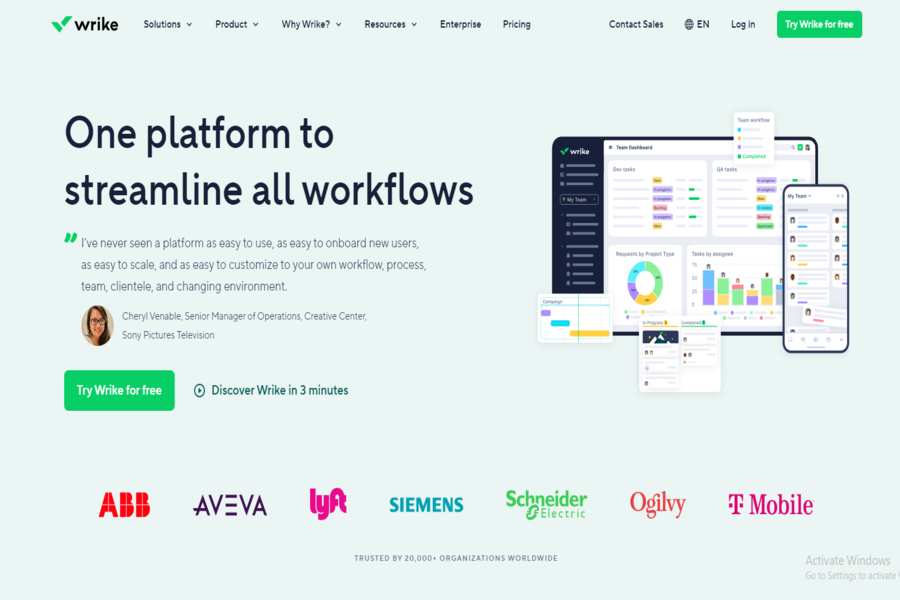
A work management tool with AI-based features for task assignment and project tracking.
Pricing Package:
Free for basic use; Professional starts at $9.80/user/month; Business starts at $24.80/user/month.
Pros:
Flexible project management, real-time collaboration, and AI task prediction.
Cons:
Limited functionality in the free version may require training for optimal use.
Zapier
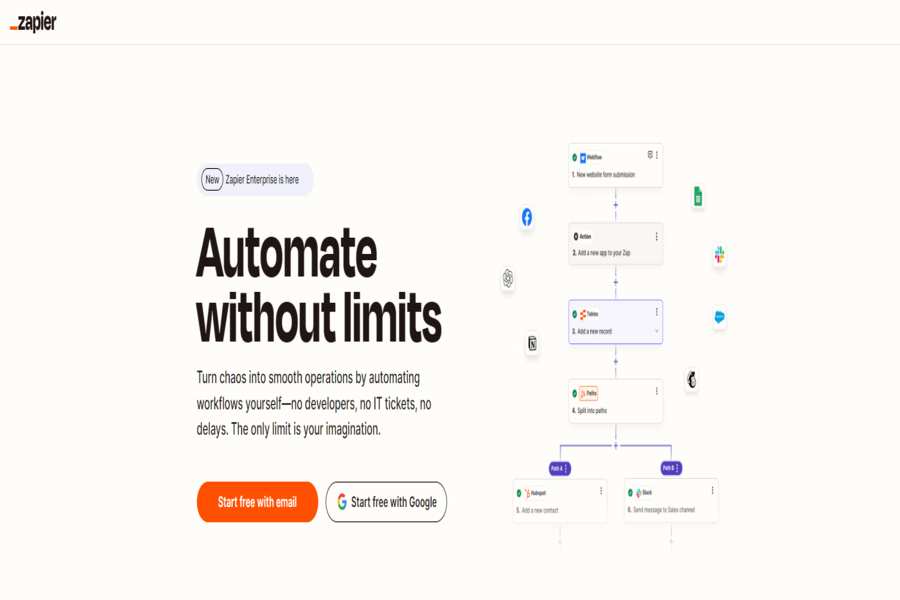
Automates repetitive tasks by connecting different apps and triggering actions based on conditions using AI.
Pricing Package:
Free: Starter starts at $19.99/month; Professional from $49/month.
Pros:
Easy automation, integration with thousands of apps, and user-friendly interface.
Cons:
Limited task automation on the free plan higher tiers can be costly.
Todoist
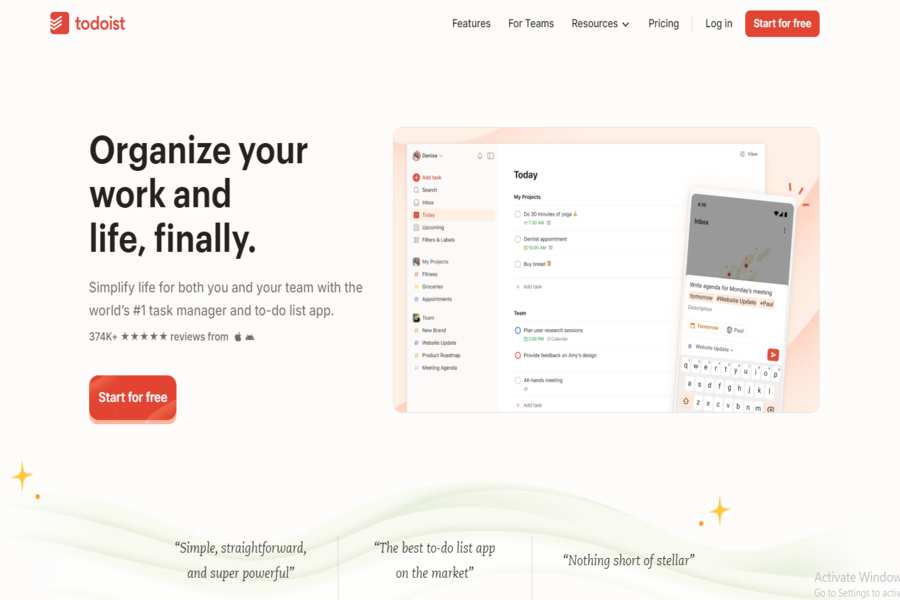
A task management tool that uses AI to prioritize tasks and predict your workflow.
Pricing Package:
Free; Premium starts at $3/month; Business starts at $5/user/month.
Pros:
Simple interface, smart task prioritization, cross-platform syncing.
Cons:
Limited reporting features, needs some advanced project management tools.
Notion
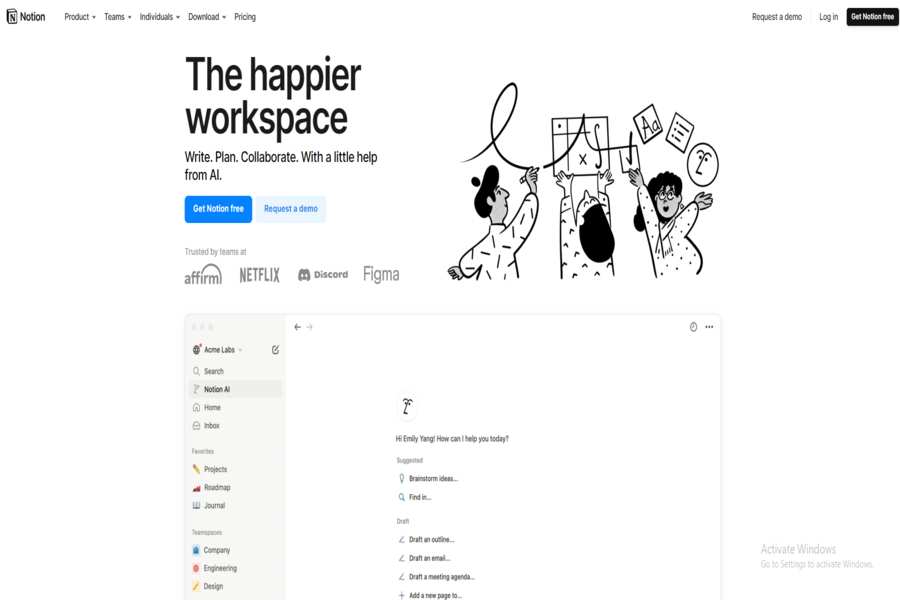
A collaborative workspace that integrates task management, note-taking, and databases with AI-enhanced features.
Pricing Package:
Free: Personal Pro at $4/month; Team plan at $8/user/month.
Pros:
All-in-one tool for note-taking and project management, highly customizable, AI-based content suggestions.
Cons:
It can be overwhelming due to its all-encompassing nature and slow with heavy databases.
Calendly
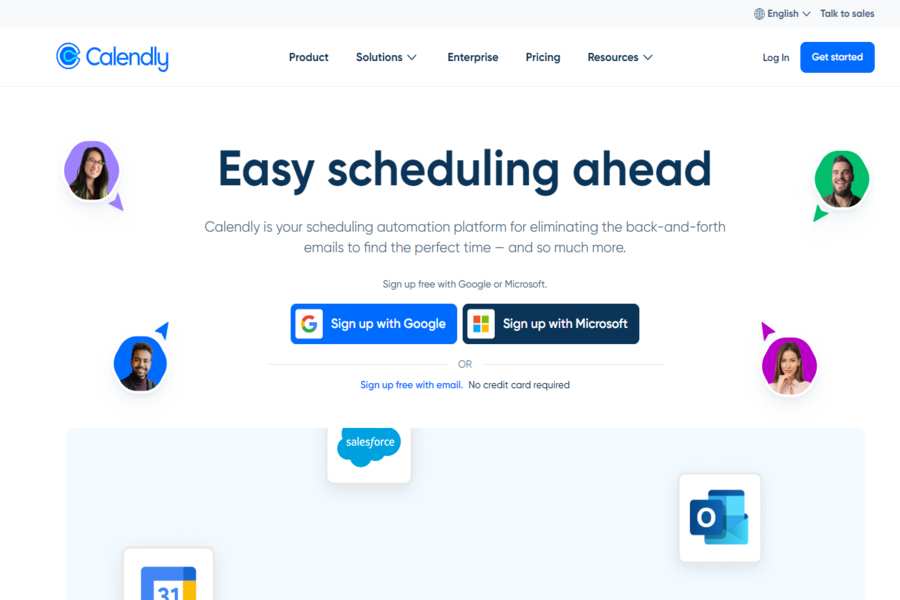
An AI-driven scheduling tool that automates appointment setting and integrates with your calendar to find optimal times.
Pricing Package:
Free; Premium starts at $8/user/month; Pro starts at $12/user/month.
Pros:
Easy scheduling, integrates with popular calendar apps and has AI-driven suggestions for meeting times.
Cons:
Limited features in the free version need more complex task management capabilities.
AI Task Manager
A simple AI-driven tool that automatically categorizes and prioritizes tasks based on urgency and deadlines.
Pricing Package:
Subscription-based, starts at $5/user/month.
Pros:
The simple AI-powered prioritization interface is great for individuals and small teams.
Cons:
Lacks advanced project management tools and basic design.
Time Hero
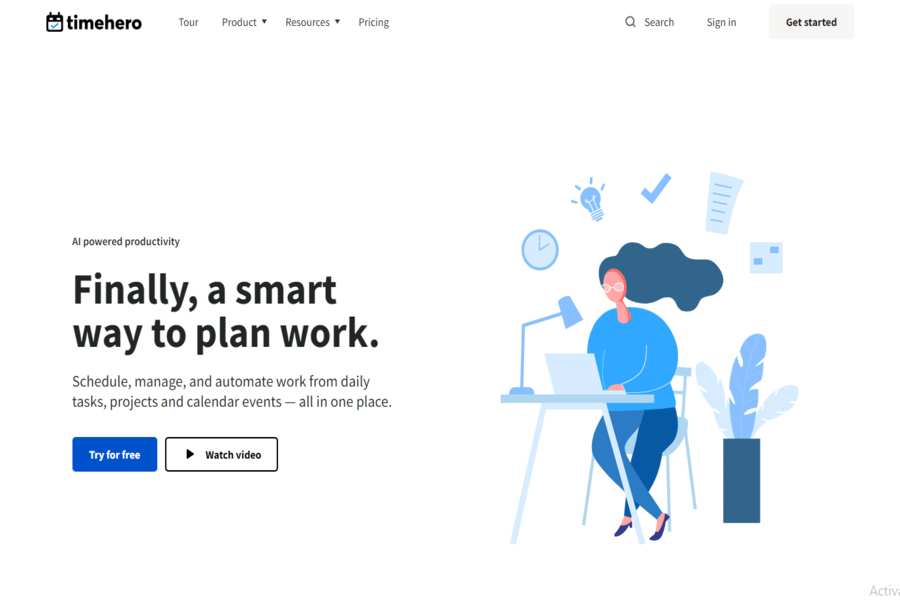
A smart scheduling and task management tool that uses AI to allocate tasks based on priority, deadlines, and personal working hours.
Pricing Package:
Free; paid plans start at $10/user/month.
Pros:
Smart task scheduling AI-based recommendations integrate with calendars and other tools.
Cons:
Limited features in the free version require manual input for complex projects.
PandaDoc
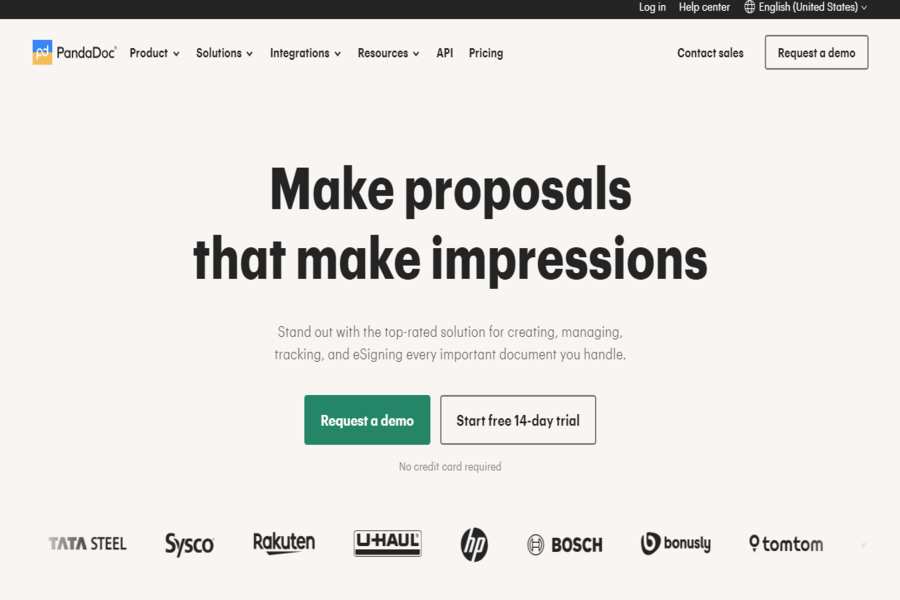
AI-driven document automation tool that allows for task and document management through scheduling features.
Pricing Package:
Free for basic use; Team starts at $19/user/month.
Pros:
E-signature integration automates document workflows and AI-driven analytics.
Cons:
More focused on document management than traditional task management.
RescueTime
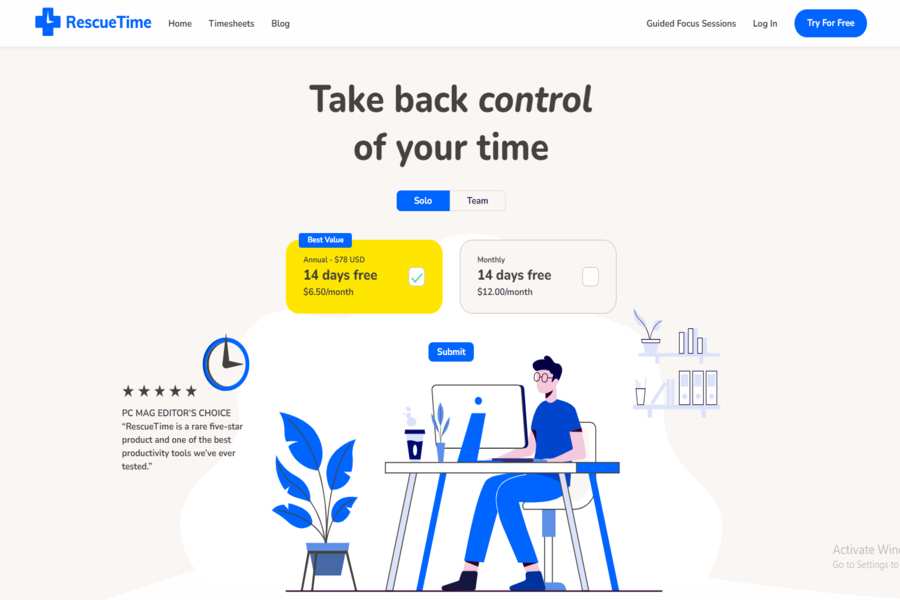
An AI-powered tool that tracks time spent on tasks and helps optimize your schedule for better productivity.
Pricing Package:
Free; Premium starts at $6.50/month.
Pros:
Automatic time tracking, real-time productivity reports, AI-driven insights.
Cons:
Focuses more on time tracking than task management, with limited task creation features.
Focuster
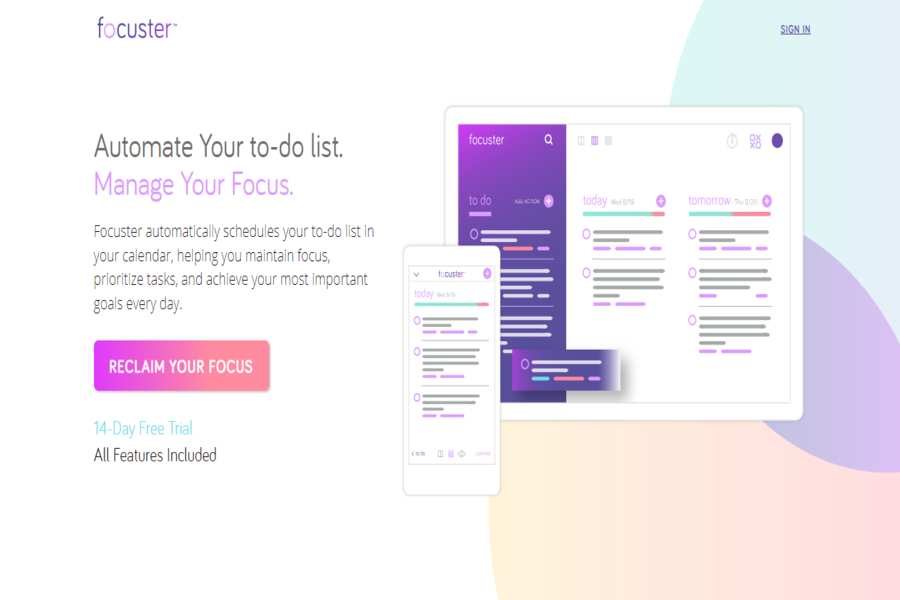
An intelligent personal task manager who uses AI to prioritize tasks and focus on what’s most important for the day.
Pricing Package:
Starts at $5.99/month.
Pros:
Automated task prioritization, focused on productivity, intuitive interface.
Cons:
Limited collaborative features, needs more integration with project management tools.
Forecast
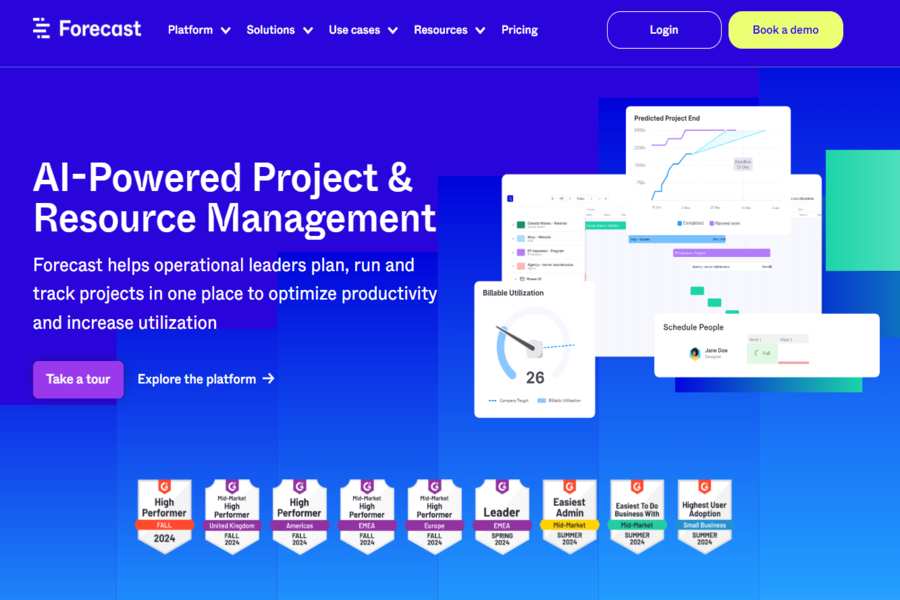
An AI-based project management tool designed for creative teams, focusing on task scheduling, forecasting, and workload management.
Pricing Package:
Custom pricing.
Pros:
AI-driven resource planning project forecasting, integrated with multiple tools.
Cons:
With a high learning curve, pricing may be prohibitive for smaller teams.
Motion
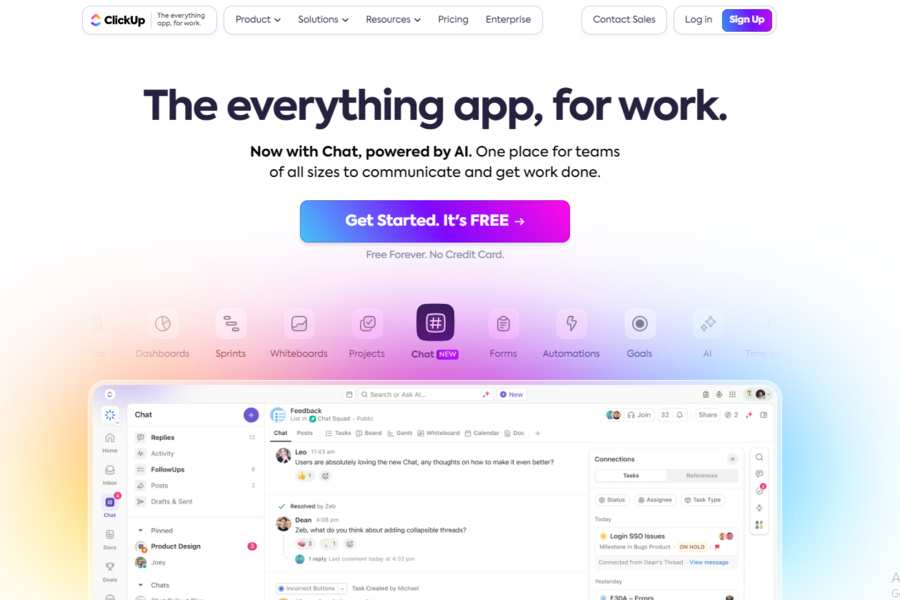
An AI scheduling assistant that sits between your task list and calendar, automatically placing tasks into open time slots based on deadlines and priority rather than requiring you to manually block time.
Pricing Package:
Pro AI $19/month ($12.73/month billed annually), Business AI $29/seat/month ($19.43/seat/month billed annually). No free plan, but a 7-day trial is available.
Pros:
Genuinely automates calendar time-blocking rather than just listing tasks; re-plans your day automatically when priorities shift.
Cons:
No free tier, and the auto-scheduling approach takes some adjustment if you’re used to manually controlling your calendar.
Kantata (formerly Mavenlink)
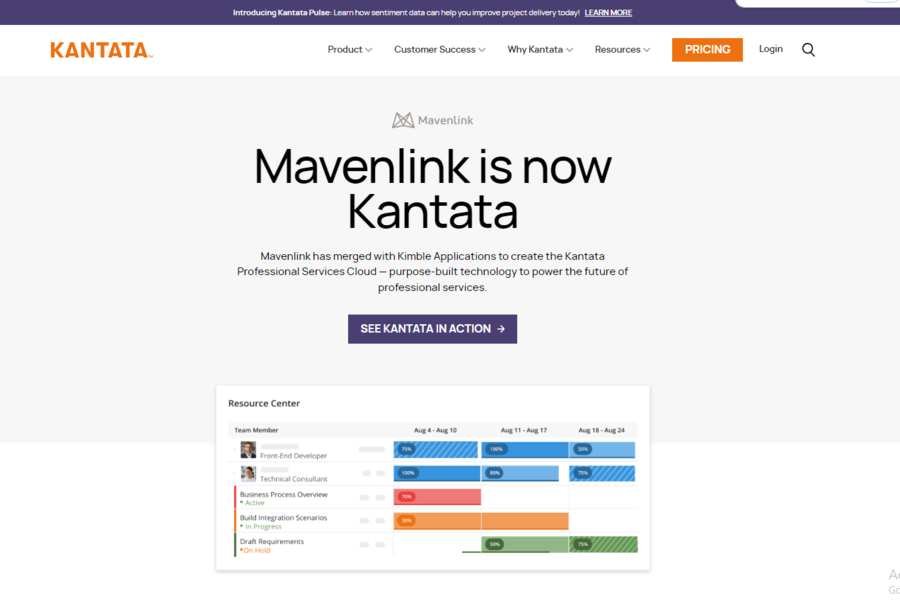
Mavenlink merged with Kimble Applications and rebranded to Kantata in 2022. Same AI-enhanced project management tool for teams, offering intelligent task management and predictive scheduling, just under a new name.
Pricing Package:
Starts at $19/user/month.
Pros:
Advanced task scheduling predictive analytics are great for project-based teams.
Cons:
Higher pricing complex features may require training.
ZenHub
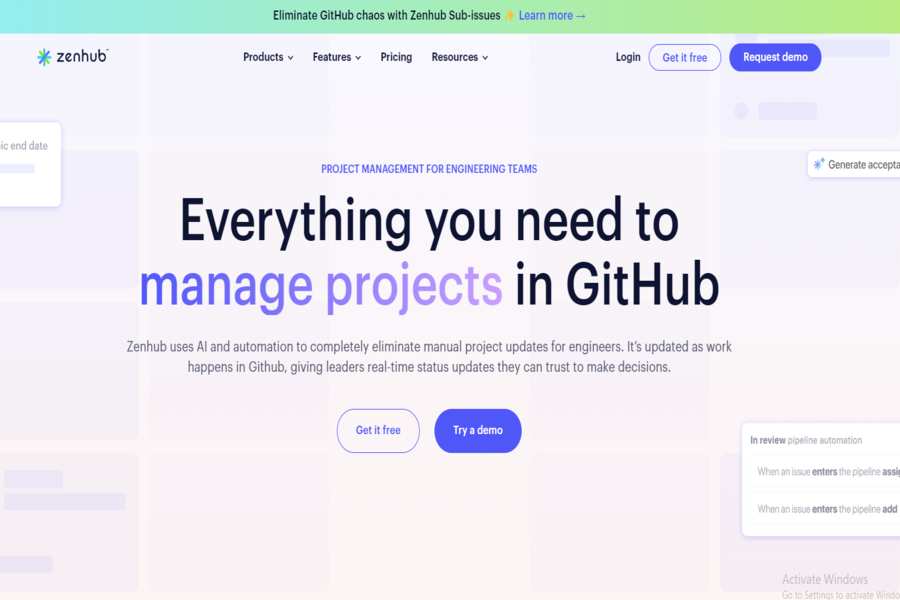
A task management tool designed for agile project management with AI capabilities for sprint planning and task prioritization.
Pricing Package:
Free: Team starts at $7.95/user/month.
Pros:
Agile workflows integrate with GitHub, which is an AI-driven task automation.
Cons:
More focused on software development, limited task management for general teams.
Clockify
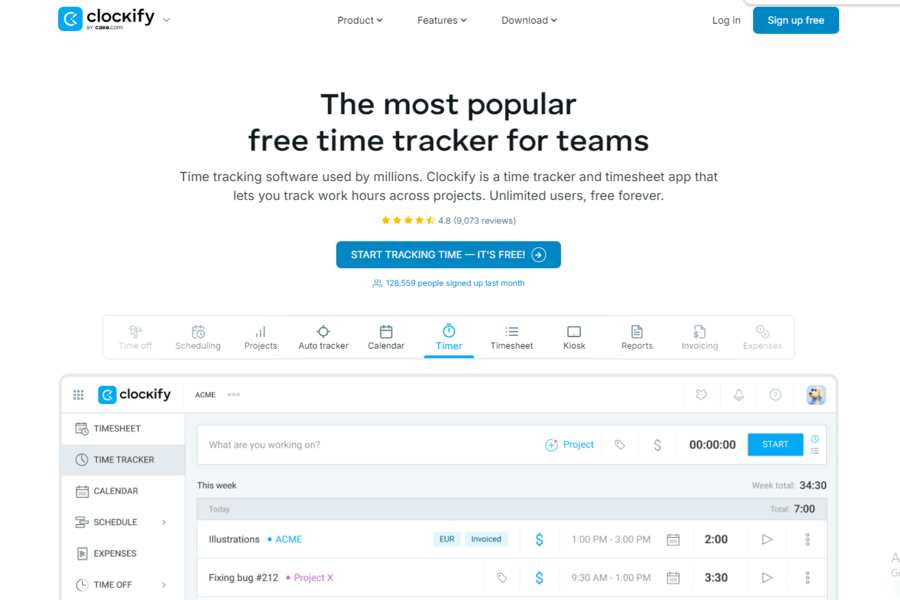
A time management and task tracking tool that uses AI to help optimize work hours and productivity.
Pricing Package:
Free; Premium starts at $9.99/user/month.
Pros:
Time tracking, reporting, AI-driven productivity analysis.
Cons:
More focused on time management than project management.
Teamwork

A collaborative task management platform with AI features for scheduling, task allocation, and project tracking.
Pricing Package:
Free; Pro starts at $10/user/month; Business starts at $18/user/month.
Pros:
Intuitive task management with AI automation and excellent collaboration tools.
Cons:
There are limited features on the free plan, and pricing can add up with larger teams.
Challenges and Where This Is Headed
The real tradeoffs: these tools need access to your personal and professional data to work well, so data privacy matters; leaning on AI too much can dull your own judgment about priorities; recommendations can inherit bias from whatever data trained the model; some tools genuinely take real time to learn; and no AI fully replaces the human judgment calls that good task management still needs. Looking ahead, expect deeper personalization (tools learning your actual work patterns rather than generic defaults), better natural-language and voice input, tighter integration across your existing productivity stack, and more emphasis on transparent, privacy-respecting AI as these tools handle increasingly sensitive schedule and workload data.
AI scheduling and task management tools are transforming how we approach time management and productivity. By automating routine tasks, providing intelligent insights, and adapting to individual needs, these tools help us to work smarter, not harder. As AI technology evolves, we can expect even more innovative and powerful tools to emerge, helping us achieve our goals more efficiently and easily.


