If you want an AI tool for Excel today, Formula Bot is the highest-rated in our catalogue, though its own site has broadened well past formulas. Sourcetable is the pick that stays closest to a spreadsheet grid specifically.
All six turn a plain-English request into something a spreadsheet can run: a formula, a pivot table, a chart, or a whole column filled down. None of them replace understanding your own data.
How this list is ordered, and what it leaves out
These six are ordered by our editorial rating, then by whether a free plan exists, then by starting price. That rating comes from comparing each product’s features, pricing, and positioning against the rest of our Data and Analytics catalogue.
We don’t run the same spreadsheet through all six and grade the output, so you won’t find an accuracy score from us. Every price and limitation below comes from that product’s own listing, and each listing carries its own last-reviewed date.
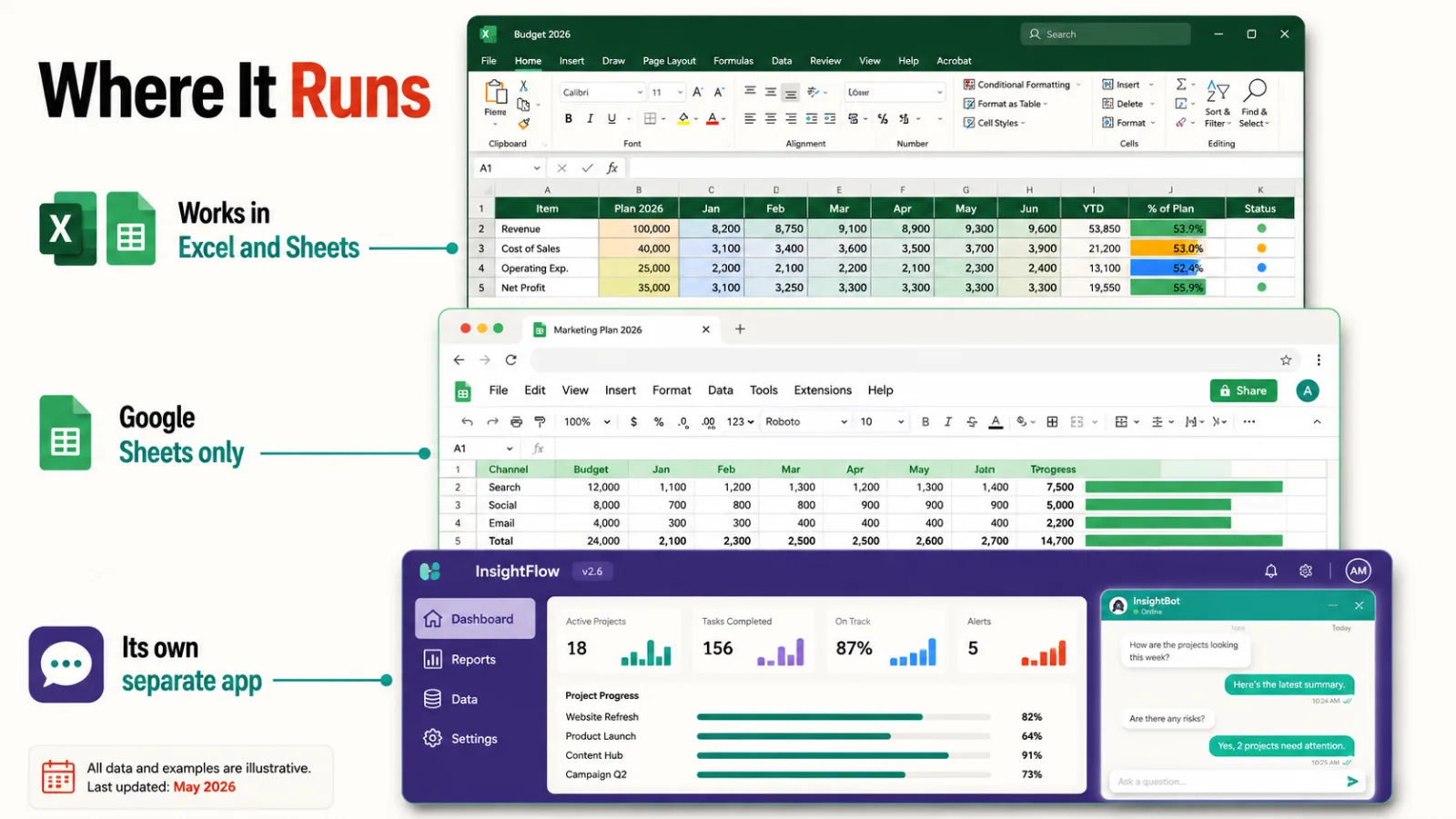
| Tool | Rating | Free plan | From | Works in |
|---|---|---|---|---|
| Formula Bot | 4.3 | Yes | $18 | Excel and Google Sheets |
| Sourcetable | 4.3 | Yes | $20 | Its own spreadsheet app |
| Numerous.ai | 4.2 | No | $10 | Google Sheets and Excel |
| GPT for Sheets and Docs | 4.1 | No | $29 | Sheets, Excel, Docs, Word |
| SheetAI.app | 4.0 | Yes | $12 | Google Sheets only |
| GPTExcel | 3.9 | Yes | $6.99 | Excel and Google Sheets |
1. Formula Bot
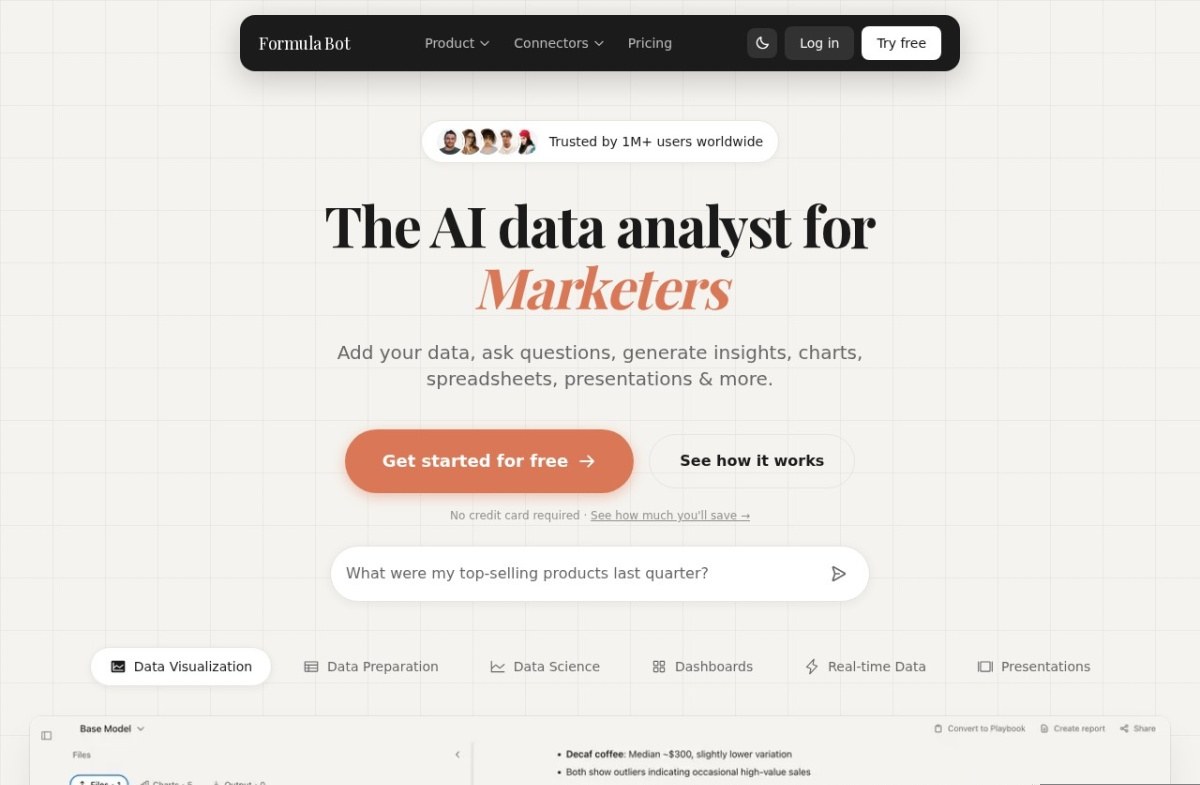
Formula Bot converts a plain-English request into a standard spreadsheet formula that works in both Excel and Google Sheets. That’s different from a function that only runs inside the tool itself. Founded in 2022, it now reports more than a million users.
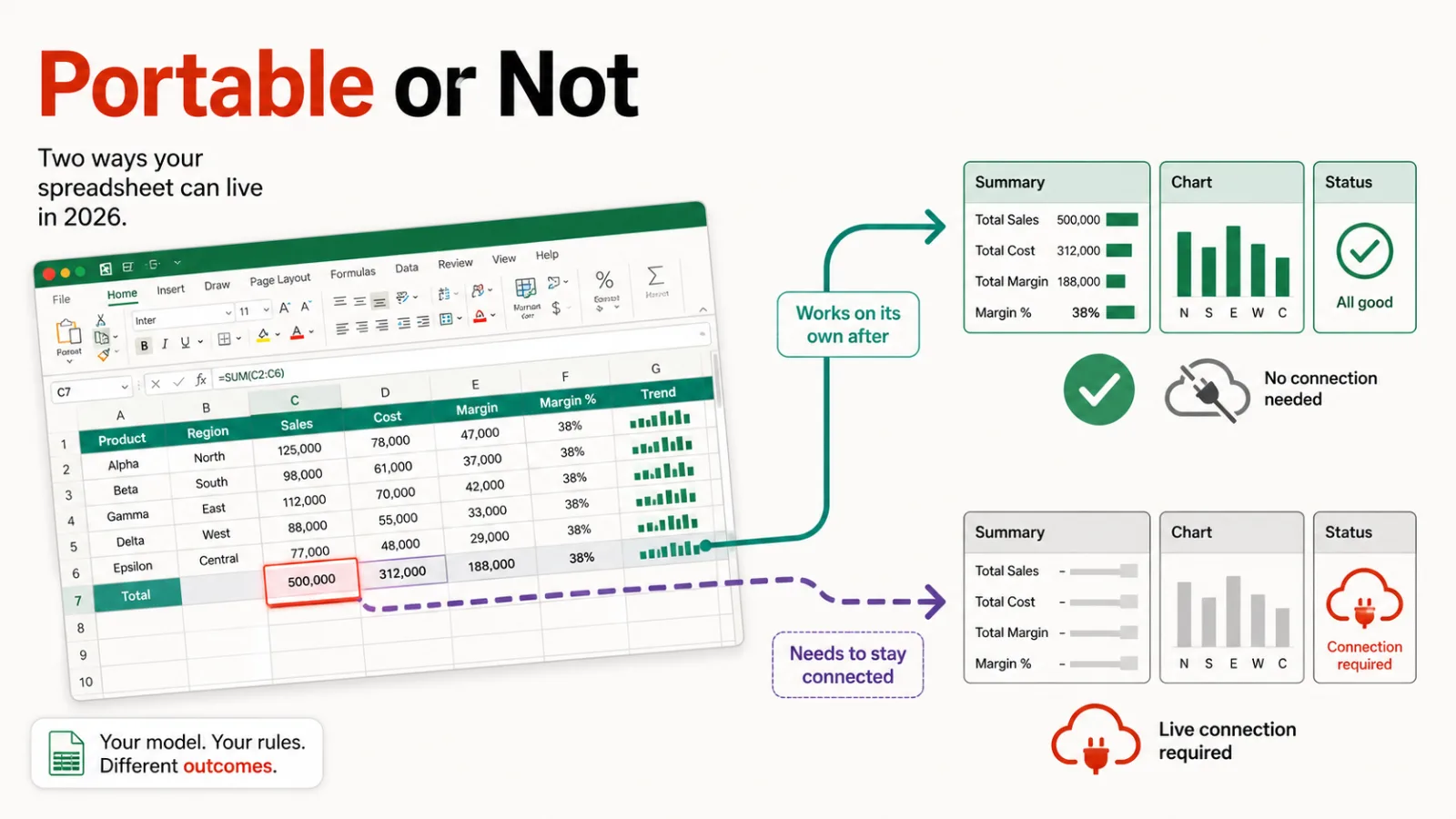
The formula it hands back is ordinary Excel or Sheets syntax, so it keeps working with no ongoing connection to Formula Bot once it’s written. That portability is the real differentiator against tools that only work through a live AI connection.
A free tier exists to test it, and paid plans start at $18 a month. Worth knowing: the company’s own site has moved well past formulas, now positioning itself as an AI data analyst for marketers, covering dashboards and presentations alongside spreadsheets.
Complex, multi-condition formulas can still need manual refinement. Its listing describes a narrower formula-generator scope than the current site shows, so confirm what you need before assuming either description is the complete picture.
2. Sourcetable
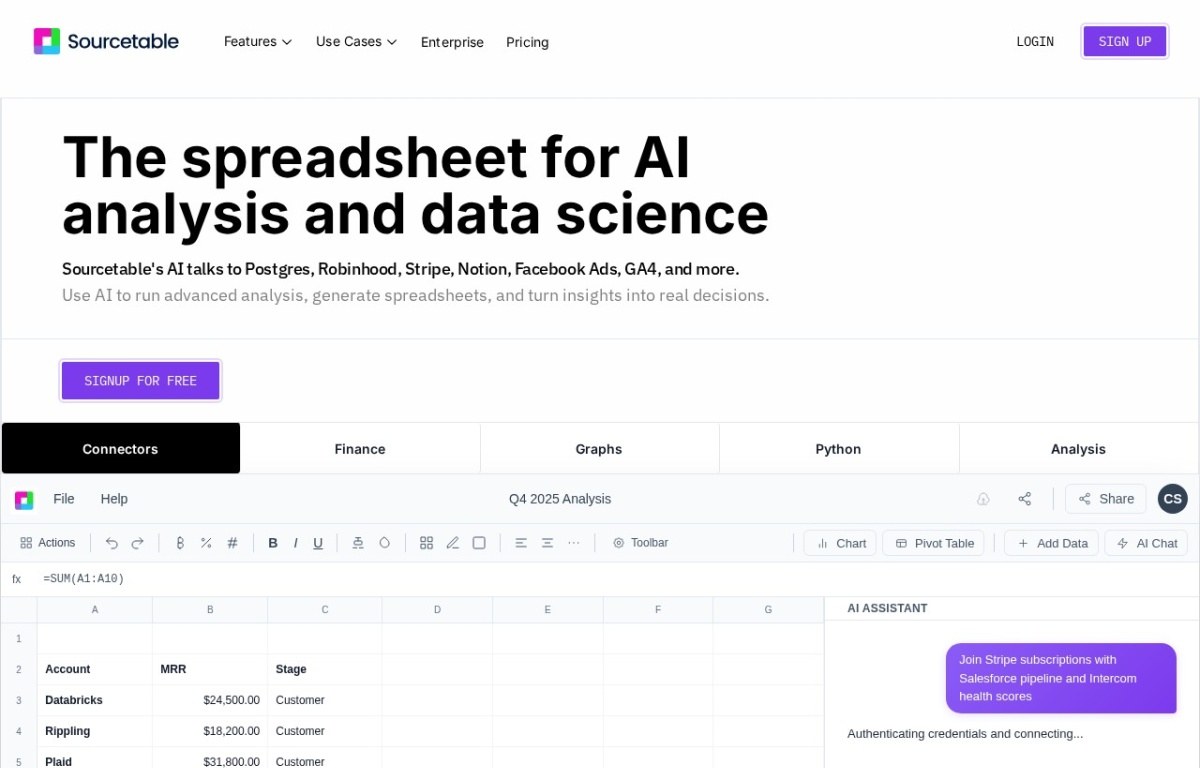
Sourcetable puts AI directly into a spreadsheet grid instead of a separate chat panel, so a formula or chart suggestion appears in the cell where you’re already working. It connects to databases and tools like Postgres, Stripe, and Notion, pulling live data straight into the grid.
That’s its own application, not an Excel or Sheets add-on. You work inside Sourcetable’s grid rather than your existing file, with manual editing available alongside anything the AI generates.
A free tier covers standard use, and paid plans start at $20 a month, the highest entry price on this list. Higher data volumes need a paid plan.
It suits someone who wants a spreadsheet-first interface for live data, rather than a document and a separate conversational tool. If your work already lives in an Excel file you need to keep editing, that’s the one thing Sourcetable doesn’t do.
3. Numerous.ai
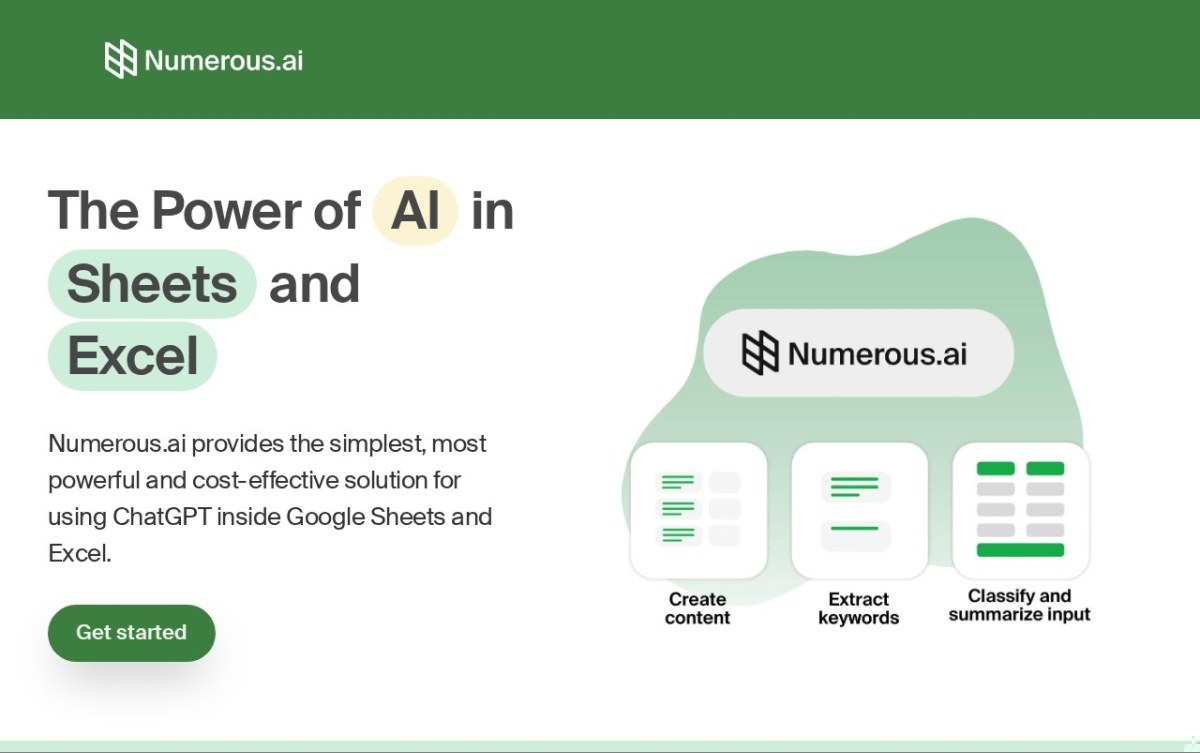
Numerous.ai adds an =AI() function to a spreadsheet cell. An open-ended text task, summarizing, classifying, extracting, runs the same way a normal formula would, filled down a whole column at once.
Bulk processing across a full column of rows is the main use case, and it avoids repeating an identical query twice to control cost. No API key setup is needed, unlike some tools that ask you to bring your own model access.
There’s no self-serve free tier, only a $1 seven-day trial, and paid plans start at $10 a month. Because the function calls out to AI on every recalculation, it needs an ongoing connection to keep working, unlike a portable formula.
It’s built for open-ended text work, not numerical calculation, so a straightforward math formula is better handled elsewhere. Team collaboration is built in, which matters if more than one person edits the same sheet.
4. GPT for Sheets and Docs
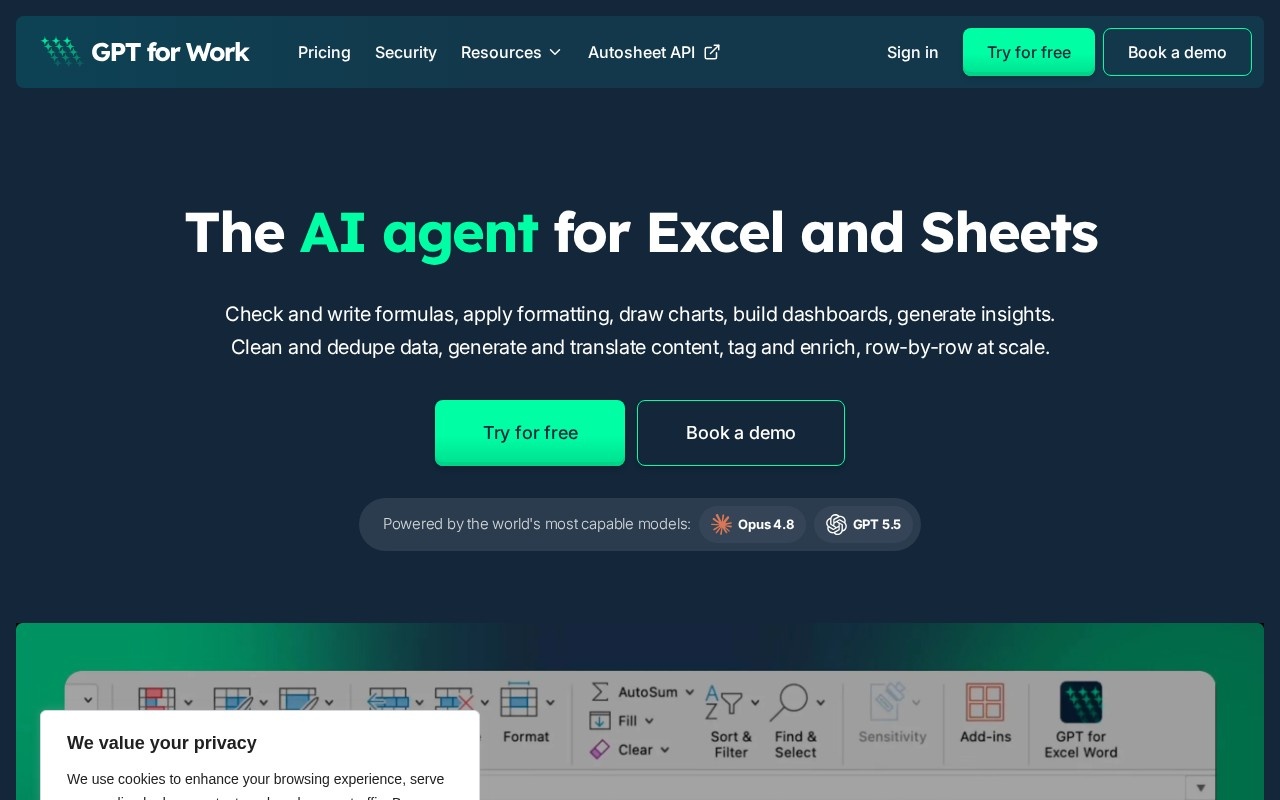
GPT for Sheets and Docs adds an in-file chat panel to Google Sheets, Docs, Excel, and Word, turning a plain-English request into a pivot table, formula, or script. The company now markets the product as GPT for Work, though our listing tracks its original Sheets-and-Docs name.
Bulk translation and data cleanup across rows run the same way. Pricing is one-time credit packs instead of a subscription, unusual among the tools on this list, with a bring-your-own-API-key option for direct model billing.
There’s no permanent free tier; credit packs start at $29 and need payment upfront. The company has run since 2015 and reports more than 7 million installs, a longer track record than most tools here.
Credit-based pricing means a heavy user has to track consumption manually rather than paying one flat fee. A genuinely complex, multi-step request can still need manual correction afterward.
5. SheetAI.app
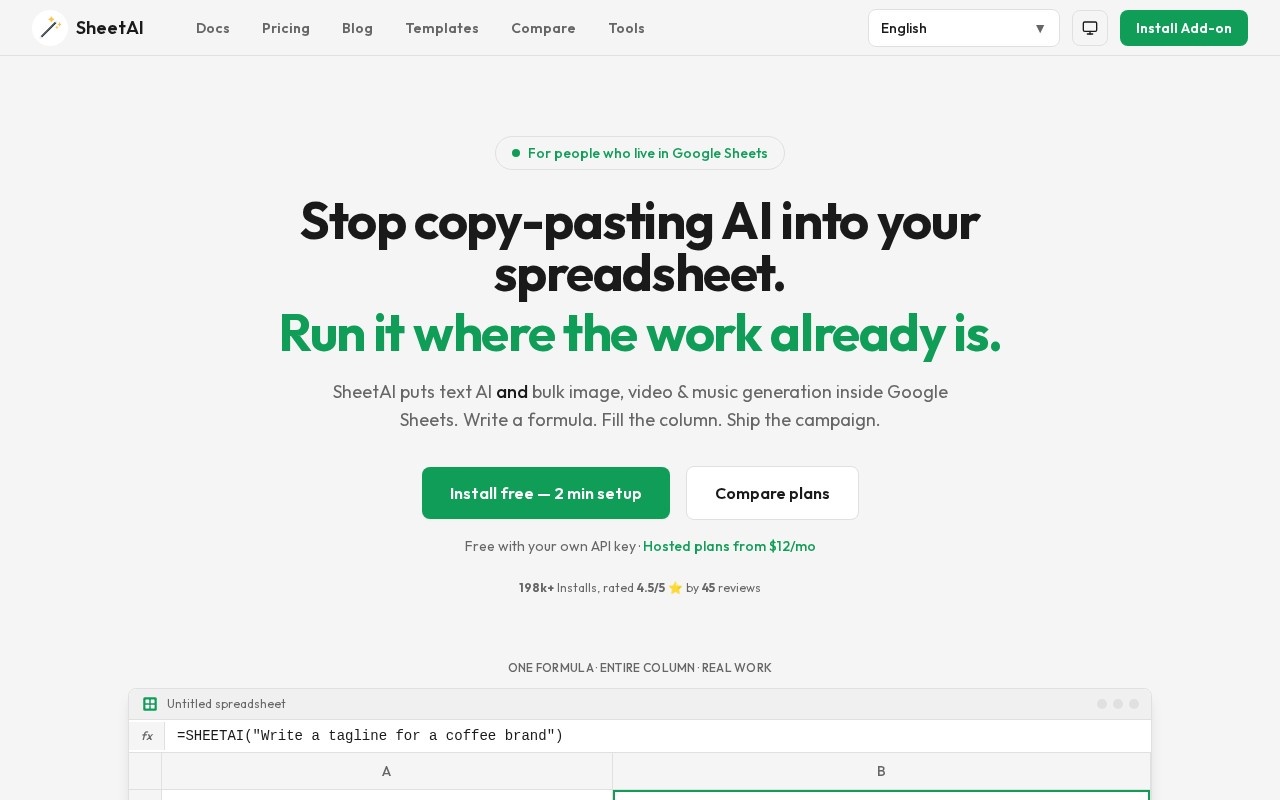
SheetAI.app adds a single =SHEETAI formula to Google Sheets, and filling it down a column runs it across a thousand rows the same way any other formula would. It supports OpenAI, Claude, Gemini, and Grok as the underlying model.
Beyond text, it can generate images, video, and music from the same formula through Replicate. A bring-your-own-key free tier means paying only your own model costs, with hosted plans starting at $12 a month for anyone who’d rather skip managing a key.
It’s Google Sheets only. Nothing in its listing describes an Excel version, unlike most others on this list. Bulk calls across a large column can get expensive quietly, since each cell is its own model call.
A model-calling formula recalculates like any other formula, so output sitting in a cell is easy to trust and easy to overlook once the underlying data changes. Treat it the way you’d treat any formula you didn’t write yourself.
6. GPTExcel
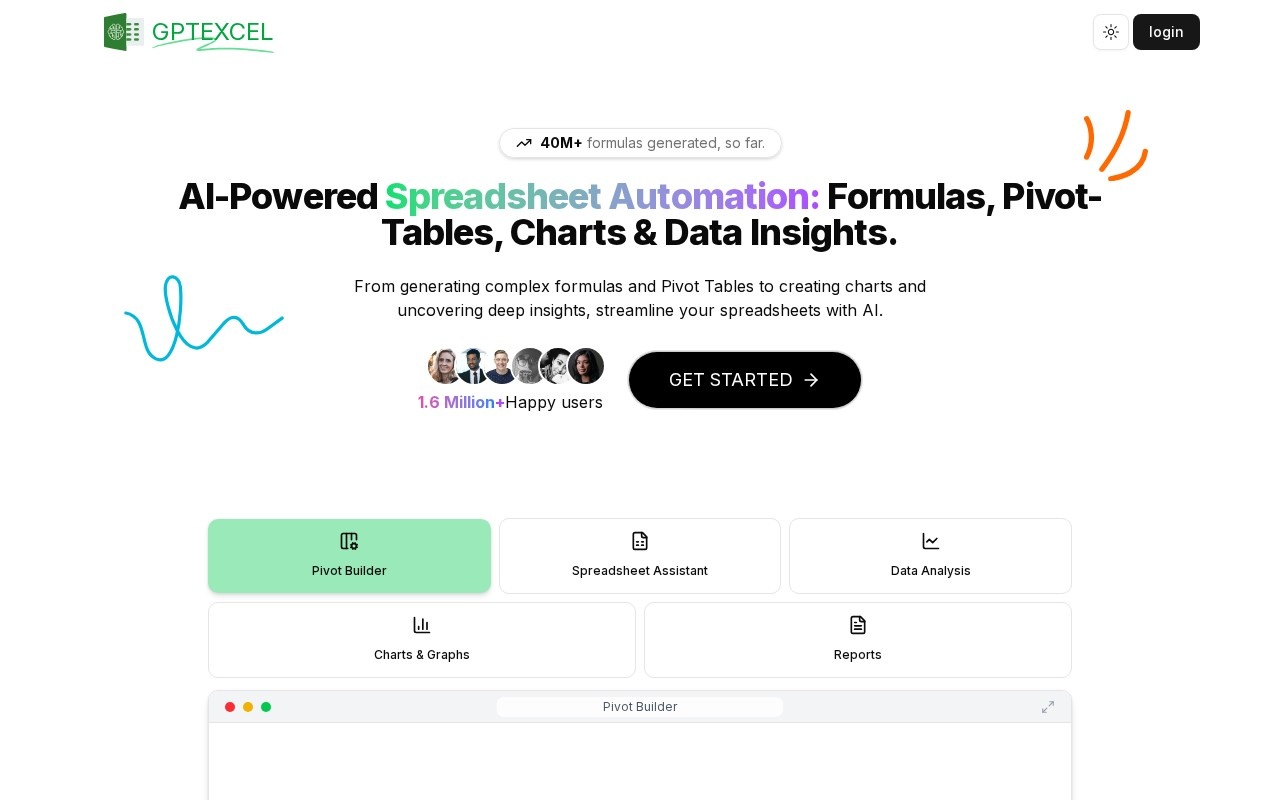
GPTExcel converts a plain-English request into an Excel or Google Sheets formula. It extends the same idea to SQL queries, Google Apps Script, and regex patterns, covering more output types than a formula-only tool.
A free tier caps daily use, enough to test accuracy before paying. The Pro plan starts at $6.99 a month, the cheapest entry price on this list. More than 500,000 people use it, by its own listing.
Every generated formula still needs checking against your actual dataset before you trust it, the same as any of these six. Its focus stays narrow: formulas and scripts, rather than broader spreadsheet analysis or visualization.
It’s a small, self-funded team behind a product with a large user base, worth knowing if support responsiveness factors into your decision. For straightforward formula and script generation at the lowest price here, that trade-off is a reasonable one.
How we rate these
Our rating for each tool comes from comparing published features, pricing, and positioning against the rest of the Data and Analytics catalogue. It isn’t a lab score, and we don’t run the same spreadsheet through all six to grade the output.
What would be worth measuring here is how often a generated formula is right on the first try, not whether a demo looks impressive. None of these six publish that. Until one does, treat the order below as a shortlist for a trial, not a verdict.
We verified each of these six was live within the last two months. SheetAI.app’s listing is the most recent of the group, checked August 14, 2026.
What to check before you buy
- Price: from $6.99 to $29 a month; three of six have a genuine free tier.
- Where it runs: most work inside Excel and Sheets directly; Sourcetable is its own app, and SheetAI.app is Sheets only.
- Portability: Formula Bot’s output is a standard formula that keeps working without it; the others need an ongoing connection.
- Payment: monthly subscription on five of six; GPT for Sheets and Docs sells one-time credit packs instead.
- Scope: formula generation alone versus broader chart, dashboard, or media output.
- Verification: every generated formula or script needs checking against your real data before you trust it.
How to choose between them
Start with whether you want a formula that keeps working on its own, or a live connection that does more each time you ask it something. Formula Bot and GPTExcel both hand back portable formulas; Numerous.ai, Sourcetable, GPT for Sheets and Docs, and SheetAI.app all need to stay connected to keep producing results.
If your file already lives in Excel and needs to stay there, Formula Bot, Numerous.ai, GPT for Sheets and Docs, and GPTExcel all work inside it directly. Sourcetable and SheetAI.app don’t: one is its own grid app, the other is Google Sheets only.
For a single formula or script and nothing else, GPTExcel is the cheapest way in at $6.99 a month. For open-ended text work across hundreds of rows, Numerous.ai and GPT for Sheets and Docs both go beyond what a formula can express.
Our full Data and Analytics catalogue holds dozens of adjacent tools, from data visualization to full business-intelligence platforms. If AI agents that go beyond a spreadsheet are closer to what you need, our AI agents roundup covers that ground. Our robotic process automation roundup covers the broader task-automation side these six don’t touch.
Questions buyers ask
What is an AI tool for Excel?
An AI tool for Excel turns a plain-English request into something a spreadsheet can run. That might be a formula, a pivot table, a chart, or a whole column filled down at once. Some hand back a portable formula; others need an ongoing connection to keep working.
Which of these have a free plan?
Three: Formula Bot, Sourcetable, and GPTExcel. SheetAI.app’s free tier needs your own API key. Numerous.ai and GPT for Sheets and Docs both charge from the first use, a $1 trial and a credit pack.
Do these replace knowing Excel yourself?
No, and none of the listings claim it. They remove the work of writing a formula from scratch or cleaning a column by hand. Reading the result and knowing whether it’s right stays with the person using it.
How much does an AI tool for Excel cost?
Published pricing here runs from $6.99 to $29 a month. Three of six also offer a genuine free way to start, and Numerous.ai’s cheapest option is a $1 seven-day trial rather than an ongoing free tier.
Where does my spreadsheet data go with these tools?
You send at least some of that data to an AI model when the sheet is read, whether that’s OpenAI, Claude, Gemini, or another provider behind the scenes. Sourcetable’s database connections mean it can also pull in data from outside the spreadsheet itself, worth knowing if that data is sensitive.
Can I use more than one of these together?
Yes, some people use a formula-portable tool like Formula Bot for routine work. They keep a broader one like Numerous.ai or GPT for Sheets and Docs on hand for open-ended requests a formula can’t express. Nothing here locks you into one.