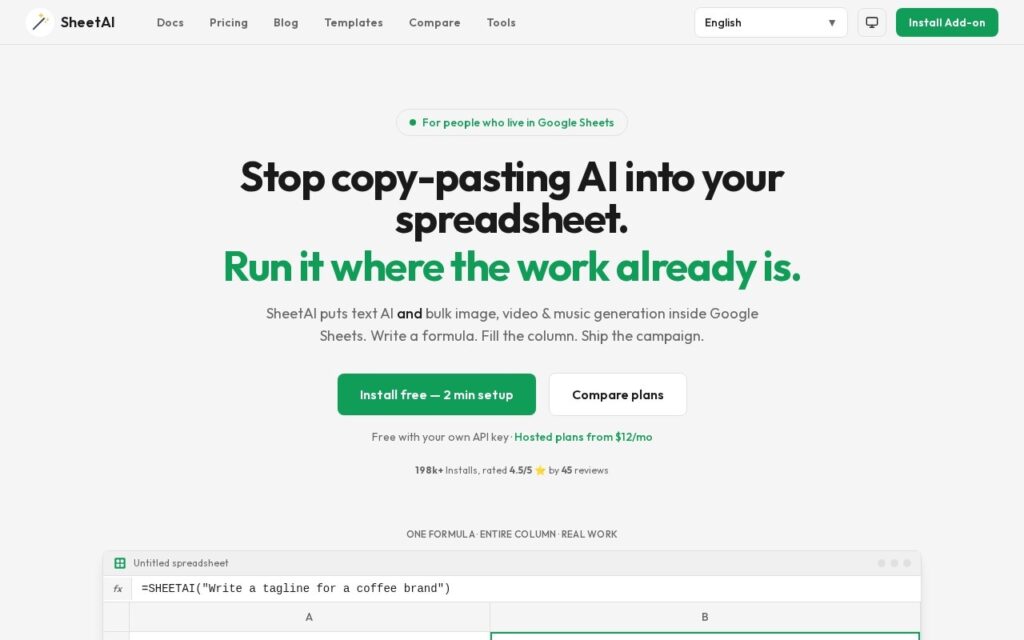
SheetAI puts model calls in a spreadsheet formula. Write =SHEETAI in a cell, fill it down, and a thousand rows are classified, summarised or rewritten. Media generation runs the same way through Replicate, producing images, video and music in bulk, across OpenAI, Claude, Gemini and Grok.
Fill-down is the whole idea and it is a good one. Anyone who works in spreadsheets already thinks in columns and already knows what a formula does, and that mental model does more for adoption than any purpose-built interface. Categorising 800 support tickets is a column, not a project.
IndianAppGuy reports 198,000 installs at 4.5 stars. It is free on bring-your-own-key so you pay only your own API costs, or $12 and $29 a month hosted, with credit packs up to $299. Bulk calls get expensive quietly, a formula that calls a model recalculates like any other formula, and output in a spreadsheet cell is as trustworthy as the prompt that produced it and just as easy to overlook.
SheetAI.app starts at $12, which is 20% above the Productivity median of $10 a month across the 187 priced tools we list in that category.
The cheapest paid option in Productivity starts at $0.29 and the most expensive at $165.
71% of Productivity tools in the directory offer a free tier, and this is one of them.
Compared against every priced listing in Productivity, recalculated as the catalogue changes. Method and the full market breakdown are in our AI tool pricing study.
Describe a spreadsheet problem in plain English and get a working Excel or Sheets formula back – five a day free, no signup.
GPT add-on for Google Sheets that generates and edits text and images directly inside spreadsheet cells with built-in GPT functions, no API key required.
Free Chrome extension AI assistant working inside Gmail, Google Sheets, LinkedIn and Quora – writes professional email replies, builds complex Excel formulas from a description, and generates code snippets.
One subscription covering GPT, Claude, Gemini, Grok, Sora and Veo with files and web search.