Free

Sheldon

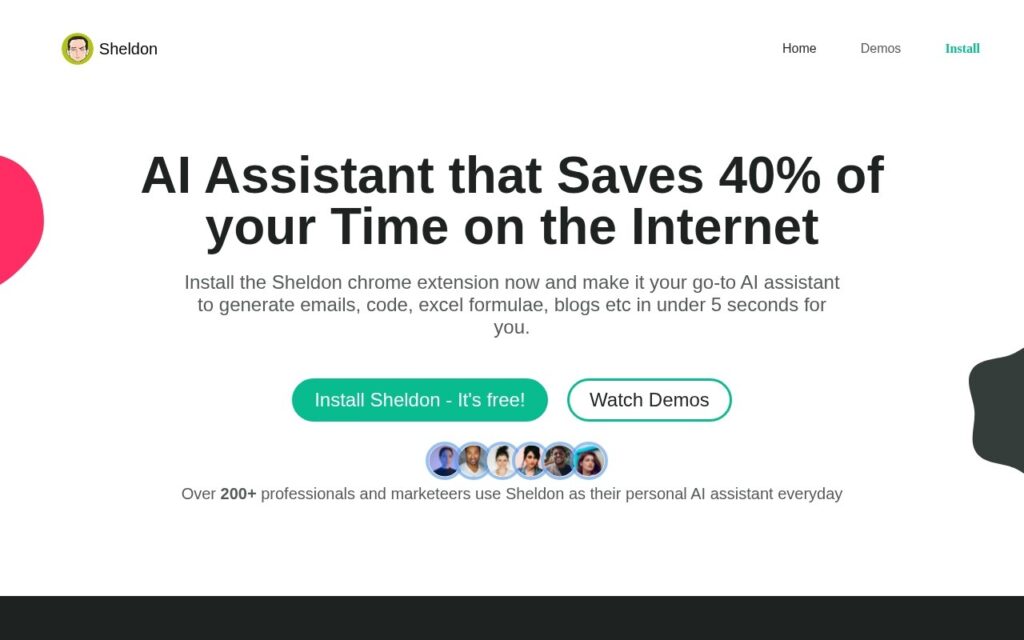
Free Chrome extension AI assistant working inside Gmail, Google Sheets, LinkedIn and Quora – writes professional email replies, builds complex Excel formulas from a description, and generates code snippets.

3.4 Productivity
3.4 Good 3.4

Bottom line: Sheldon is a capable productivity tool, best known for AI-generated professional email replies with tone customization. It has a free plan.

Genuinely free with no daily usage cap, not a limited trial Automation detection throttles usage, which could affect legitimate heavy users
Reviewed by Challenging Voice Editorial · Updated Sep 2026 How we rate
PricingFree
Free planYes
CompanySheldon
PlatformsWeb
Best forProductivity
Visits7
Last reviewedAug 2026
UpdatedSep 2026
Ask AI about Sheldon ChatGPT Claude Perplexity

Overview

Sheldon is a Chrome extension bringing AI generation directly into the sites people already work in: it composes professional email replies with tone and context customization, generates complex Excel/Sheets formulas from a plain description of the desired function, produces LinkedIn posts, Twitter threads, website copy, and video scripts, and analyzes coding problems to generate code snippets with explanatory instructions.

Generating a working spreadsheet formula from a plain-English description of what it should do is a genuinely useful, underserved capability – most people who aren’t spreadsheet power users know exactly what result they want but not the correct nested-function syntax to get there, and that gap costs real time across finance, marketing, and operations roles that live in spreadsheets daily.

Sheldon works across Gmail, Google Sheets, LinkedIn, Quora, and similar sites, reporting 200-plus professionals and marketers among its users, particularly freelancers, content writers, software engineers, and marketing professionals. The extension is completely free for all features with no daily data limits (usage throttles only if automation is detected), with optional paid upgrade tiers available.

Key features

  • AI-generated professional email replies with tone customization
  • Excel/Sheets formula generation from a plain-English description
  • LinkedIn posts, Twitter threads, and website copy generation
  • Code snippet generation with explanatory instructions
  • Free with no daily data limits

Screenshots & demo

Sheldon screenshot 1

Pricing

Sheldon offers a free plan, with paid upgrades for higher limits and more features.

  • Pricing modelFree
  • Starting priceFree
  • Free planYes
Visit Sheldon

Pricing is provided as a guide. Check the official site for the latest plans.

Is Sheldon expensive?

Sheldon has no advertised paid tier. Among the 163 priced tools we list in Productivity, the median entry price is $11.6 a month.

72% of Productivity tools in the directory offer a free tier, and this is one of them.

Compared against every priced listing in Productivity, recalculated as the catalogue changes. Method and the full market breakdown are in our AI tool pricing study.

Pros & cons

Pros

  • Genuinely free with no daily usage cap, not a limited trial
  • Formula generation from plain description solves a real, common spreadsheet pain point
  • Works directly inside the sites people already use, no separate app to switch to

Cons

  • Automation detection throttles usage, which could affect legitimate heavy users
  • Chrome-extension-only – no coverage on other browsers
  • AI-generated formulas and code still need verification before relying on them

How it compares

ToolRatingFreeFromBest known for
Sheldon (this tool)3.4YesFreeAI-generated professional email replies with tone customization
Obsidian4.6Yes$4/moNotes stored as local, plain Markdown text files
Google Translate4.6YesFreeGemini-powered text translation that captures idioms and context, not literal word substitution
Notion AI4.5Yes$10/moAI writing, summarization, and Q&A grounded in existing workspace content

Alternatives to Sheldon

4 tools our editors picked as direct alternatives to Sheldon.

Our verdict

3.4 / 5 3.4

Sheldon is a solid productivity tool, best known for AI-generated professional email replies with tone customization. It offers a free plan.

What makes it different: Sheldon stands out for AI-generated professional email replies with tone customization.

How we score it
Overall 3.4
Value for money 4.7
Feature depth 4.9
Popularity 3.7
Best for ProfessionalsTeamsFoundersFreelancers

Frequently asked questions

What is Sheldon?
Sheldon is a productivity tool listed in the Challenging Voice directory. Free Chrome extension AI assistant working inside Gmail, Google Sheets, LinkedIn and Quora – writes professional email replies, builds complex Excel formulas from a description, and generates code snippets.
Is Sheldon free?
Yes, Sheldon offers a free plan. Paid plans unlock more features and higher usage limits.
What are the best Sheldon alternatives?
Popular alternatives to Sheldon include Tila, Auri, and Ayanza. Browse them all in the Productivity category.
Is Sheldon any good?
Sheldon scores 3.4 out of 5 based on our editorial review.

Reviews

3.4 No reviews yet

Write a review

Similar tools you might like

Festa

3.7

Coordinate a wedding or event by texting an AI instead of juggling spreadsheets, vendors and group chats.

Contact for Pricing Productivity

Grantable

3.8

Full grant-department operations in one workspace – AI funder prospecting, proposal writing, institutional memory and scheduled opportunity scans – 50% off for nonprofits under $500K.

Freemium Productivity