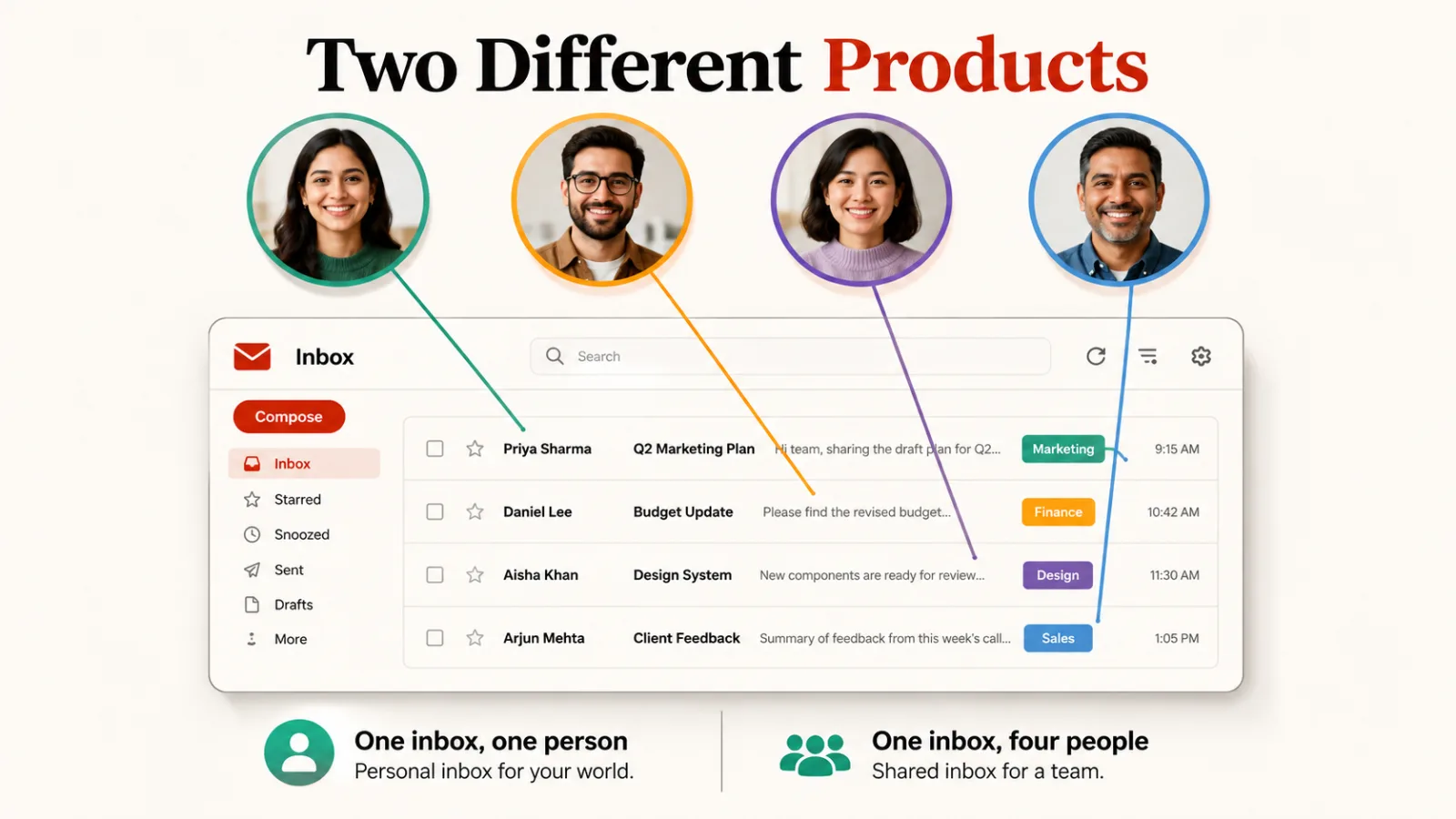
If you want email management software for your own inbox, Shortwave is the cheapest serious option at $7 a month. If the problem is a team sharing one address, Help Scout is the highest-rated here and has a free tier.
Those are two products for two problems, and the category name hides it. One tidies the inbox you read, the other stops four colleagues answering the same customer.
How this list is ordered, and what it leaves out
These seven are ordered by our editorial rating, then by whether a free plan exists, then by starting price. That rating comes from comparing features, pricing and positioning against the rest of our productivity catalogue.
We don’t run the same mailbox through every tool, so you won’t find a time-saved figure from us. Every price and limitation comes from that product’s listing, and each listing carries its own last-reviewed date.
Email marketing is deliberately excluded. Sending campaigns is a different job with different software, and our roundup of email marketing software covers 21 tools for it.
Worth saying plainly: this category is thin in our catalogue. Well-known inbox tools have no listing here, so this is seven honest entries rather than a survey of everything that exists.
| Tool | Rating | Free plan | From | Built for |
|---|---|---|---|---|
| Help Scout | 4.5 | Yes | $25 | Shared team inbox |
| Superhuman | 4.5 | See below | $33 | Your own inbox |
| Shortwave | 4.4 | Yes | $7 | Your own inbox |
| Crisp | 4.4 | Yes | $45 | Shared, chat first |
| Hiver | 4.2 | Yes | $25 | Shared, inside Gmail |
| HelpDesk | 4.2 | Trial only | On request | Shared, all channels |
| Jace | 3.8 | No | $20 | Your own inbox |
1. Help Scout
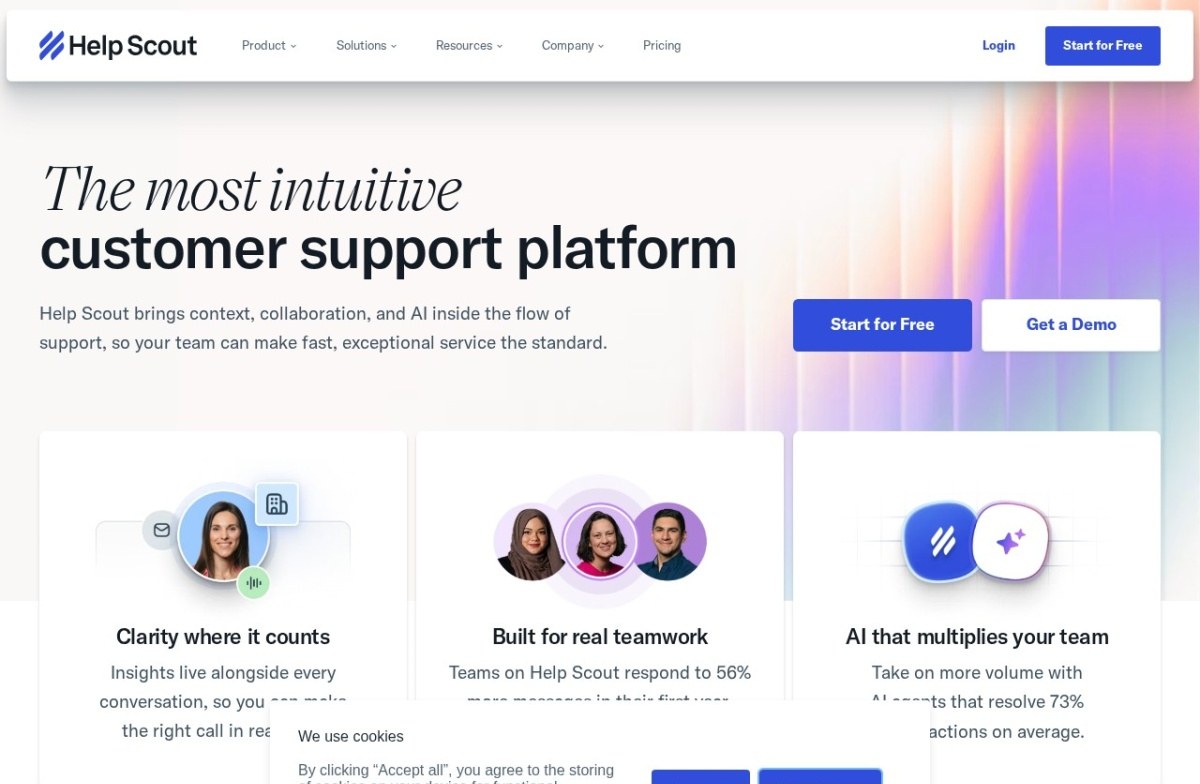
Help Scout is a shared inbox built to feel like ordinary email rather than a ticketing system. Customers never see a ticket number, so a support reply reads like a reply. It has been running since 2011.
Hiding the machinery is the whole design. A customer answering a person feels different from a customer answering a queue, and that shows up in how they write back.
A free tier covers small teams and paid plans start at $25 a month. AI drafts replies and summarises long conversations, though that layer is newer than the inbox underneath it.
The simplicity has a ceiling. It carries fewer workflow and automation features than enterprise platforms, and a high-volume or complex support operation will find it thin.
2. Superhuman
Superhuman is a keyboard-driven email client built around speed, with shortcuts for nearly everything and a deliberately spare interface. It started in 2015.
Speed is the entire proposition, and it only pays back at volume. Someone clearing forty messages a day gets less from it than someone clearing four hundred.
Two things our listing hasn’t caught up with. Its site now carries a “Looking for Superhuman Mail?” banner and leads with mail, documents and AI across every app, which is broader than an email client. Its signup button also reads free, while the listing records no free tier.
Plans start at $33 a month, the highest entry price on this list. Check the current free offer yourself before assuming either description is settled.

3. Shortwave
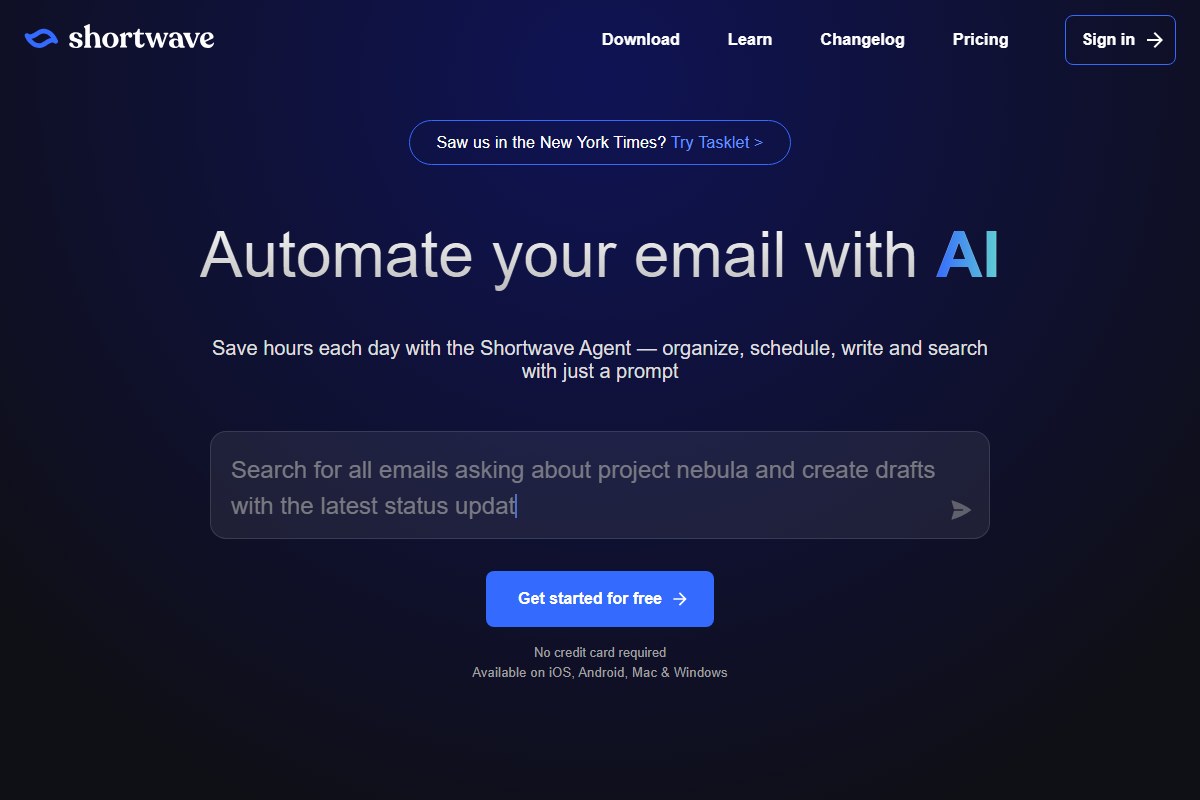
Shortwave is an email client rebuilt around AI rather than a plugin bolted onto an existing one. Former Google engineers founded it in 2020, and it searches, summarises threads and drafts from a prompt.
Building from scratch is the difference worth paying for. Search that understands a question beats search that matches words, and a plugin can’t reach far enough into the client to do that.
A free tier covers standard use and paid plans start at $7 a month, the cheapest here by a wide margin. It runs on iOS, Android, Mac and Windows.
Switching clients entirely is a real commitment, larger than adding an assistant to the mail app you already use. The ecosystem around it is smaller than the mainstream clients it replaces.
4. Crisp
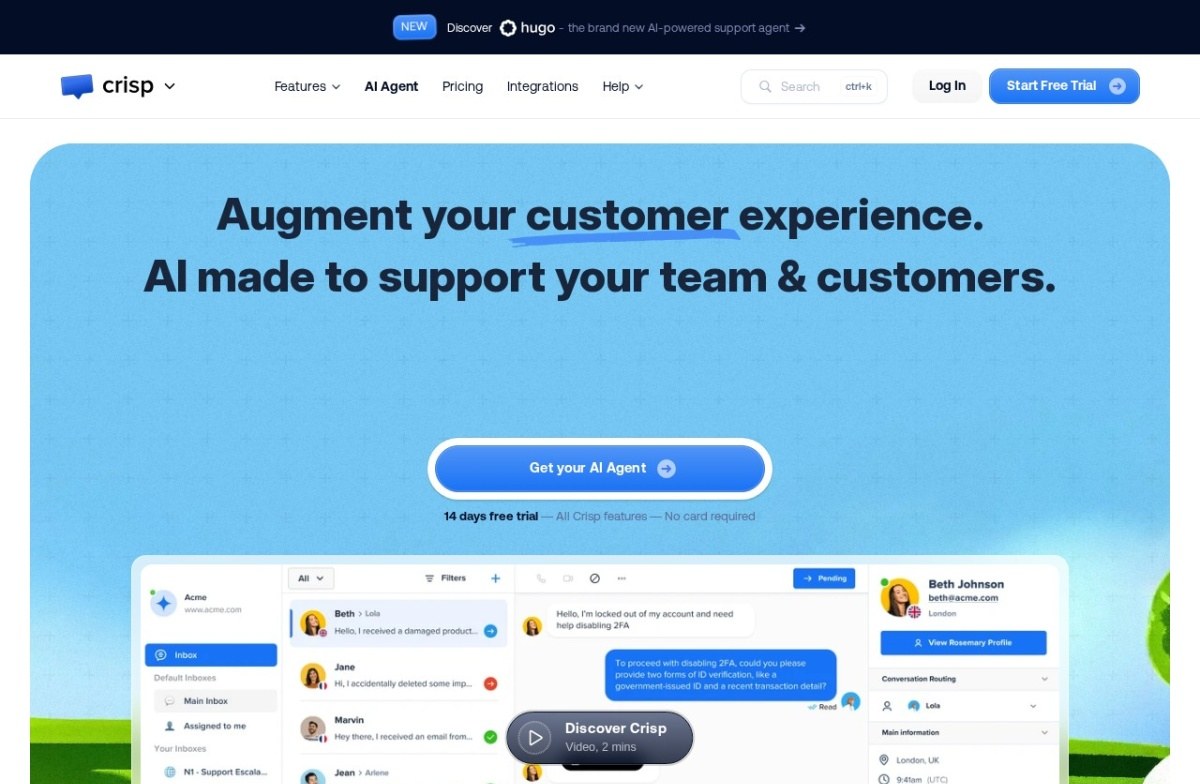
Crisp is a shared team inbox spanning chat, email and more, with chatbot automation alongside human handoff. It was founded in 2015.
It’s the chat-first option here, and that shapes the fit. Email is one channel among others rather than the centre of the product, which suits a team whose customers mostly message rather than write.
Pricing is published and self-serve, unusual in this corner of the market, with a free tier and paid plans from $45 a month. A 14-day trial needs no card.
Its automation is one part of a broad tool rather than its focus, so a team wanting deep AI resolution will find dedicated platforms stronger. Higher-volume operations can outgrow it.
5. Hiver
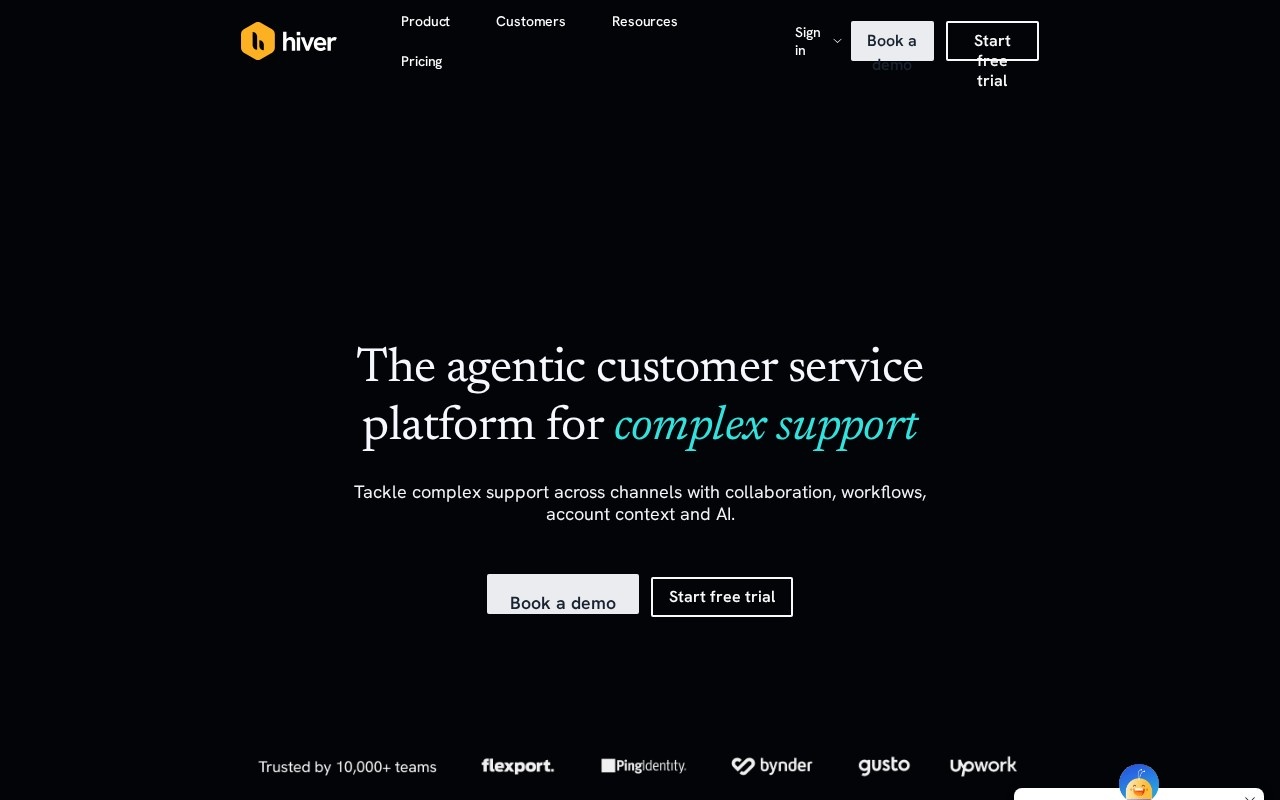
Hiver runs shared-inbox support inside Gmail itself, so a team assigns, collaborates and automates without leaving the mailbox it already uses.
Avoiding the migration is the argument, and it’s a good one. Most helpdesk rollouts stall because nobody wants to learn a second inbox, and this one asks for no move at all.
Its own site now leads with an agentic customer service platform for complex support, noticeably broader than the Gmail add-on our listing describes. Worth checking which product you’re being sold.
A free plan exists and paid plans start at $25 per user. It’s tied to Google Workspace, so a team on Outlook is ruled out, and per-user pricing climbs quickly with headcount.
6. HelpDesk
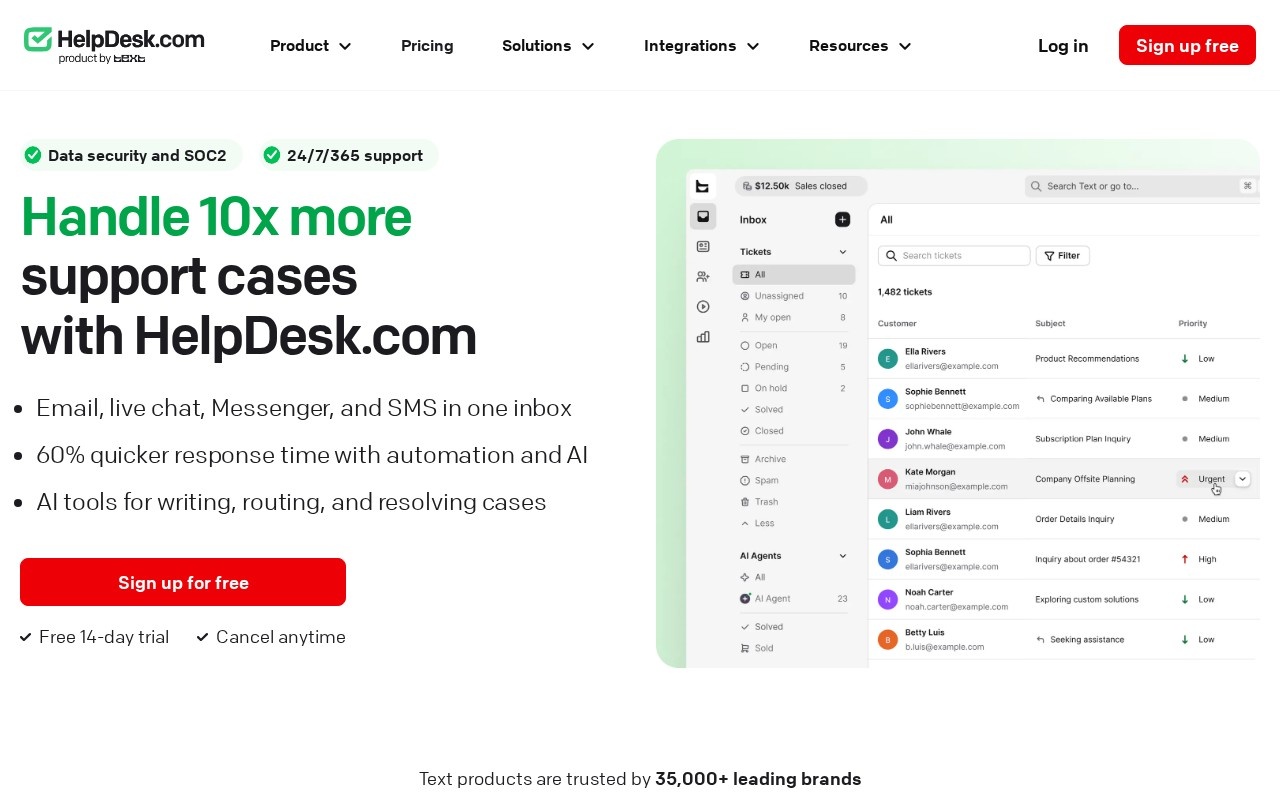
HelpDesk puts email, live chat, Messenger and text messages into one inbox, from the company behind LiveChat. It drafts replies, summarises threads and tags automatically.
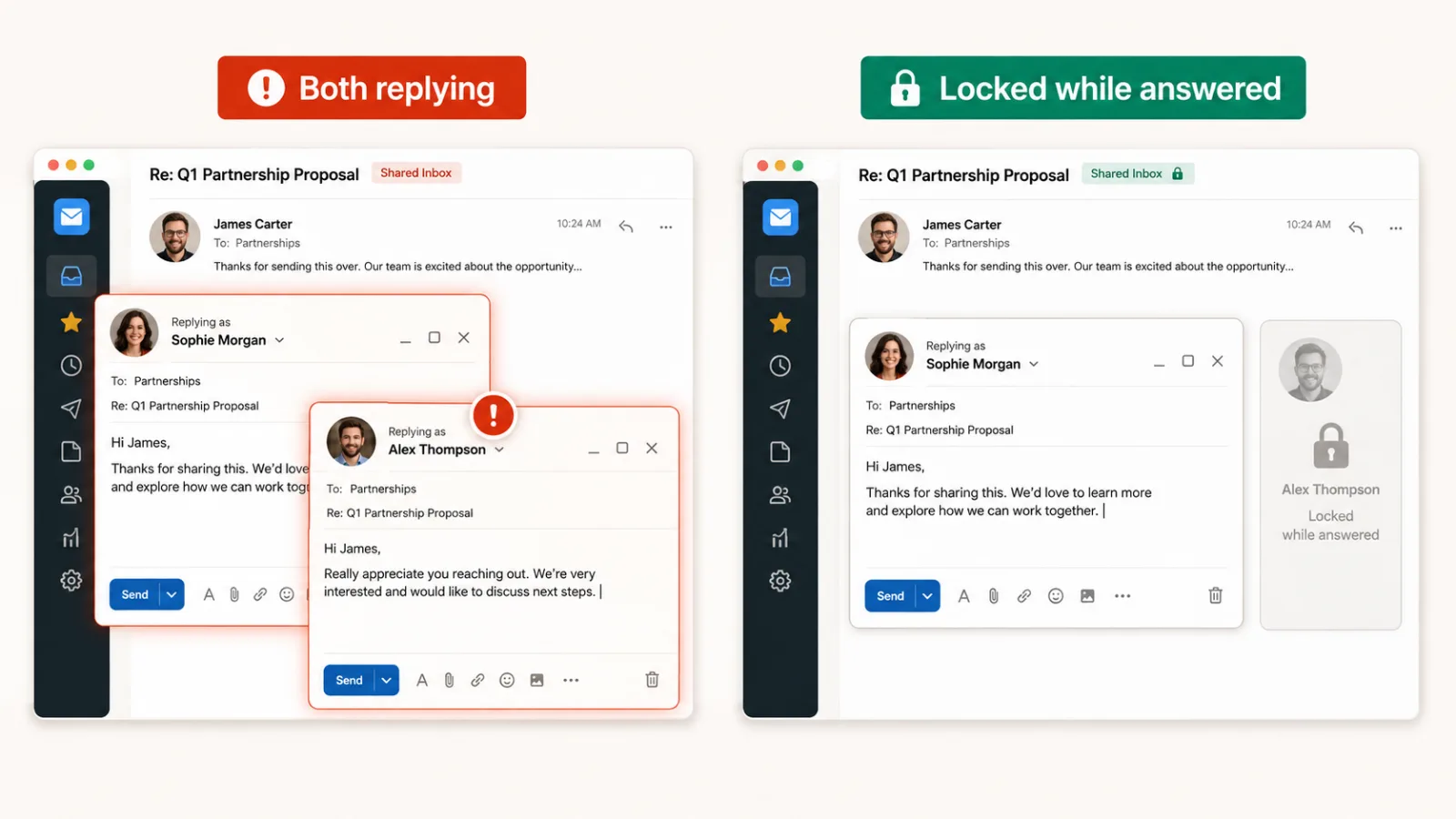
One detail matters more than the feature list. Collision detection stops two agents answering the same message, which is the failure a shared mailbox produces on its first busy day.
Security certifications are already in place, and a 14-day trial needs no card. Our listing records no published starting price, and the plan pricing sits on a separate page from the main site.
Its reply suggestions learn from the ticket history you already have, so they inherit whatever that history taught them, good habits and bad. An established platform also brings conventions you work within rather than around.
7. Jace
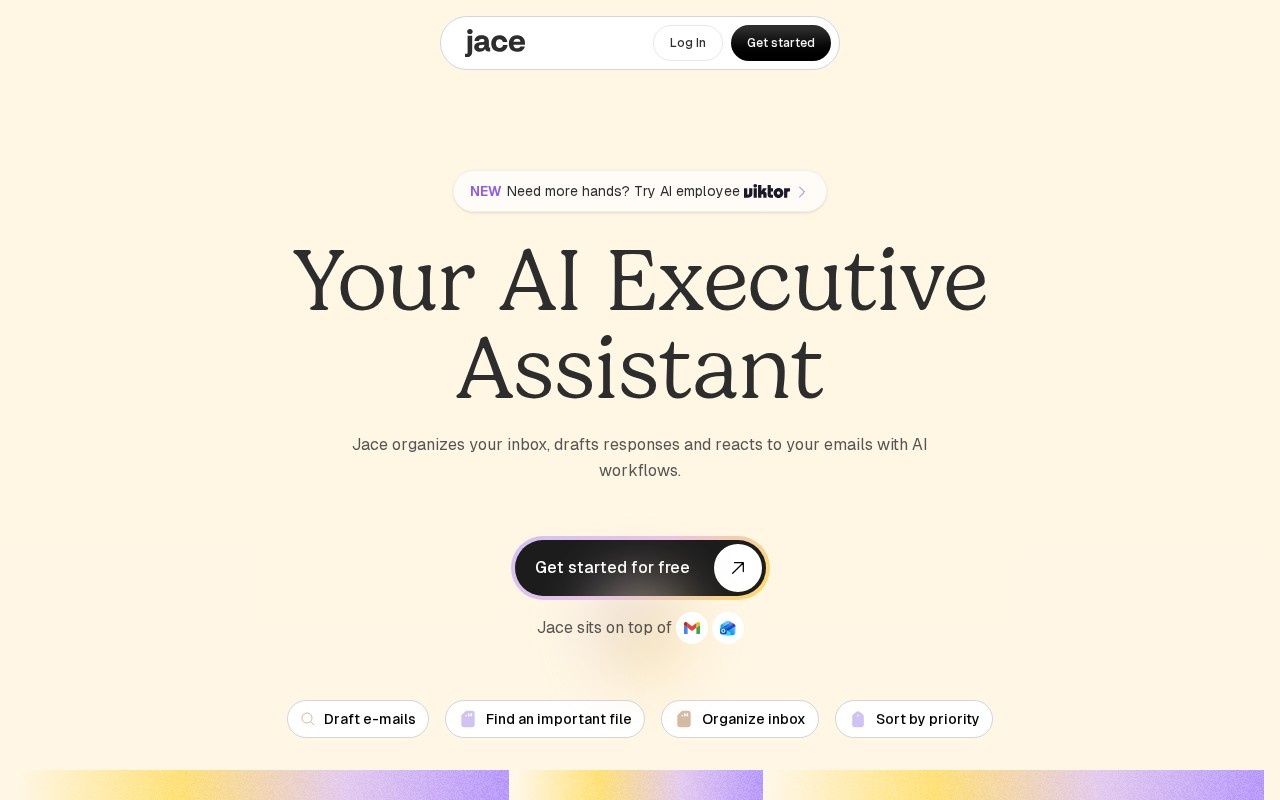
Jace sits on top of Gmail, drafts replies in your own voice from prior thread history, and organises the inbox so what needs an answer is visible. It started in 2023.
Voice matching is the part that separates it from generic reply suggestions. A draft that sounds like you needs editing rather than rewriting, which is the difference between saving time and losing it.
Plans start at $20 a month with a money-back guarantee, and daily draft limits scale with the tier. Nat Friedman and Daniel Gross are among its backers.
Two limits, both in its own listing. The trial asks for payment details upfront rather than offering a sandbox, and it covers Gmail only. It also narrowed from a general browser agent to email, a scope-down from its original pitch.
How we rate these
Our rating comes from comparing published features, pricing and positioning against the rest of the catalogue. It isn’t a lab score, and we don’t put one mailbox through all seven to produce it.
What would be worth measuring is the share of a week’s messages that leave the inbox without a person typing. Every vendor implies that number and none publishes one you could compare.
We verified each product was live in the last two months. HelpDesk’s listing is the most recent, checked on 18 August 2026, and three sites have moved past what their listing describes.
What to check before you buy
- Users: one inbox or a team sharing one address, which decides the whole shortlist.
- Mail provider: two of these run on Gmail only and rule out an Outlook team.
- Price shape: per user climbs with headcount, flat plans don’t.
- Free access: a real tier, a card-free trial and a trial needing payment details are three different things.
- Channels: email alone, or chat and texts in the same inbox.
- Migration: whether your team keeps the mailbox it already knows.
How to choose between them
Start with who reads the mail. A personal inbox points at Shortwave, Superhuman or Jace, and a shared address points at Help Scout, Hiver, HelpDesk or Crisp. Nothing here does both well.
For a personal inbox, price separates them more than features. Shortwave at $7 and Jace at $20 both sit far below Superhuman at $33, and Superhuman earns that only at high volume.
For a team, the question is whether you move. Hiver keeps everyone in Gmail, the others ask you to work somewhere new, and that migration is what usually decides whether a rollout survives.
If customers reach you by chat as often as by email, Crisp and HelpDesk handle both in one place. Our roundup of AI chatbots for customer support goes deeper on that side.
Questions buyers ask
What is email management software?
Email management software helps you handle messages you receive, rather than send campaigns. That splits two ways: clients and assistants that tidy one person’s inbox, and shared inboxes that let a team answer one address without collisions.
Which of these have a free plan?
Four: Help Scout, Shortwave, Crisp and Hiver. HelpDesk offers a 14-day trial with no card, Jace asks for payment details upfront, and Superhuman’s listing records no free tier though its site now advertises one.
Do I need this if I already use Gmail or Outlook?
You need it when volume or sharing breaks the default. One person with a manageable inbox rarely does. A team answering one address, or anyone losing an hour a day to triage, is the case these tools exist for.
Is a shared inbox the same as a helpdesk?
They overlap. A shared inbox keeps the conversation looking like email, and a helpdesk wraps it in tickets, queues and workflows. Help Scout deliberately hides the ticketing; HelpDesk and Crisp lean into it.
What does email management software cost?
Published pricing here runs from $7 to $45 a month, and the shape matters as much as the number. Per-user plans climb with headcount, so a growing support team pays more each quarter for the same product.
Why are some well-known email tools missing?
Because we only list what we’ve verified, and this category is thin in our catalogue. Recognisable inbox products are missing from our listings, so treat this as seven we can stand behind rather than the whole market.