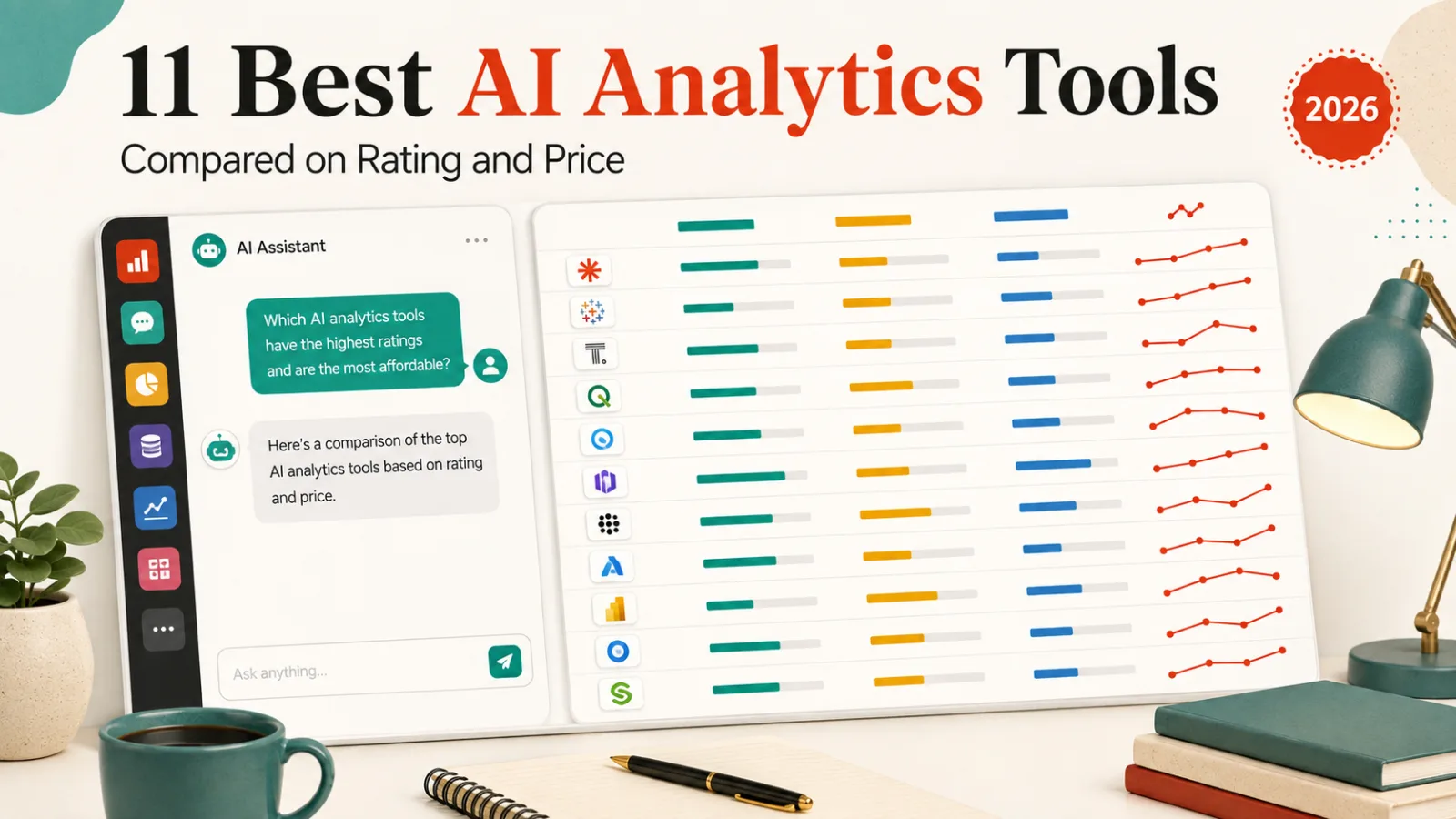
The highest-rated AI analytics tool here is Hex at 4.4, free for small projects and $36 per editor a month after that. If you want to ask questions of a file without writing SQL, Vizly and Powerdrill both start free.
The headline price is the least reliable number in this category. Two of the eleven cost far more than their entry figure suggests. One of them is the cheapest-looking tool here.
How this list is ordered, and what it leaves out
Ordered by our editorial rating, then by free-plan availability, then by starting price. The rating is editorial, drawn from published feature, plan and pricing data. Every listing is verified live before publishing and carries a last-reviewed date.
Four tools people expect here are covered elsewhere and left out on purpose. Google Looker, Sisense, Zoho Analytics and ThoughtSpot belong to our data visualization roundup, which is about charting rather than questioning.
Spreadsheet-side AI sits in our Excel and Sheets guide instead. Everything below works on a dataset rather than a worksheet.
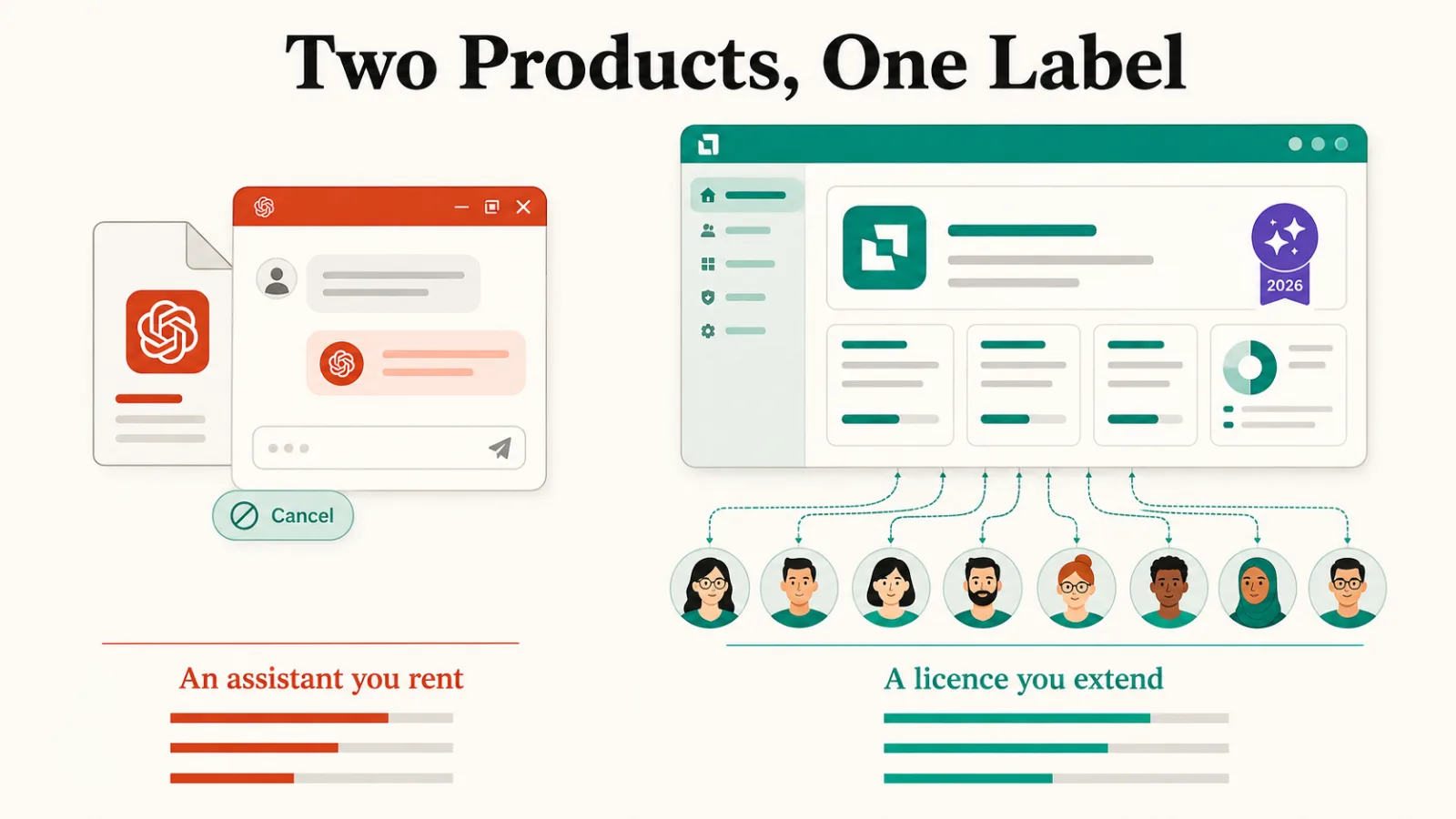
Two products under one label
Half this list is an assistant you point at a file. You upload a CSV or connect a table, ask a question in plain language, and get a chart and an explanation back. Vizly, Powerdrill and Julius AI all work this way.
The other half is a platform your company already runs, with AI added on top. Power BI Copilot and Tableau Pulse are features inside products you are probably paying for, not standalone purchases.
That difference decides the real cost. An assistant is a subscription you can cancel. A platform feature is a licence upgrade across everyone who touches the data.
The 11 tools, compared
| Tool | Rating | Free plan | From |
|---|---|---|---|
| Hex | 4.4 | Yes | Free, $36 paid |
| Power BI Copilot | 4.4 | No | $14 |
| Tableau Pulse | 4.4 | No | $15 |
| Julius AI | 4.3 | Yes | $20 |
| Polymer | 4.3 | Yes | $25 |
| Deepnote | 4.2 | Yes | $39 |
| Amazon QuickSight Q | 4.2 | No | $3, see note |
| Basedash | 4.2 | No | $25 |
| Powerdrill | 4.1 | Yes | Free |
| Vizly | 4.1 | Yes | Free |
| Databox | 4.1 | Yes | $64 |
1. Hex, rated 4.4, free then $36

Notebooks for analysis, then a polished app for sharing results
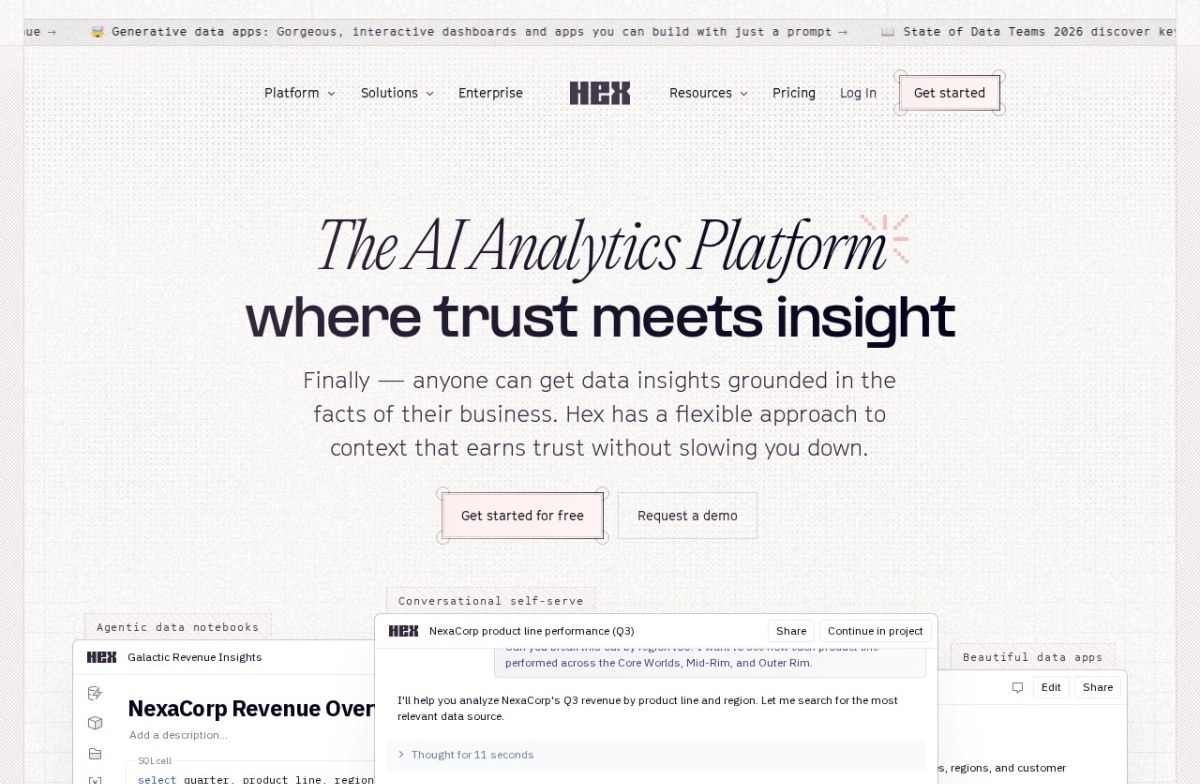
Hex calls itself the AI analytics platform where trust meets insight, and organises the product around agentic data notebooks and conversational self-serve. It suits a data team that already writes SQL and wants the assistant beside it.
Its Community plan is free for small projects. Professional is $36 per editor per month and Team is $75, with a 14-day Team trial that needs no card. Our listing records 0, which is the free tier rather than the paid entry.
2. Power BI Copilot, rated 4.4, from $14

Microsoft's AI layer on the BI platform already inside many organizations
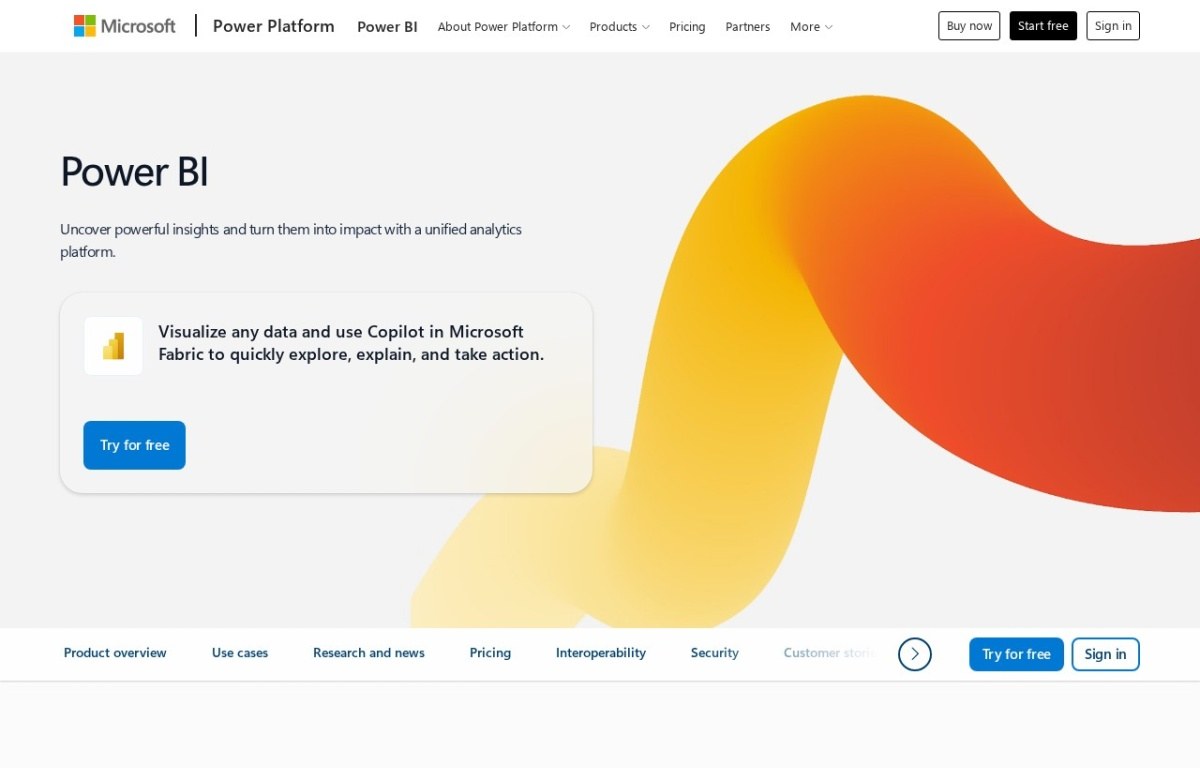
Power BI Copilot is not a separate product. Microsoft’s page frames it as using Copilot inside Microsoft Fabric to explore and explain data, so it arrives with a Power BI licence rather than instead of one.
Price it as an addition to what you already pay Microsoft, and check which Fabric capacity your tenant runs before assuming the figure above is the whole bill.
3. Tableau Pulse, rated 4.4, from $15

Pushes relevant insights to you instead of waiting to be asked
Tableau Pulse is the same shape of purchase: a layer over Tableau that pushes metric changes to people who would never open a dashboard. There is no free plan, because there is no free Tableau.
4. Julius AI, rated 4.3, from $20

Chat directly with an uploaded spreadsheet or CSV file
Julius AI is the best-known of the ask-a-question assistants and has a free tier before the $20 plan. Point it at a spreadsheet, ask in plain language, and it returns the chart and the working.
5. Polymer, rated 4.3, from $25

Turns spreadsheets and business apps into dashboards, no SQL needed
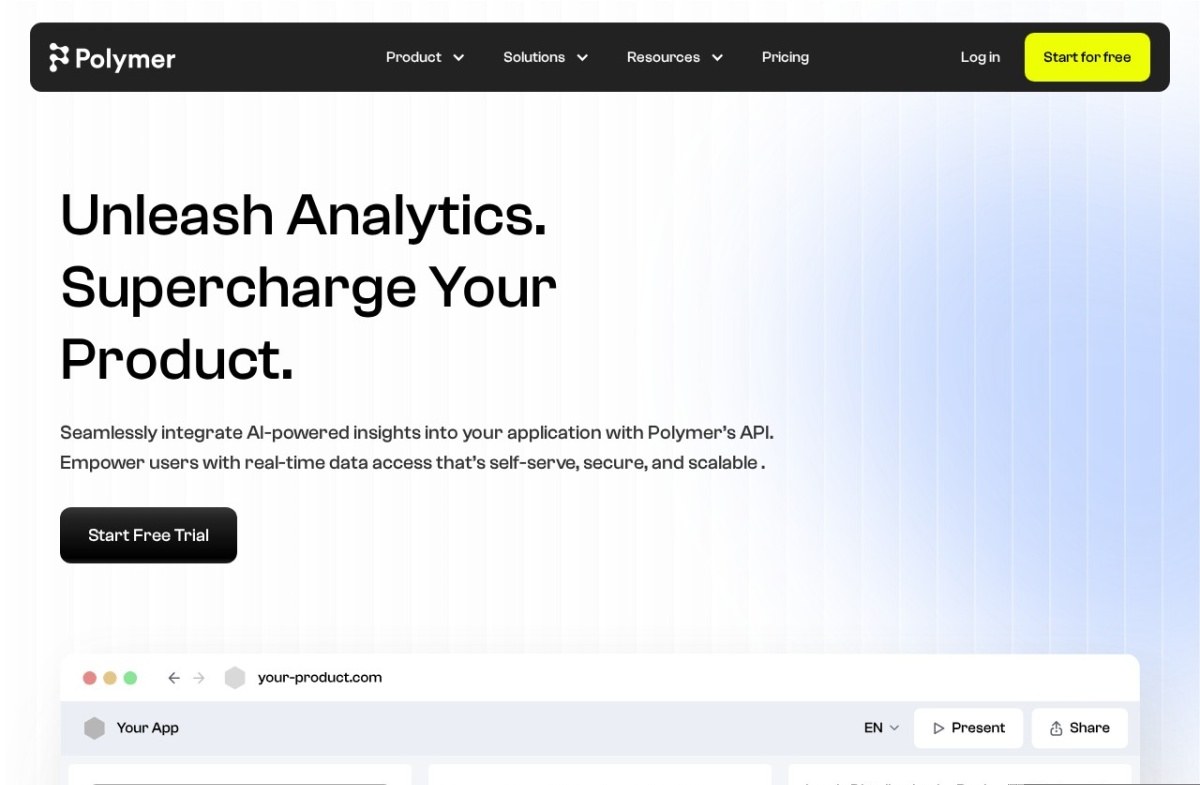
Polymer is aimed somewhere different from the rest. Its site leads with supercharging your product and integrating insights through an API, so the buyer is a team embedding analytics for its own customers.
If you want to analyse your own numbers internally, the assistants above are a closer fit.
6. Deepnote, rated 4.2, from $39

Cloud notebook that combines Python, SQL, and AI assistance for teams doing collaborative data analysis.
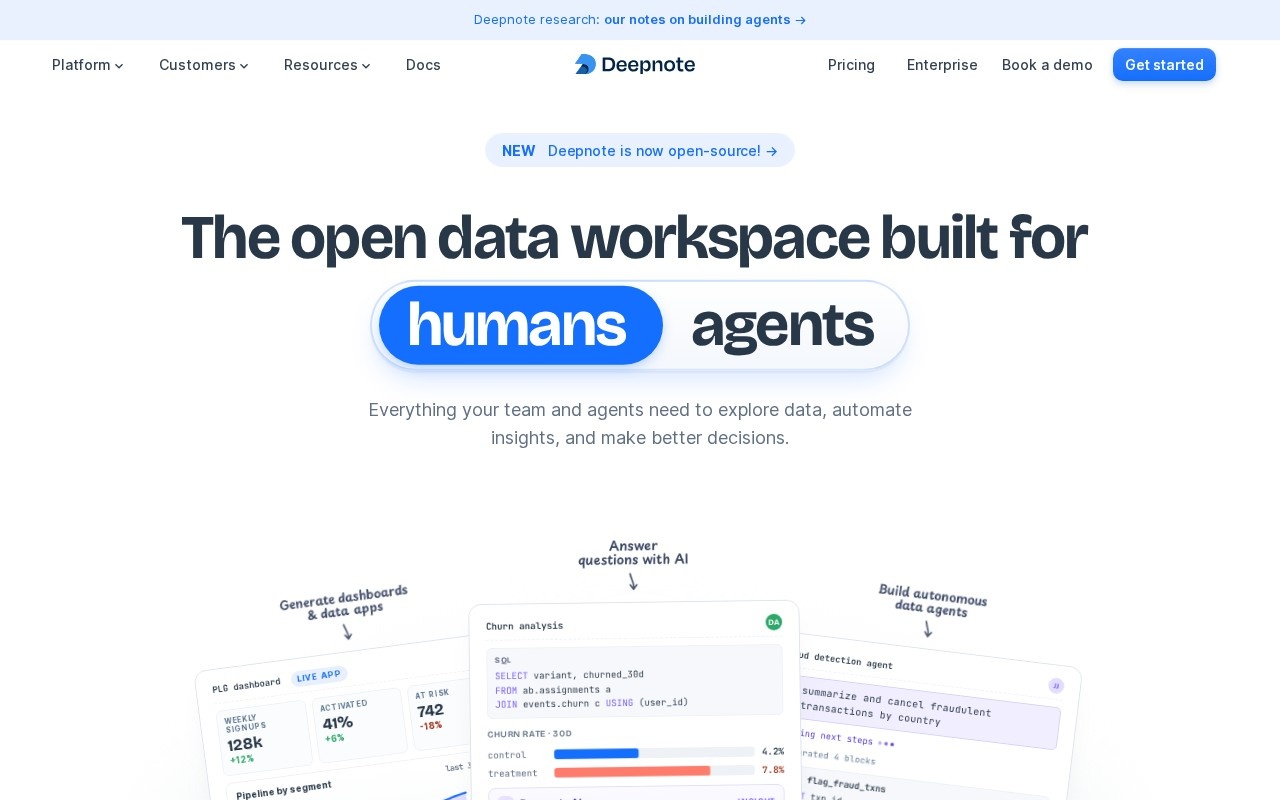
Deepnote is a collaborative data workspace, now describing itself as built for humans and agents alike, and its site announces the product is open source.
That matters for anyone whose objection to this whole category is where the data goes. Self-hosting changes the answer.
7. Amazon QuickSight Q, rated 4.2, and the $250 problem

Natural-language querying layered onto AWS's existing BI tool
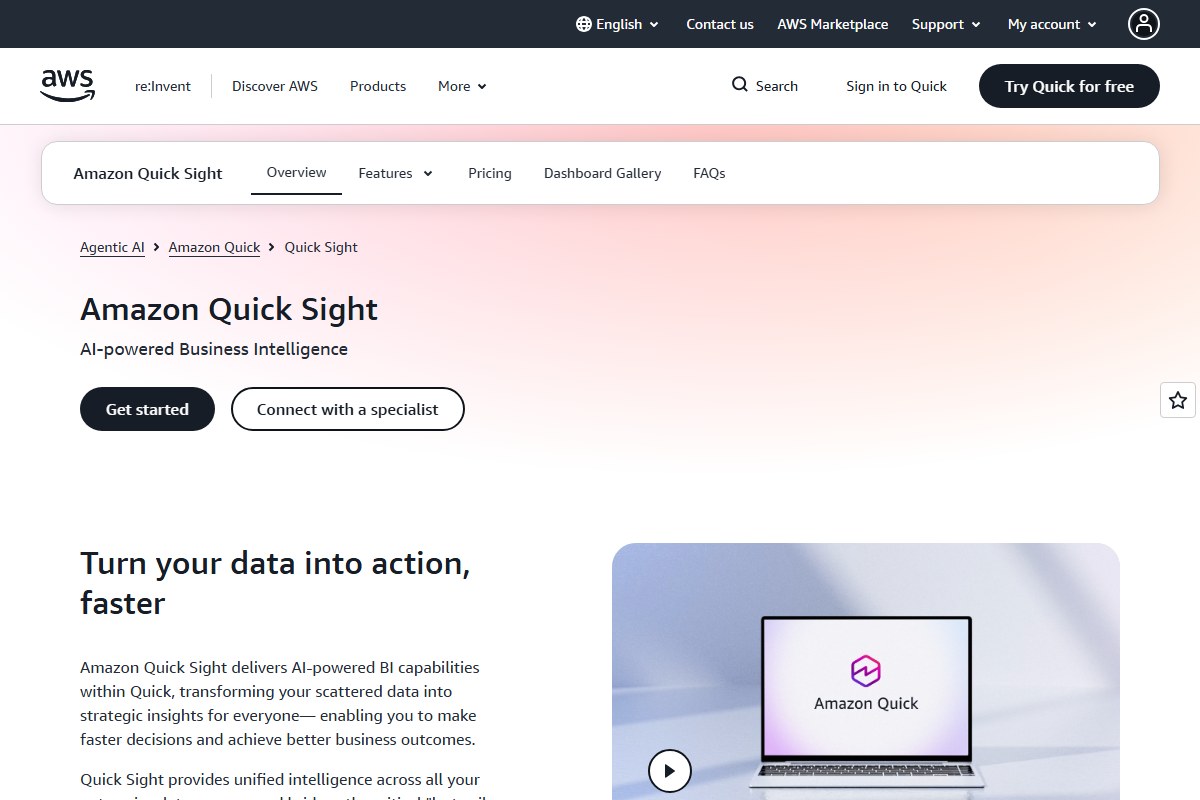
This is the entry whose price tag misleads. Our listing for Amazon QuickSight Q records $5 a month. AWS publishes Reader at $3, Reader Pro at $20, Author at $24 and Author Pro at $40, all per user per month.
The part that changes the decision sits lower on the same page. A $250 per month per account infrastructure fee applies once Pro users or Q&A features are enabled, and Q is the Q&A feature.
So the realistic floor is $250 a month plus per-user pricing, not $5. It’s a reasonable choice for a team already inside AWS, and an expensive one for anybody else.
8. Basedash, rated 4.2, from $25

Builds internal admin panels directly on top of your database
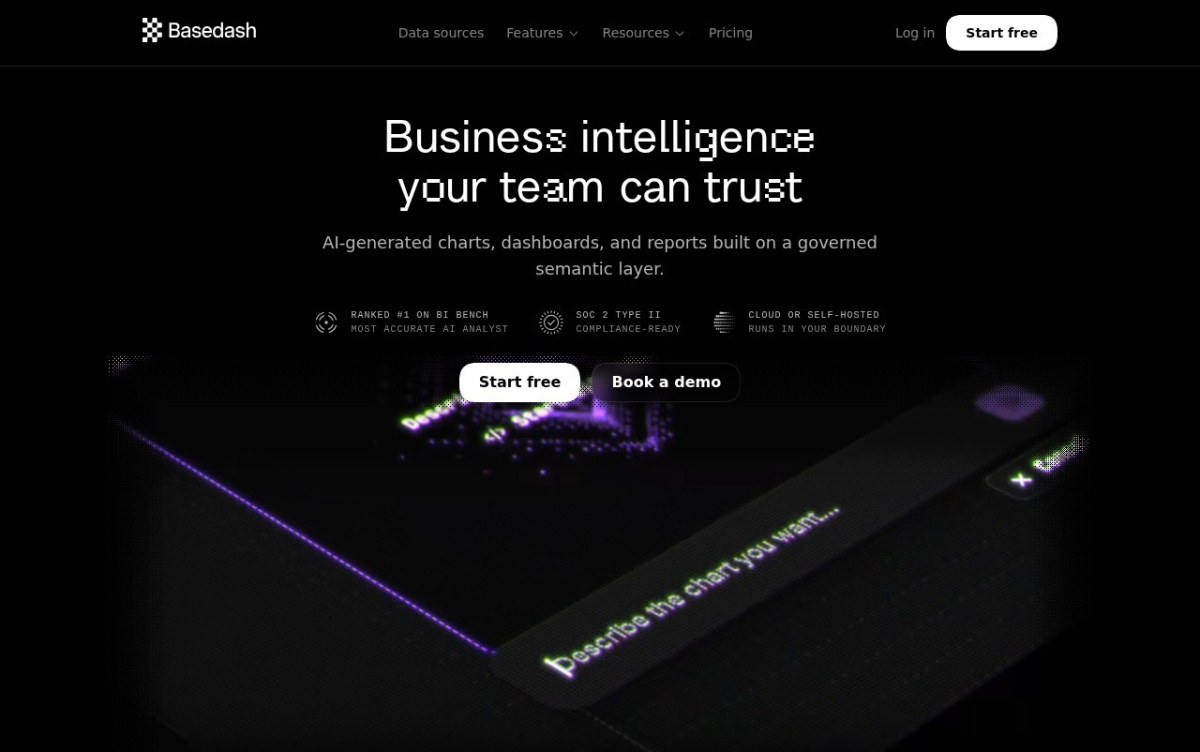
Basedash generates charts, dashboards and reports over what it calls a governed semantic layer, and offers cloud or self-hosted deployment. Its page lists SOC 2 Type II.
9. Powerdrill, rated 4.1, free

An AI workspace with memory that compounds across every analysis
Powerdrill starts free and keeps context between sessions, so repeated questions about the same dataset get better rather than starting over each time.
10. Vizly, rated 4.1, free

Auto-deletes your data within the hour, built with academics in mind
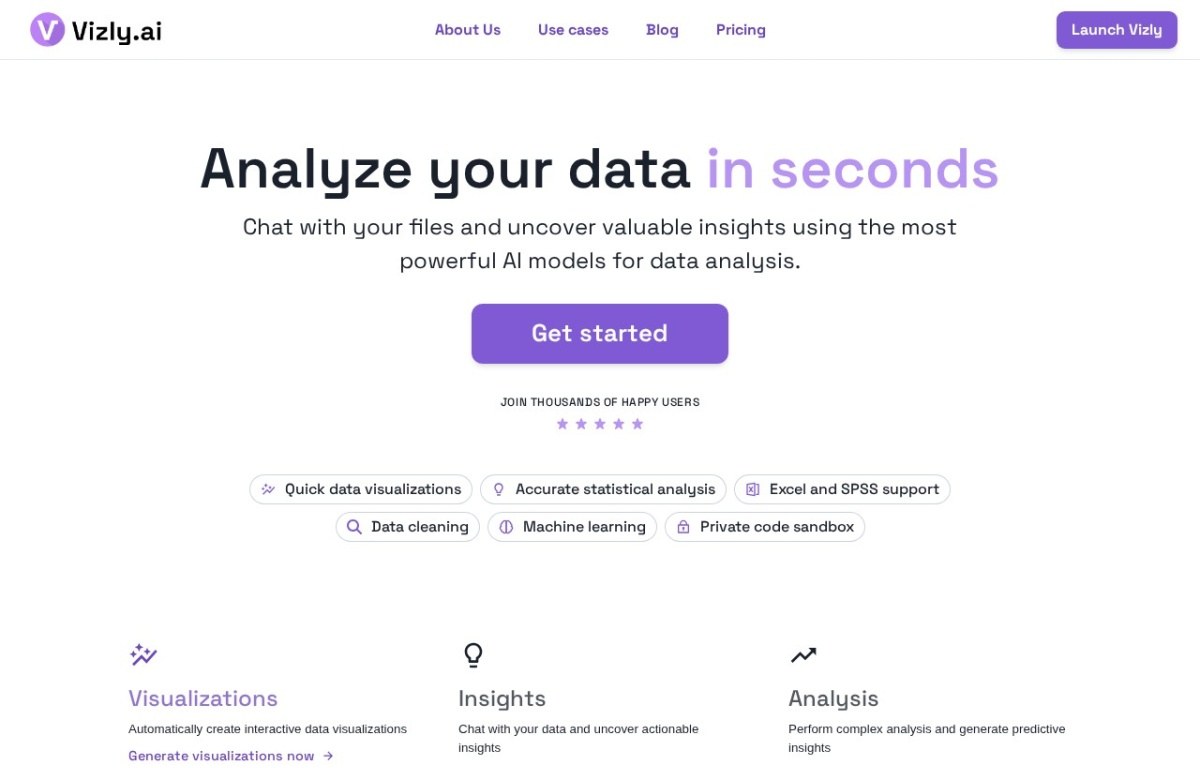
Vizly is the plainest version of the idea: chat with your files, get visualisations and statistical analysis back. Its page lists Excel and SPSS support, data cleaning and a private code sandbox.
11. Databox, rated 4.1, from $64

A business intelligence dashboard that pulls metrics from 130+ tools and explains what changed in plain language.
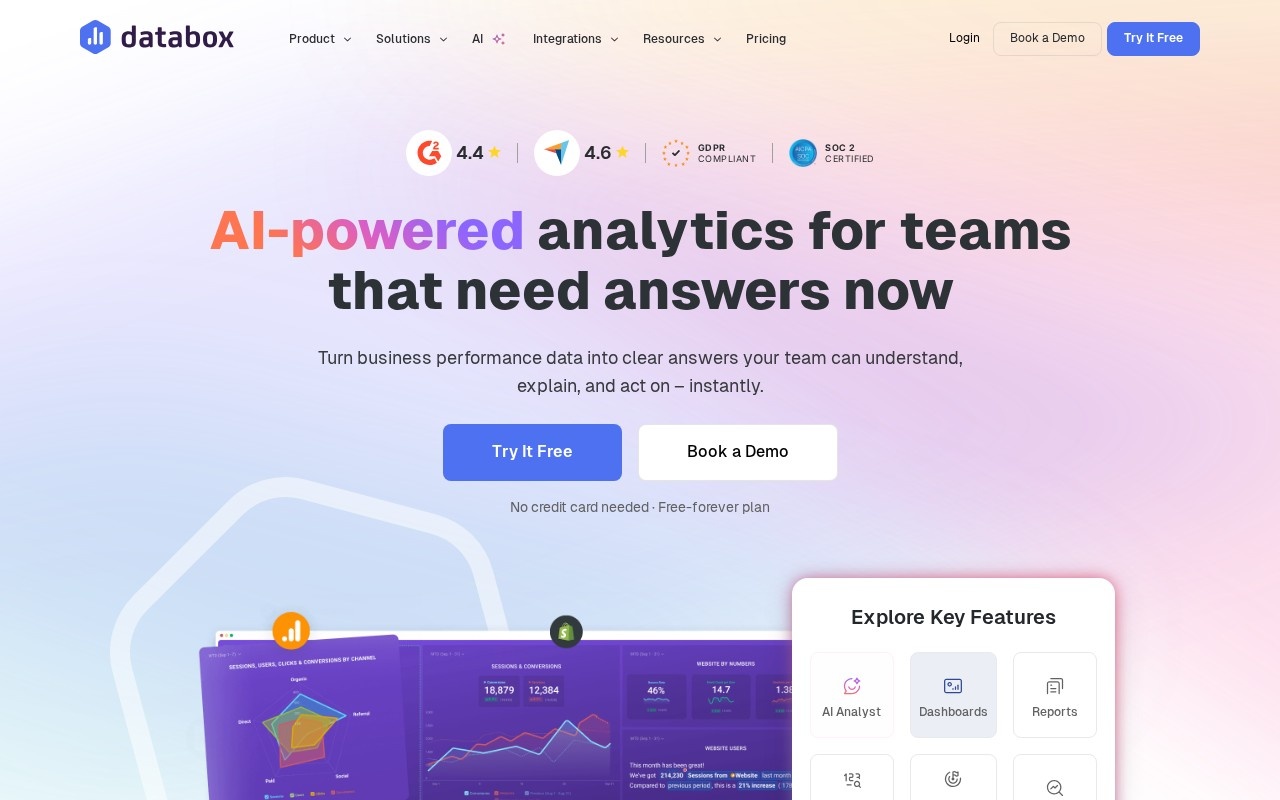
Databox is business performance reporting rather than exploratory analysis, pulling metrics from the tools you already run into one place. Its site advertises a free-forever plan with no card required.
At $64 it’s the most expensive entry point here, which reflects that it is priced per company rather than per analyst.
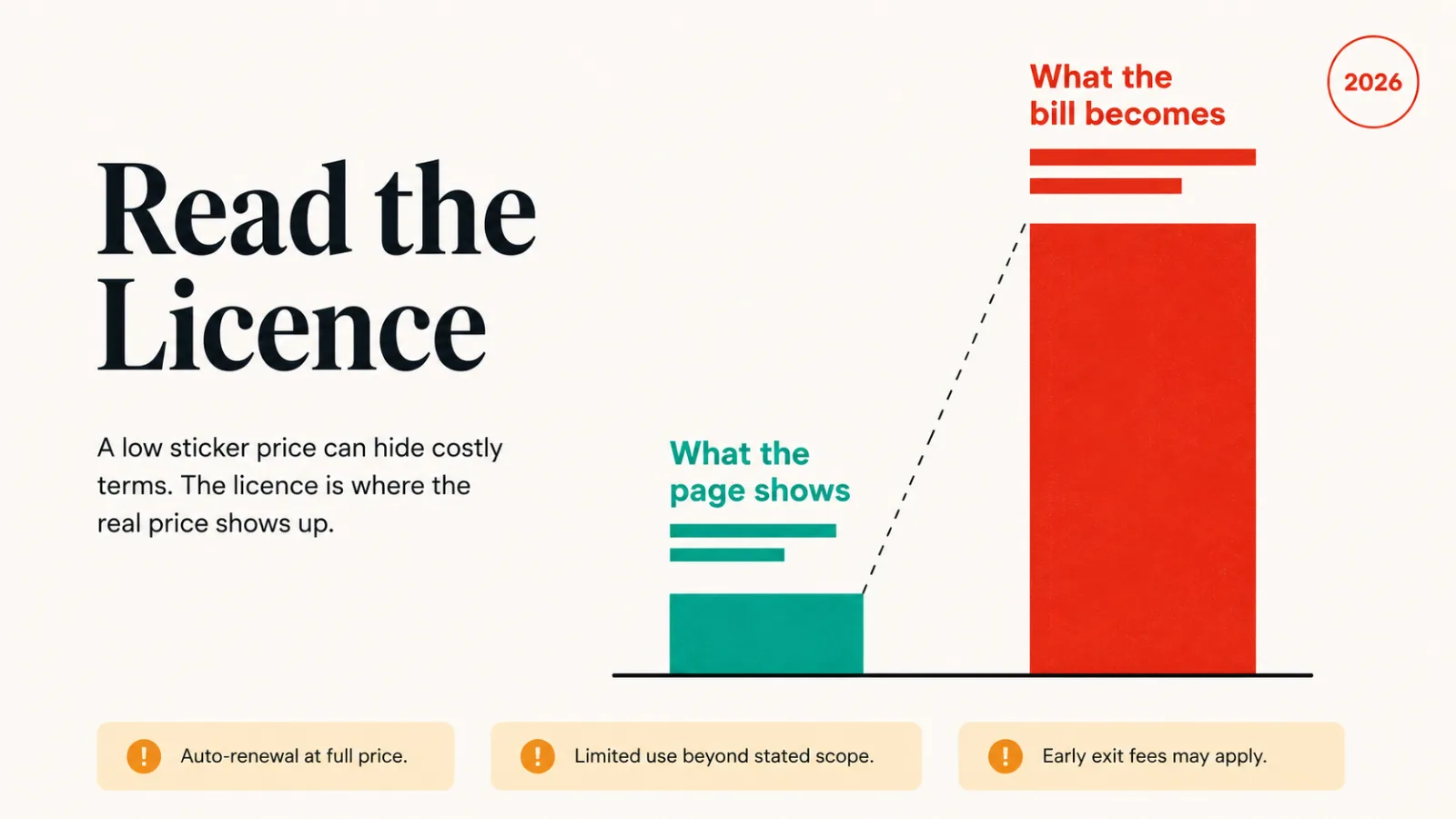
Read the licence, not the price
Three of these eleven cost more than the table suggests, and for three different reasons.
- Amazon QuickSight Q: $3 looks like the answer until the $250 monthly account fee for Q&A appears.
- Power BI Copilot and Tableau Pulse: both need the underlying platform licence, so the figure is an addition rather than a total.
- Hex: free covers small projects; real team use starts at $36 per editor.
The assistants are the honest end of the pricing. Vizly, Powerdrill and Julius AI charge per seat with a free tier, and what you see is close to what you pay.
How to choose
To pick one quickly, match your situation to the line below.
- You have a CSV and a question: Vizly or Powerdrill, both free to start.
- Your team writes SQL: Hex, or Deepnote if self-hosting matters.
- You already run Power BI or Tableau: Copilot or Pulse, priced as an upgrade.
- You are inside AWS: QuickSight Q, budgeting for the account fee.
- You need reporting, not exploring: Databox.
- You are embedding analytics for customers: Polymer.
For charting rather than questioning, the data visualization roundup covers that side. The full category sits in Data and Analytics.
Common questions
Can these tools replace an analyst?
No. They shorten the distance between a question and a chart. Deciding which question is worth asking, and whether the answer is trustworthy, is still the analyst’s job.
Do I need to know SQL?
Not for the assistants. Vizly, Powerdrill and Julius AI take plain language. Hex and Deepnote assume SQL and are better for it.
Which is genuinely free?
Vizly and Powerdrill start free. Hex, Julius AI, Polymer, Deepnote and Databox have free tiers with ceilings, so check where each one stops before committing.