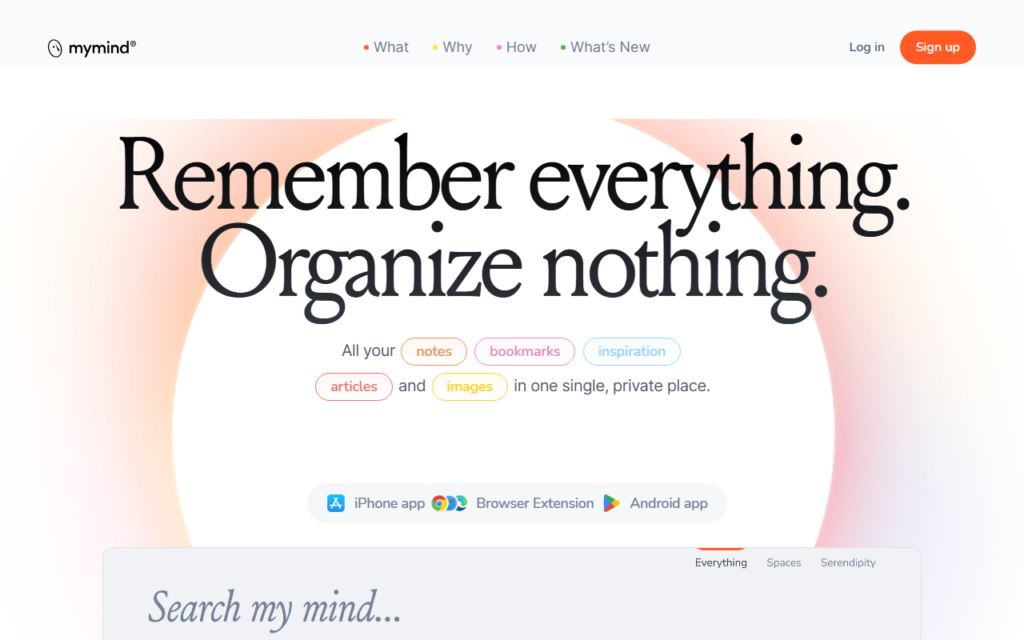
mymind takes a position against the organising work every other knowledge tool demands. Users save notes, images, quotes, links and highlights, and the system classifies and retrieves them without folders, tags or manual filing. The design claim is that filing is the reason saved material never gets revisited.
Privacy is the second pillar. The product has no sharing, no collaboration and no social layer, which is unusual and deliberate — it is a private space rather than a team workspace. That rules out team use cases entirely and removes a whole category of data-exposure concern.
An API was added for users who want to pipe material in from elsewhere. Retrieval quality is the thing to test during trial, since a system with no manual structure lives or dies on whether search returns what you half-remember saving.
Key features
Automatic classification of saved notes, images and links
No folders, tags or manual filing
Private by design with no sharing or collaboration
Visual browsing of saved material
Browser extension and mobile capture
API for importing from other tools
Screenshots & demo
Demo video
Screenshots
Pricing
mymind is a paid tool, with plans that start at $7.99/mo.
Pricing is provided as a guide. Check the official site for the latest plans.
Is mymind expensive?
mymind starts at $7.99, which is 33% below the Productivity median of $12 a month across the 124 priced tools we list in that category.
The cheapest paid option in Productivity starts at $0.29 and the most expensive at $165.
71% of Productivity tools in the directory offer a free tier, which this one does not.
Compared against every priced listing in Productivity, recalculated as the catalogue changes. Method and the full market breakdown are in our AI tool pricing study.
Pros & cons
Pros
Removes the filing work that stalls other knowledge tools
Privacy stance is unusually strict for the category
Visual layout suits image-heavy collections
Cons
No collaboration, so team use is out of scope
Value depends entirely on retrieval quality with no manual structure
An AI Copilot inside Word, Excel, PowerPoint and Outlook – LaTeX-to-Word conversion, equation fixing, track-changes editing – works with Microsoft and WPS.