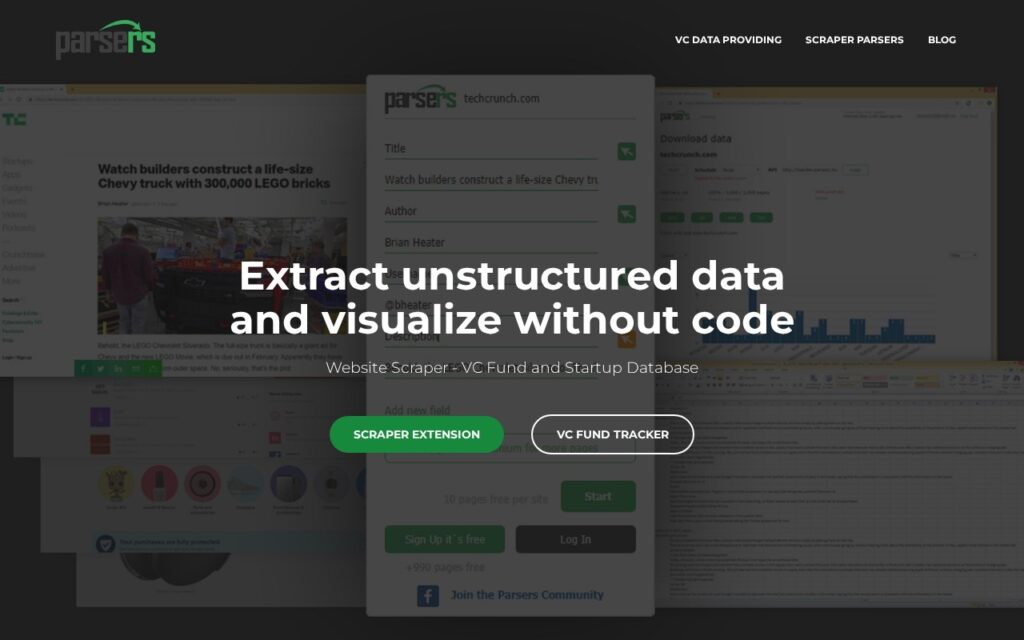
Parsers is a no-code web scraping tool that turns data from websites into structured files you can analyze. You enter a template of the data you want, and machine learning finds the matching pages on the site, so you do not write scraping rules for each page. It suits marketers, analysts, researchers and developers who need repeatable data collection.
A browser extension lets you select data by point and click. Parsers can pull URLs, images, tables and JavaScript-rendered content, which basic scrapers often miss. You can export results to XLSX, XLS, XML or CSV, or connect through the API. Recurring scrapes can run on a schedule, and version history shows what changed between runs.
The free plan limits for parsers.me are not confirmed here, so check the official site for current terms. Paid plans may exist, but their prices and limits are not confirmed here either. If your source data is in documents instead of web pages, see the PDF Parser tool.
How does Parsers collect data from a website?
Parsers collects data by learning from a template you provide, then applying it across the site’s matching pages.
- Install the browser extension and open a page that holds the data you want.
- Select the fields by point and click to build your template.
- Let machine learning find other pages on the site that match the template.
- Run the scrape, then export the results or fetch them through the API.
- Optionally schedule the scrape to repeat and compare versions over time.
Check the target site’s terms of service before scraping, and expect to adjust your template if the site’s layout changes.
Frequently asked questions
Do I need to code to use Parsers?
No. You select data in the browser with point and click, and machine learning finds the matching pages. Developers can still use the API if they prefer.
Is Parsers free?
Parsers has a free plan that covers scraping up to 1,000 pages on a site, with no credit card needed. Paid plans exist, so check the official site for current limits and prices.
What formats can Parsers export to?
Parsers exports to XLSX, XLS, XML and CSV. You can also connect to your data through the API.
Can Parsers scrape JavaScript-heavy pages?
Yes, it is built to extract JavaScript-rendered content along with URLs, images and tables. Results still depend on how each target site is built.