
Paid

Sally Suite

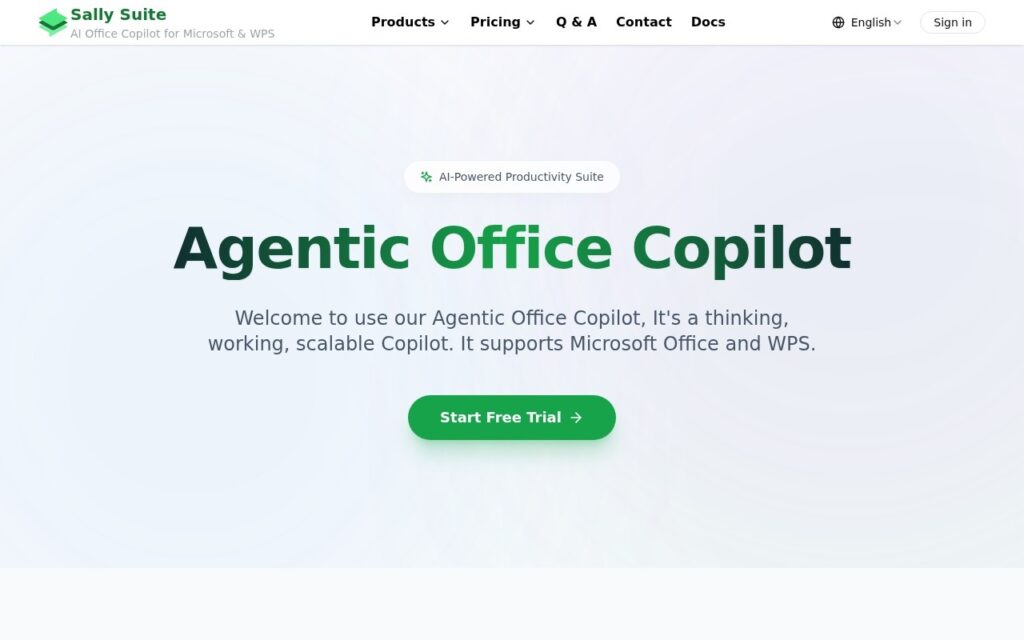
An AI Copilot inside Word, Excel, PowerPoint and Outlook – LaTeX-to-Word conversion, equation fixing, track-changes editing – works with Microsoft and WPS.

3.7 Productivity
3.7 Good 3.7

Bottom line: Sally Suite is a capable productivity tool, best known for AI writing and document generation inside Word.

Works directly inside Office apps, not a separate copy-paste tool Custom model support requires managing your own API keys
Reviewed by Challenging Voice Editorial · Updated Aug 2026 How we rate
PricingPaid
Free planNo
CompanySally Suite AI
PlatformsWeb
Best forProductivity
Visits6
Last reviewedAug 2026
UpdatedAug 2026
Ask AI about Sally Suite ChatGPT Claude Perplexity

Overview

Sally Suite is an AI copilot embedded directly inside Microsoft Office (Word, Excel, PowerPoint, Outlook, OneNote) and WPS Office, handling writing assistance and document generation, data analysis, LaTeX-to-Word conversion, equation fixing, and document review with track-changes editing. It supports custom AI model connections (OpenAI, OpenRouter, SiliconFlow, DeepSeek) and offers Chrome and Edge browser extensions alongside the native Office integration.

Working directly inside the actual Office applications, rather than as a separate web tool requiring copy-paste, is what makes this genuinely usable in a real document workflow – especially for LaTeX conversion and equation fixing, which are specific, technically demanding tasks academics and researchers otherwise handle manually inside Word. Support for custom AI model connections also means choosing a specific model provider rather than being locked to one built-in engine.

Custom AI model support requires managing your own API keys and understanding which provider fits which task – more setup than a single built-in model would need. Specific pricing across the “Geek,” “Personal” and “Enterprise” tiers wasn’t detailed on the page checked.

Key features

  • AI writing and document generation inside Word
  • LaTeX-to-Word conversion and equation fixing
  • Document review with track-changes editing
  • Custom AI model connections (OpenAI, DeepSeek and more)
  • Native integration with Microsoft Office and WPS

Screenshots & demo

Sally Suite screenshot 1

Pricing

Visit the Sally Suite website for current plans and pricing.

  • Pricing modelPaid
  • Starting priceCustom
  • Free planNo
Visit Sally Suite

Pricing is provided as a guide. Check the official site for the latest plans.

Pros & cons

Pros

  • Works directly inside Office apps, not a separate copy-paste tool
  • LaTeX conversion and equation fixing serve a real, specific academic need
  • Custom AI model support avoids being locked to one built-in engine

Cons

  • Custom model support requires managing your own API keys
  • Specific tier pricing wasn't detailed on the page checked
  • Best suited to heavy Office users, not casual document editing

How it compares

ToolRatingFreeFromBest known for
Sally Suite (this tool)3.7NoAI writing and document generation inside Word
Obsidian4.6Yes$4/moNotes stored as local, plain Markdown text files
Google Translate4.6YesFreeGemini-powered text translation that captures idioms and context, not literal word substitution
Guru4.5Yes$15/moExpert verification workflow for knowledge cards

Our verdict

3.7 / 5 3.7

Sally Suite is a solid productivity tool, best known for AI writing and document generation inside Word.

What makes it different: Sally Suite stands out for AI writing and document generation inside Word.

How we score it
Overall 3.7
Value for money 4.2
Feature depth 4.9
Popularity 3.7
Best for ProfessionalsTeamsFoundersFreelancers

Frequently asked questions

What is Sally Suite?
Sally Suite is a productivity tool listed in the Challenging Voice directory. An AI Copilot inside Word, Excel, PowerPoint and Outlook – LaTeX-to-Word conversion, equation fixing, track-changes editing – works with Microsoft and WPS.
Is Sally Suite free?
Sally Suite does not offer a free plan.
What are the best Sally Suite alternatives?
Popular alternatives to Sally Suite include Klyra AI, iGPT, and HandtextAI. Browse them all in the Productivity category.
Is Sally Suite any good?
Sally Suite scores 3.7 out of 5 based on our editorial review.

Reviews

3.7 No reviews yet

Write a review

Similar tools you might like